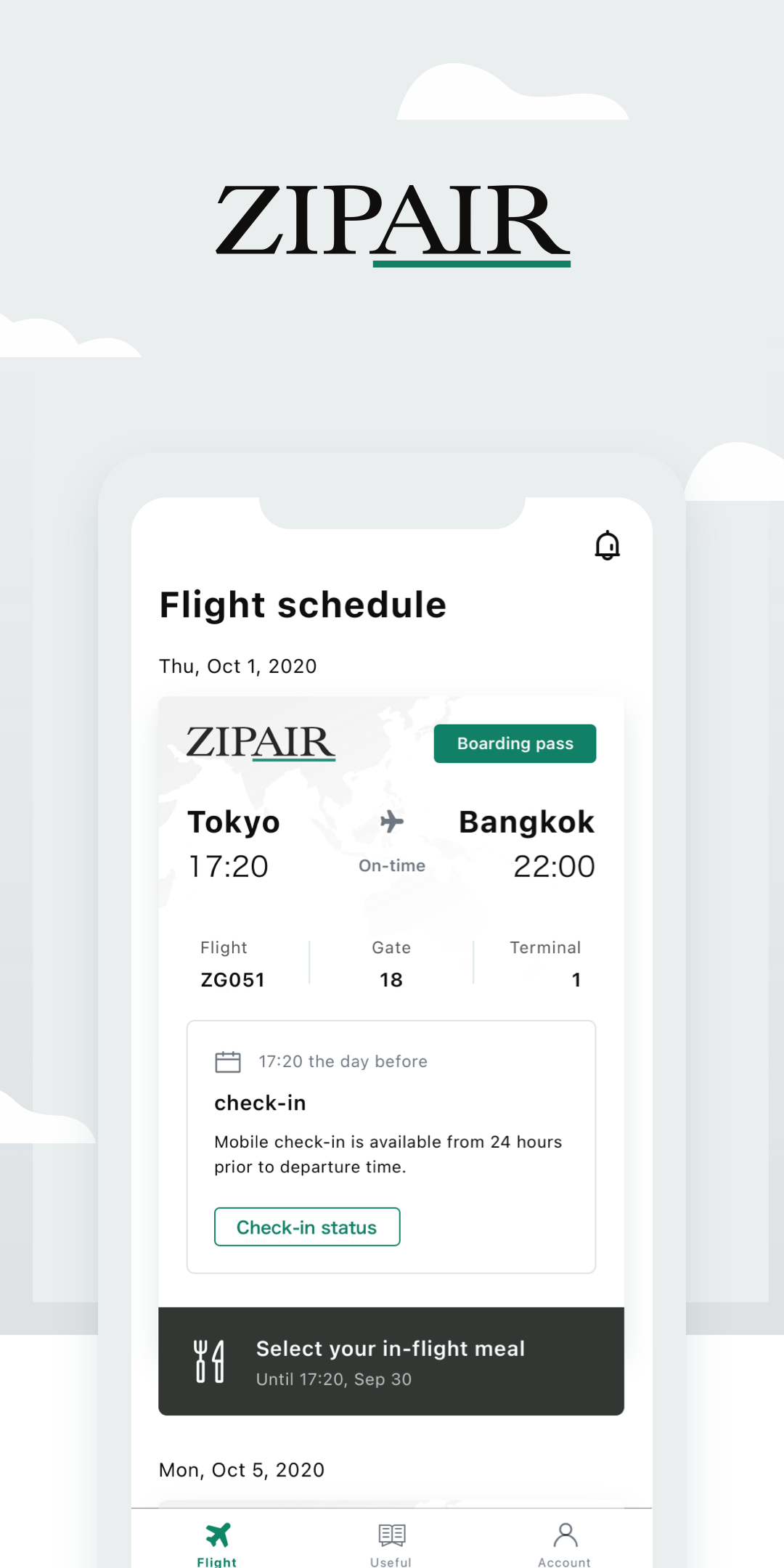
ZIPAIR is a Travel&Local application developed by ZIPAIR Tokyo Inc., but with the best Android emulator-LDPlayer, you can download and play ZIPAIR on your computer.
Running ZIPAIR on your computer allows you to browse clearly on a large screen, and controlling the application with a mouse and keyboard is much faster than using touchscreen, all while never having to worry about device battery issues.
With multi-instance and synchronization features, you can even run multiple applications and accounts on your PC.
And file sharing makes sharing images, videos, and files incredibly easy.
Download ZIPAIR and run it on your PC. Enjoy the large screen and high-definition quality on your PC!
Features■Walk you through where to go and what to expect!
From booking to getting on board, this app gives you your “to do” list and "schedule" without having to look anything up on your own.
Enjoy a smooth run at the airport too by displaying your boarding pass on the app.
■Check useful local information about the destination to prepare your trip!
You can check a variety of useful travel tips about your destination.
The app helps you fill out immigration forms, which vary from country to country.
■Get the latest news!
The app will keep you updated on pre-boarding information about your upcoming flight, check-in status, boarding gate, etc.