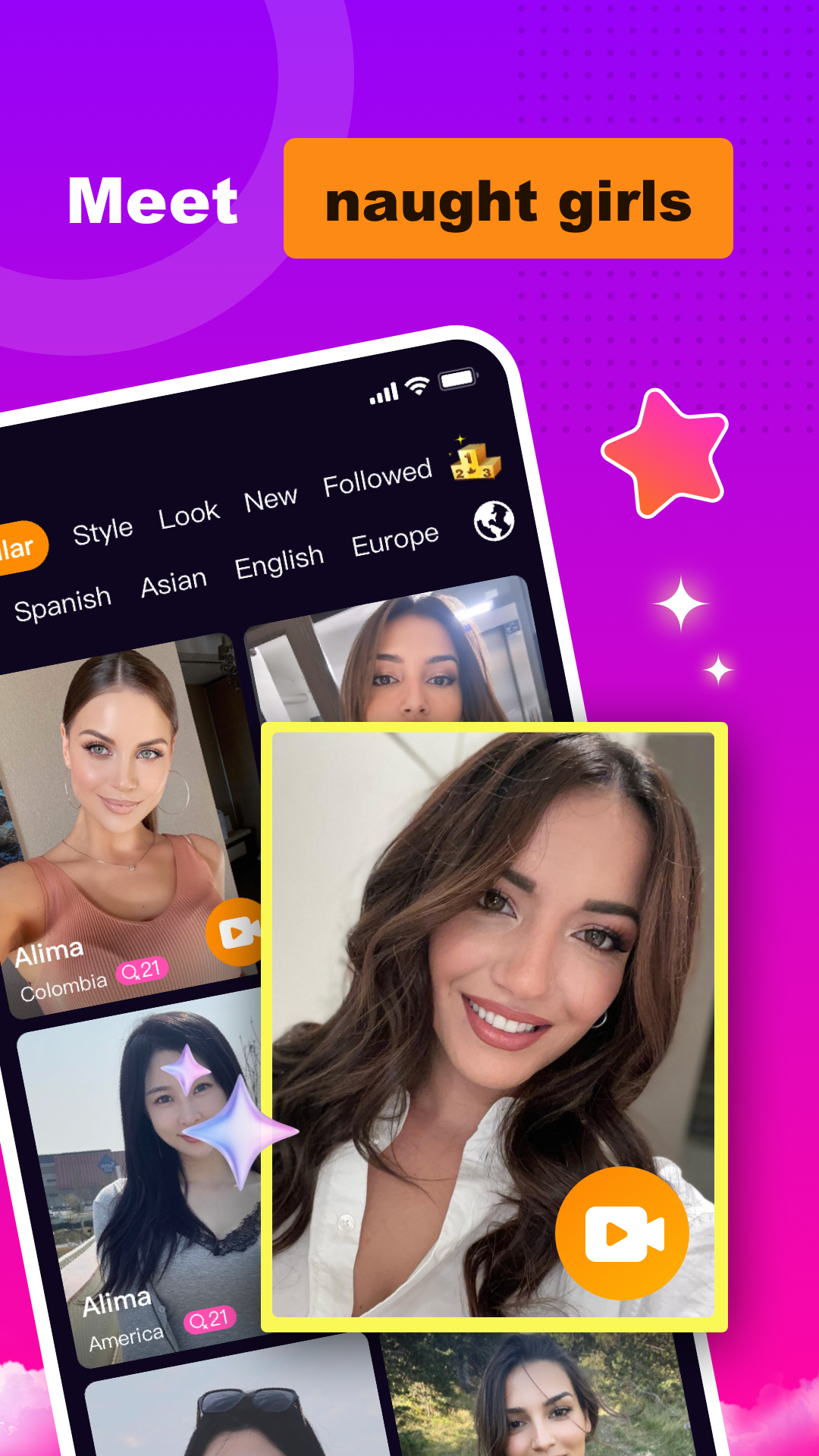
TeeseMee - Live Video Chat is a Social application developed by Fierce Tiger Studio, but with the best Android emulator-LDPlayer, you can download and play TeeseMee - Live Video Chat on your computer.
Running TeeseMee - Live Video Chat on your computer allows you to browse clearly on a large screen, and controlling the application with a mouse and keyboard is much faster than using touchscreen, all while never having to worry about device battery issues.
With multi-instance and synchronization features, you can even run multiple applications and accounts on your PC.
And file sharing makes sharing images, videos, and files incredibly easy.
Download TeeseMee - Live Video Chat and run it on your PC. Enjoy the large screen and high-definition quality on your PC!
Welcome to TeeseMee! This is an exciting stranger social app that provides a global text and video chat experience with automatic translation, allowing you to easily meet new people around the world!【Meet New Friends】
TeeseMee is a vibrant and friendly social platform that allows you to easily meet new people. Whether you are looking for a chat partner, a language exchange partner or international friendship, TeeseMee is your best choice.
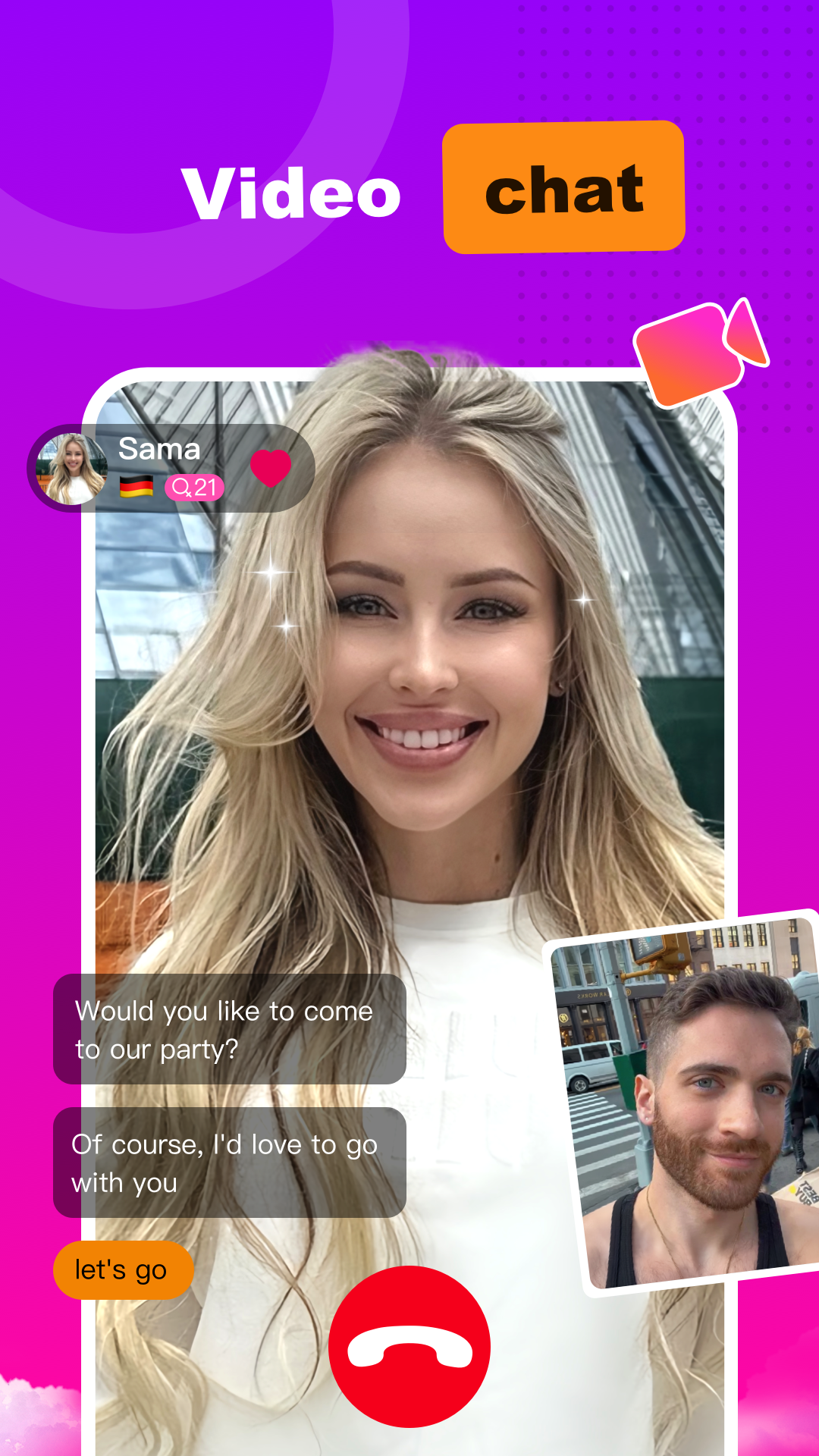
【Real-time Video Chat】
With TeeseMee, you can interact with other users through real-time video chat. Unlike text chat, video chat allows you to interact with others in a more real way, share laughter, expressions and anecdotes, and establish deeper social connections.
【Automatic Translation of Text Chat】
TeeseMee has a powerful automatic translation function, making language barriers a thing of the past. With TeeseMee, you can freely communicate with users from different countries and regions, share interests and cultures, and expand your social circle.
【Matching Like-minded People】
TeeseMee aims to introduce you to like-minded people around the world through intelligent matching algorithms. Make communication more interesting and fun
[Stores Information Stream]
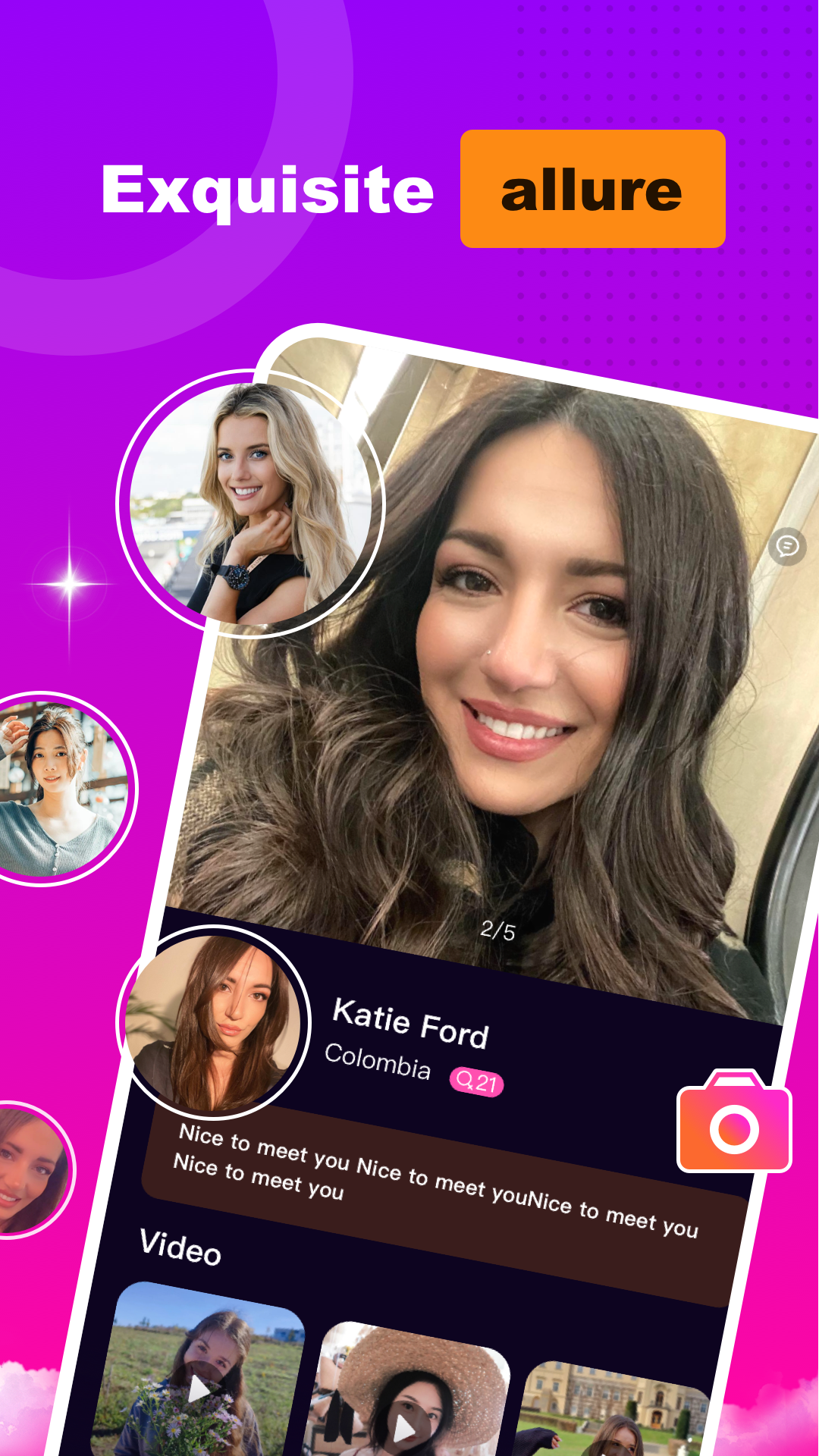
Video streams shared by friends, through the display of short videos, let friends understand themselves better and faster, and discover a more interesting self
[Easy to use]
TeeseMee has a simple and intuitive user interface, allowing you to easily get started and quickly experience social interaction. Whether you are a novice or an experienced user of social applications, TeeseMee will make you feel comfortable and happy.
[Security and Privacy Protection]
We attach great importance to the privacy and security of users. In TeeseMee, you can interact with other users with confidence because we have implemented strict security measures to protect your personal information and privacy.
Don't let language become a barrier, share your story with the world and meet new friends! Download TeeseMee now and start your social journey!