Zombie Apocalypse Minecraft PE is a Tools application developed by Kak Nastroit Wath Set, but with the best Android emulator-LDPlayer, you can download and play Zombie Apocalypse Minecraft PE on your computer.
Running Zombie Apocalypse Minecraft PE on your computer allows you to browse clearly on a large screen, and controlling the application with a mouse and keyboard is much faster than using touchscreen, all while never having to worry about device battery issues.
With multi-instance and synchronization features, you can even run multiple applications and accounts on your PC.
And file sharing makes sharing images, videos, and files incredibly easy.
Download Zombie Apocalypse Minecraft PE and run it on your PC. Enjoy the large screen and high-definition quality on your PC!
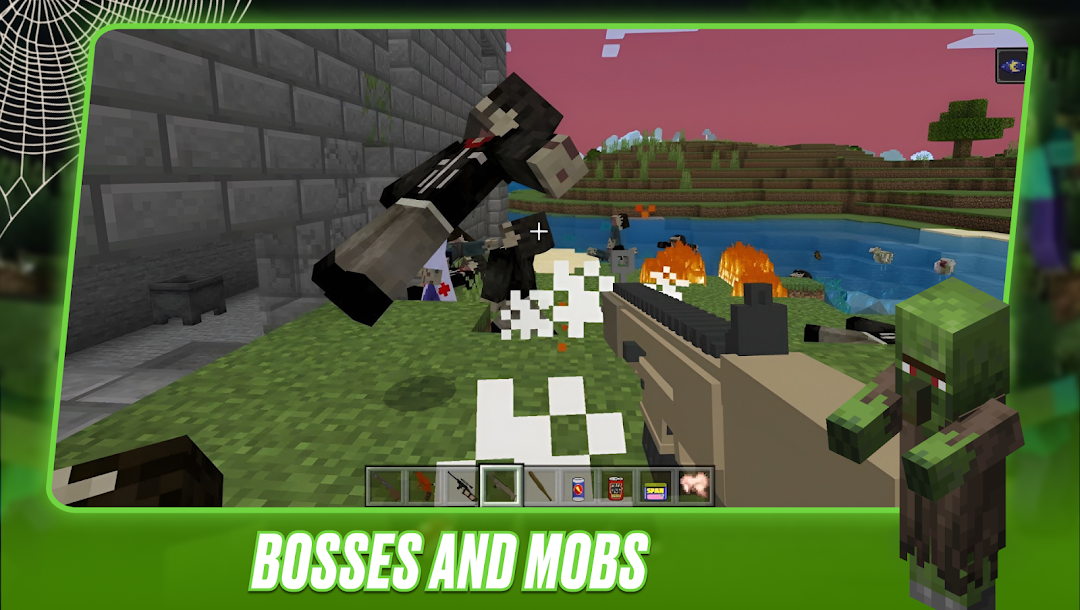
Introducing Hardcore Survival for Minecraft, turning the Mincraft 🌍 game world into a real hardcore scenario where multiplayer must maintain survival by getting into a realistic Zombie Apocalypse Minecraft PE. With these addons, every corner of the game is filled with tension and danger 🔥 requiring players to use all their skills to survive.Each addon included in the pro 🧟 Zombie Mods for Minecraft build adds various Pocket Edition elements, from ruthless monsters to terrifying boss creatures. 👺 These addons don't just increase the number of enemies, but also significantly increase the difficulty of MCPE Bedrock, making every second of the fight for survival a real challenge.
Zombie Apocalypse Craft Mod changes the vanilla world, turning it into a sinister and gloomy hardcore arena fighting for Mincraft life. 💪 From infested villages to dangerous Pocket Edition labs where you can meet powerful boss giants, every place in the addon is shrouded in an atmosphere of fear and uncertainty. 🔥
Hardcore scenario in Hardcore Survival for Minecraft provides users with a rather unusual experience. 🤩 You must not only survive, but also strategize to confront 🧟 Zombie Apocalypse Minecraft PE, search for resources for defense, and team up with other players to jointly resist the threat.
Zombie Mods for Minecraft bring additional levels of difficulty and excitement to MCPE Bedrock. The 😱 Zombie Apocalypse Craft Mod not only tests your ability to survive in extreme conditions, but also allows you to test yourself against some of the scariest boss characters 👺 in Mincraft Pocket Edition history.
Overall, 💀 Hardcore Survival for Minecraft offers not just a survival game, but a chance to fully immerse yourself in Zombie Apocalypse Minecraft PE and its atmosphere. 🧟 These addons redefine an amazing experience, making the world filled with adrenaline ⚡️ and challenge.
📍 All Zombie Mods for Minecraft are unofficial. No addon like Zombie Apocalypse Craft Mod is related to Mojang AB - owner of MCPE Bedrock brand.