Gamepad/Controller Support Guide for Black Desert Mobile PC
2019-12-24
By using LDPlayer Android emulator, you’re able to play Black Desert Mobile on PC with keyboard and mouse. Moreover, LDPlayer also features gamepad support for gaming Black Desert Mobile on PC. As we’ve already provided a guide to play Black Desert Mobile on Windows PC, we will just explain how to set up the controller support and how to exactly use your controller with Black Desert Mobile PC.
How do I set up the controller for use on LDPlayer?
Many controllers are plug-and-play, meaning that the first time you plug the controller into your computer, your system will automatically search for and install the drivers required for you. Others may come with additional requirements and we recommend that you follow the additional setup instructions.
No matter what, once you connect your gamepad with your machine, LDPlayer will automatically detect the controller and put it in use. You will see a gamepad icon on the left of the top bar. When your gamepad is activated, it will turn into blue.
How do I use my controller with Black Desert Mobile?
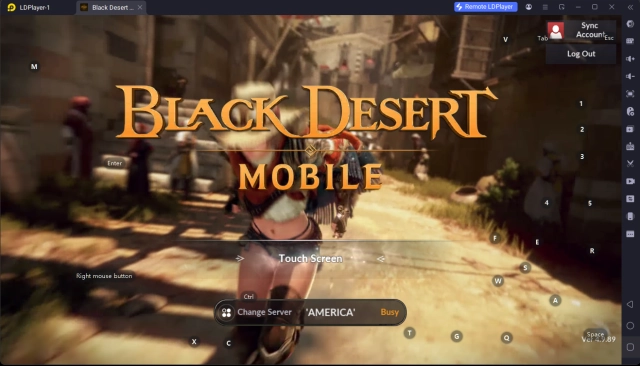
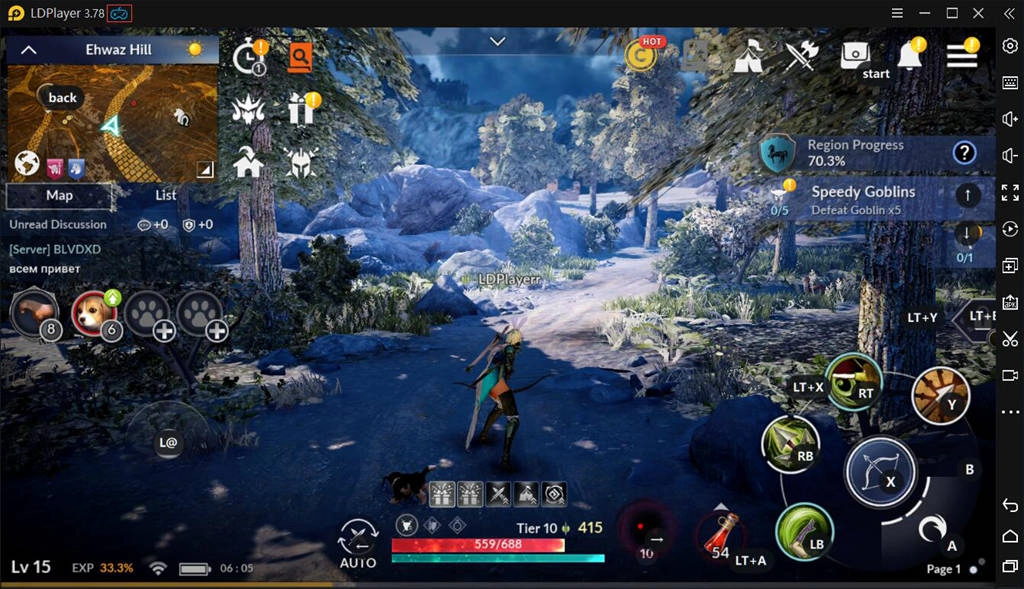
After you set up the controller, launch Black Desert Mobile on LDPlayer. You will be able to use your gamepad to control the game now and please note that the keyboard control is also available at the same time. LDPlayer have already prepared a default keymapping you can check the commands below.
Control Commands
LS (Left Stick): Control the movements of your character
RS (Right Stick): Change the view
Back: Open and close the map
Start: Open and close your bag
LB: Release the first skill
RB: Release the second skill
RT: Release the third skill
Y: Release the fourth skill
X: Strike normal attack/Mount, stop and bond your horse
A: Roll your character/Dismount
B: Switch the skill page
LT+X: Lock your target
LT+A: Use your HP potion
LT+B: Extra skill release
LT+Y: Extra skill release
D-PAD ↑: Click mission one
D-PAD ↓: Click mission two
D-PAD ←: Activate and close Auto Battle mode
D-PAD →: Open Black Spirit
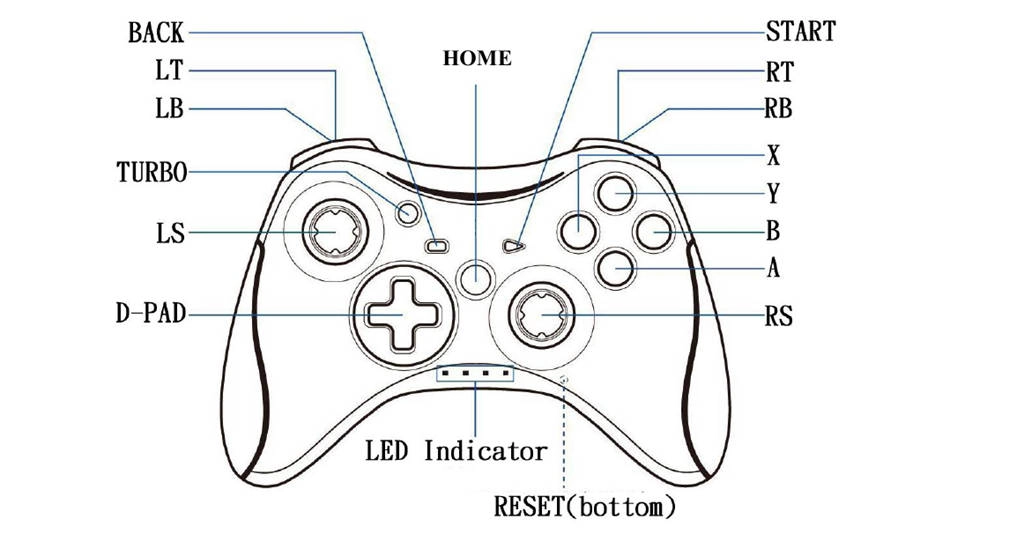
If you want to custom the mapping, you can click the Keyboard icon on the toolbar and find the Gamepad Mapping to enable the setting panel. Moreover, if you're interested in the Best Settings for Gaming Black Desert Mobile on PC, don't hesitate to take a look and boost up your gameplay.
Conclusion
Playing Black Desert Mobile on PC with a controller is a lot easier than using touch controls. However, it also has some limitations as there are not enough keys to set every command for the game. So, keyboard control is top recommended but it’s still worth using controller if you have one.