Game Guides
DIGIMON UP Reroll Guide 2026: How to Reroll for Best Supporters

Nipun Gimhan
|2026-07-17You just hit download on DIGIMON UP and the Digital World is calling but your free pulls handed you mid supporters and skill cards that won’t carry your partner past the early stages. That frustration ends right here. This DIGIMON UP reroll guide walks you through every efficient step to lock in a god-tier starting roster of supporters and skill cards while the launch rewards are still raining down. Let’s learn the exact process you must follow right now to build accounts that feel unfairly strong from day one.
Why You Should Reroll in DIGIMON UP Right Now
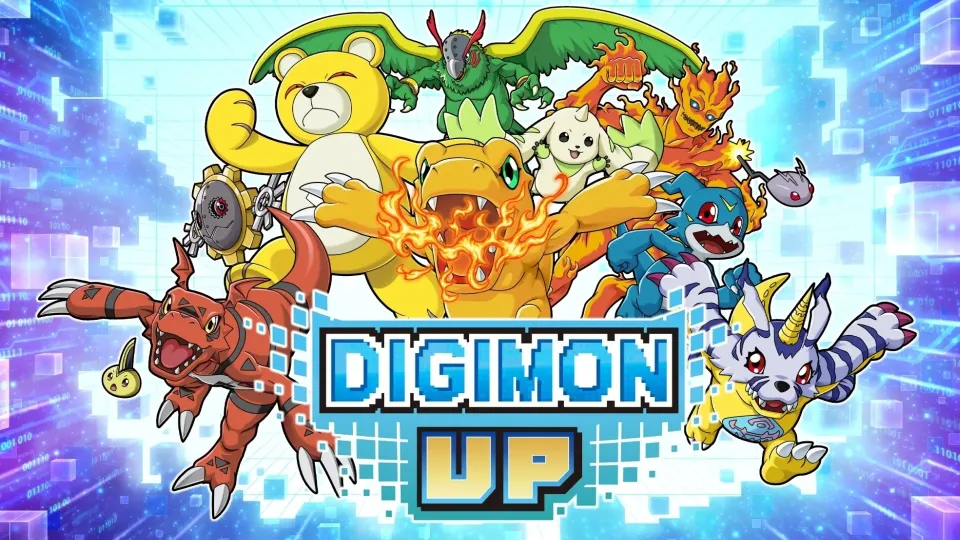
DIGIMON UP is a monster-raising RPG where your main partner Digimon is chosen once from 15 eggs (Agumon, Gabumon, Veemon, Guilmon, Terriermon and more) and never enters the gacha. That choice is permanent for your first long raise, so it stays personal. Everything else for Supporter Digimon (up to five that buff and attack alongside your partner) and Skill Cards (equipable combat abilities based on the classic Digimon Card Game) comes from summons.
Pre-registration milestones already unlocked an absurd free package for every player:
- 150+ Skill Card Summon Tickets
- 150+ Supporter Summon Tickets
- Thousands of DigiEmeralds
- Free SR supporters (Gekkomon, Numemon, Taichi & Agumon)
- Extra seeds, hologram tickets, and Bits
That’s easily 300+ free pulls on launch day for a beginner. DIGIMON UP rerolling lets you convert those tickets into the exact high-rarity supporters and skill cards that cover your partner’s weaknesses from the first battles. You have to reroll only for a current limited target with a clear account role, then stop and build permanent progress.
Step-by-Step DIGIMON UP Reroll Process
So, what are the steps for doing a DIGIMON UP reroll? This is how you can do it:
- Download DIGIMON UP and open as a guest account (do not link Google/Facebook/Apple ID yet).

- Create your Tamer, pick your preferred partner egg, and blast through the tutorial and early Guide Quests as fast as possible.

- Immediately open the Presents/Mailbox and claim every single launch and pre-registration reward before you pull anything.
- Head to the Summon menu. Use all free Supporter Summon Tickets and Skill Card Summon Tickets first (keep permanent system tickets separate from any limited banners). Spend some DigiEmeralds only if you still need more multi-pulls for a clear target.

- Evaluate the results. Do you have at least one or two strong SR/SSR supporters that fit a clear role plus solid skill cards that trigger reliably in auto? If yes, bind the account and start raising. If no, continue.
- To reset: On Android go to Settings → Apps → DIGIMON UP → Storage → Clear Data (or uninstall/reinstall). On iOS simply delete the app and reinstall. Repeat the loop.
The entire cycle usually takes 15–25 minutes once you learn the skippable dialogue.
The Best Way to Reroll DIGIMON UP Is with an Emulator
Yes, mobile rerolling works, but it is slow, drains battery, and limits you to one account at a time. But on the other hand, emulators turn the process into a factory line. You can run multiple independent instances at the same time, claim the same free rewards on each, and pick the absolute best result. This multiplies your odds of landing the limited or high-value targets the wiki says are worth looping for without burning hours.
So, now you can use LDPlayer for DIGIMON UP rerolling. It offers the most stable multi-instance manager, excellent Android compatibility for Bandai Namco titles, low resource usage per instance, and built-in tools that make cloning and resetting painless. LDPlayer’s Multi-Instance Manager and optional macro support make it the clear winner for speed and reliability than the usual rerolling method you go for.
How to Reroll DIGIMON UP on LDPlayer
- Download and install the latest LDPlayer from the official site.

- Open one instance, install DIGIMON UP from the Play Store.
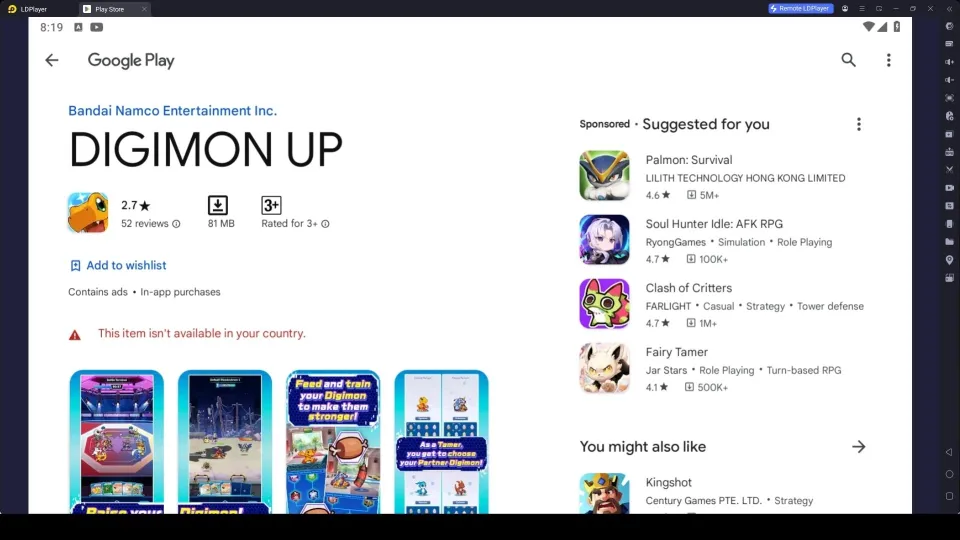
- Open LDMultiplayer, clone the Instance 3–8 times (start with 4 if your PC has 16 GB RAM). Lower each clone’s CPU/RAM allocation for stability.
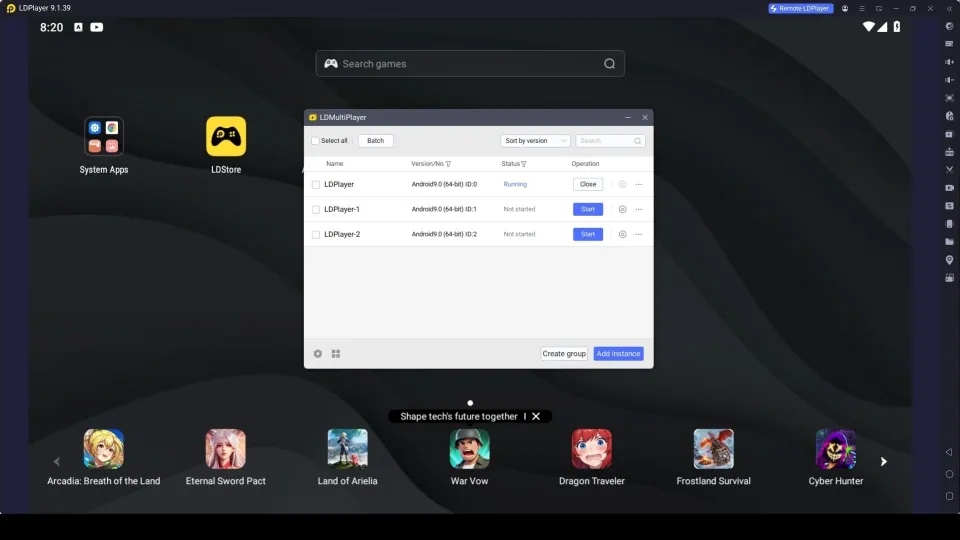
- Go back to menu and then click Synchronizer. Now you can sync all the instances you created to perform all actions once.
- Launch all instances. On each one, claim all presents, complete the remaining early quests if needed, and perform your free ticket multi-summons.
- Check results across every instance. Bind it to a permanent Google/Facebook/email login, and continue playing.
What to Aim For When Rerolling
Focus on two things only from the DIGIMON UP tier list:
- Supporter Digimon — Look for high-rarity units that provide team-wide ATK/DEF/HP buffs, crit rate/damage, or reliable auxiliary attacks that work in auto-battle.
- Skill Cards — Prioritize area damage, high-uptime actives, or cards that grant permanent passive stats when equipped.
Your partner choice itself is not a reroll target. Pick the Digimon line you actually want to look at every day while training and digivolving to Mega. There is no secret launch-day power winner among the 15 starters.
Hot Recommend
Download LDPLAYER, play DIGIMON UP on PC, enhance your gaming experience!


People Also Ask
Is rerolling worth it in DIGIMON UP?
Yes if you want the strongest possible free start with high-rarity supporters and skill cards that immediately strengthen auto-battles. The free ticket volume is high enough that one good loop often pays off for weeks of progression. Skip it only if you prefer jumping straight into raising your favorite partner.
What is the best partner to pick when rerolling Digimon UP?
None of the 15 eggs is a “wrong” choice for power. Pick the Digimon family you enjoy looking at and digivolving the most. Agumon, Gabumon, Veemon, Guilmon or Terriermon lines are all popular. Your partner is never pulled from gacha, so personal preference wins.
How long does one Digimon UP reroll take?
On mobile a clean cycle takes 15–25 minutes. With LDPlayer multi-instance you can complete several accounts in parallel, making the total time to a strong result significantly shorter than phone-only methods.
Conclusion
That is how the DIGIMON UP rerolling process goes. Remember, Rerolling in DIGIMON UP is not mandatory as the free economy is generous. But a strong set of supporters and skill cards makes the entire raising loop feel smoother and more rewarding from the first day. So, follow our guidance, claim DIGIMON UP codes as well to pull what you want and rise to the best.