How Do I Download and Play CABAL: Return of Action on PC -Beginners Guide
2024-12-03
As a fan of MMORPG, I was more than excited to take a wild ride into the magical universe of Nevareth, where darkness rises and I need to march on without stopping to forge my destiny, by playing CABAL: Return of Action on PC with the help of LDPlayer. If you think that you have any interest in diving into this stylized 3D MMO experience as well, check through this guide to see how I achieved this!
Contents
How Do I Play CABAL: Return of Action on PC in Just 2 Steps
Step 1: Install CABAL: Return of Action On My PC
To install CABAL: Return of Action on PC, you need to first download LDPlayer from the official website. If you already had LDPlayer 9.0 on your PC just like me, you can simply skip Step 1.1 and proceed with Step 1.2.
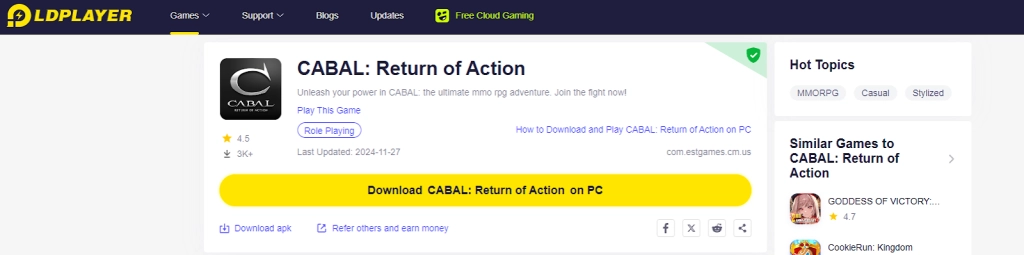
1.1 Simply click on the “Download CABAL: Return of Action on PC” button on the game page for CABAL: Return of Action.
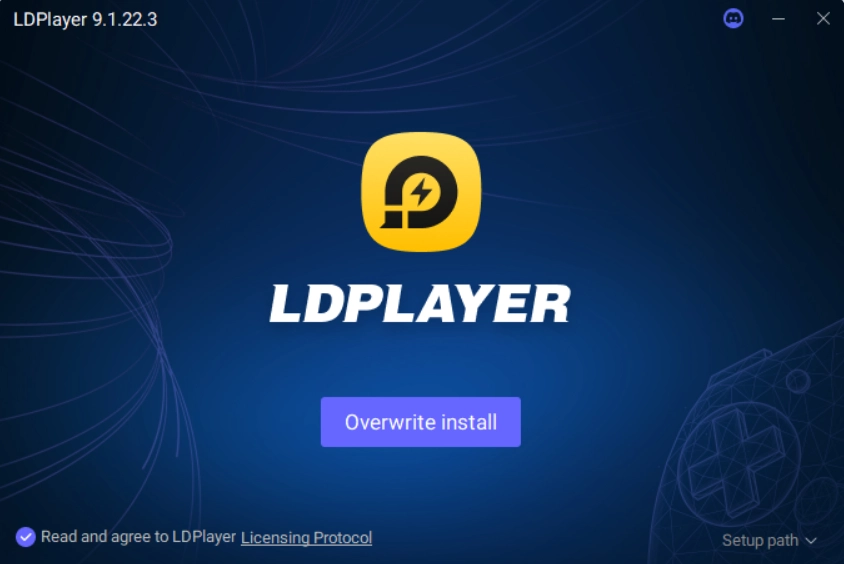
1.2 Enter “CABAL: Return of Action” into LDPlayer’s search bar and install the correct version by Play This Game.
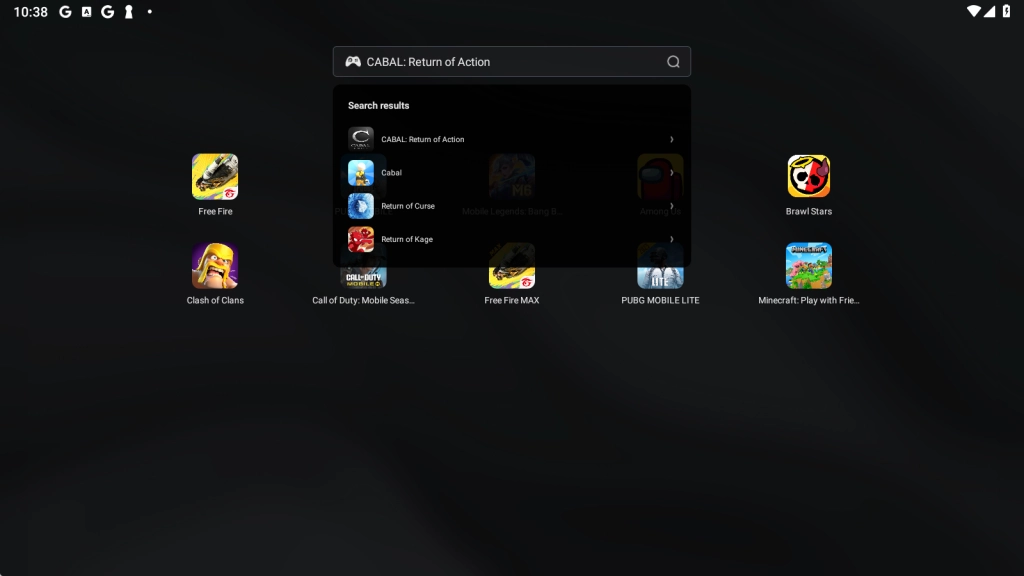
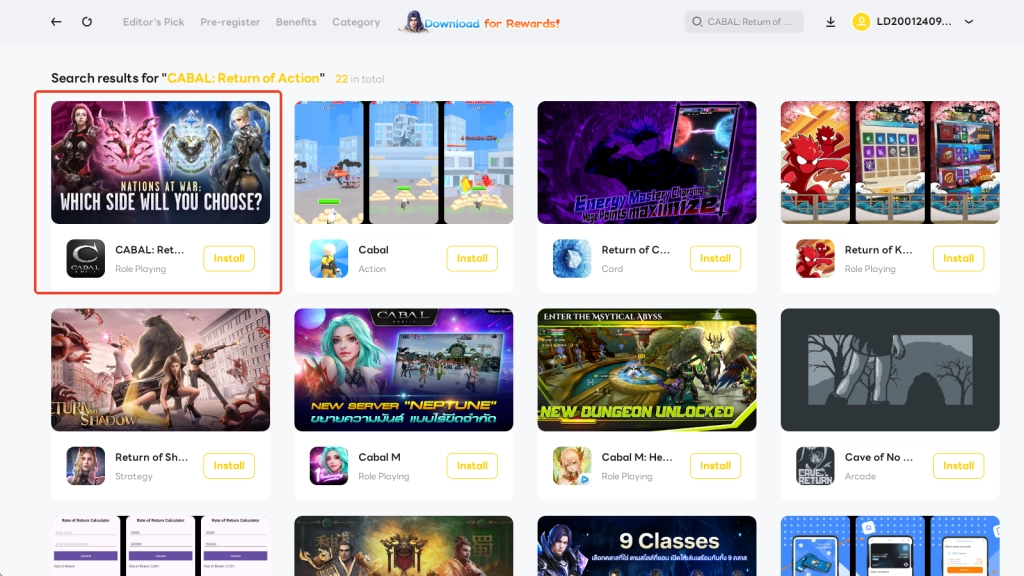
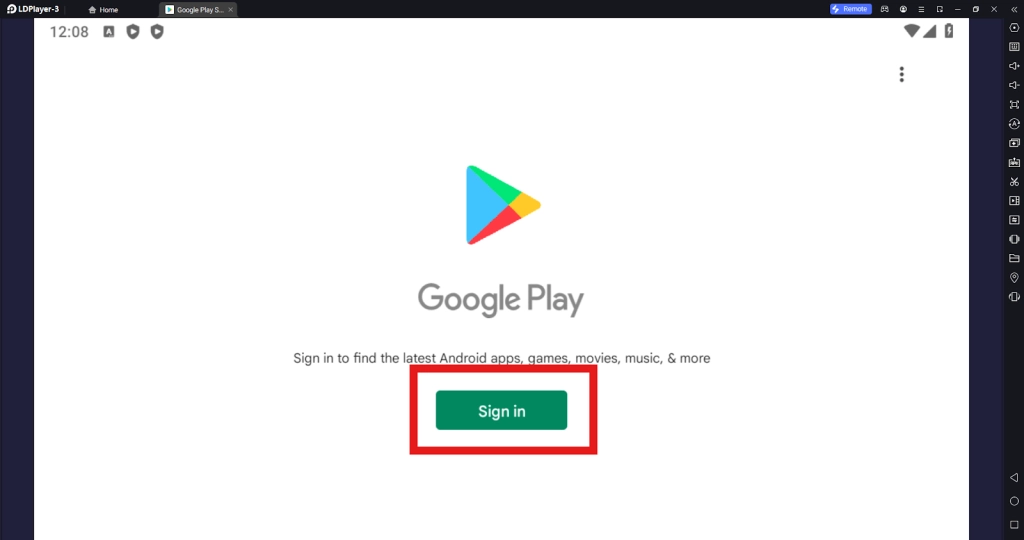
1.3 Upon clicking on the Install button, I was redirected to the Google Play page and was prompted to sign in to my account before I continued to install CABAL: Return of Action on PC.
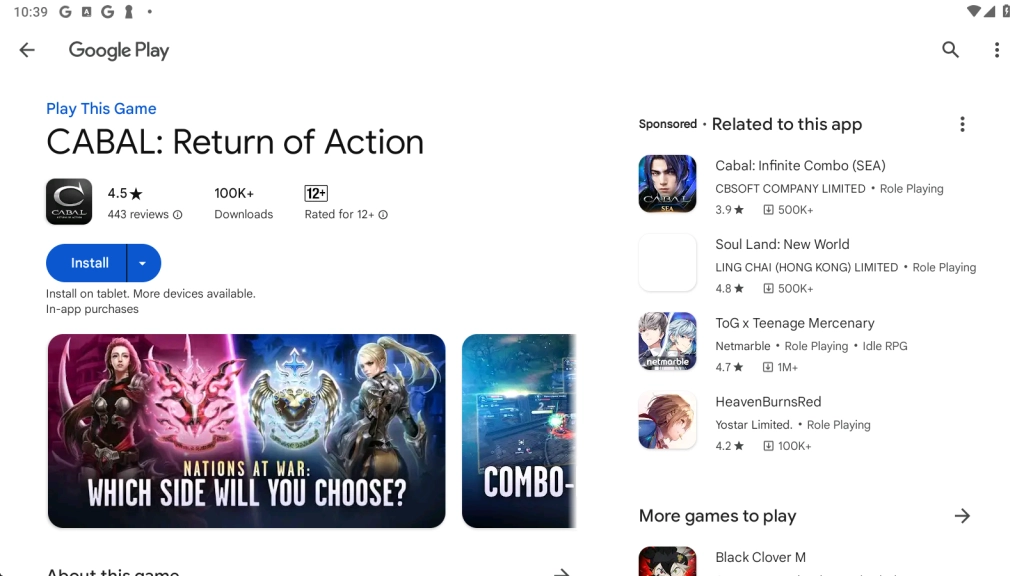
1.4 After completion, I could launch CABAL: Return of Action on PC by simply tapping the application icon on the home page!
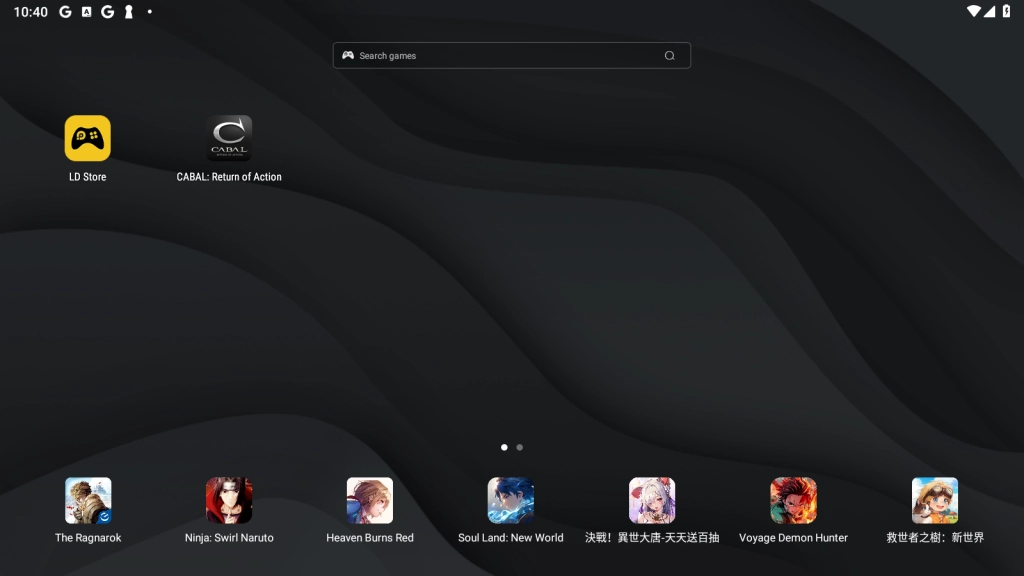
Step 2: Launch and Play CABAL: Return of Action on PC
2.1 To start the game, I needed to select the language and server. Kindly note that the region selected will affect the in-game purchases and the access to the server, so let’s do it carefully.
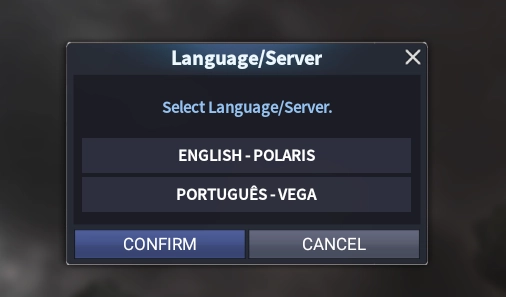
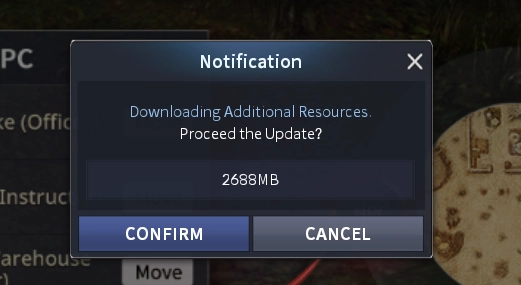
2.2 The game may need to update so I just clicked CONFIRM to proceed.
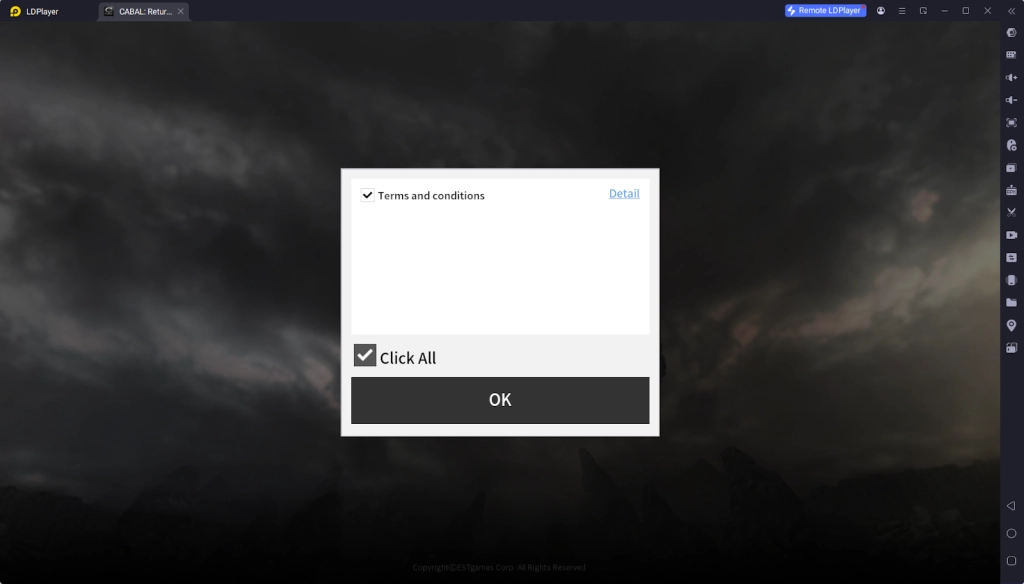
2.3 Next I was prompted to agree on the service terms and conditions. Simply ticked the box and clicked OK.
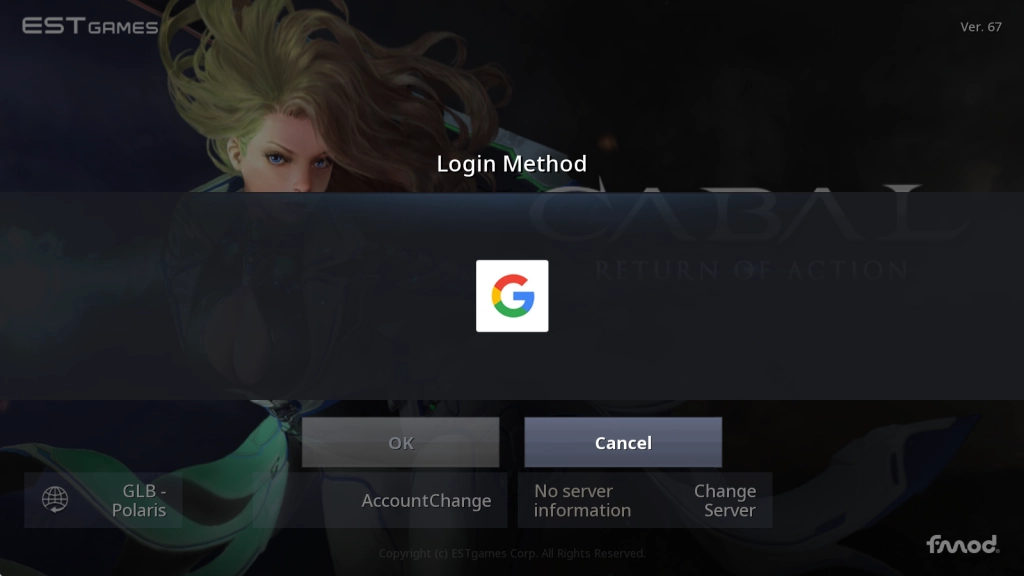
2.4 Logged in to the game with my Google account.
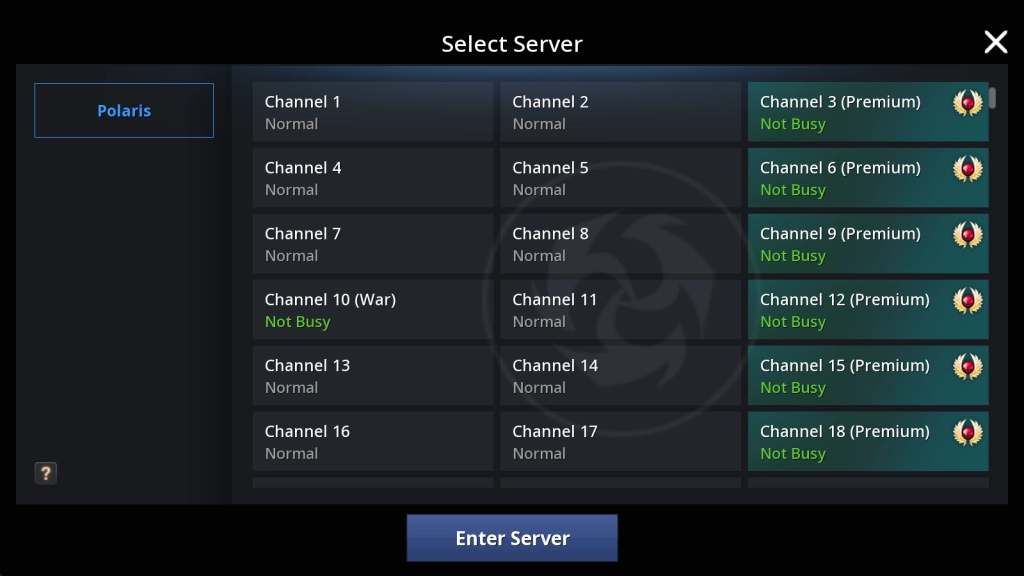
2.5 Choose a channel to enter the game.
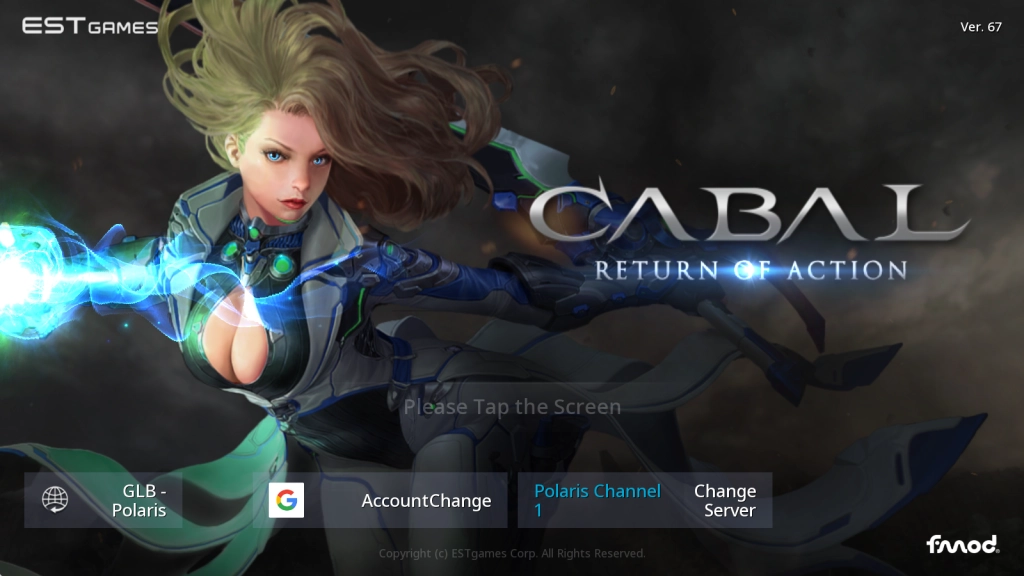
2.6 Tapped on the main title screen and entered the create-character page to choose the class and edit the appearance.
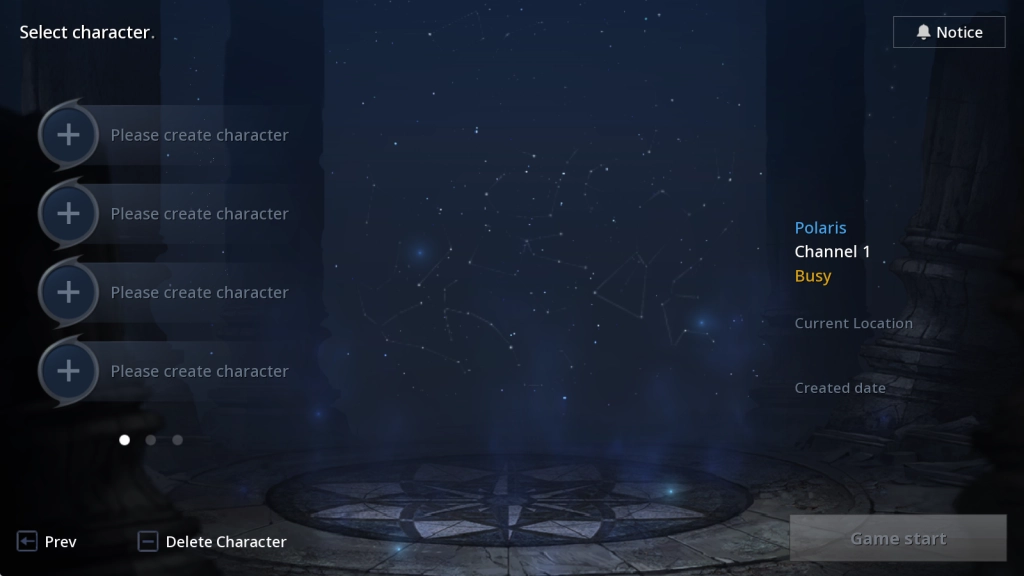
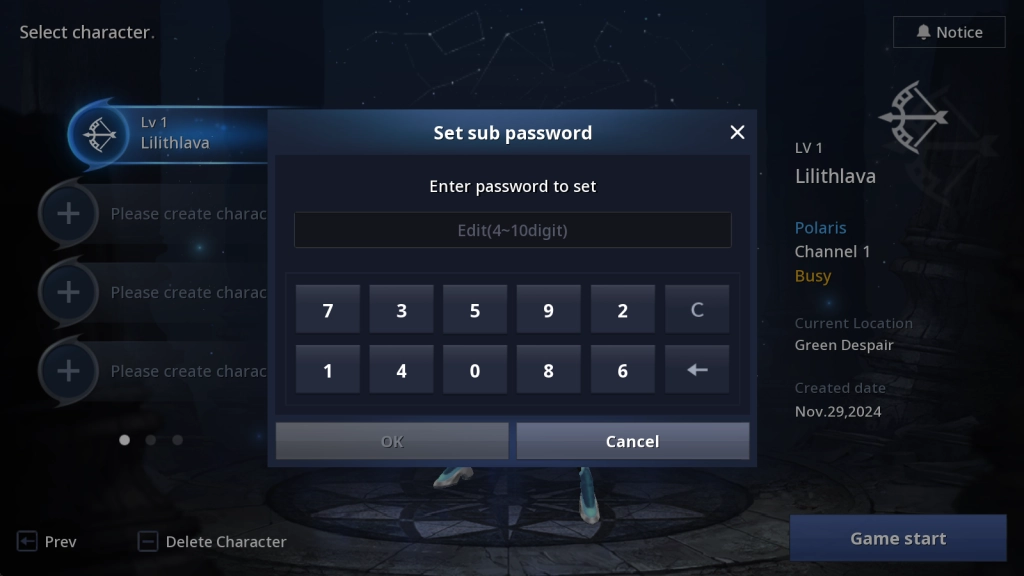
2.7 Now everything’s ready. But before I could set foot on the land of Nevareth, I needed to set a sub password for security.
2.8 To land on my feet here and battle my way through countless quests and challenges is not an easy job to do. This CABAL: Return of Action beginner guide has proved to be helpful for me with every trick to go from a newbie when playing CABAL: Return of Action on PC: Article: Forging the Destiny with Cabal: Return of Action - A Beginner's Guide and Tips-Game Guides-LDPlayer
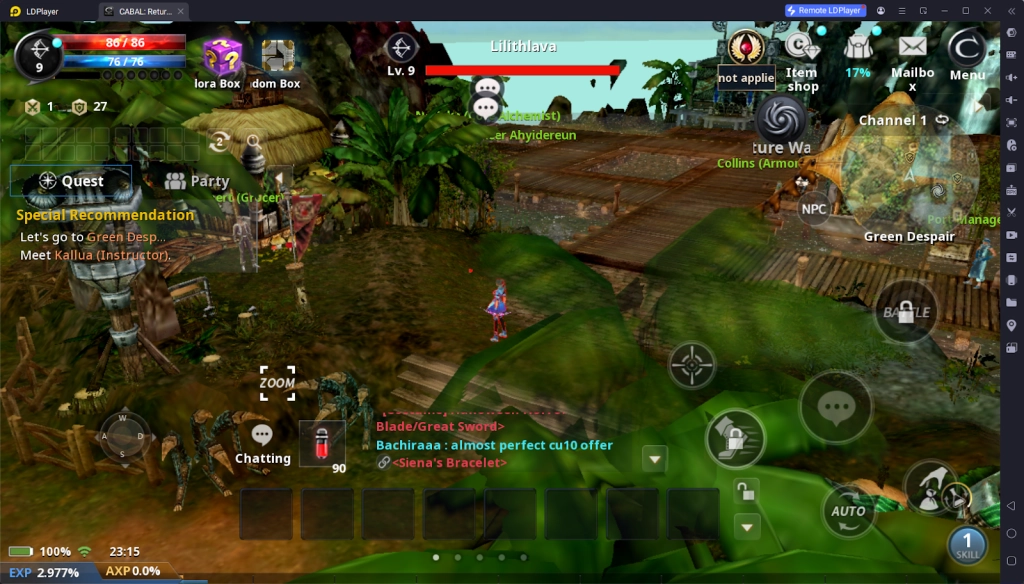
Why I Choose to Play CABAL: Return of Action on PC via LDPlayer
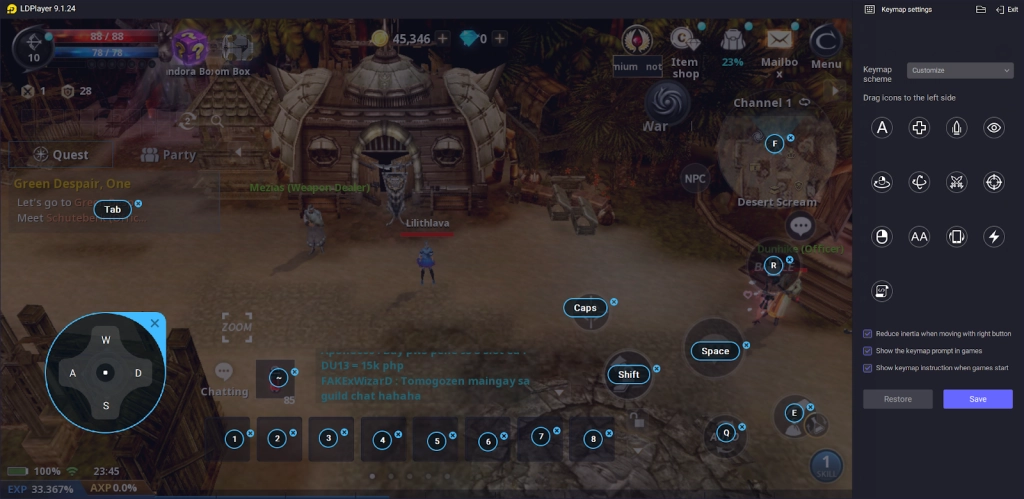
Efficient Battling with Customized Keymap
No worries about getting tired of tapping and dragging the mouse to control the movements during the battles while playing CABAL: Return of Action on PC, by taking advantage of LDPlayer’s special Keyboard Mapping tool. By applying the function, I set up a keymap for my control scheme in the game that suited my game style best, which significantly improved my gameplay experience and battle efficiency!
Easy Handling Two Things at Once
Since CABAL: Return of Action has an auto-quest feature, I could just leave the game in auto mode and get rid of the grinding and time-consuming battles, without having to always look at it. In this case, I could build up a new instance for other games through LDPlayer’s wonderful Multi-Instance tool, which allowed me to run several games at once and all the instances still worked smoothly and stably.
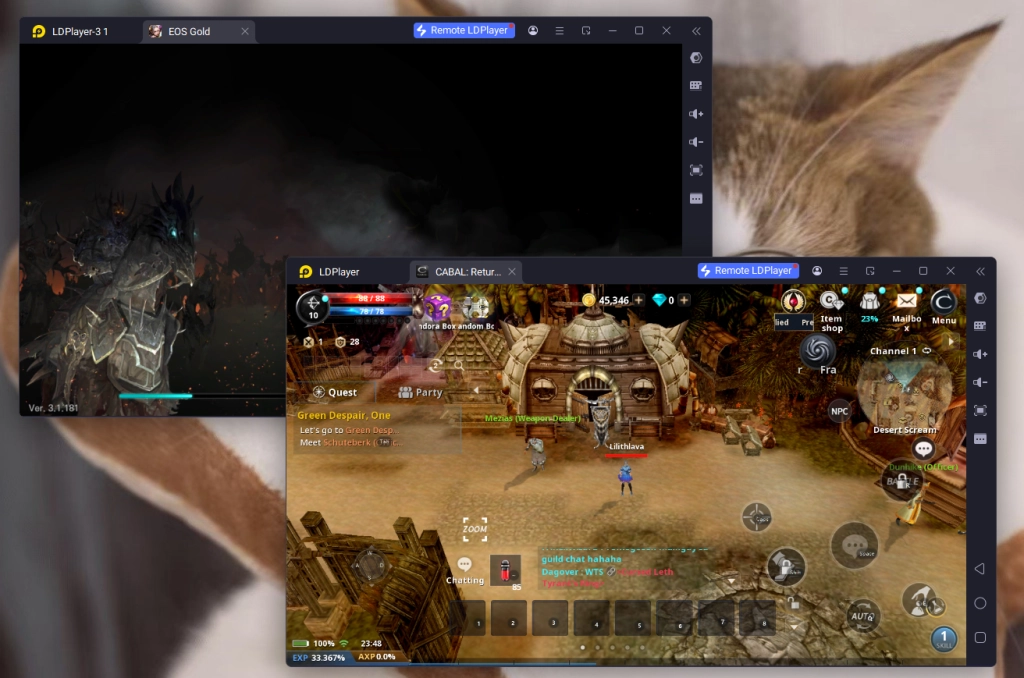
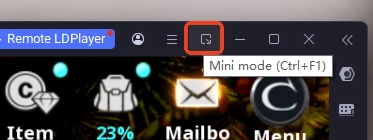
In addition, I also found it of great convenience to turn on the mini mode and zoom out the instance as a small window. By doing this I was able to run CABAL: Return of Action in the background and check its status easily at a glance when handling my other stuff.
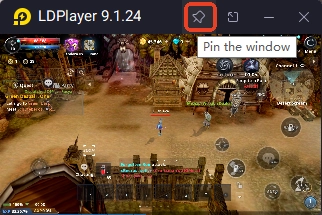
I liked to pin the window at my display so that I could follow the progress constantly.
Conclusion
I really have a blast playing CABAL: Return of Action on PC to have an immersive CABAL experience. There are so many skills and abilities to master and all kinds of dungeons to conquer. If your feet ever start itching, don’t hesitate to give it a try with the best emulator LDPlayer!
More tips and tricks that are useful for your CABAL: Return of Action PC journey: