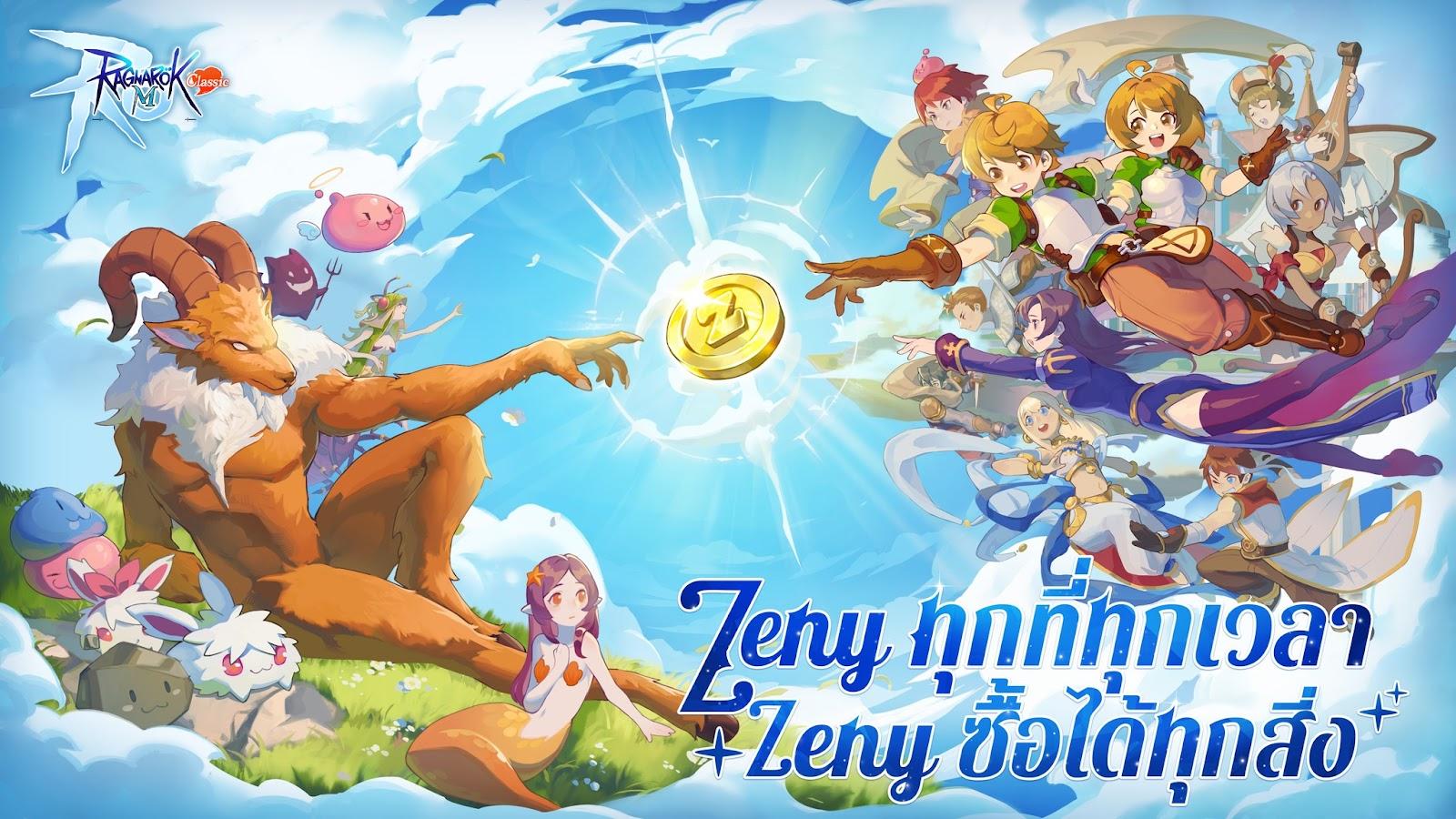
How Do I Download and Play Ragnarok M: Classic on PC -Beginners Guide
2024-12-05
I had been following the Ragnarok series closely and I was so excited to experience Ragnarok M: Classic from the comfort of my PC. Today I am going to use what I learned while playing Ragnarok M: Classic on PC with LDPlayer to give you a guide on how to download and play Ragnarok M: Classic on PC in just 2 steps.
How Do I Play Ragnarok M: Classic on PC in Just 2 Steps
Step 1: Install Ragnarok M: Classic On My PC
Just like playing on a mobile device, we need to first install the game Ragnarok M: Classic from LDPlayer on PC. I already had LDPlayer 9.0 on my PC so I simply started from Step 1.2. But for those who have not downloaded LDPlayer yet, here is how to get one.
1.1 Simply use the “Download Ragnarok M: Classic on PC” button on the website page for Ragnarok M: Classic.
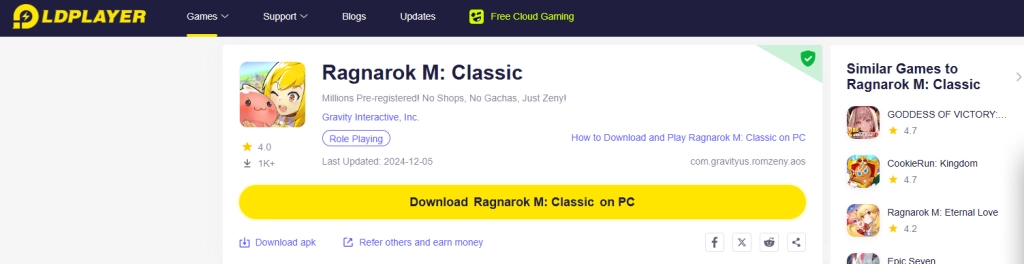
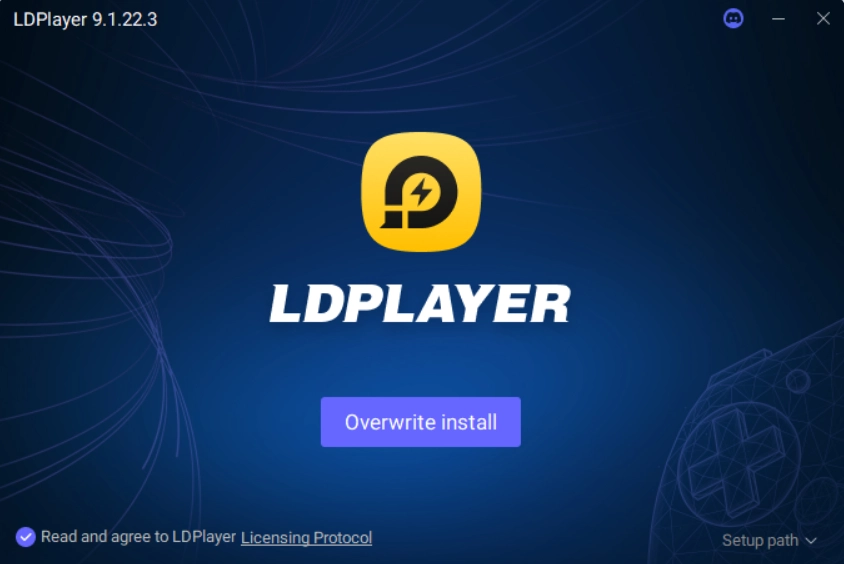
1.2 Search “Ragnarok M: Classic” on LDPlayer’s main screen and find the version by Gravity Interactive, Inc..
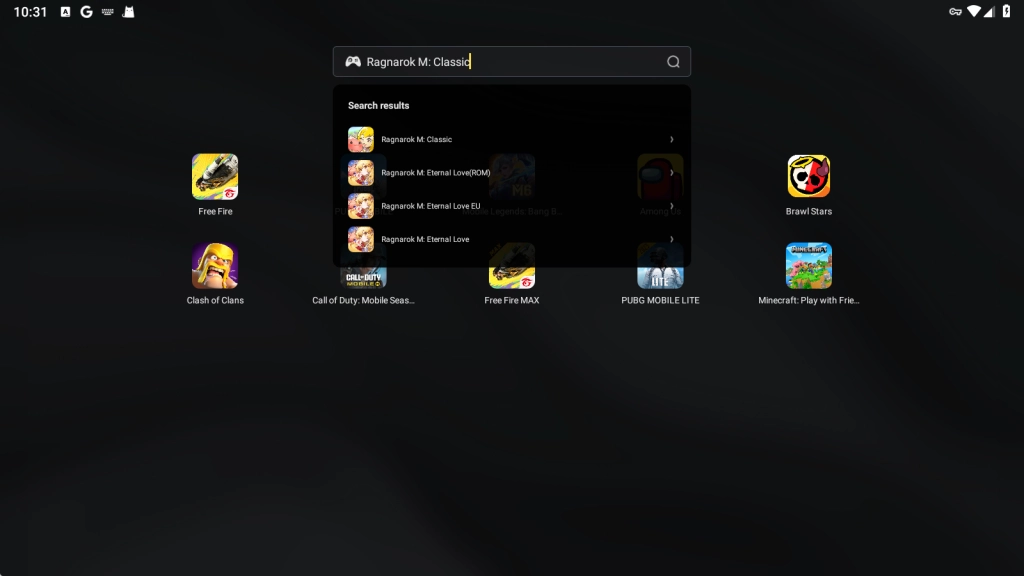

1.3 Click to install the game.
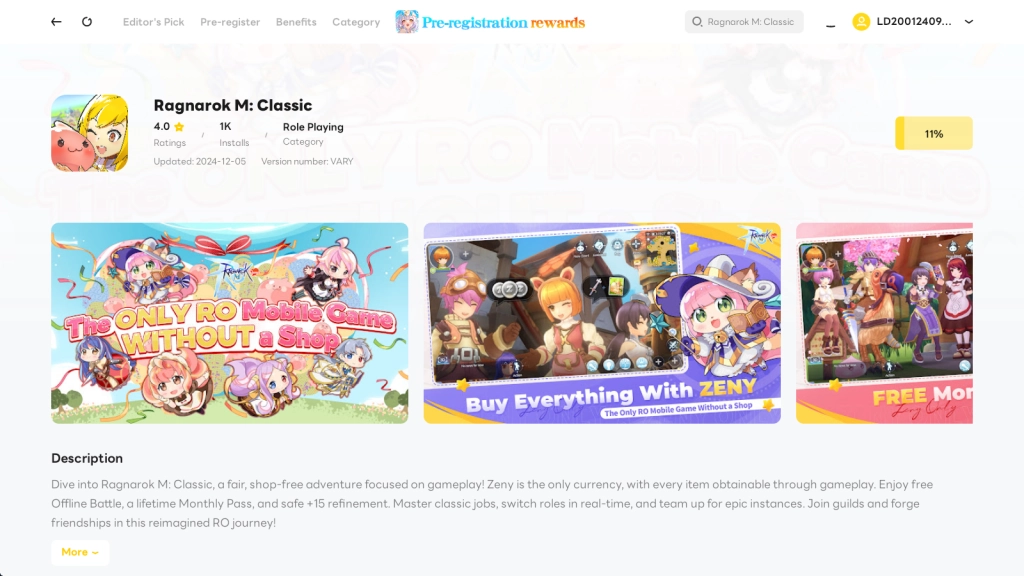
1.4 Then soon I could click to launch Ragnarok M: Classic on LDplayer and started my gameplay.
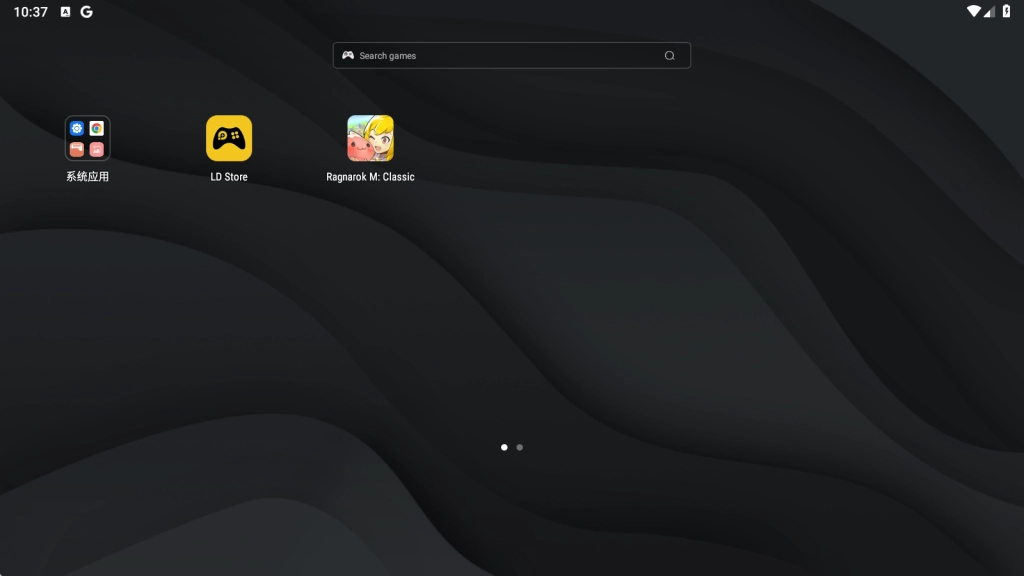
Step 2: Launch and Play Ragnarok M: Classic on PC
2.1 Upon launching the game, I was prompted to accept the terms and policy before I continued.
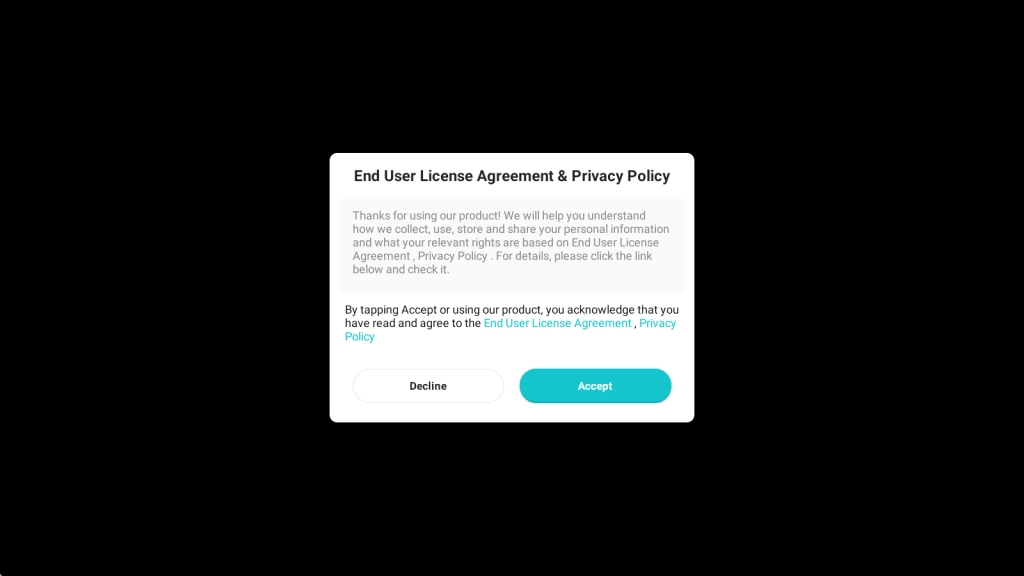
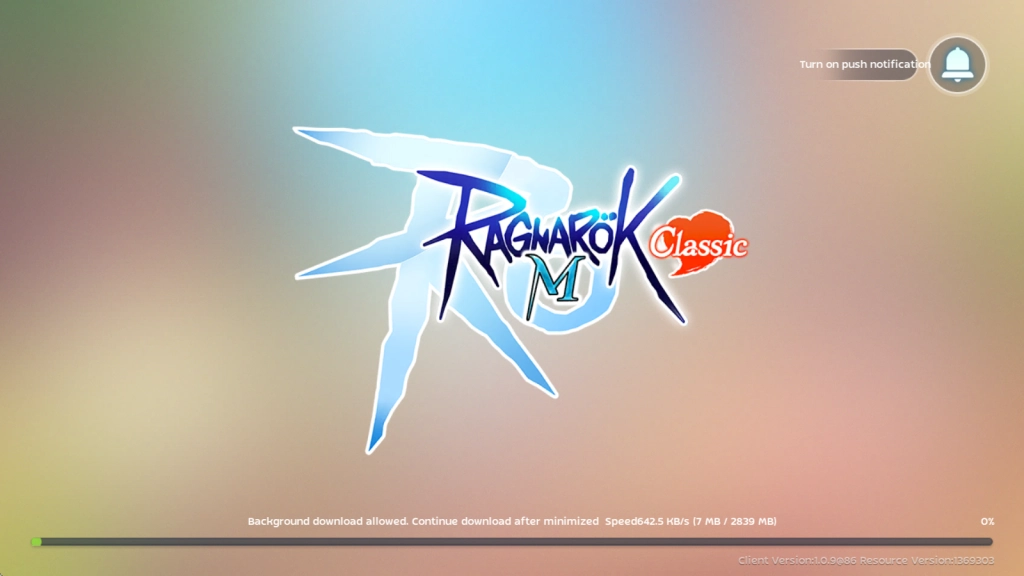
2.2 After accepting the terms, the game started to download its initial data.
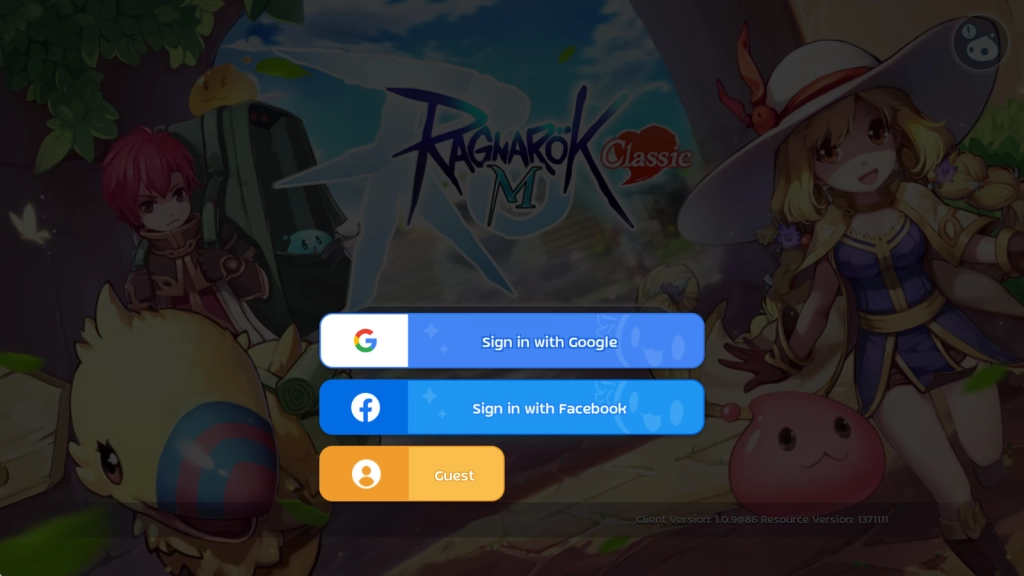
2.3 Choose one method to log in.
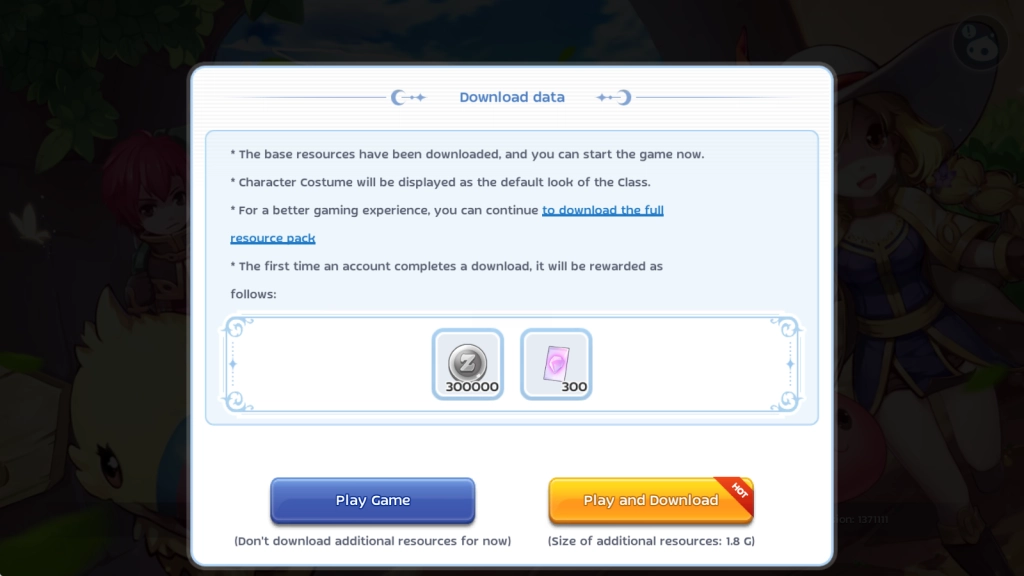
2.4 Before entering the game, there were two options to start directly or download the full resource pack for a better gaming experience. I hit Play and Download for additional rewards.
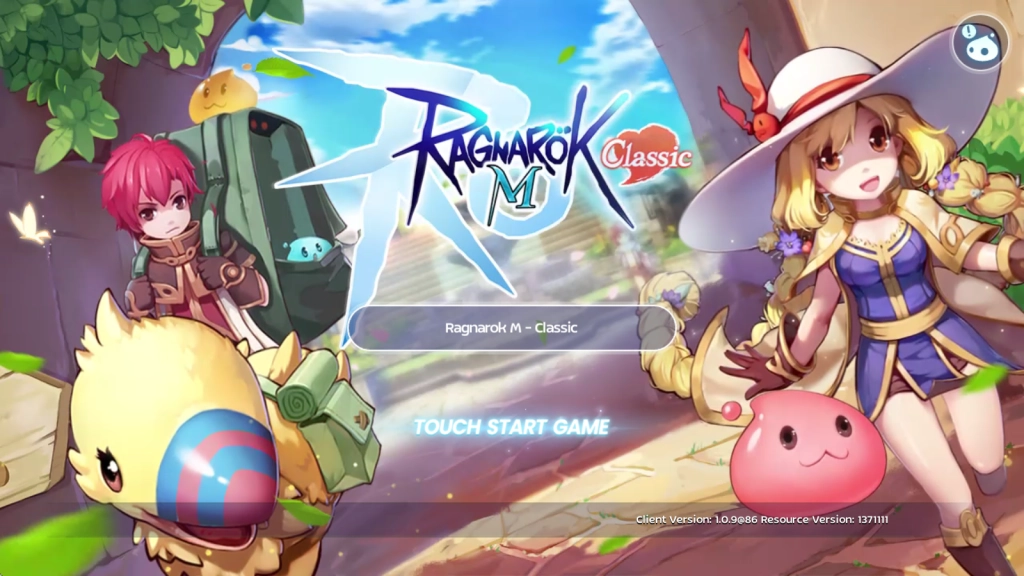
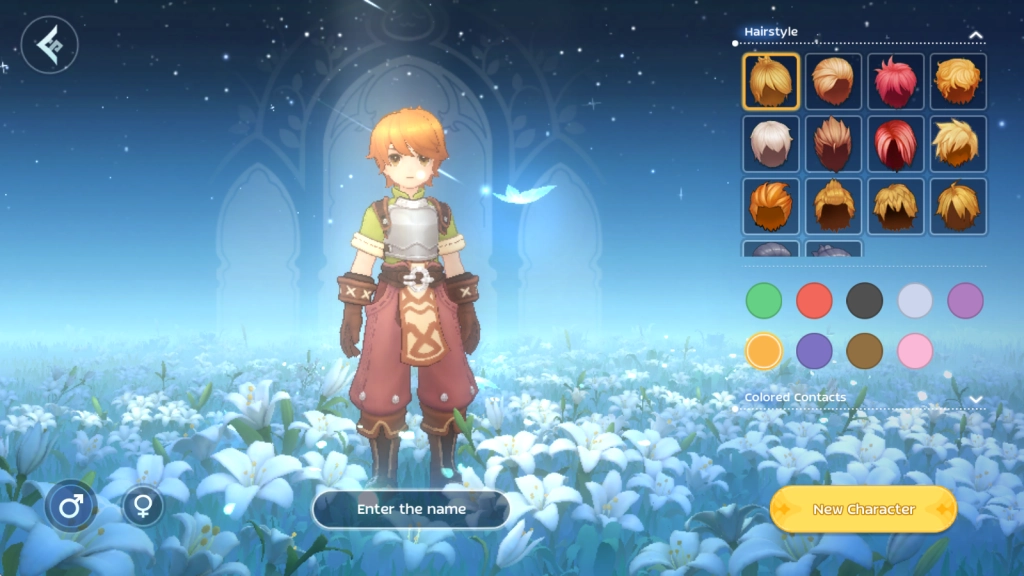
2.5 Afterwards I was able to create my character and started my Ragnarok M: Classic on PC journey!
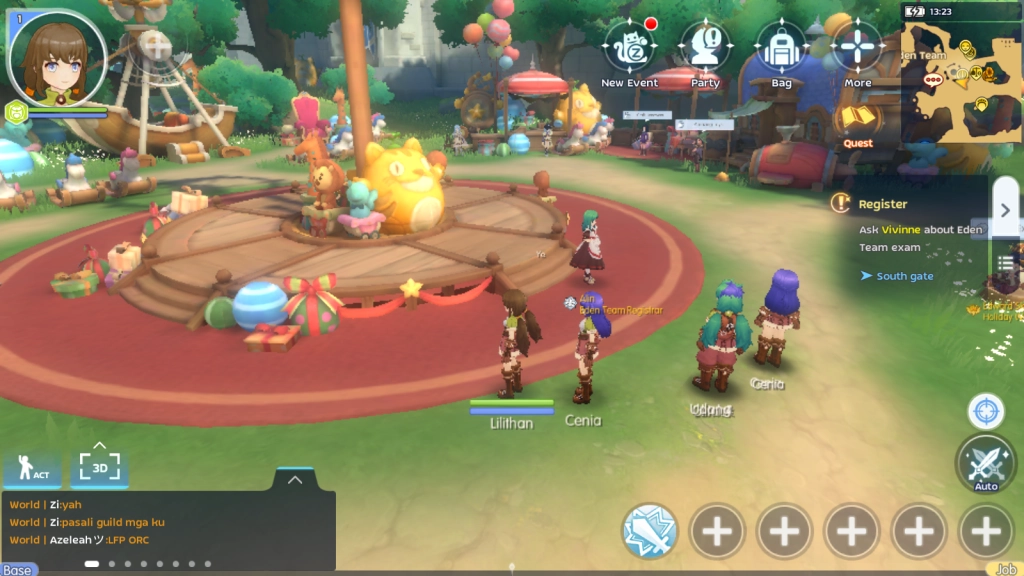
Why I choose to Play Ragnarok M: Classic on PC via LDPlayer
Ease and Comfort with Keyboard Mapping
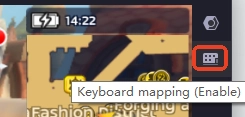
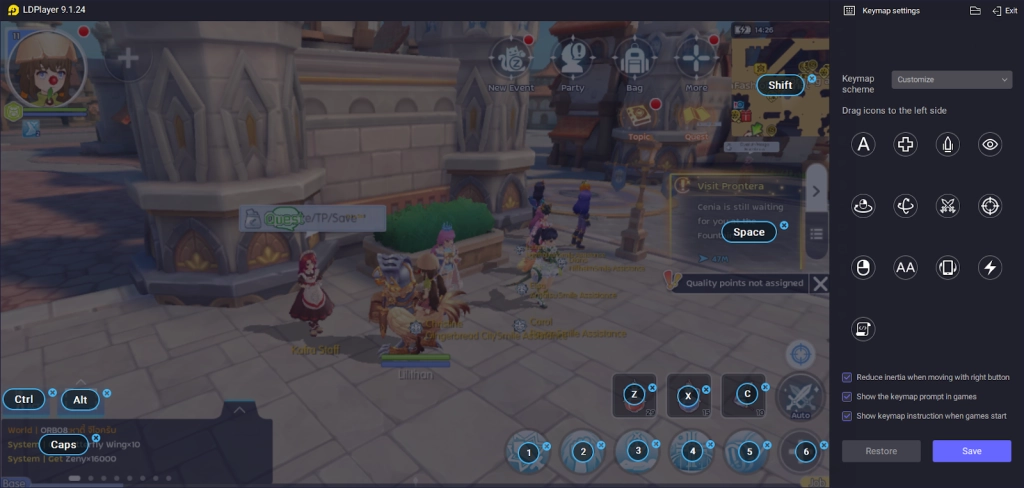
To free my fingers and improve gaming efficiency, I’ve taken great advantage of LDPlayer’s special Keyboard Mapping function, which allows me to set a keymap based on my game style, helping me unleash skills and handle the tasks with nonchalant ease.
High Efficiency of Playtime Management
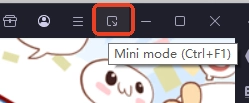
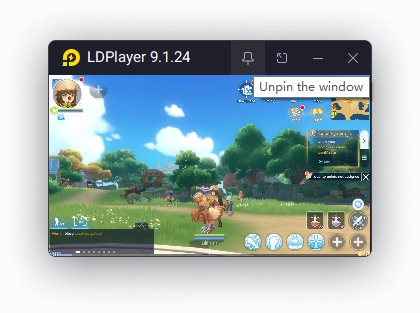
When progressing in Ragnarok M: Classic and passing the trials, I prefer to turn on the Mini Mode and zoom out the instance into a small window pinned on my display, since the game has an auto-battle feature and I would like to devote more time to something more important. By doing this I can keep running the game and reaping the rewards in the background and check the status when it needs manual operations easily.
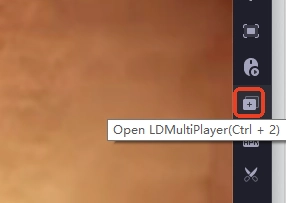
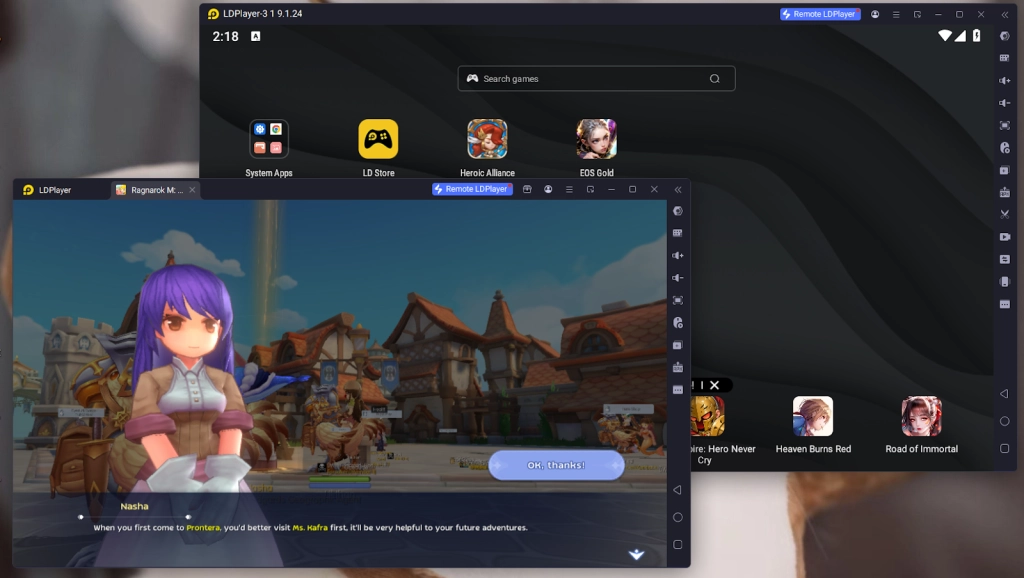
Another tool I use a lot that helps with time management is the Multi-Instance, which enables me to create instances as many as I want to run multiple games at one time.
How I Use Redeem Codes in Ragnarok M: Classic
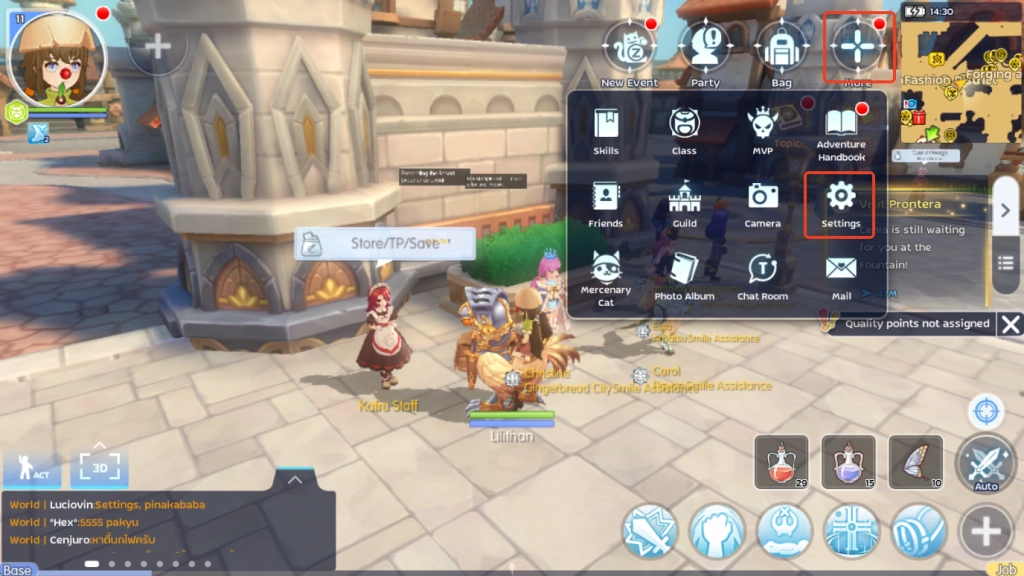
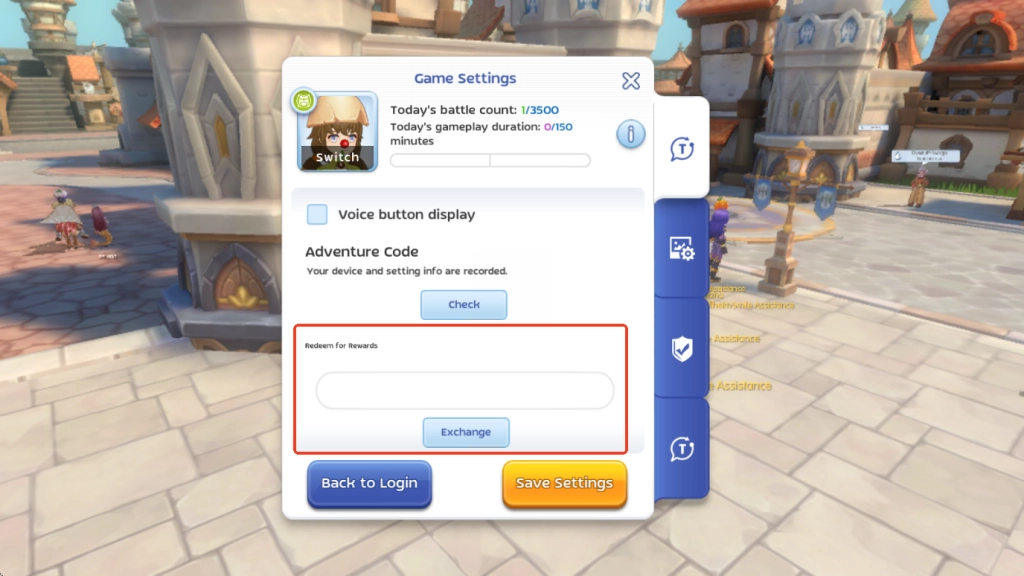
To redeem codes in Ragnarok M: Classic, simply go to the More> Settings>System section, scroll down to find the "Redeem for Rewards" menu, and enter the gift codes for exchange.
Minimum System Requirements for Playing Ragnarok M: Classic on PC
If you want to know the minimum system requirements to run the Ragnarok M: Classic on PC via LDPlayer, it could be found on the LDPlayer’s official website:
-
System: Recommended Win10 and above 64-bit systems, including OpenGL 4.x
-
CPU: 8th Gen Intel Core i3-8100 4-core or higher, with VT option enabled
-
Graphics Card: NVIDIA GeForce GTX1050 Ti 2GB or higher
-
Memory: 8GB or more
-
StorageSpace: 10GB or more available space for installation disk, 2GB or more available space for system disk
Conclusion
Feel prepared to start your journey? Give it a shot to play Ragnarok M: Classic on PC with the help of LDPlayer 9.0 today! Let’s dive into Ragnarok M: Classic Zeny-only server and explore its unique features and mechanics that set it apart from Ragnarok M: Eternal Love.
More content for better progress in Lords Mobile: Kingdom Wars on PC: