How to Download and Play Block Blast! on PC - Beginners Guide
2025-01-07
Bored of all the online games that require you to fight against others and exhaust your mind trying to farm the most in order to become the best? If so, then why not try out a brain game to ease your mind to relax and try your hands on some simple but fun puzzles online or offline by playing Block Blast! on PC today!
Table of Contents
Play Block Blast! on PC In 2 Easy Steps
Step 1: Download The Official LDPlayer 9.0 Emulator & Install Block Blast!
For Players Who Have Yet To Install LDPlayer 9.0:
To start playing Block Blast! on PC, you will need to download the official Emulator from the official LDPlayer website. Complete the download and installation process by simply following the instructions. Once the installation process is complete, simply launch an Emulator instance of LDPlayer 9.0 straight from your PC.
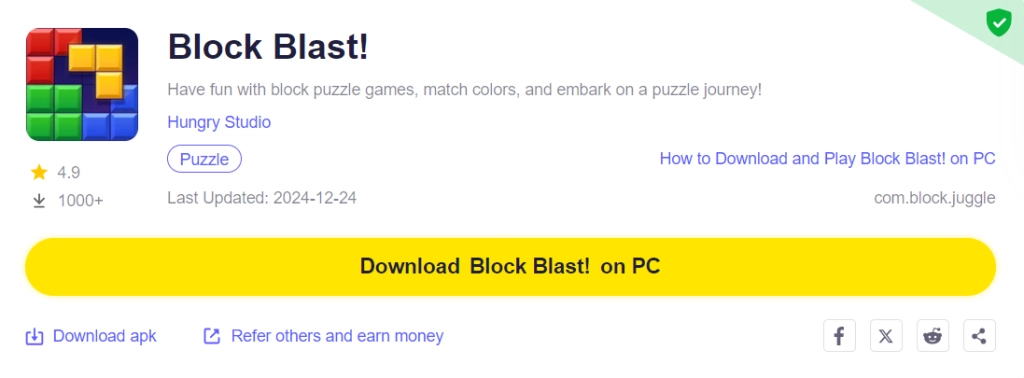
Once you have completed this step, simply continue with the following steps for those who have installed the LDPlayer 9.0 Emulator as shown below.
For Players Have Already Installed LDPlayer 9.0:
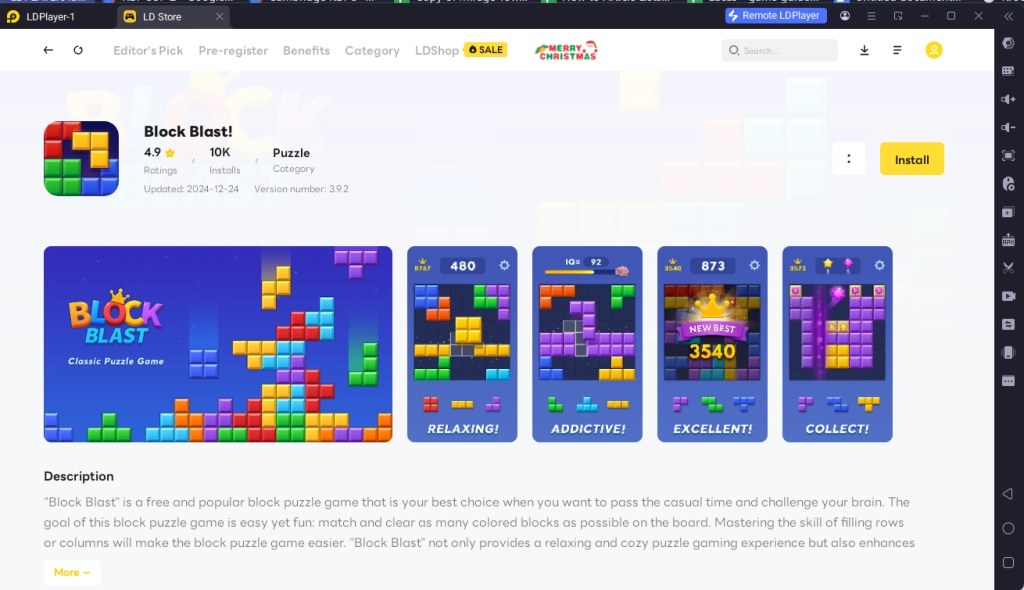
Once you have installed LDPlayer 9.0, to download Block Blast!, simply search “Block Blast!” on the search bar on the main screen and install the game by clicking the “Install” button. Please make sure that the application being installed is the correct version of Block Blast! from Hungry Studio.
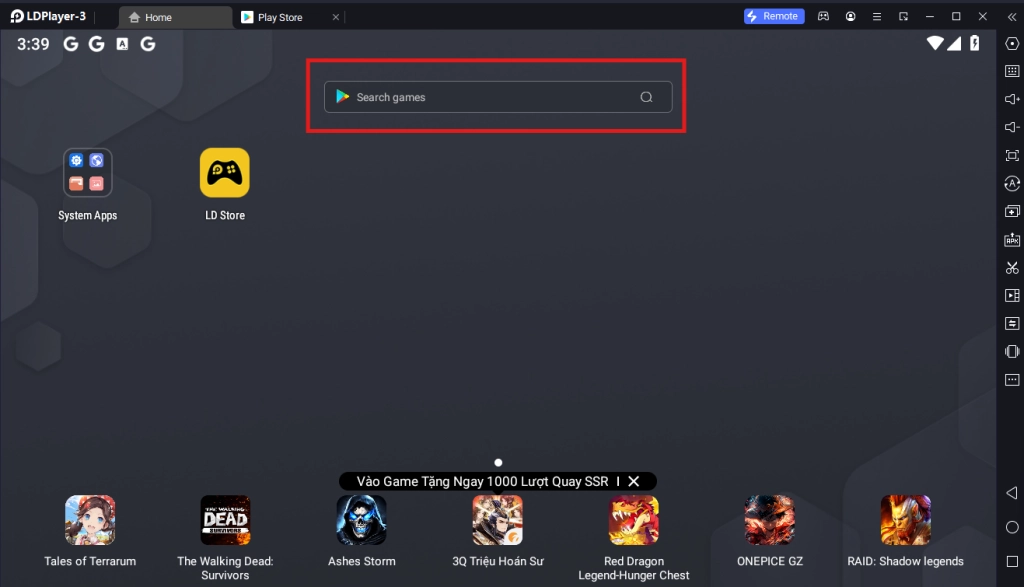
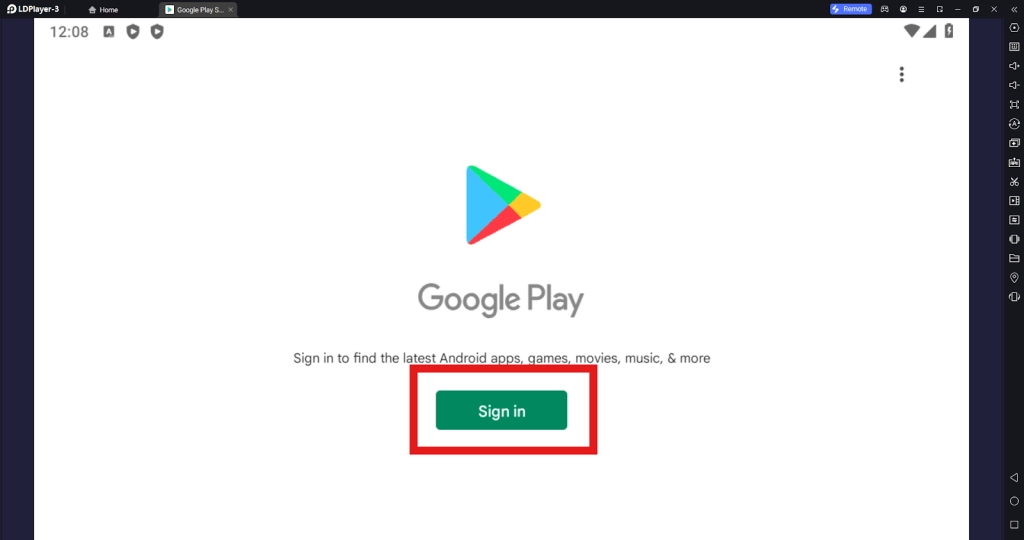
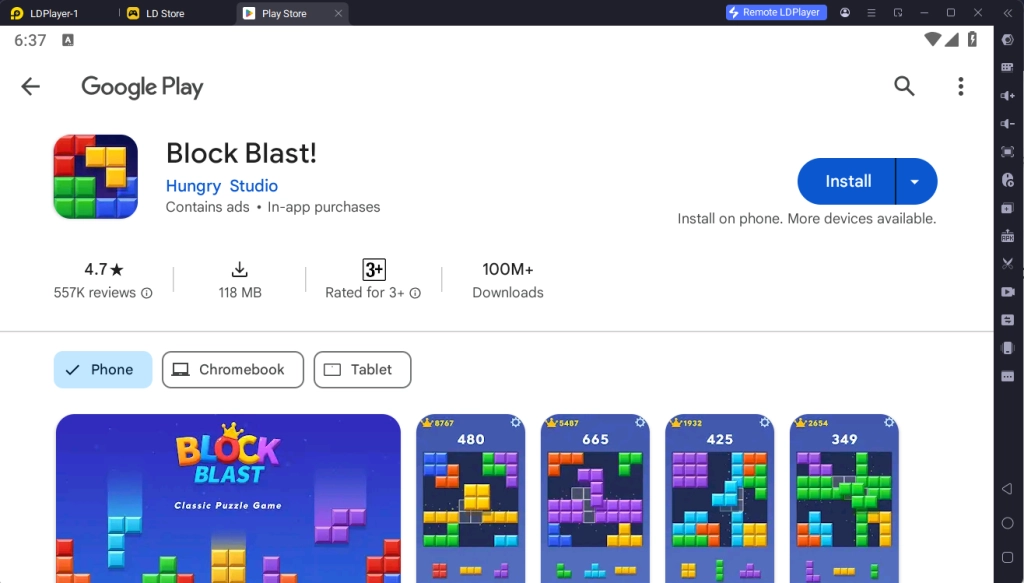
Upon clicking the “Install” button, players will be directed to the Google Play Store. Simply log into your pre-existing Google Play Account or create a new one by following the Google Play Store Instructions. Once finished, simply click the “Install” button on the Google Play Store page for Block Blast!.
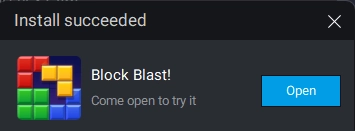
Once the application finishes downloading, players can launch the app directly from the home page of the Emulator instance after receiving a small notification notice.
Step 2: Downloading the Game’s Data and Linking Your Account
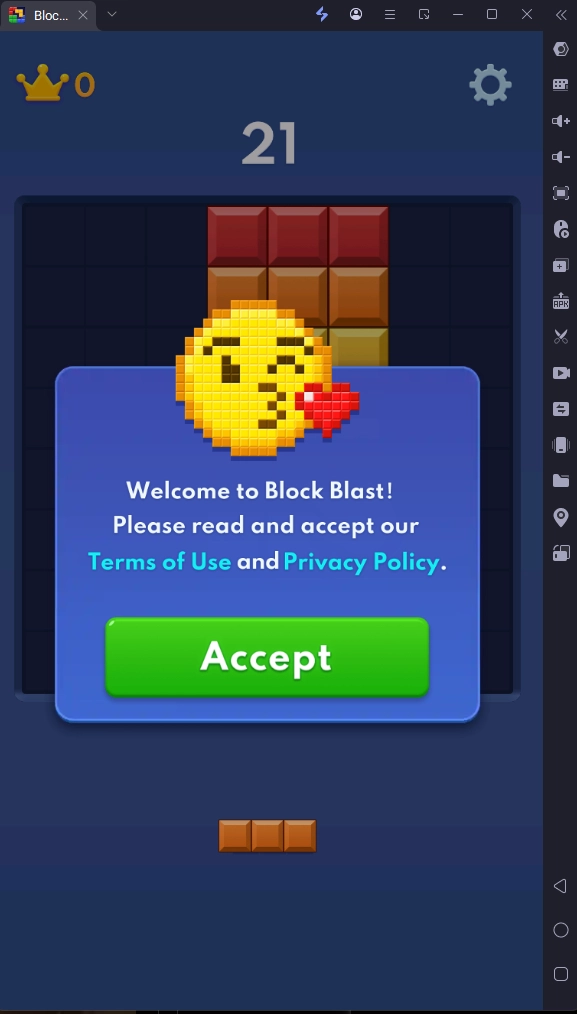
2.1 - Once the game has finished downloading, you will need to accept the game’s terms of service agreement before continuing to play the game. Simply click on the Accept button to play the game.
2.2 - After accepting the terms of service, you can immediately start playing the game after finishing the game’s two stages of tutorials.
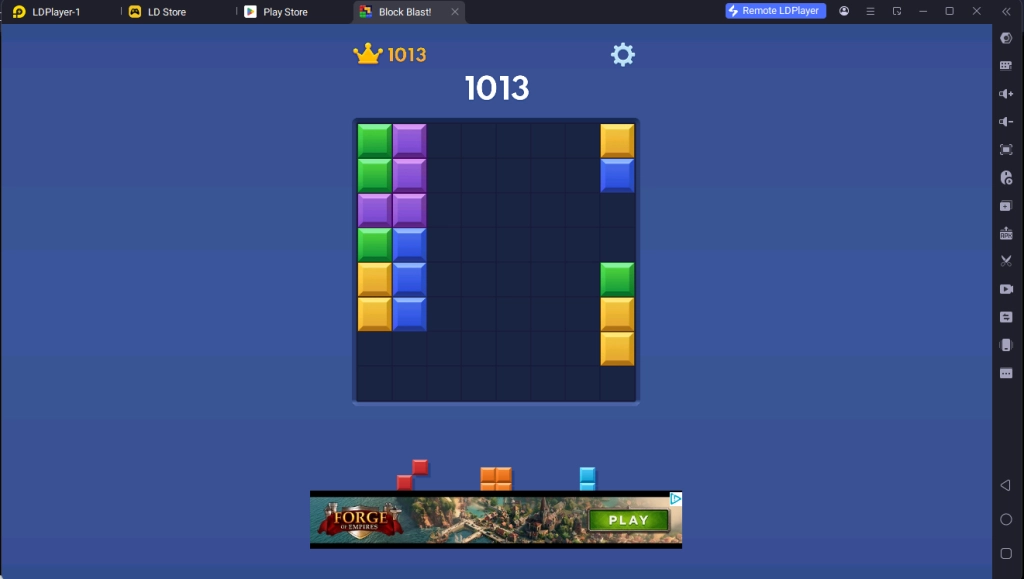
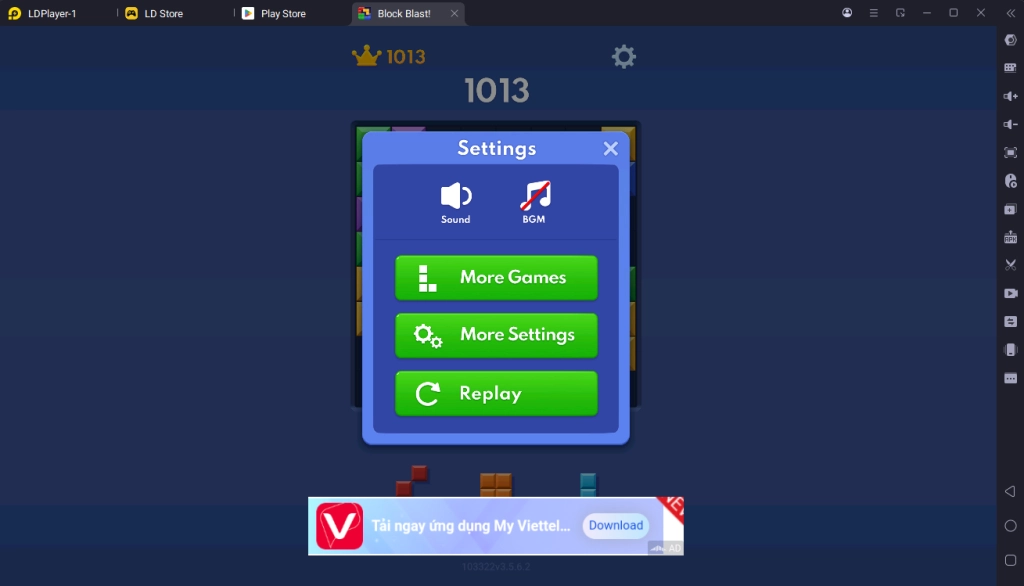
2.3 - To start a new game or play other games of the same nature, you can click on the menu button on the top right corner and select the “More Games” button for more games.
Special Recommended Settings & Features
Play The Game Even When Offline
Unlike other games in the market where the majority of them require an Internet connection to play, you can play Block Blast! on LDPLayer without needing to directly connect to an Internet network at all.
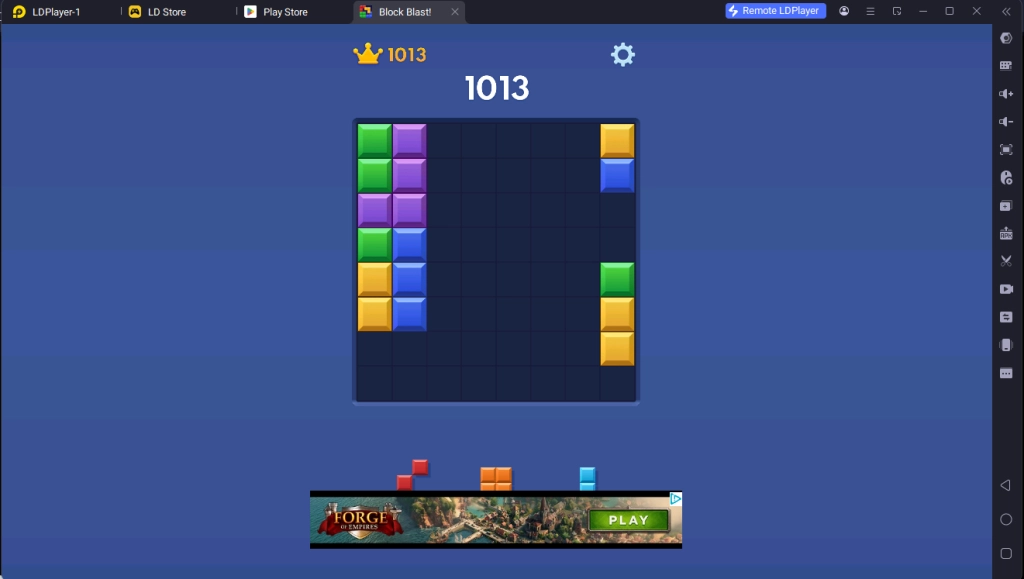
As the game functions as an offline game, players can turn the game into a very suitable comfort game to pass the time on their personal PC or laptop with the help of LDPlayer when they don’t have any internet connections.
Play Block Blast! On Both Portrait And Landscape Mode
For Block Blast!, the game is designed in a way that you can experience it in both orientations on the phone.
Those who want to experience both of these modes while playing Block Blast! on LDPlayer 9.0 can take advantage of LDPlayer’s “Rotate Phone” button, allowing you to switch between Portrait and Landscape modes at your will.
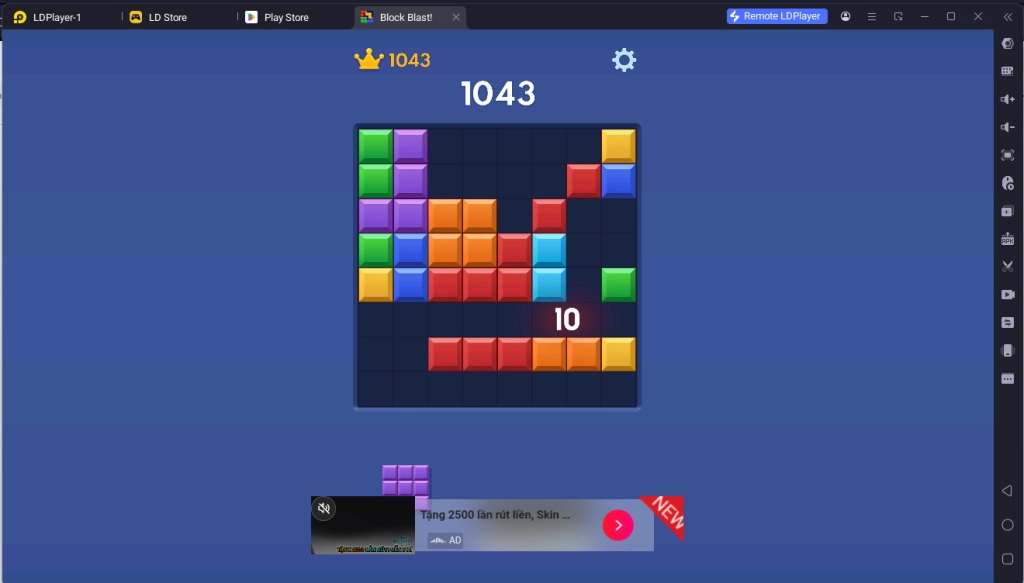
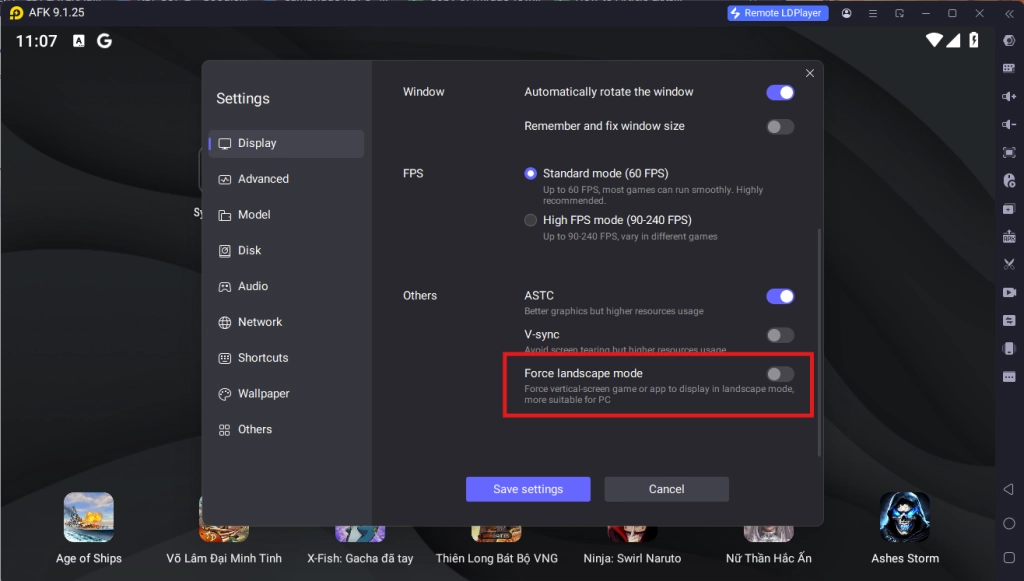
To access this button, simply click on the “More Features” button on the sidebar and select the “Rotate Phone” button. In addition, if this does not work, you can force the game into Landscape mode by selecting the option in the Emulator Display Menu.
Minimum System Requirements for Playing Block Blast! on PC
System
Recommended Win10 and above 64-bit systems, including OpenGL 4.x
CPU
8th Gen Intel Core i3-8100 4-core or higher, with VT option enabled
Graphics Card
NVIDIA GeForce GTX1050 Ti 2GB or higher
Memory
8GB or more
Storage Space
10GB or more available space for installation disk, 2GB or more available space for system disk
Conclusion
Take your mind off the grinds and train your brain with a selection of fun and interesting randomly generated puzzles in the style of Tetrist by playing Block Blast! on PC both online or offline with the help of LDPlayer 9.0 - The Best Emulator today!