How to Download and Play Capybara Go! on PC - Beginners Guide
2024-12-03
A text-based roguelike RPG starring a capybara! Play Capybara Go! on PC with LDPlayer today to test your luck! Bond with an adorable capybara and conquer the challenges along a bizarre journey toward the end of the world. Forge the most powerful weapons and march on with a bunch of furry and feathery animal companions. Ready to go? Here is how you do it!
Download and Play Capybara Go! on PC in 3 Steps
Step 1: Download LDPlayer 9.0 and Install Capybara Go! on PC
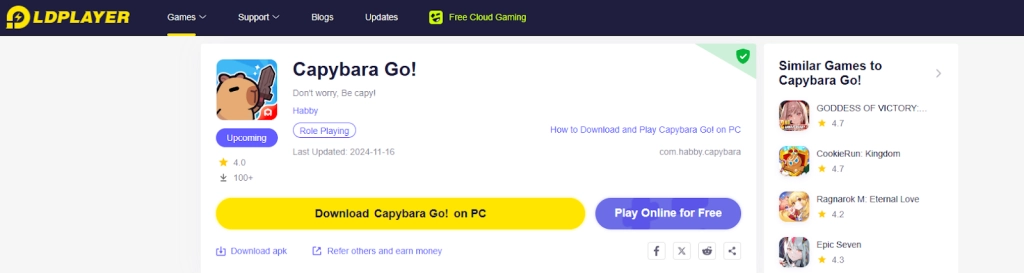
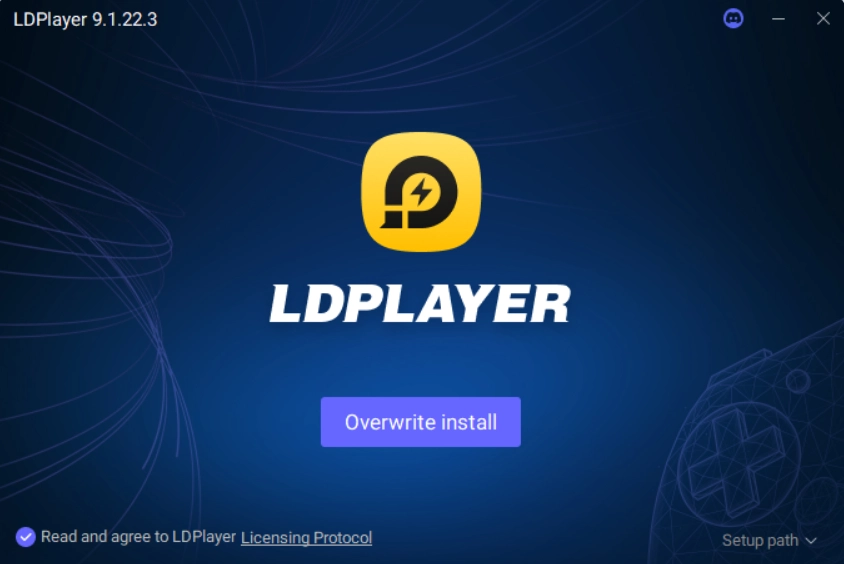
1.1 Click on the “Download Capybara Go! on PC” button on the official website and download LDPlayer.
1.2 Search the game “Capybara Go!” through LDPlayer’s search bar. Select the right version developed by Habby from the search results.
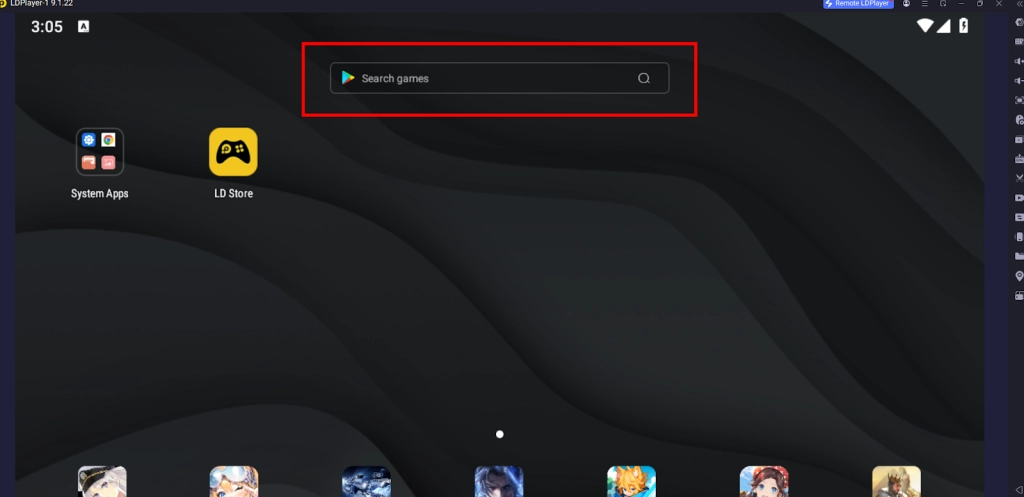
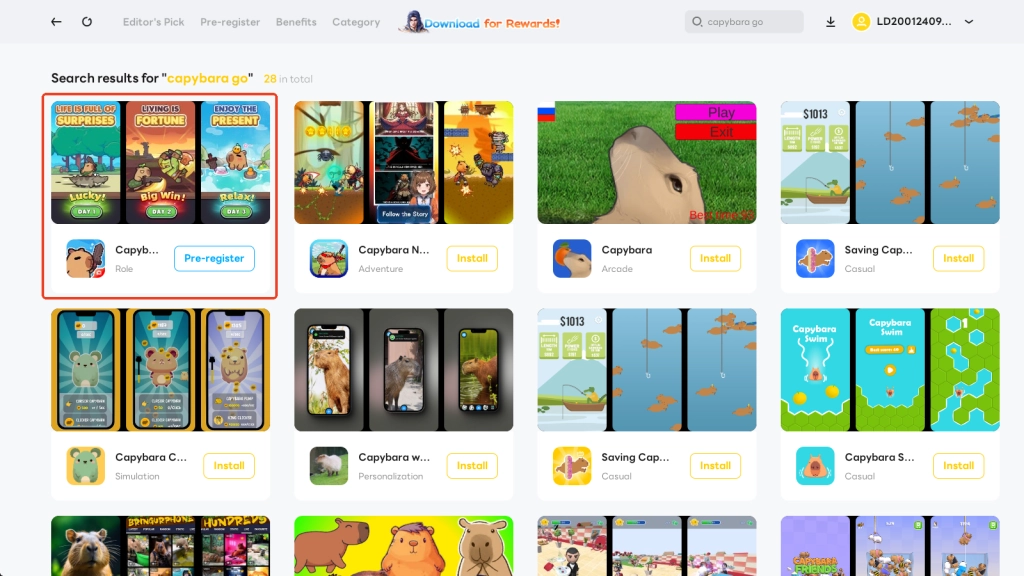
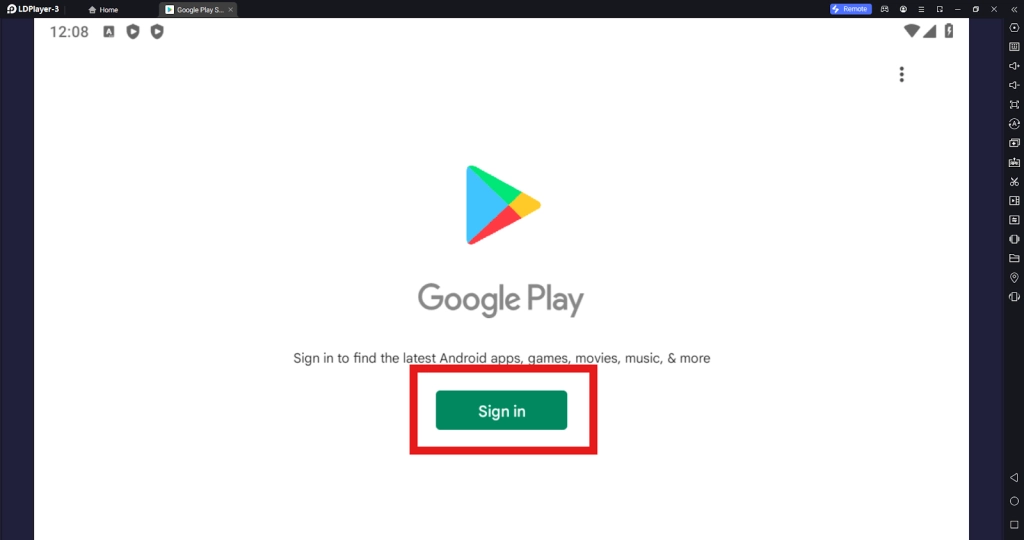
1.3 You will be redirected to the Google Play Store. Then simply sign in to your Google account to install the game.
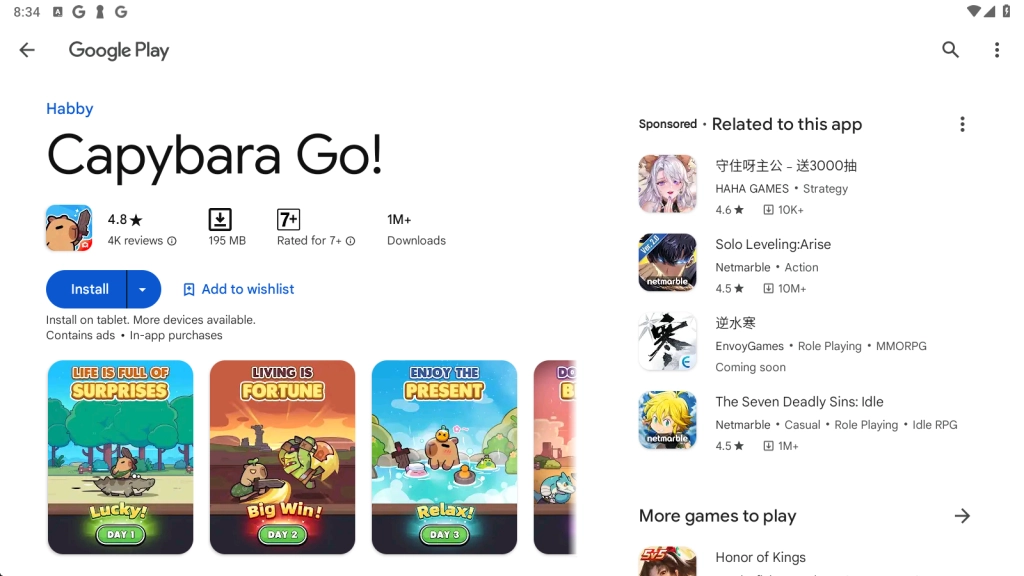
Step 2: Start your Capybara Go! PC Journey
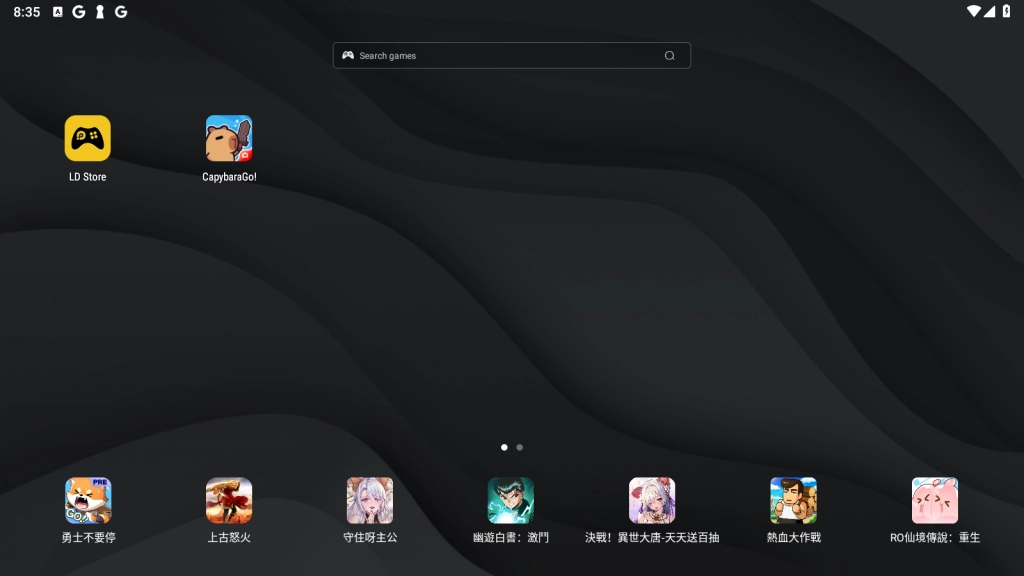
2.1 Click to launch Capybara Go! on PC.
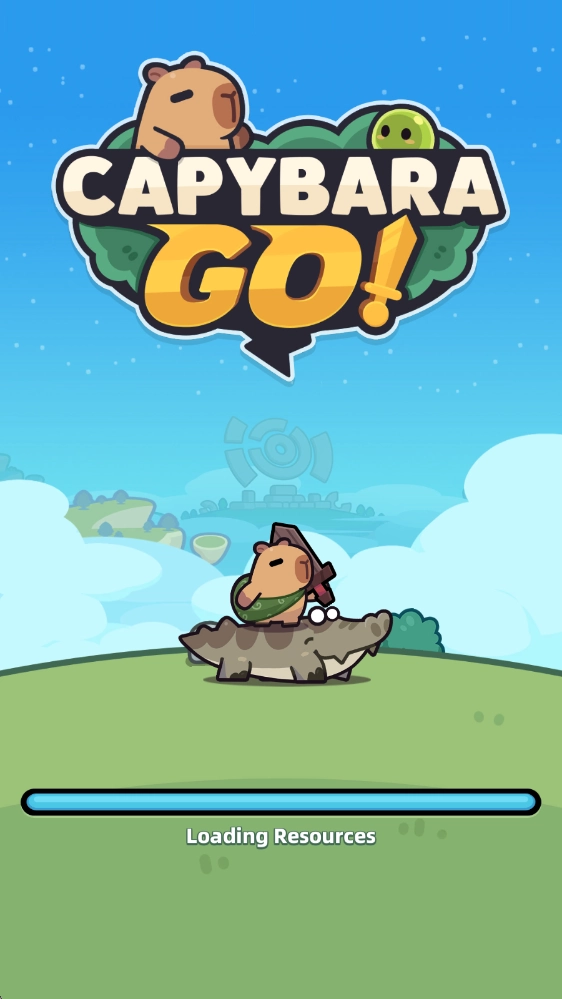
2.2 Wait for the game to download its resources.
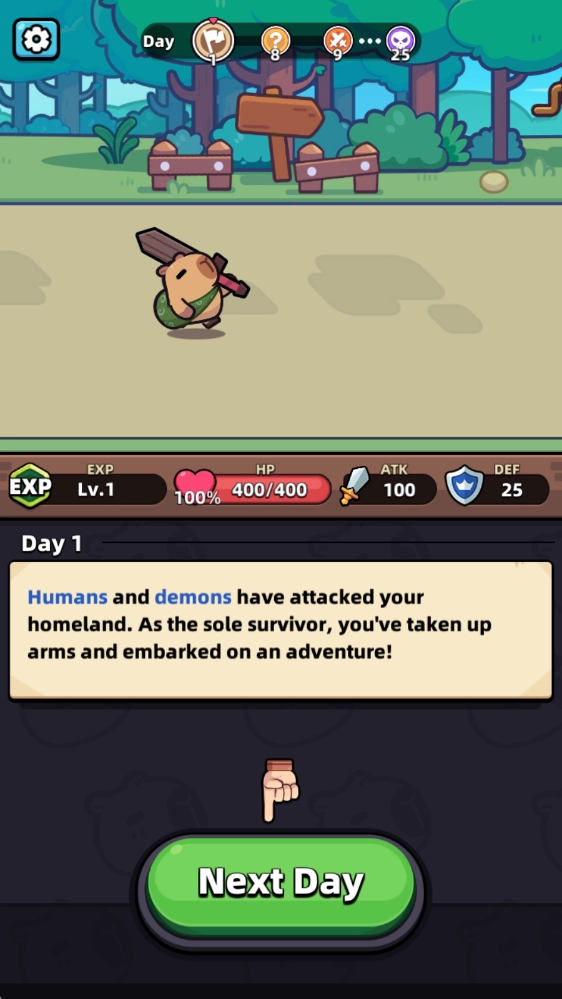
2.3 Upon completion, you will enter the game and sign in with your Google account automatically. Then you can start enjoying your thrilling journey with your furry companion right away!
Step 3: Play Capybara Go! PC Online for Free
If you want to avoid the headaches of downloads but want to make sure to catch this unmissable game, here is how you can play Capybara Go! PC online for free from the comfort of your browser.
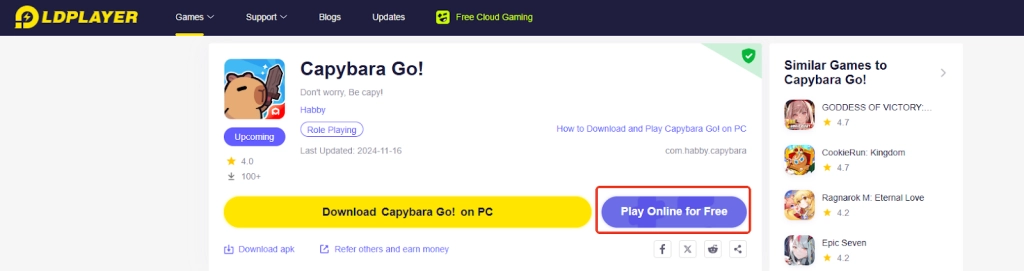
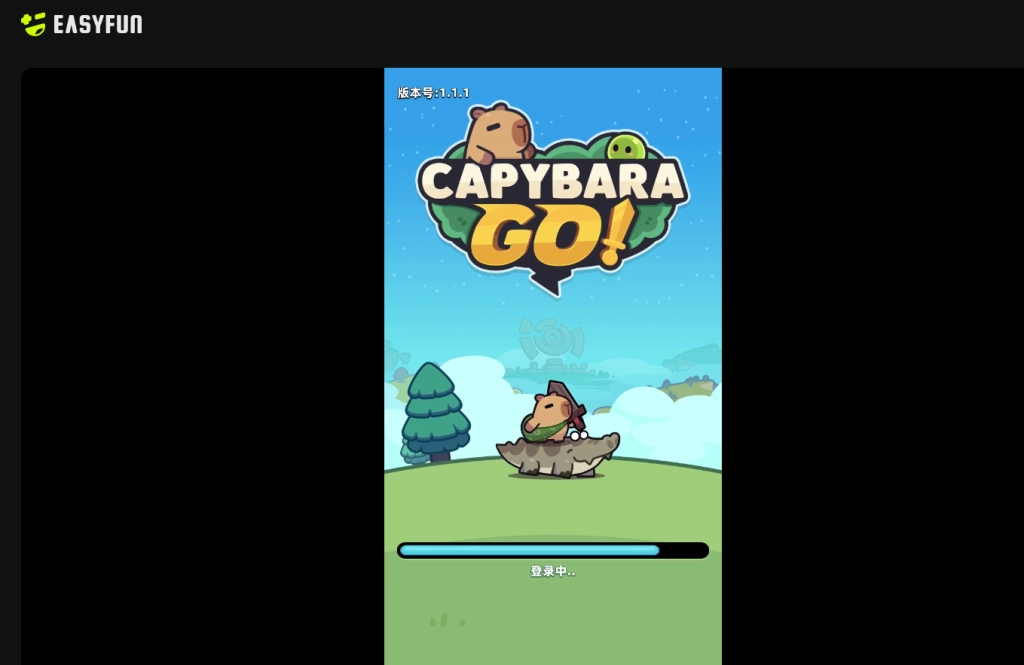
3.1 Use the Play Online for Free option on the game page.
3.2 Have fun with Capybara Go! on PC via the EasyFun website!
Common Problems You May Come Across and Possible Solutions
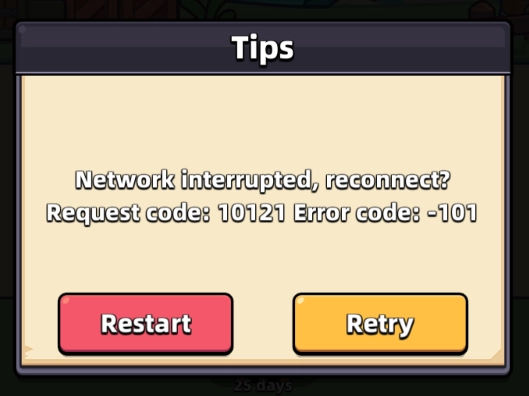
How to Deal with Ongoing Network Issues
While playing Capybara Go! on PC, if you happen to be warned about the network issue, it is possible that the game has lost its connection to the server temporarily and simply clicking Retry to reconnect or try Restart to exit and enter again could deal with the problem. If the problem takes place frequently throughout your gameplay, then you may consider setting up Network Bridging to help with the network condition of your emulator.
Special LD-Features for playing Capybara Go! on PC
Multi-Instances Function
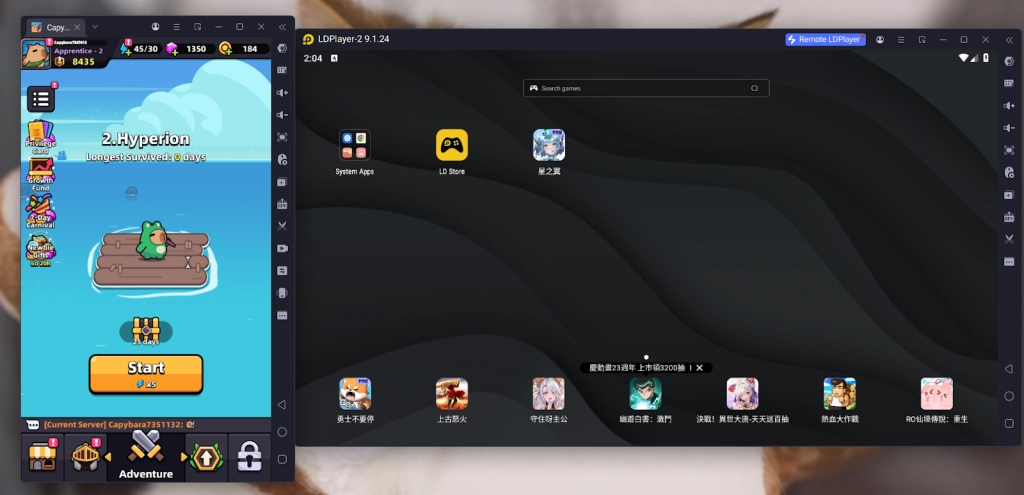
Since this is a casual easy game to play, you may want to play Capybara Go! on PC with other games running simultaneously. If this is the case, you can rely on LDPlayer’s special Multi-Instances tool to create and operate multiple instances at the same time, which allows you to enjoy your playtime as effectively as possible.
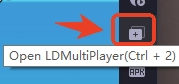
Simply find the Multiplayer button on the right sidebar of your emulator or press “Ctrl + 2” instead.
LDPlayer Operation Recorder
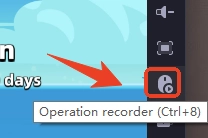
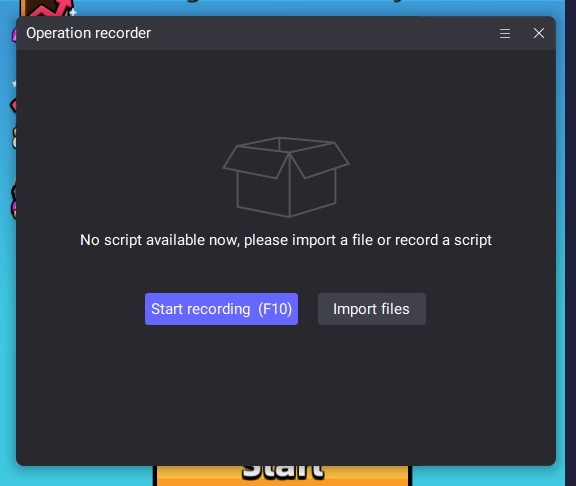
Here we are introducing another LDPlayer’s built-in tool that can help with your time management, which will be the Operation Recorder. Use this tool to record your operations that are executed in Capybara Go! on LDPlayer and replay them as a script as many times as you want, which enables you to let the capybara go on the journey without your control or watch the ads videos automatically to reap all the in-game rewards, bringing your gameplay experience to the next level!
Simply click the Operation Recorder button on the settings bar or use the short-cut Ctrl + 8.
For more detailed instructions to adjust and edit your script, you may refer to this user guide:
User Guide - How to Use Operation Recorder to Write Script-Function Instruction-LDPlayer
Minimum System Requirements for Playing Capybara Go! on PC
To play Capybara Go! on PC via LDPlayer, you will need:
-
System: Recommended Win10 and above 64-bit systems, including OpenGL 4.x
-
CPU: 8th Gen Intel Core i3-8100 4-core or higher, with VT option enabled
-
Graphics Card: NVIDIA GeForce GTX1050 Ti 2GB or higher
-
Memory: 8GB or more
-
StorageSpace: 10GB or more available space for installation disk, 2GB or more available space for system disk
Conclusion
Play as a furry, lovely capybara and embark on an endless adventure to explore the wild! Get your paws on this cutest and craziest roguelike RPG by playing Capybara Go! on PC with LDPlayer today!
Some fantastic Capybara Go! Guides for your perfect journey: