How to Download and Play Fate/Grand Order (English) on PC - Beginners Guide
2024-12-03
Become a master of Chaldea and summon powerful heroic spirits in the form of ancient heroes from the past to aid you in your journey to restore humanity order by playing Fate/Grand Order (English) on PC with the help of LDPlayer 9.0 today!
Table of Contents
Play Fate/Grand Order (English) On PC With LDPlayer In 2 Easy Steps
Step 1: Download The Official LDPlayer 9.0 Emulator & Install The Game On PC
For Players Who Have Yet To Install LDPlayer 9.0:
To start playing Fate/Grand Order (English) on PC, you will need to download the official LDPlayer 9.0 Emulator from the official LDPlayer website. Complete the download and installation process by simply following the instructions. Once the installation process is complete, simply launch an Emulator instance of LDPlayer 9.0 straight from your PC.
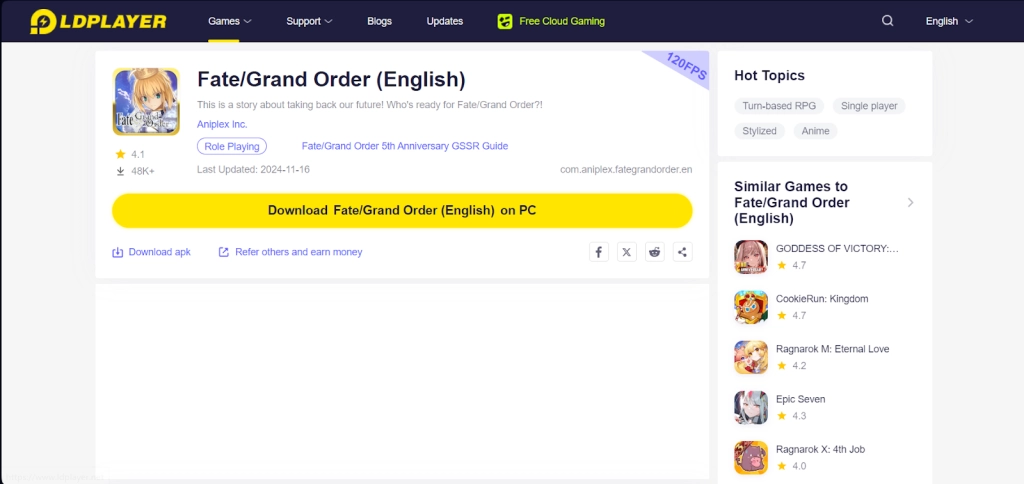
Once you have completed this step, simply continue with the following steps for those who have installed the LDPlayer 9.0 Emulator as shown below.
For Players Have Already Installed LDPlayer 9.0:
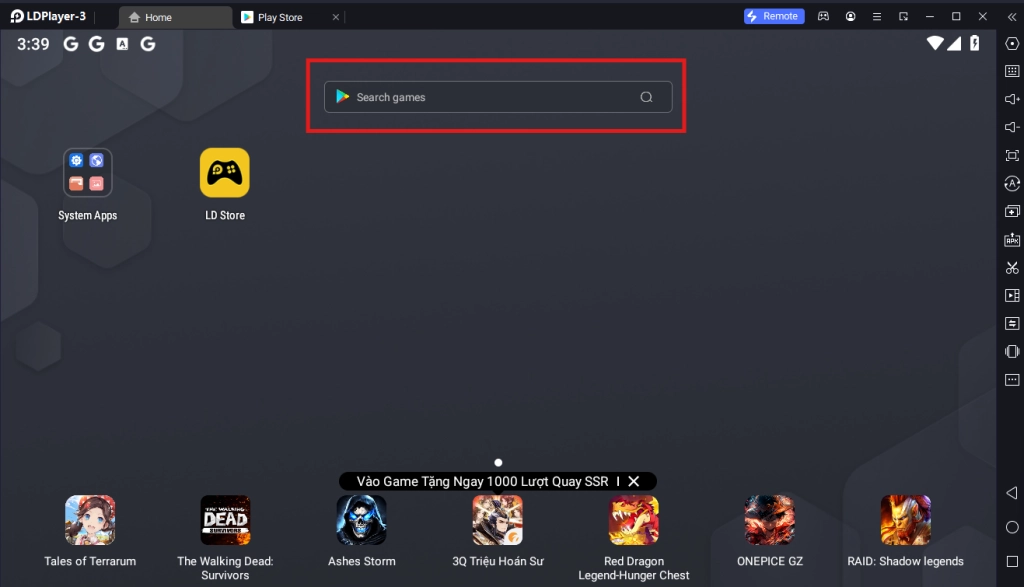
Once you have installed LDPlayer 9.0, to download Fate/Grand Order (English), simply search “Fate/Grand Order (English)” on the search bar on the main screen and install the game by clicking the “Install” button. Please make sure that the application being installed is the correct version of Fate/Grand Order (English) from Aniplex Inc..
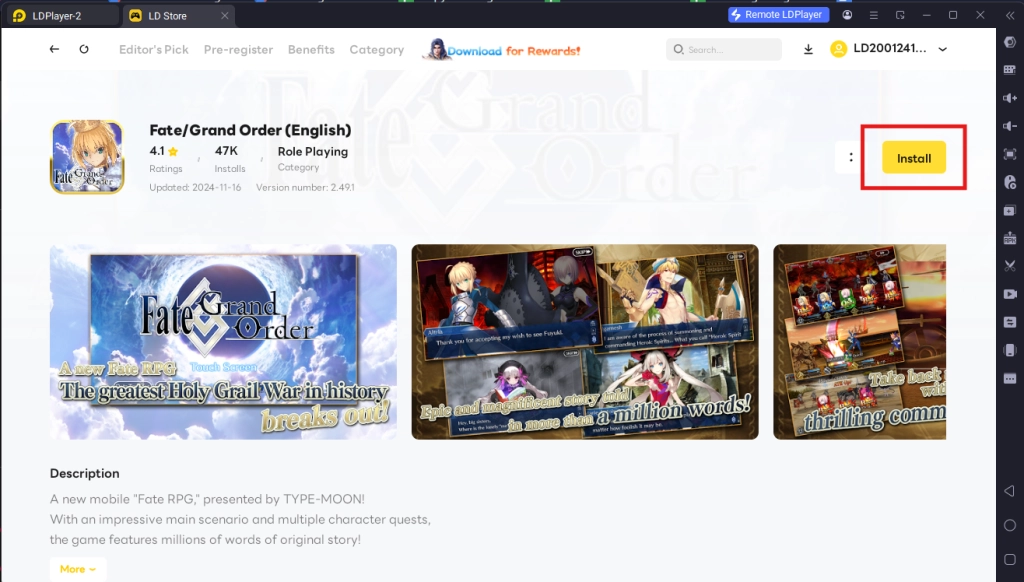
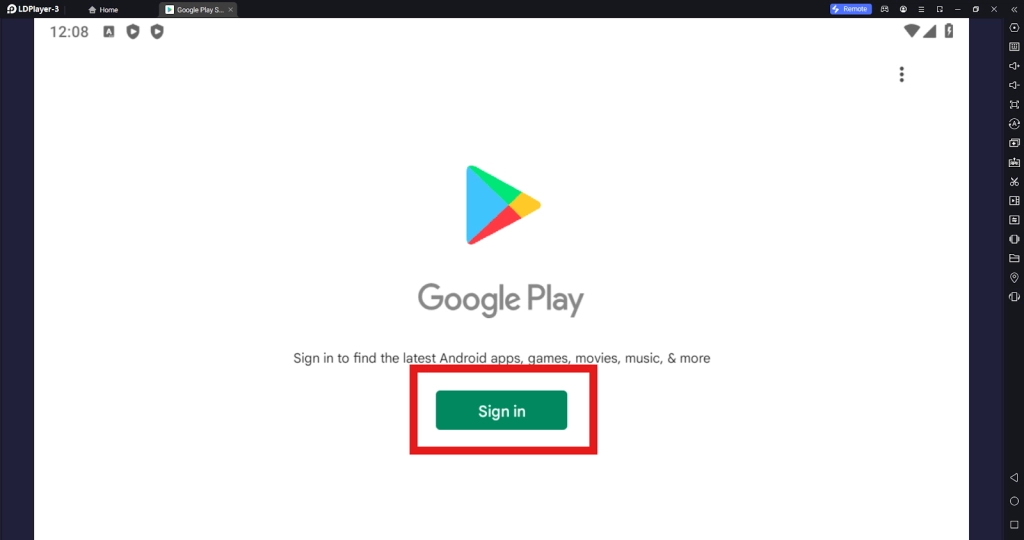
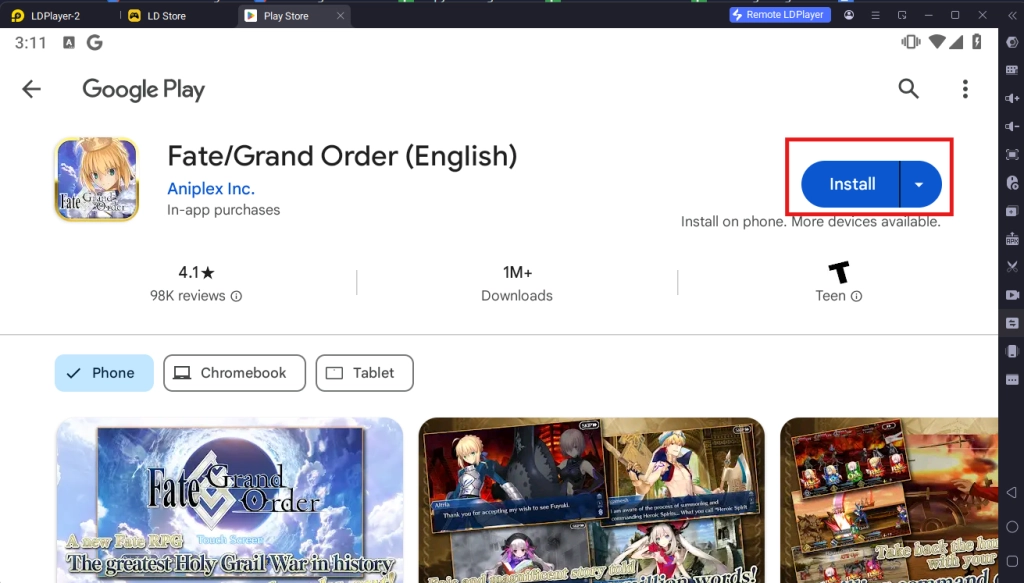
Upon clicking the “Install” button, players will be directed to the Google Play Store. Simply log into your pre-existing Google Play Account or create a new one by following the Google Play Store Instructions. Once finished, simply click the “Install” button on the Google Play Store page for Fate/Grand Order (English).
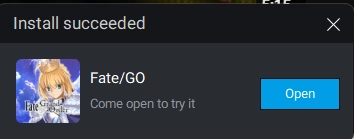
Once the application finishes downloading, players can launch the app directly from the home page of the Emulator instance after receiving a small notification notice.
Step 2: Game Data Download & Account Set-Up Process
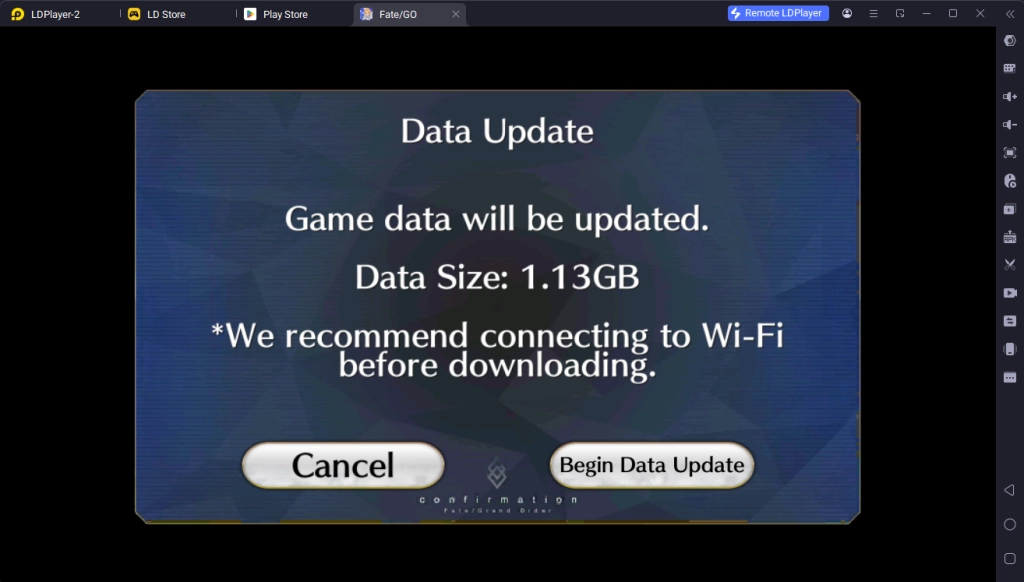
2.1 - Upon launching the game, you will need to download the initial set of game data necessary to start playing. Simply allow the game to download this patch of data to continue.
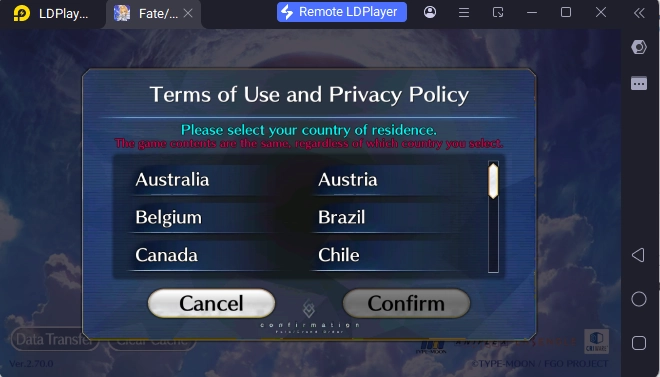
2.2 - Once the game data has been downloaded, you will be prompted to select a game region according to where you live. This choice does not affect your gameplay or connection to the game’s server so choosing whichever is fine.
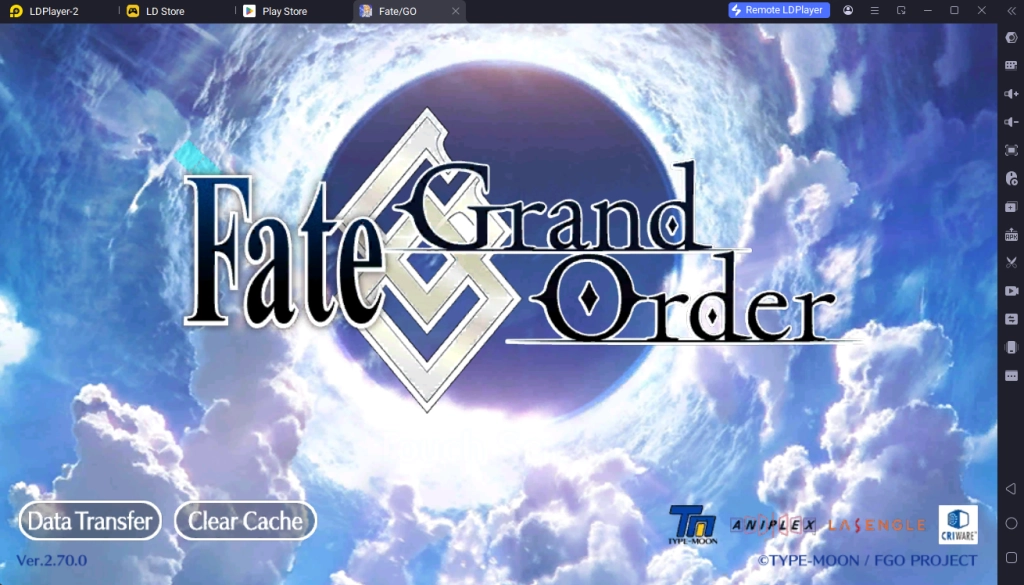
2.3 - For players who just started the game, simply click on the main screen to start the game and complete the tutorial mission.
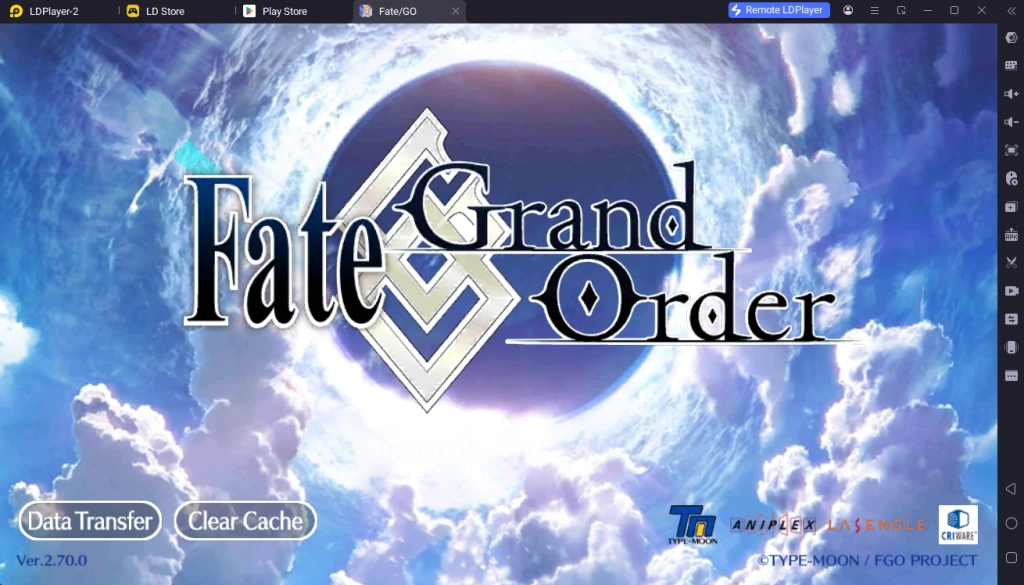
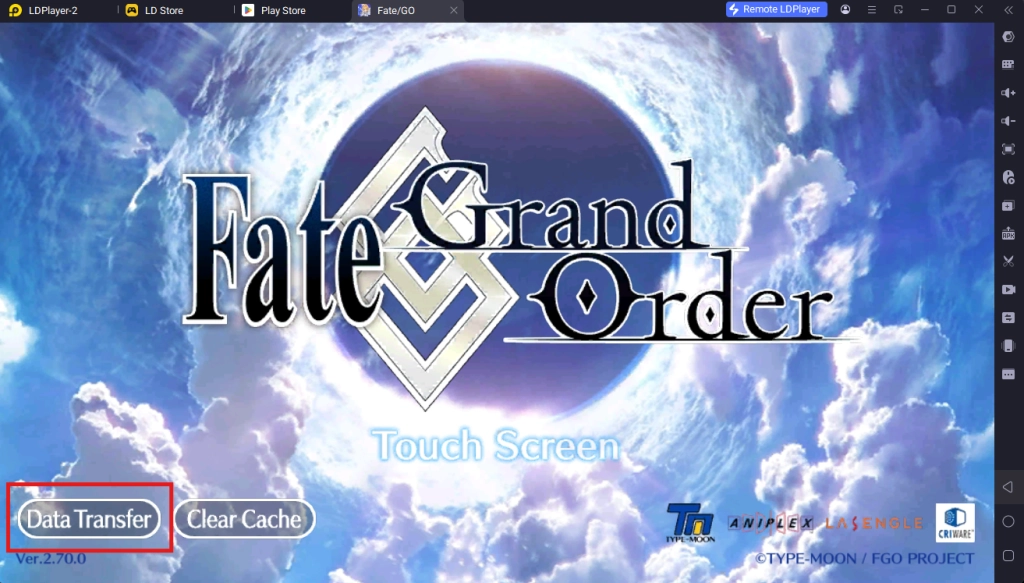
2.4 - For players who want to transfer their data from another account, simply click the Data Transfer button on the Bottom Left corner and input the number code and password of your account. Please note that each transfer code can only be used Once so make sure that your code is new before doing the transfer.
Special Recommended Settings & Features
Fate/Grand Order High FPS & Graphics Settings
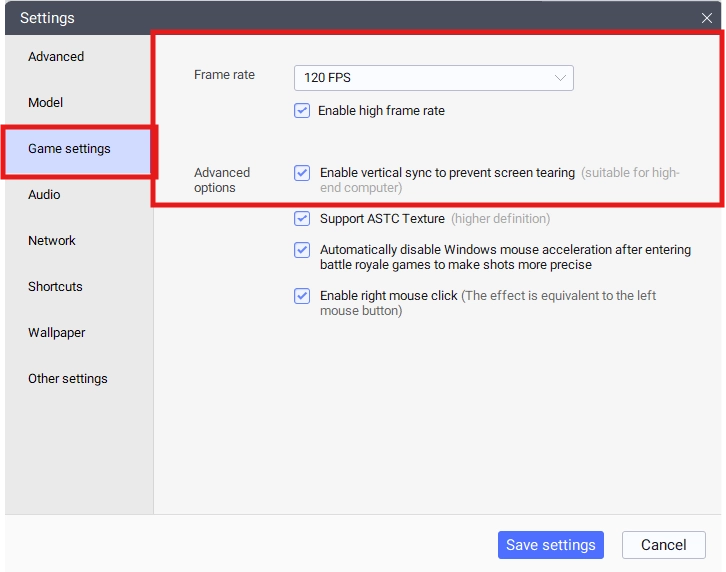
For players who want to experience Fate/Grand Order (English) in all of its high-quality glory and be able to accommodate the game’s highest graphics options, it is highly recommended that players turn on the specially supported 120 FPS option for the LDPlayer 9.0 Emulator.
- To turn on the 120 FPS settings, players will need to use the Game Settings tab in the Settings menu. Simply adjust the Frame Rate option, select the 120 FPS option and tick the “enable high frame rate” selection box. For higher-end PCs, players can also tick the “enable V-sync to prevent screen tearing” for smoother gameplay.
- For lower-end PCs, players can opt for lower-end graphics setting packs that can be downloaded directly from the game, with the option to lower the FPS requirements to accommodate the game’s graphics requirements.
Multi-Instances For Best Account Rerolling
Since Fate/Grand Order (English) is a gacha mobile game, it is inevitable that you may not be able to get your favorite characters when drawing in the game at the start and want to start over by rerolling the perfect account for future gameplay. If this is the case, then you should take full advantage of LDPlayers’ Multi-Instances function that allows them to play multiple accounts of Fate/Grand Order (English) on PC at the same time to reroll the perfect account!
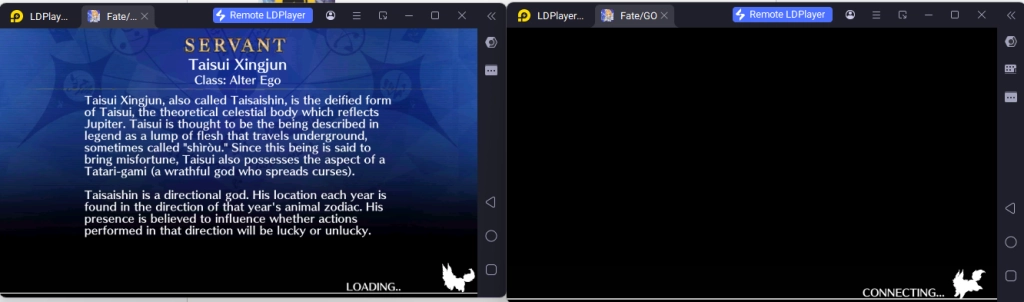
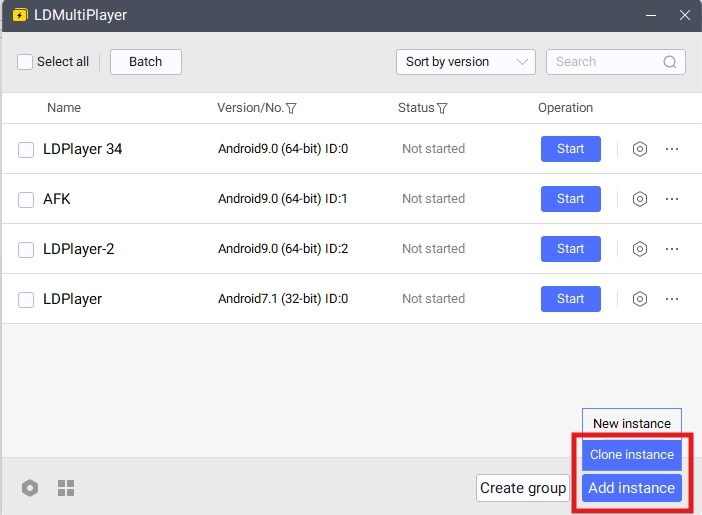
To play multiple instances of LDPlayer at the same time, you can access the LDPlayer Multi Instances application installed when downloading LDPlayer 9.0 on your desktop.
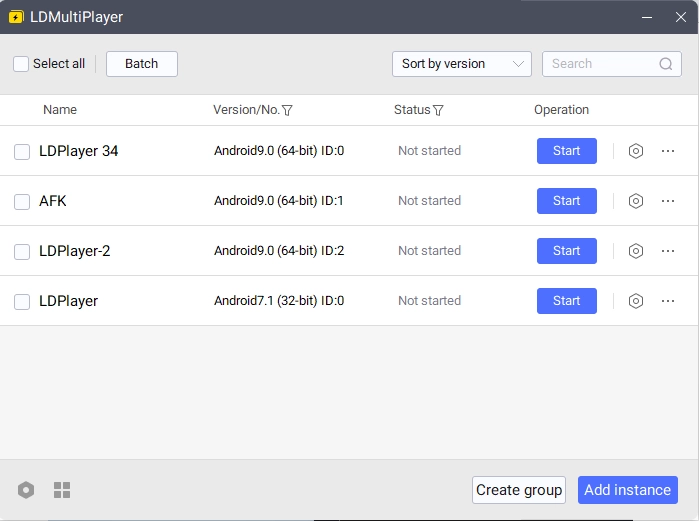
Once opened, you will be able to control the different instances for LDPlayer from this menu. To make a new Instance, simply click on the “Add Instance” button.
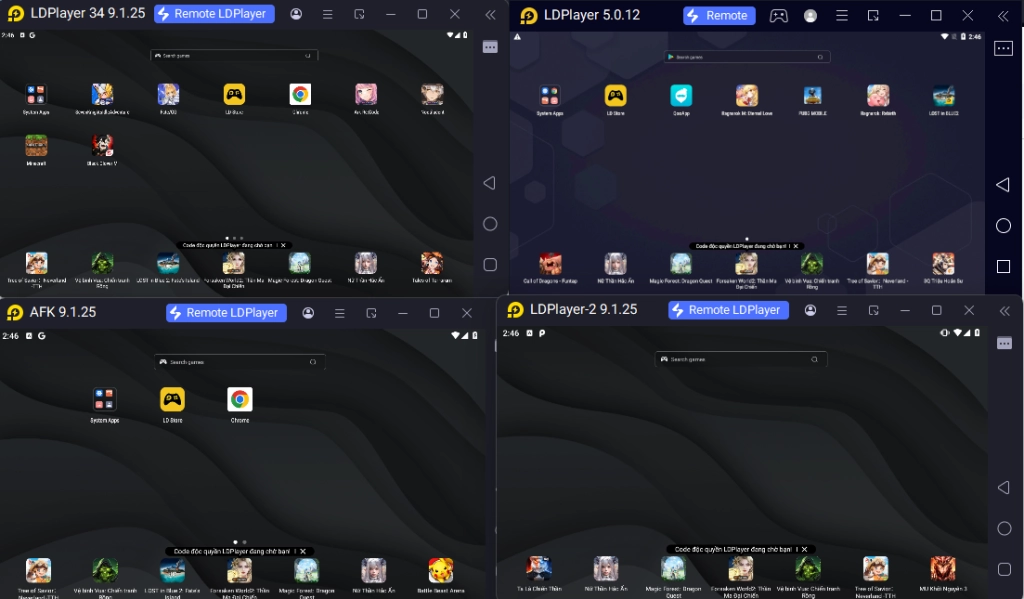
Once you have 2 or more instances, simply click “Start” on both of the Instances to open them both at the same time.
Special Tips: If you are rerolling for games, it is recommended that you download the full game data in one instance first, then use the special “Clone Instance” option to clone the data from an existing Instance immediately. This will help save you time from having to download the game data multiple times for multiple instances.
Conclusion
Experience the critically acclaimed mobile gacha game of the last decades and summon all of your favorite and famous waifus and husbandos from the Fate Franchise by playing Fate/Grand Order (English) on PC with the help of LDPlayer 9.0, the best emulator today!
Some amazing Fate/Grand Order game guides to help you on your journey:
- Fate/Grand Order Reroll Guide