How to Download and Play Granny on PC - Beginners Guide
2024-12-03
Are you looking for a horror experience unlike any other this Halloween? Or perhaps you are into puzzle games similar to real-life escape rooms. Then you will have the time of your life running from the scary Granny while uncovering the hidden secrets buried inside her dark home when playing Granny on PC with the help of LDPlayer 9.0 by following 3 easy-to-follow steps.
Table of Contents
Play Granny On PC With LDPlayer In 3 Easy Steps
Step 1: Download The Official LDPlayer 9.0 Emulator & Install Granny On PC
To start your Granny on PC journey, simply follow these instructions:
1.1 - Firstly, download the official LDPlayer 9.0 Emulator from the official LDPlayer website. Complete the download and installation process by simply following the instructions. Once the installation process is complete, simply launch an Emulator instance of LDPlayer 9.0 straight from your PC.
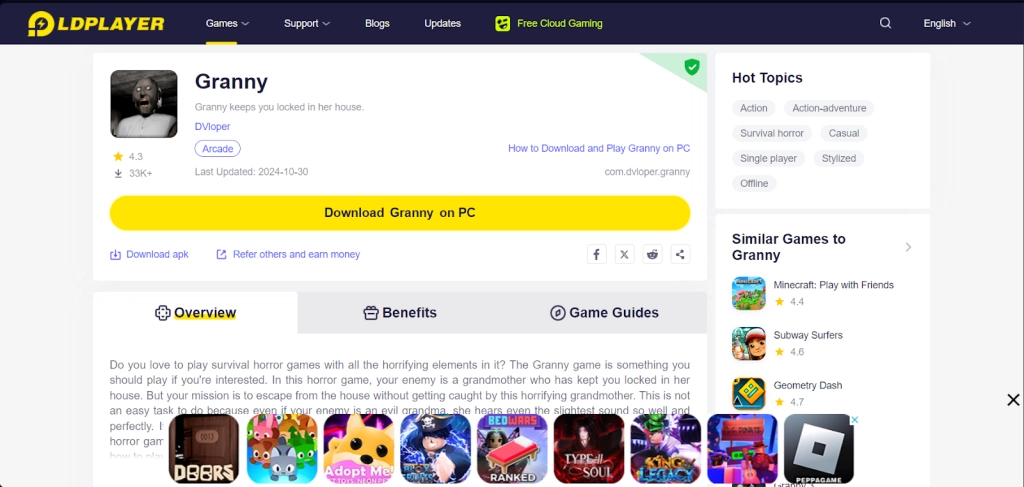
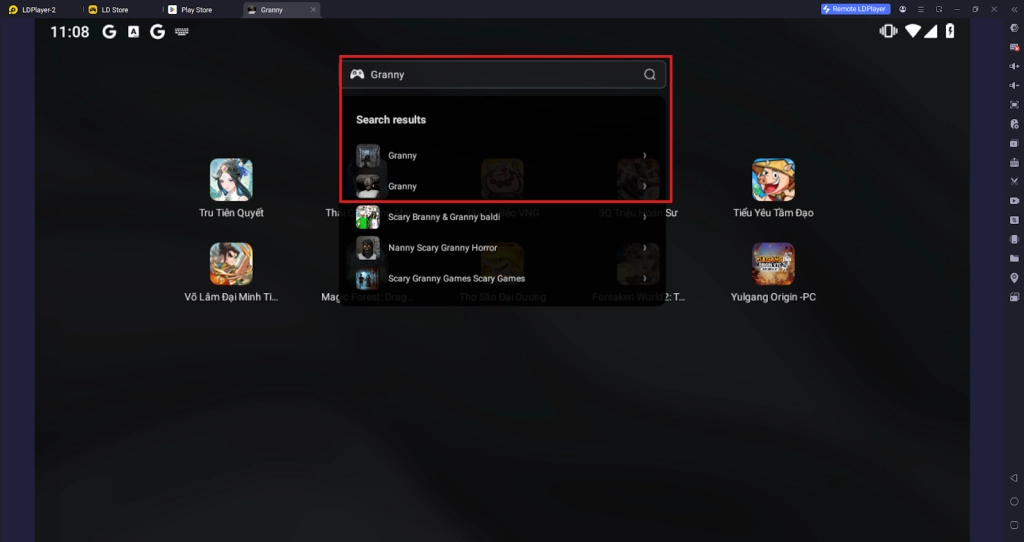
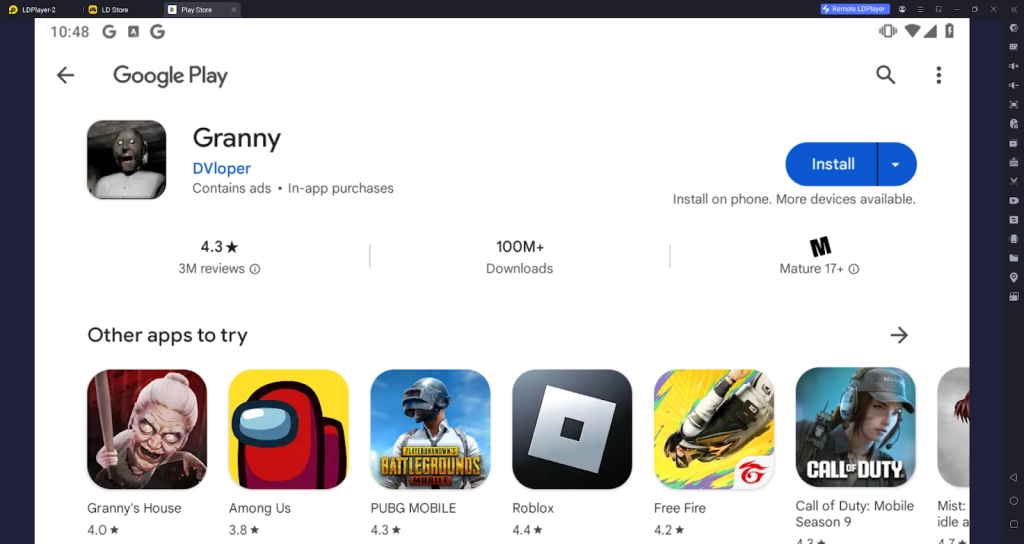
1.2 - Next, to download Granny, simply search “Granny” on the search bar on the main screen and Install the game by clicking the “Install” button. Please make sure that the application being installed is the correct version of Granny by DVloper.
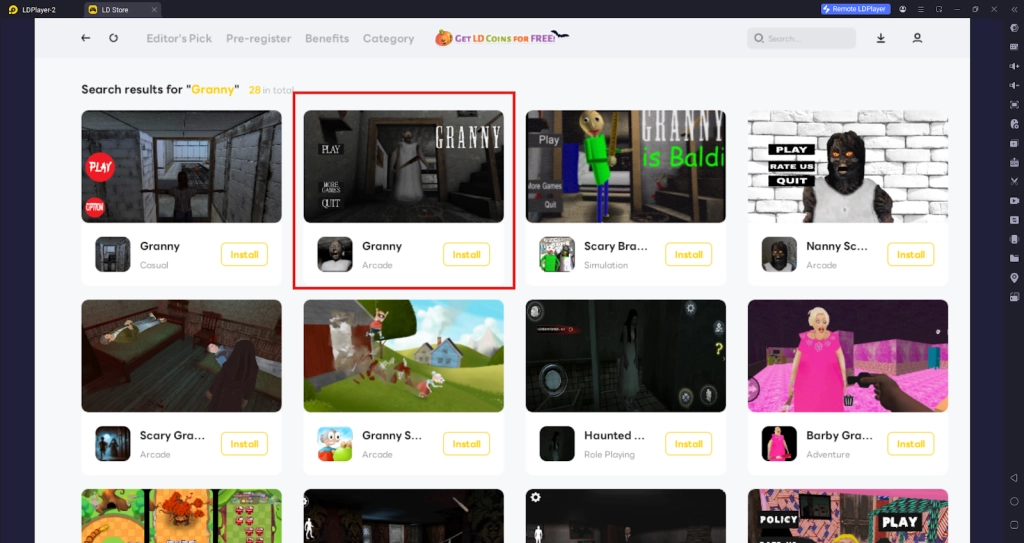
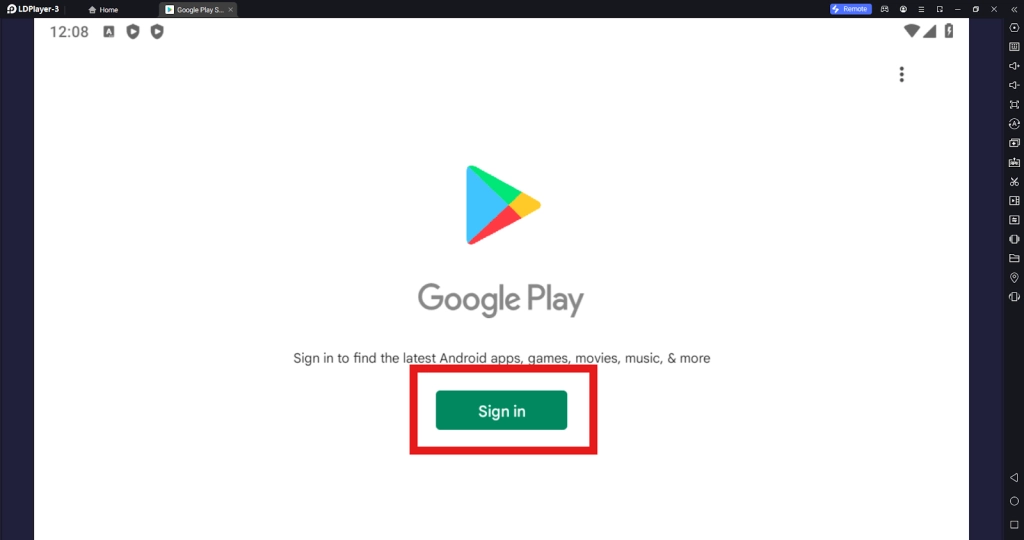
1.3 - Upon clicking the “Install” button, players will be directed to the Google Play Store. Simply log into your pre-existing Google Play Account or create a new one by following the Google Play Store Instructions. Once finished, simply click the “Install” button on the Google Play Store page for Granny.
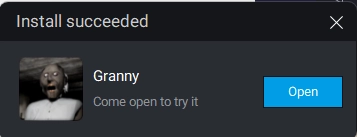
1.4 - Once the application finishes downloading, players can launch the app directly from the home page of the Emulator instance after receiving a small notification notice.
Step 2: How To Set Up The Game Data And Challenge Options
To set up the game data download and to link your data to an account to avoid data loss, players should follow the following steps:
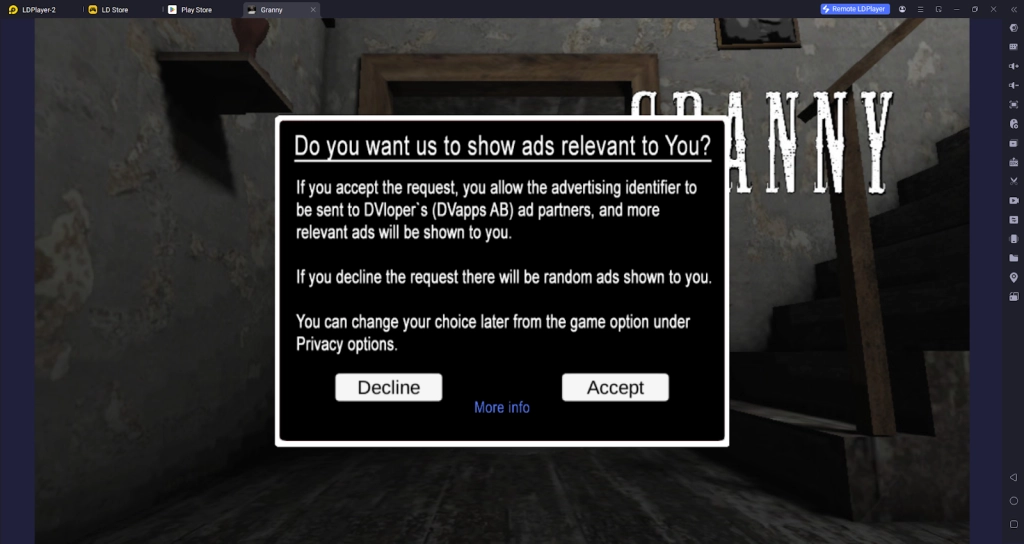
2.1 - After this, players will be prompted to deny or access the App Tracking services for better ads service. Simply Deny or Accept this to continue the game.
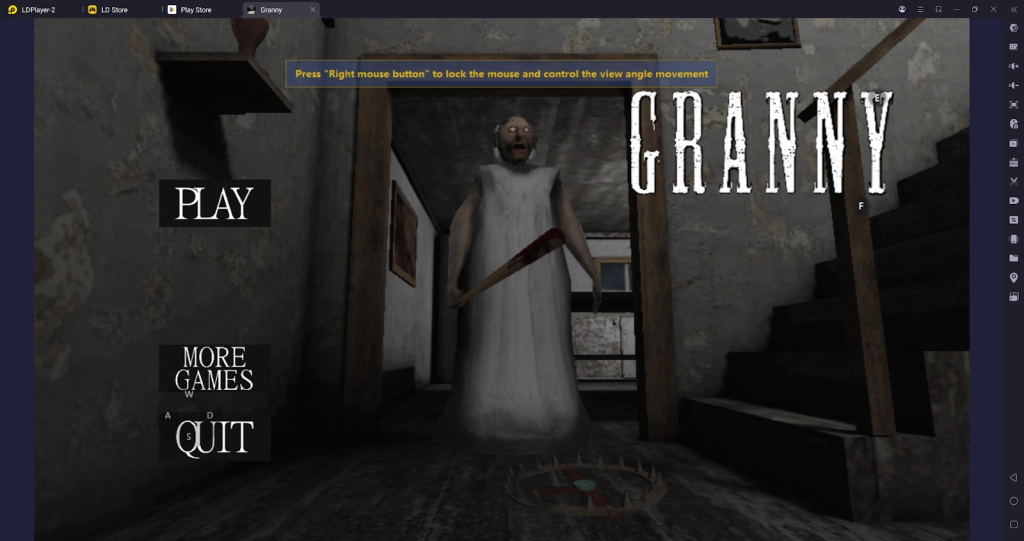
2.2 - Afterward, players can immediately start playing the game by clicking on the game’s title screen.
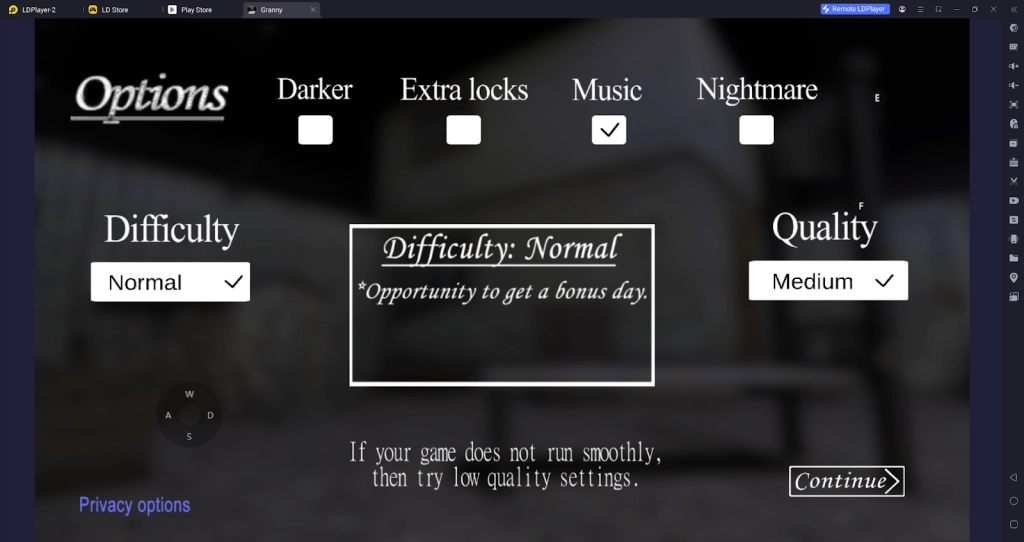
2.3 - Upon clicking the play button, players will be treated with the game’s setting menu that allows them to adjust the game difficulty settings before starting the game. For newer players, it is recommended that you don’t touch any of the challenge options to get an easy experience at the start. For veteran players of the game, you can increase the game difficulty by increasing the number of locks by ticking the challenge boxes.
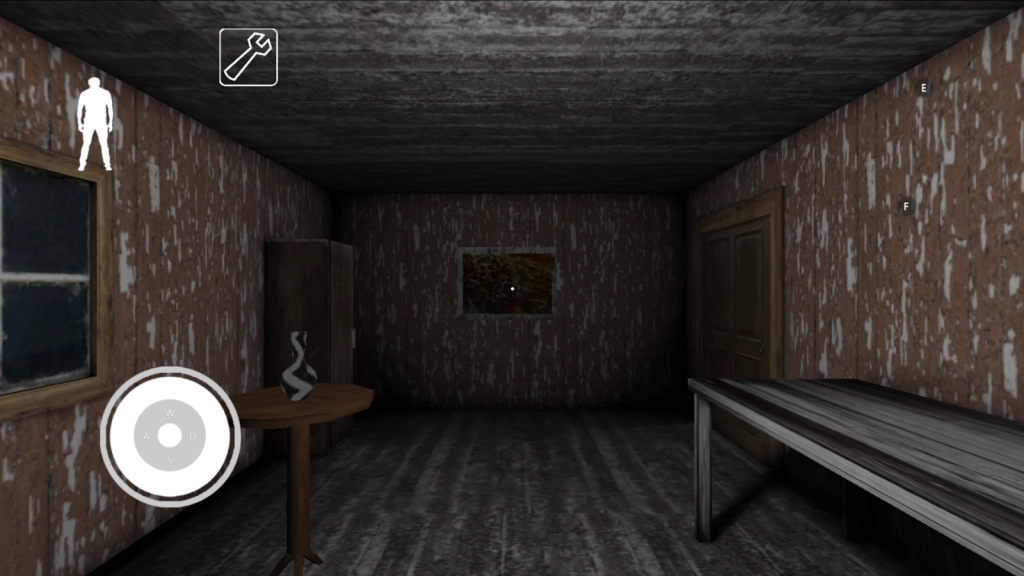
2.4 - Once done, players will be able to play the game right away and explore the creepy house of Granny. Try not to get caught by the creepy lady!
Step 3: Play Granny Online For Free
If players’ PC setup is not up to the bar to set up Granny on LDPlayer, they will have the chance to experience the game online for free from the comfort of their browser.
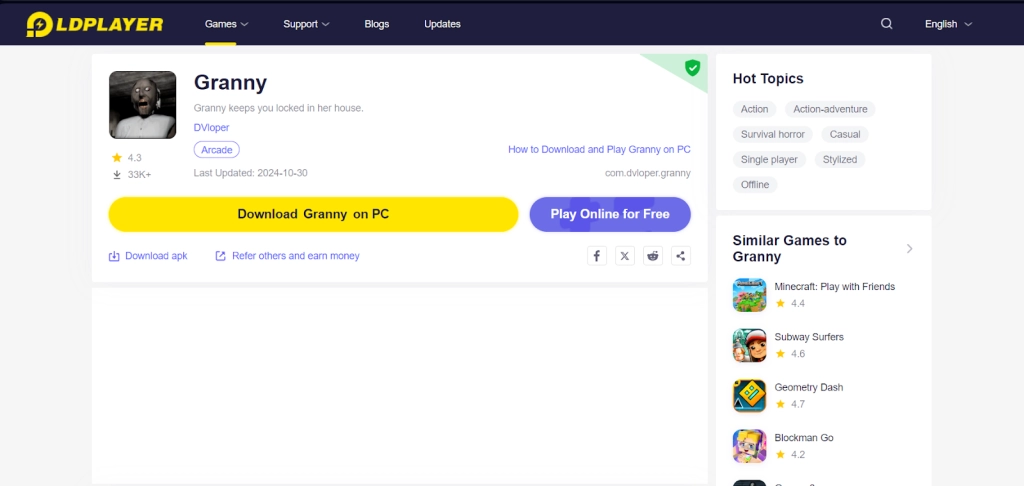
To experience this, players can simply go back to the LDPlayer website and use the special “Play Online For Free” option.
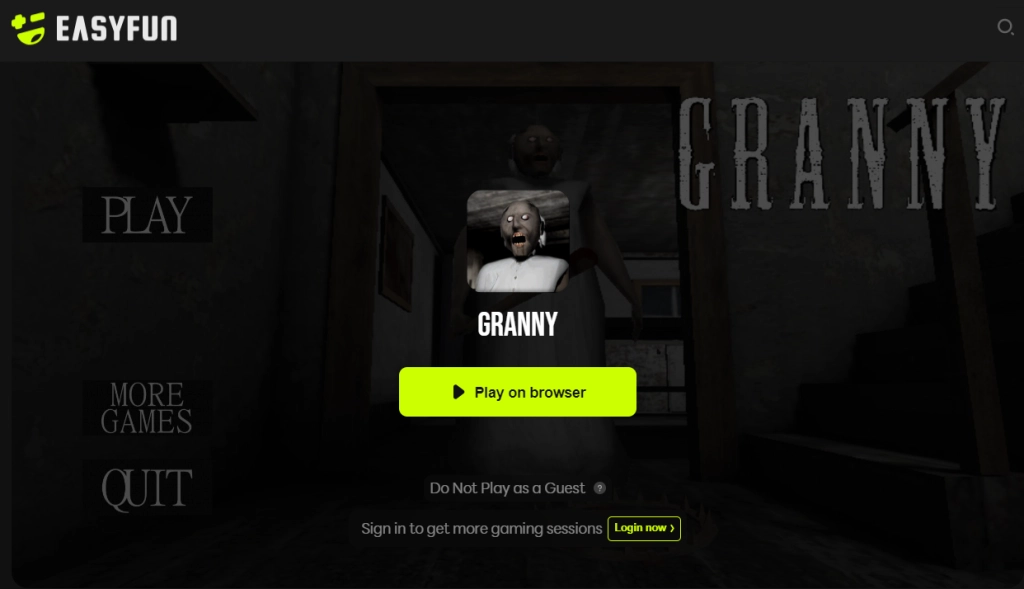
By clicking the option, they will be directed to the easyfun site for Granny, allowing them to experience the game a set amount of times each session without having to download any game data.
Special Recommended Settings & Features
Enjoy The Spooky Environment In Fullscreen
For many players, the experience of horror is something that should be experienced when they are immersed in the experience. Therefore, to increase the scary factor and help players experience Granny on PC as best as they can, players can make the LDPlayer 9.0 Emulator Instance change into fullscreen mode.
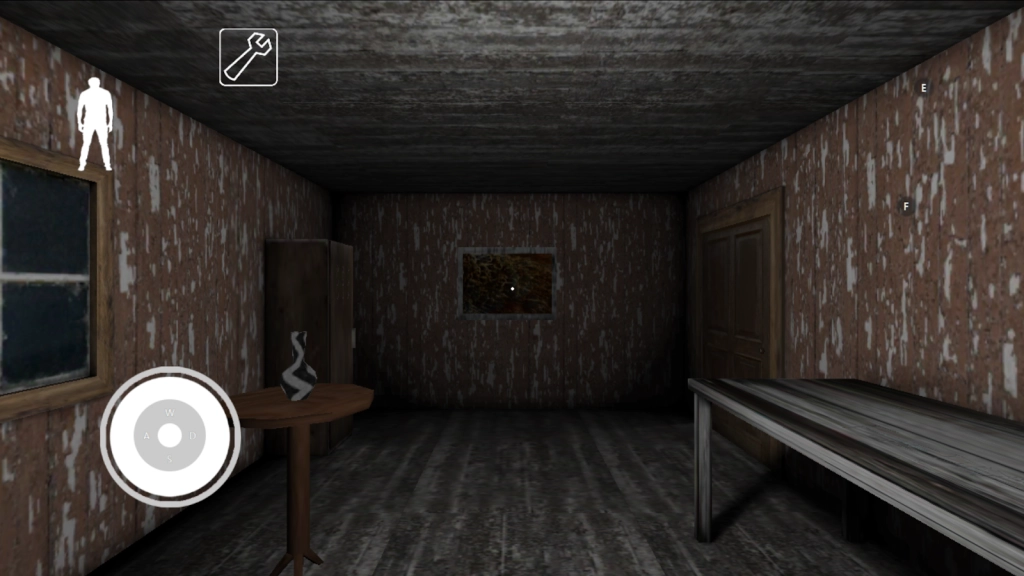
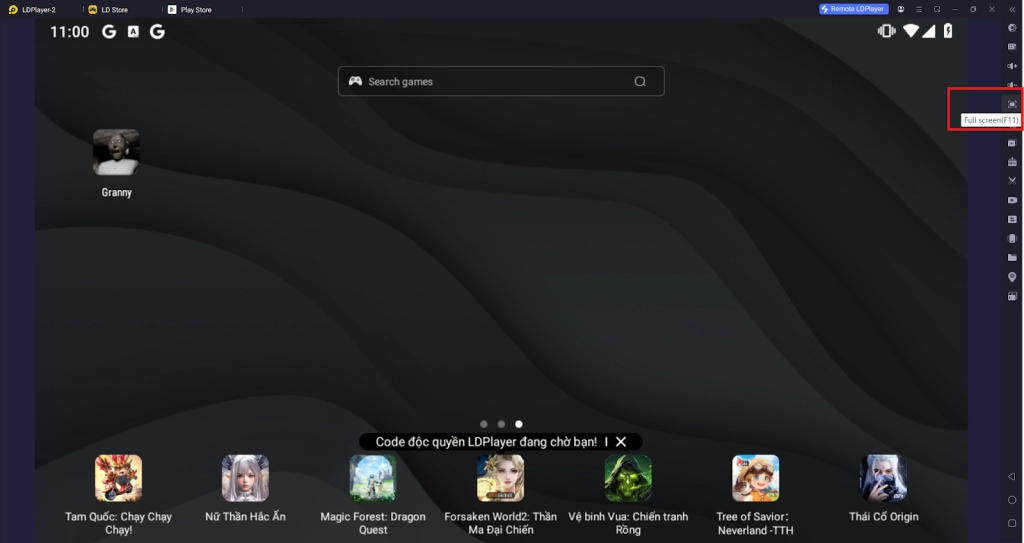
To enable fullscreen mode, simply select the Fullscreen button on the Emulator Sidebar on the right or simply use the F11 command when playing the game to immerse yourself fully into the game without any interruptions.
Keyboard Mapping Specially Designed For Smoother Movements In Granny
To minimize the delay between moving the mouse on PC as opposed to using your fingers on phones, you can opt to control the game movements when playing Granny by using their Keyboards instead.
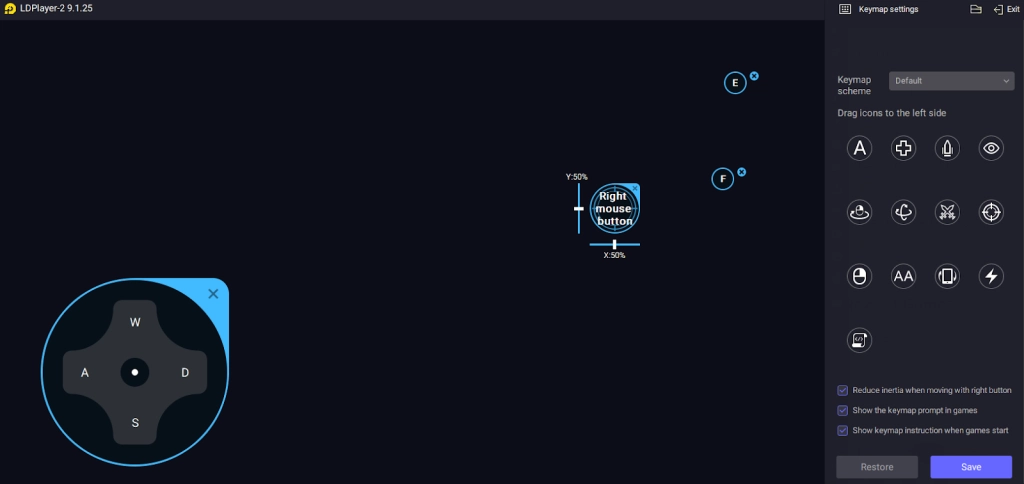
Upon launching Granny on PC, players will be able to fully utilize the specially designed Key Mapping button setups pre-set for the game to control movements.
If players do not find the button's positions good enough or if the players want to change the key binding for these movements, simply choose the Keyboard Mapping button on the Emulator sidebar and adjust the buttons by dragging their positions and assigning new keys to them.
Conclusion
Experience an escape room-like horror game with many mysteries, puzzles, and a very dangerous Granny hunting you down this Halloween by playing Granny on PC with the help of LDPlayer 9.0, the best emulator today!
For players who want to know how to beat Granny at her games, consider the following Game Guides for knowledge: