How to Download and Play Idle Dragon Princess : AFK RPG on PC -Beginners Guide
2024-12-03
Idle Dragon Princess : AFK RPG is an idle RPG where players act as a hero summoned by a lazy dragon princess, fighting against various monsters until you conquer the world! Play Idle Dragon Princess : AFK RPG on PC today with the help of LDPlayer and delve headfirst into the epic world!
Download and Play Idle Dragon Princess : AFK RPG on PC in 2 Steps
Step 1: Download LDPlayer 9.0 and Install Idle Dragon Princess : AFK RPG on PC
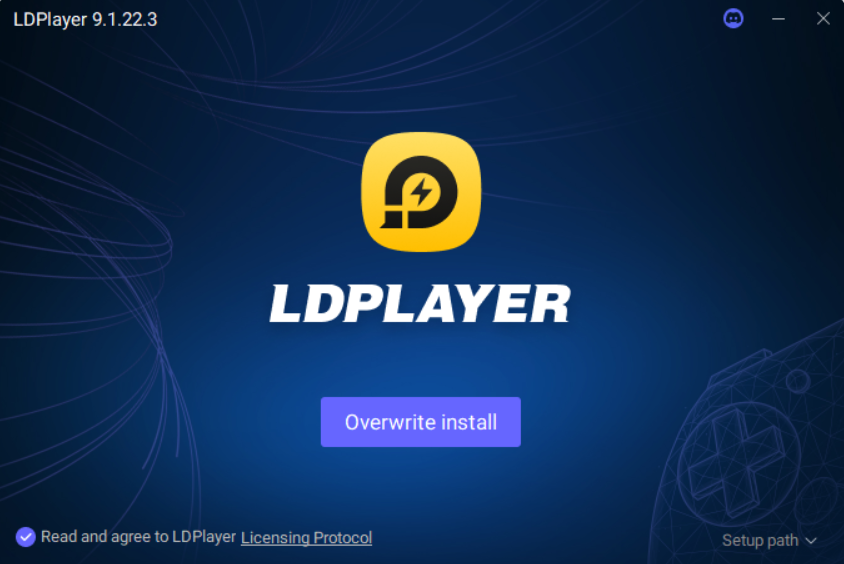
1.1 Click the “Download Idle Dragon Princess : AFK RPG on PC” button on the official website and download LDPlayer 9.0.
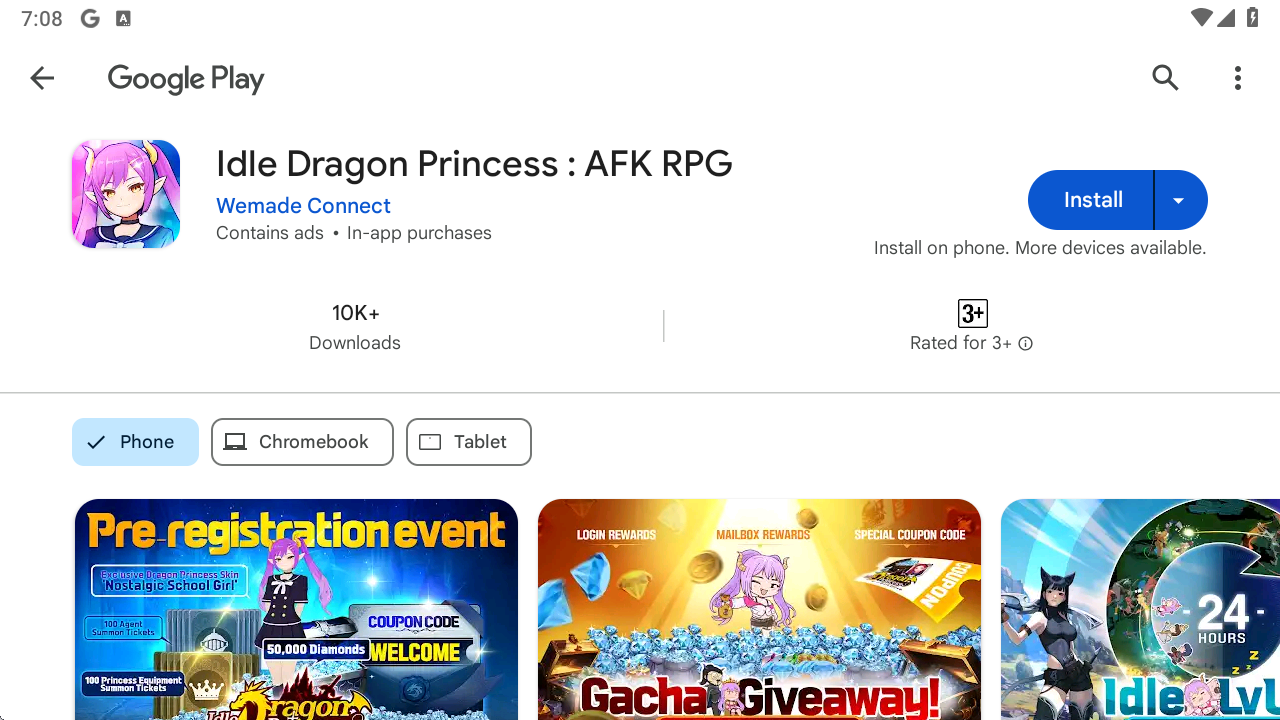
1.2 Enter “Idle Dragon Princess : AFK RPG” into the search bar of LDPlayer and find the correct version by Wemade Connect.

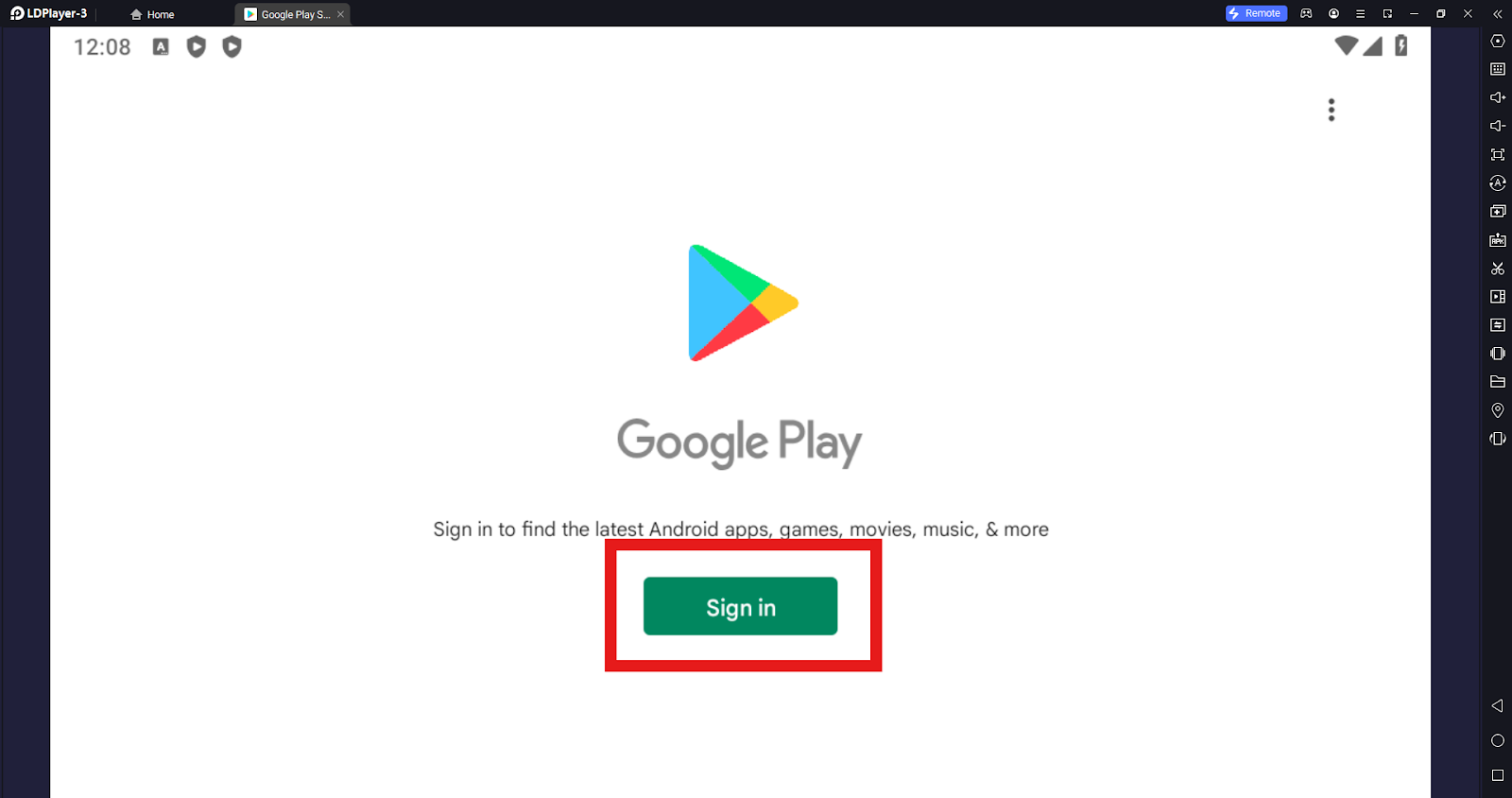
1.3 Upon redirected to Google Play, sign in and continue your installation.
Step 2: Play Idle Dragon Princess : AFK RPG on PC
2.1 Click the application icon to launch Idle Dragon Princess : AFK RPG on PC.

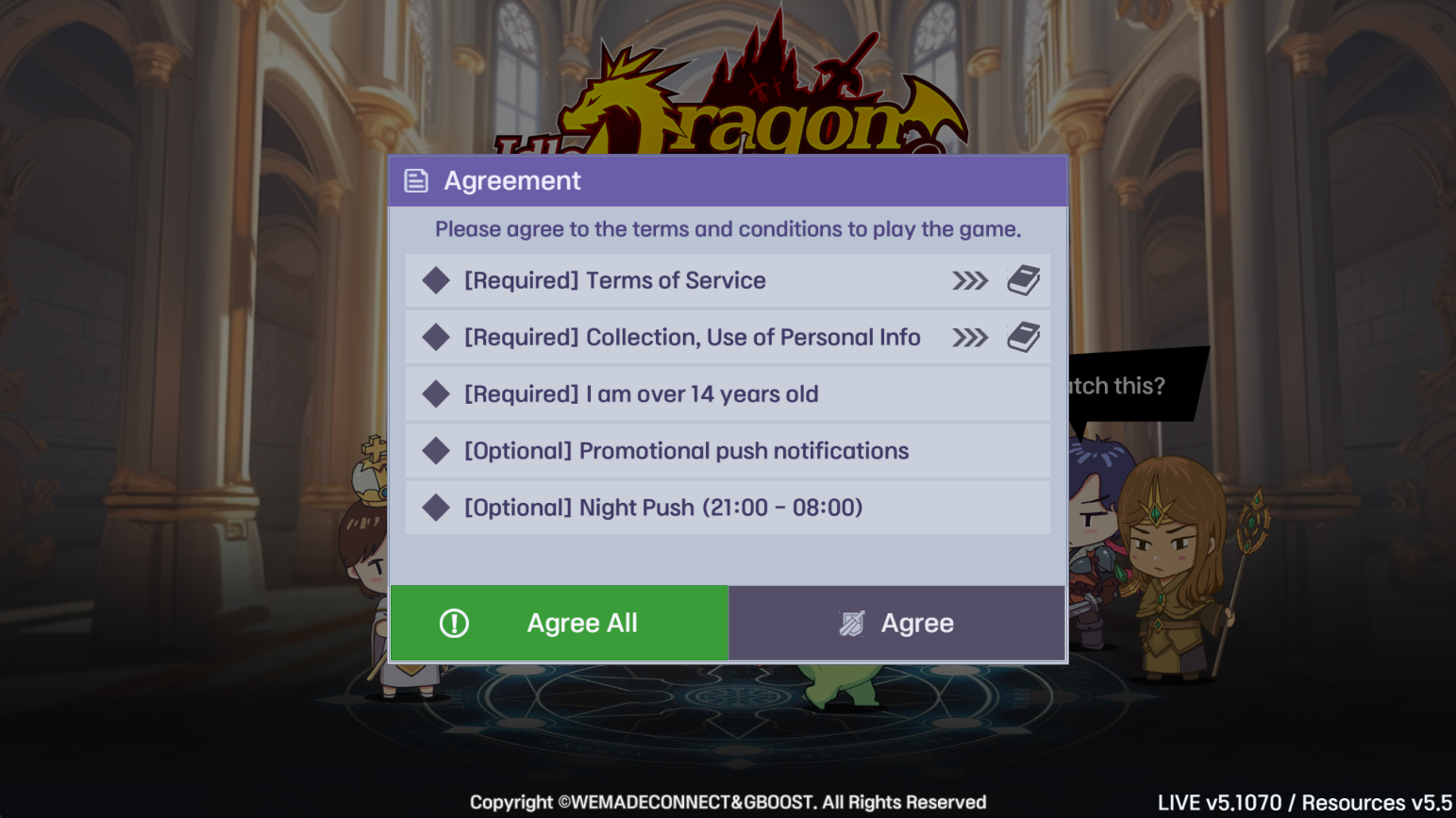
2.2 Tick the three required terms to confirm your agreement. Kindly note that to play Idle Dragon Princess : AFK RPG has a minimum age requirement and please make sure that you are over 14 years old before playing.
2.3 Idle Dragon Princess : AFK RPG will ask for your permission for access to your device’s data. Please click Allow to proceed.
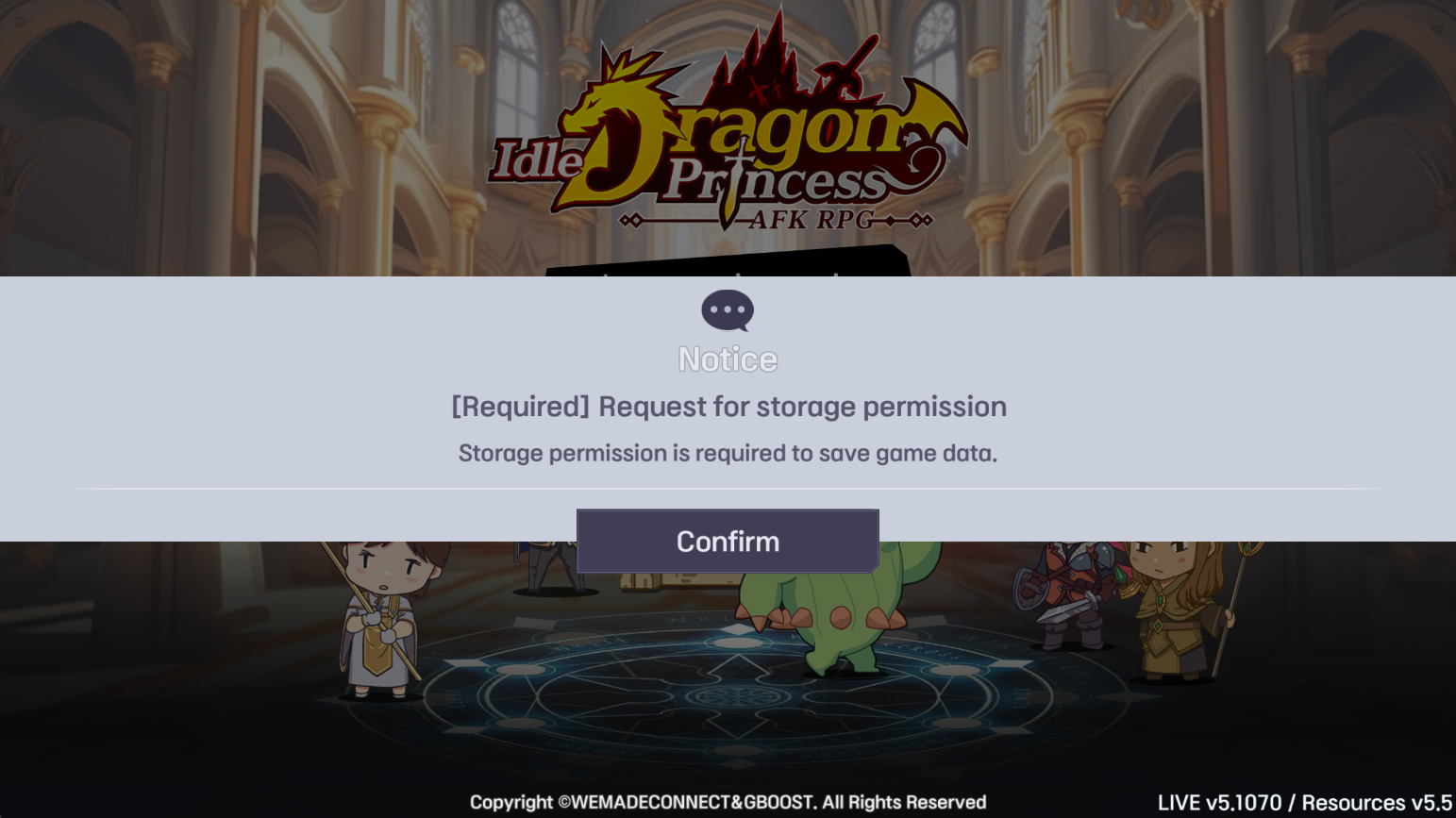
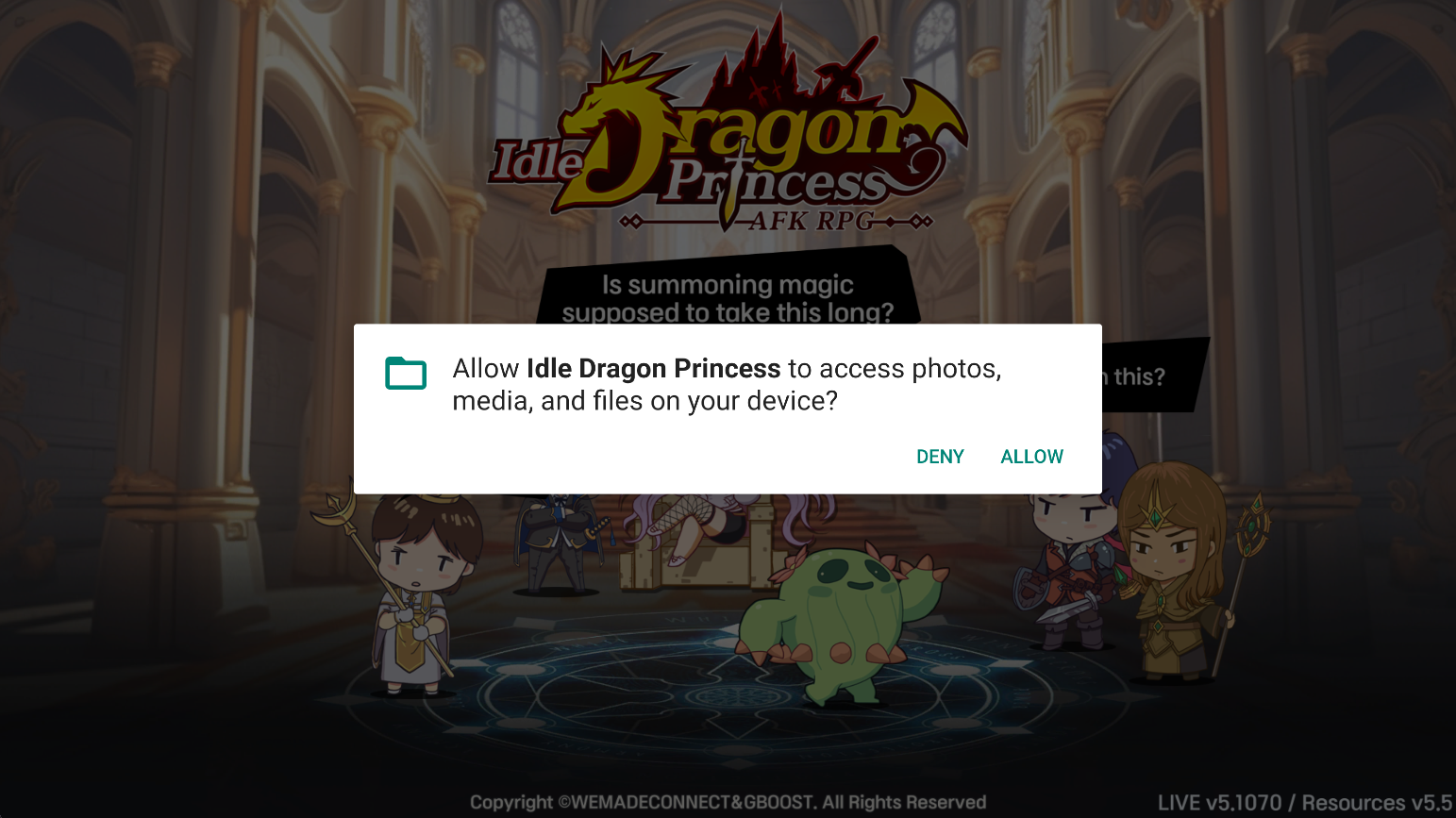
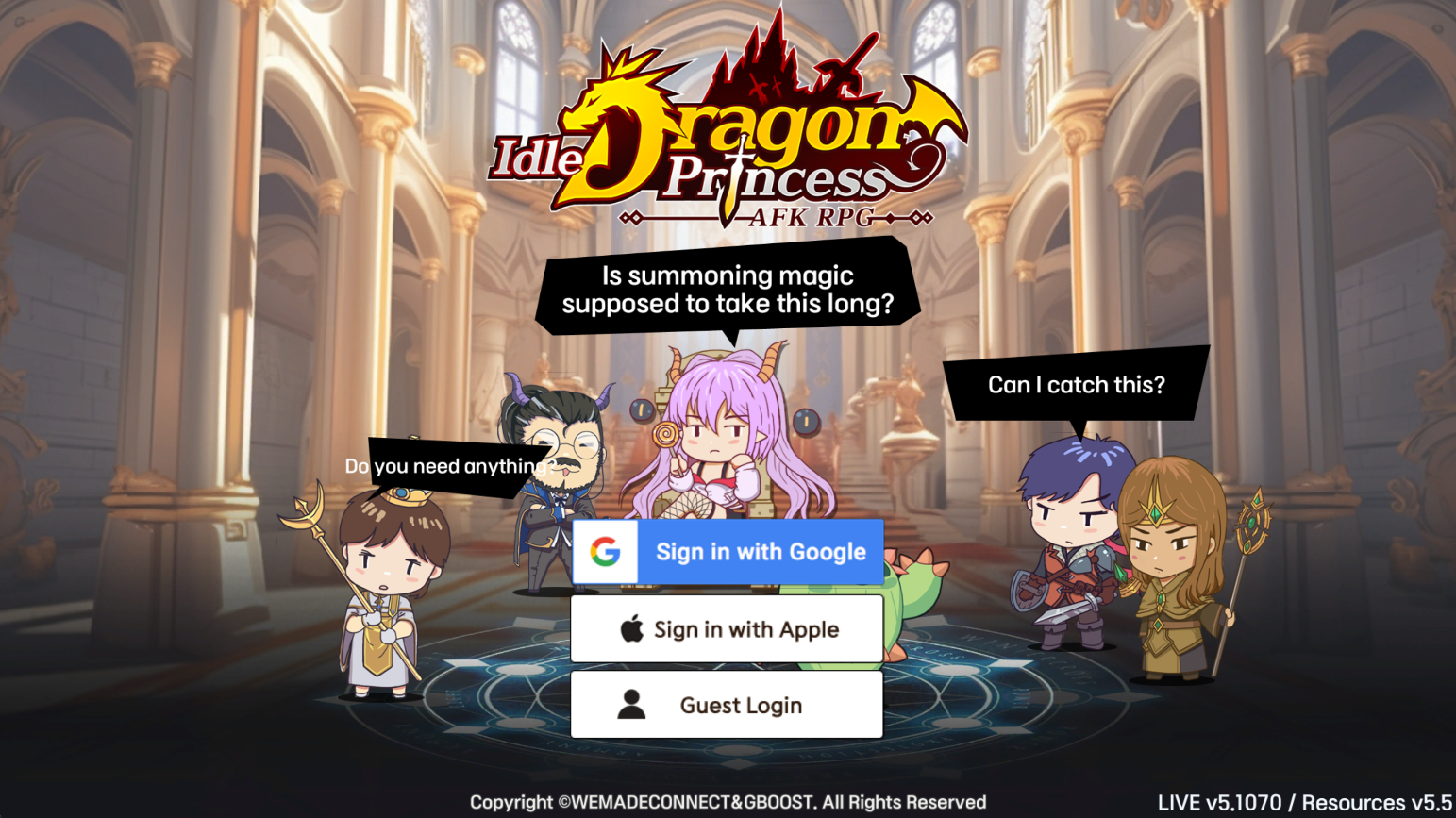
2.4 Idle Dragon Princess : AFK RPG provides three sign-in methods. Simply choose one to create a game account.
2.5 Click Confirm to download the initial resources.

2.6 Upon completion, you can see the opening screen of Idle Dragon Princess : AFK RPG and are able to choose a server and enter the game.
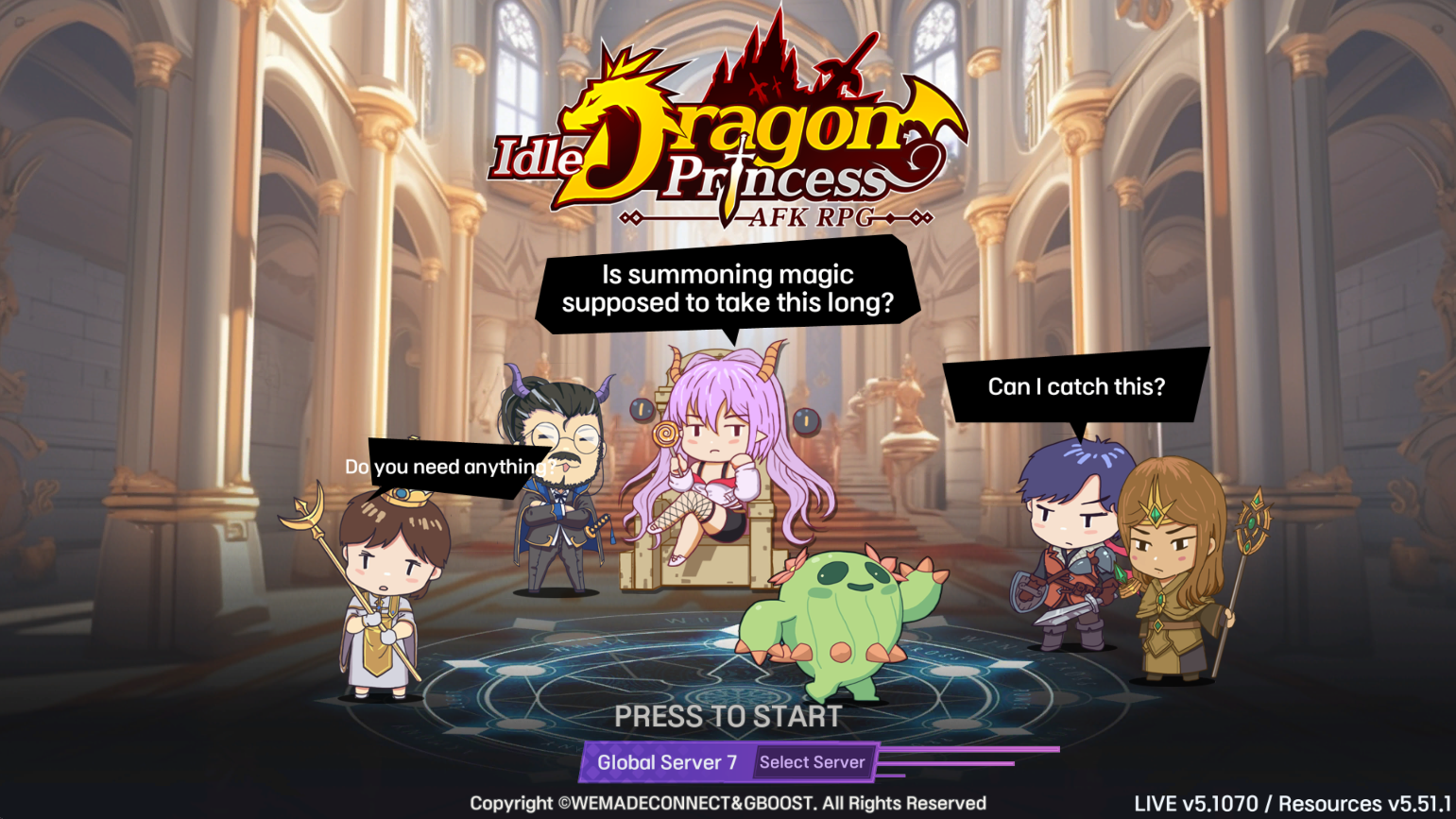

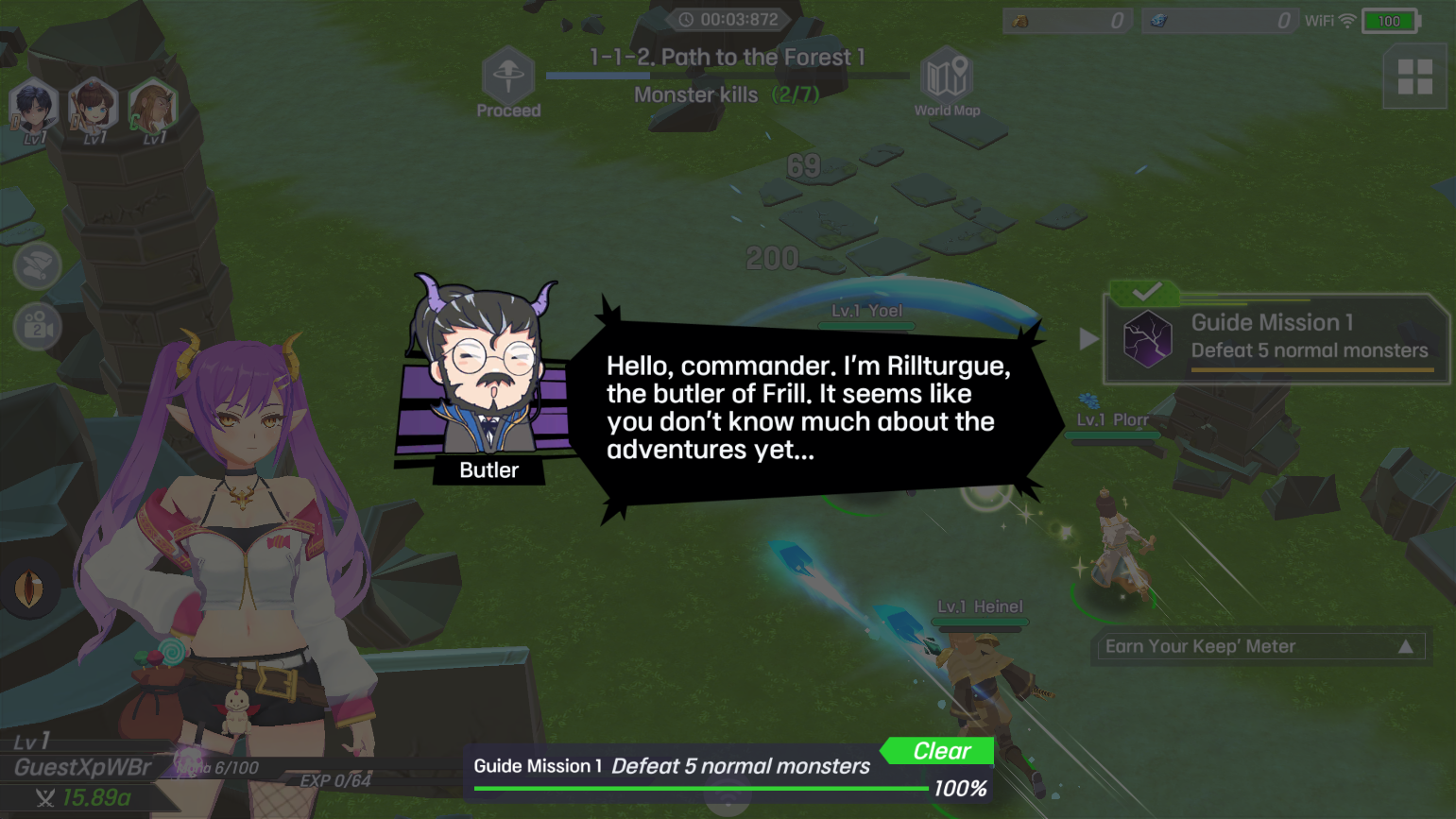
2.7 Now enjoy your fights with the adorable dragon princess to start your adventure and conquer the world!
Common Problems You May Come Across and Possible Solutions
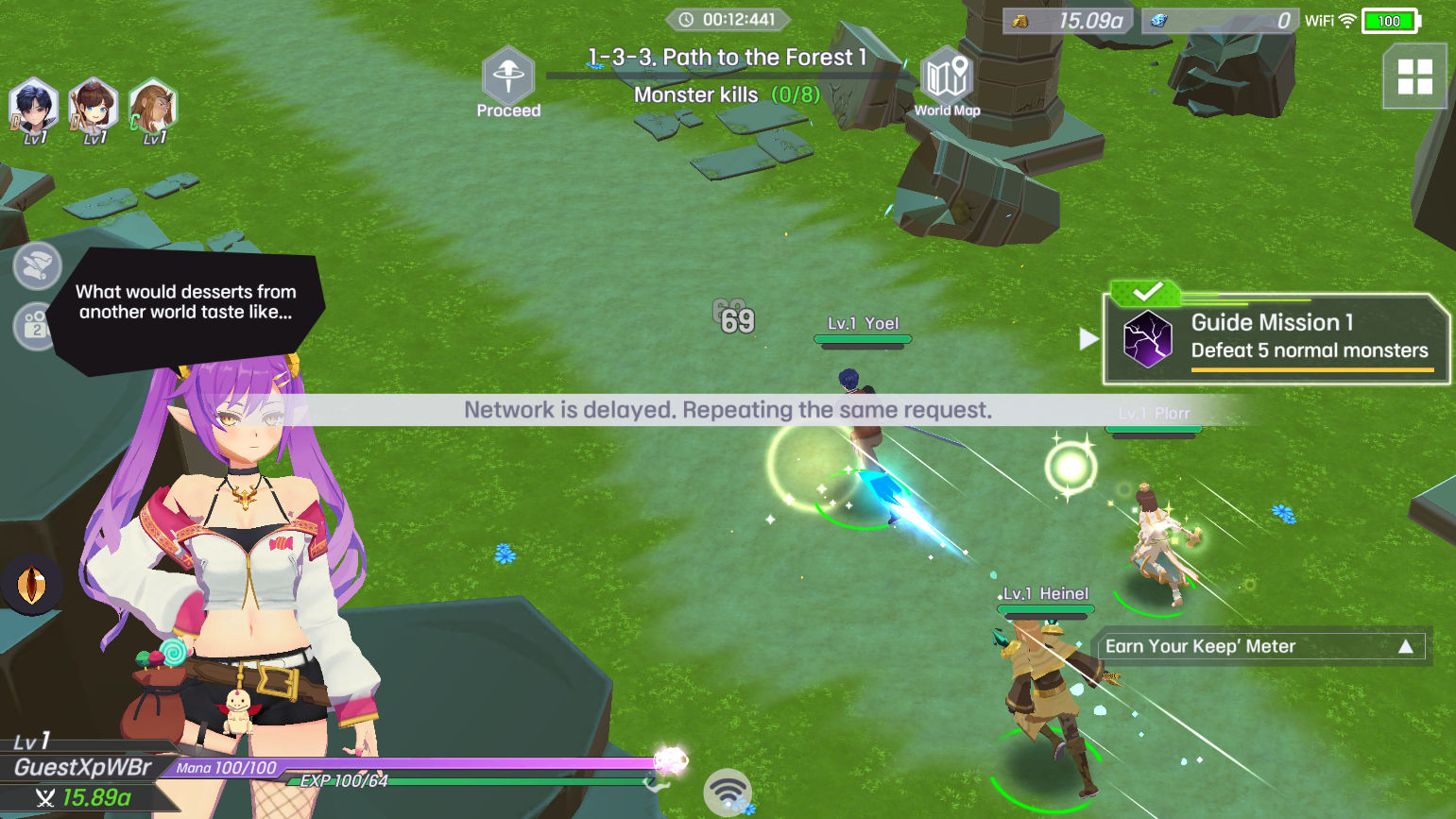
How to Improve Network Condition of Emulator
If you find that a network delay problem constantly exists throughout your gameplay, which will affect your gaming experience, but can not fix it even after several efforts to reset the network setting, then you can follow the guide below to set up Network Bridging to increase the stability of your emulator’s internet: How to set up network bridging on the Android emulator LDPlayer-Network Bridging-LDPlayer
Special LD-Features for Playing Idle Dragon Princess : AFK RPG on PC
Multi-Instances Function
As Idle Dragon Princess : AFK RPG has an auto-battle system, you can simply run the game in the background and turn to other games on PC with the LDMultiPlayer tool.
Simply open the MultiPlayer on the right sidebar of your emulator or press “Ctrl + 2” directly.

Here you can click Add instance to create multiple instances of LDPlayer.

Conclusion
Play Idle Dragon Princess : AFK RPG on PC through LDPlayer for the best experience! Make your mark on every corner of this magical world!