How to Download and Play Lord of Nazarick on PC -Beginners Guide
2024-12-03
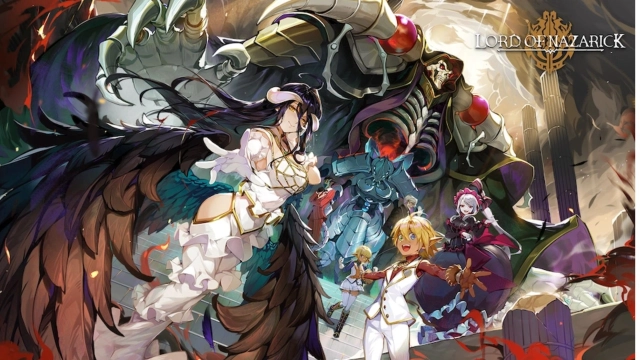
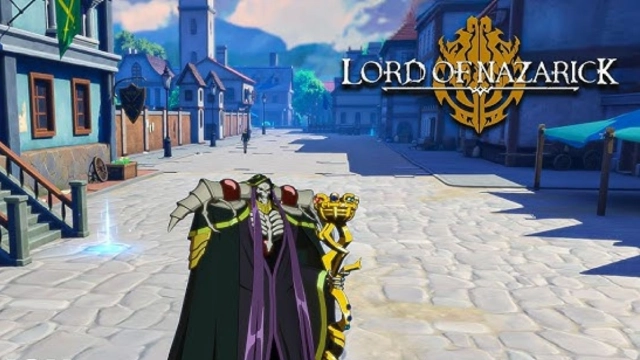
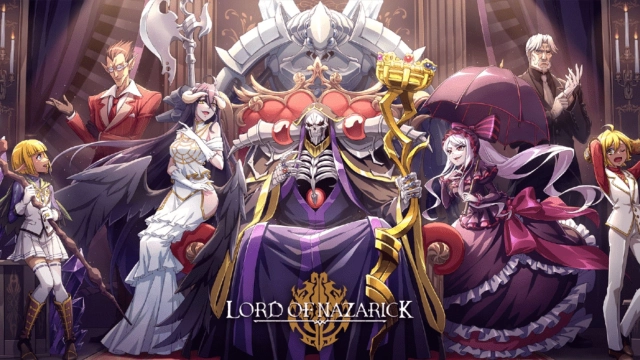
Lord of Nazarick, the first-ever animated Overlord game, is available now! Dive into the captivating story of the Overlord universe featuring exciting new plotlines, and engage in turn-based battles against a variety of enemies by commanding the army of your beloved characters. Now with the best emulator today, LDPlayer, you can play Lord of Nazarick on PC and enjoy the exquisite visuals that bring the world of Nazarick to life in just 2 steps!
Download and Play Lord of Nazarick on PC in 2 Steps
Step 1: Download LDPlayer and Install Lord of Nazarick on PC
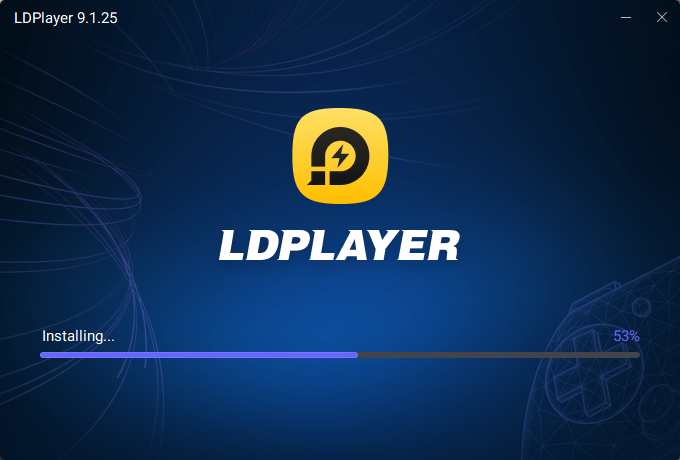
1.1 Click on the yellow “Download Lord of Nazarick on PC” button on the official website of LDPlayer to download the emulator. Once the installation is complete, launch LDPlayer through the LDPlayer icon on your PC’s desktop.
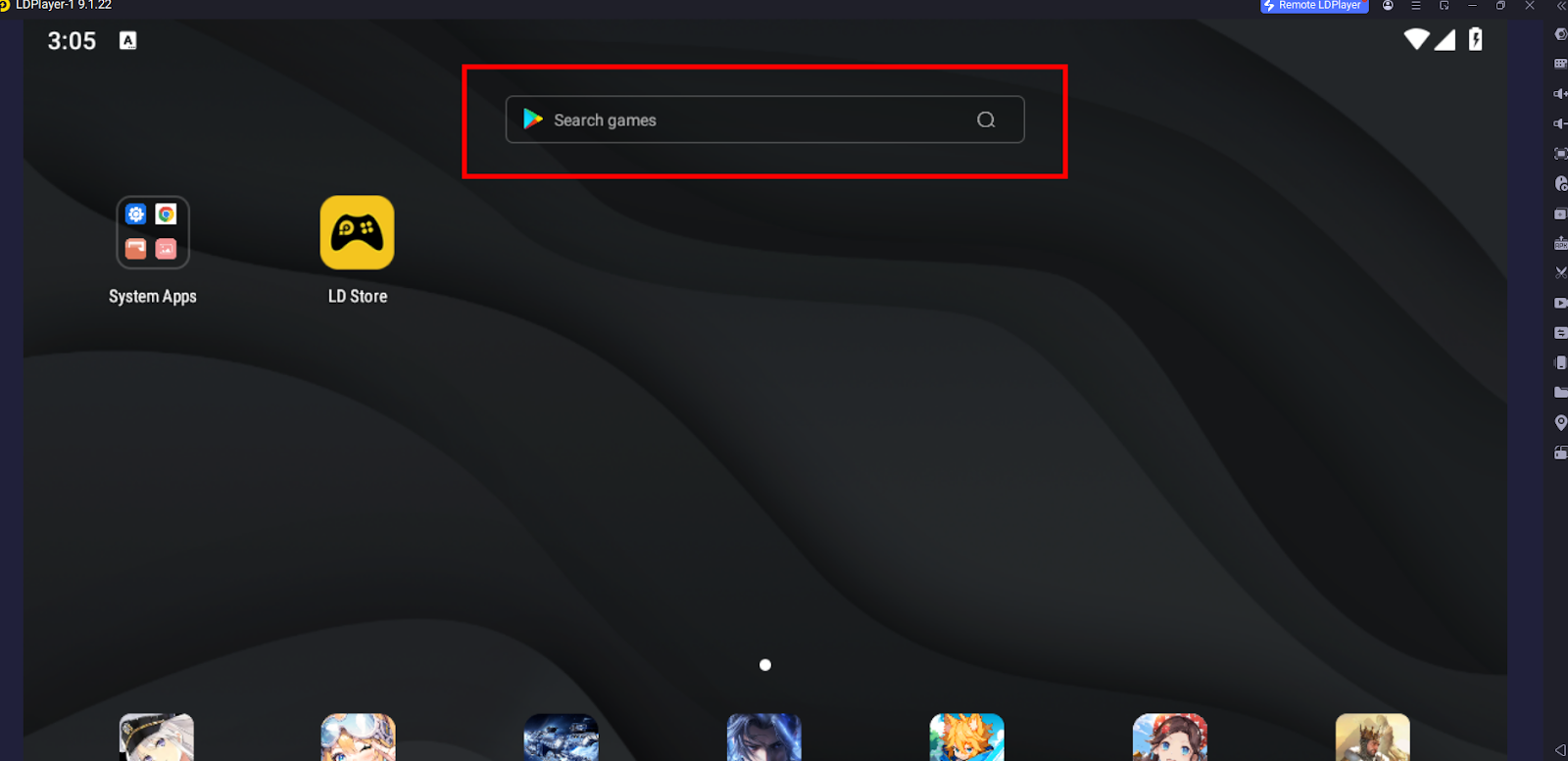
1.2 Find the search bar on LDPlayer’s main screen and enter “Lord of Nazarick”. Choose the correct version developed by Crunchyroll, LLC, and click “Install”. Then it will redirect you to the Google Play Store.
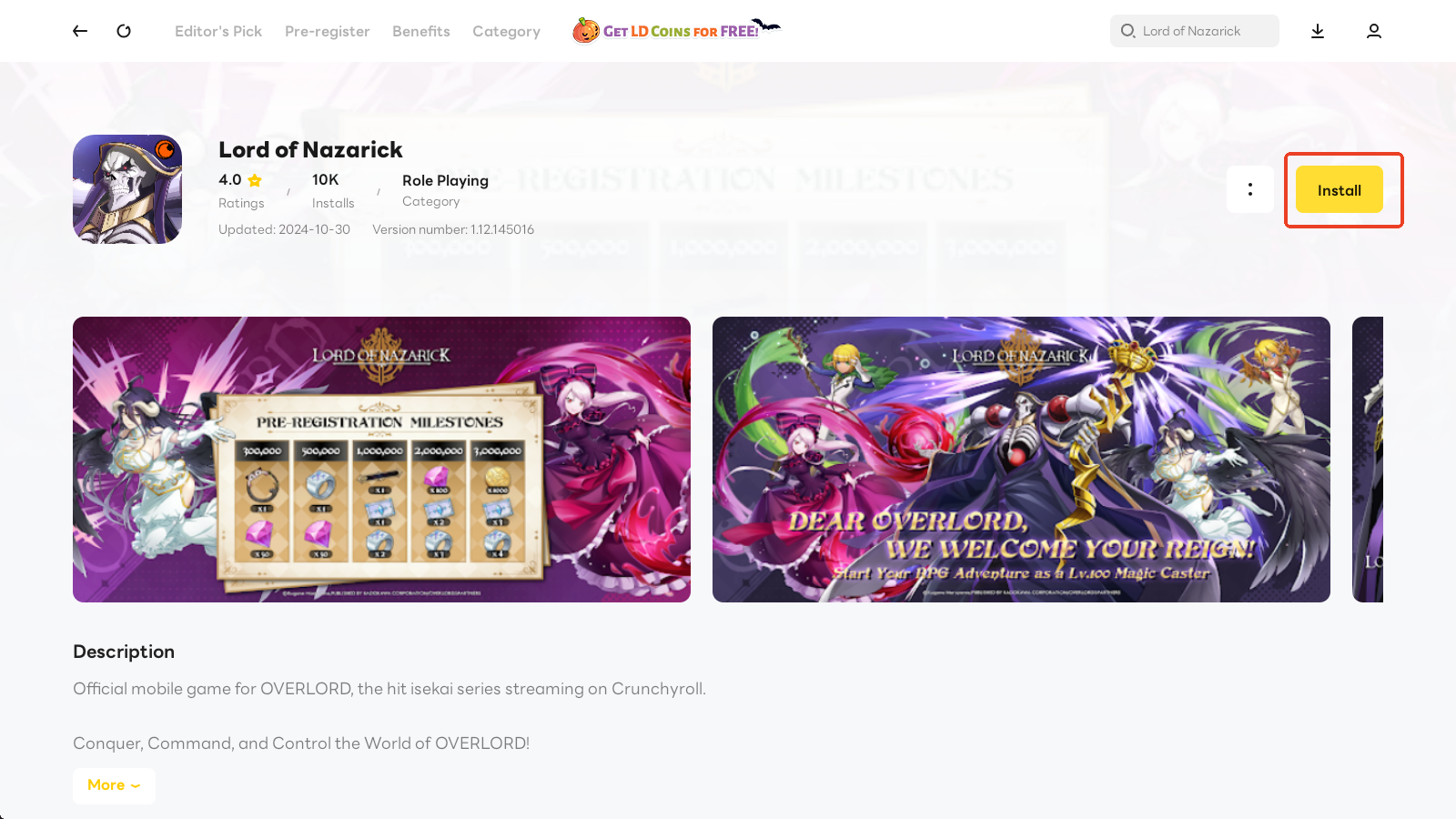
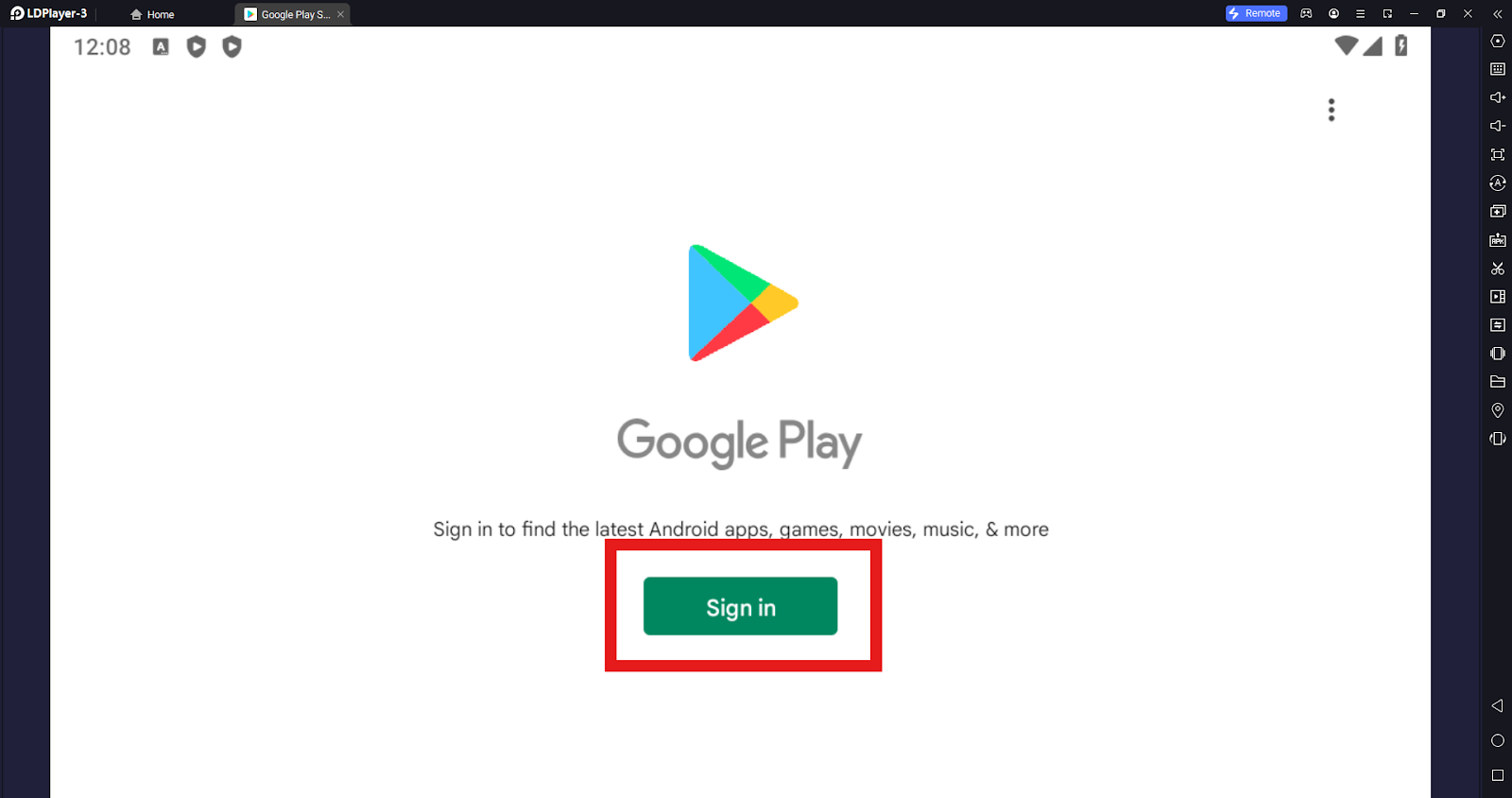
1.3 Upon being redirected, log in to your Google account and continue the installation of Lord of Nazarick on PC from the Google Play Store.
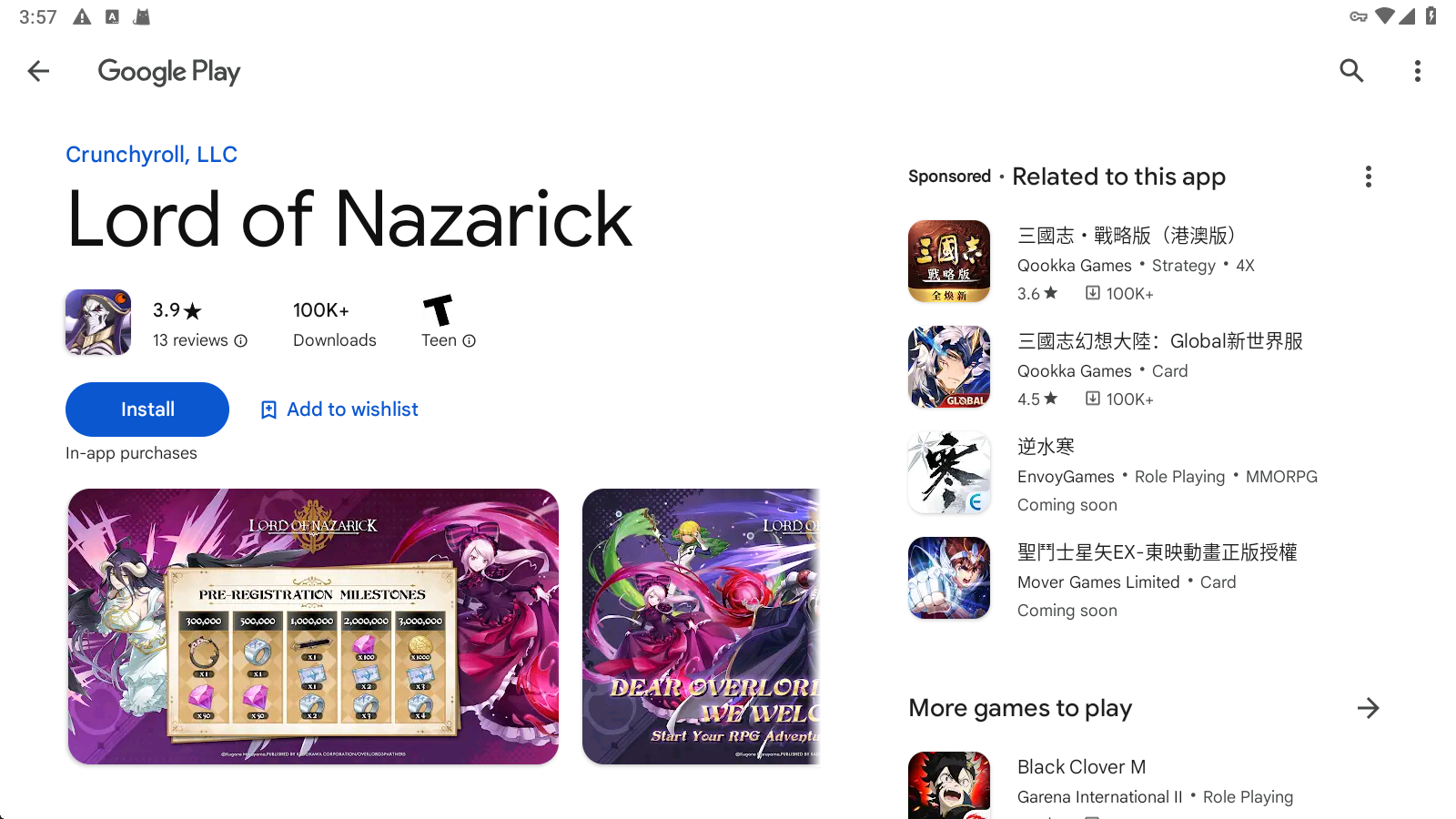
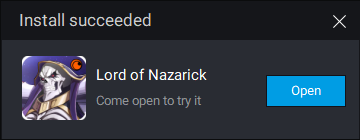
1.4 Soon you will receive a small window of “Install succeeded” confirmation. Now you can directly boot up the game Lord of Nazarick on PC from your emulator’s home screen.
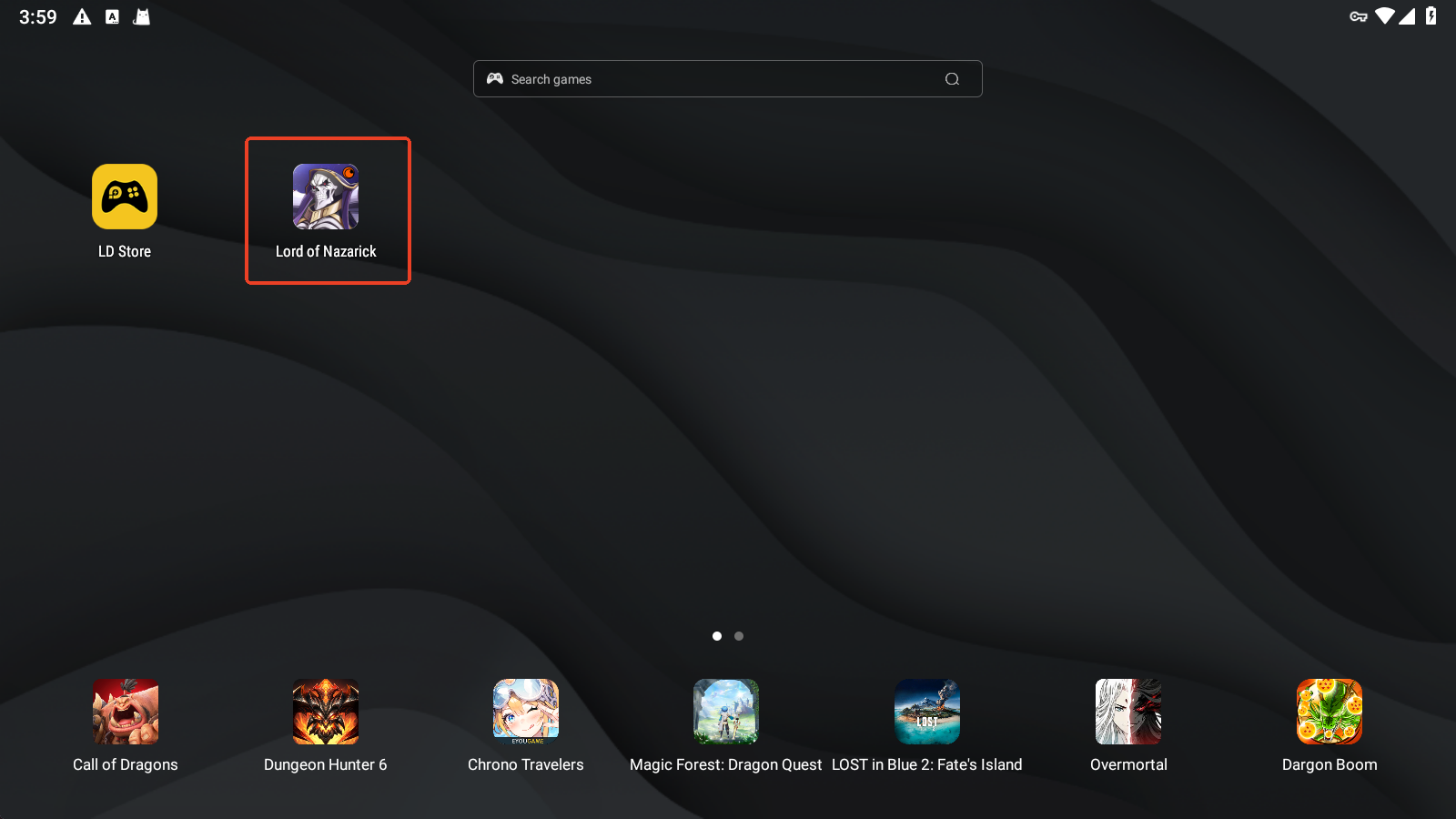
Step 2: Login and Play Lord of Nazarick on PC
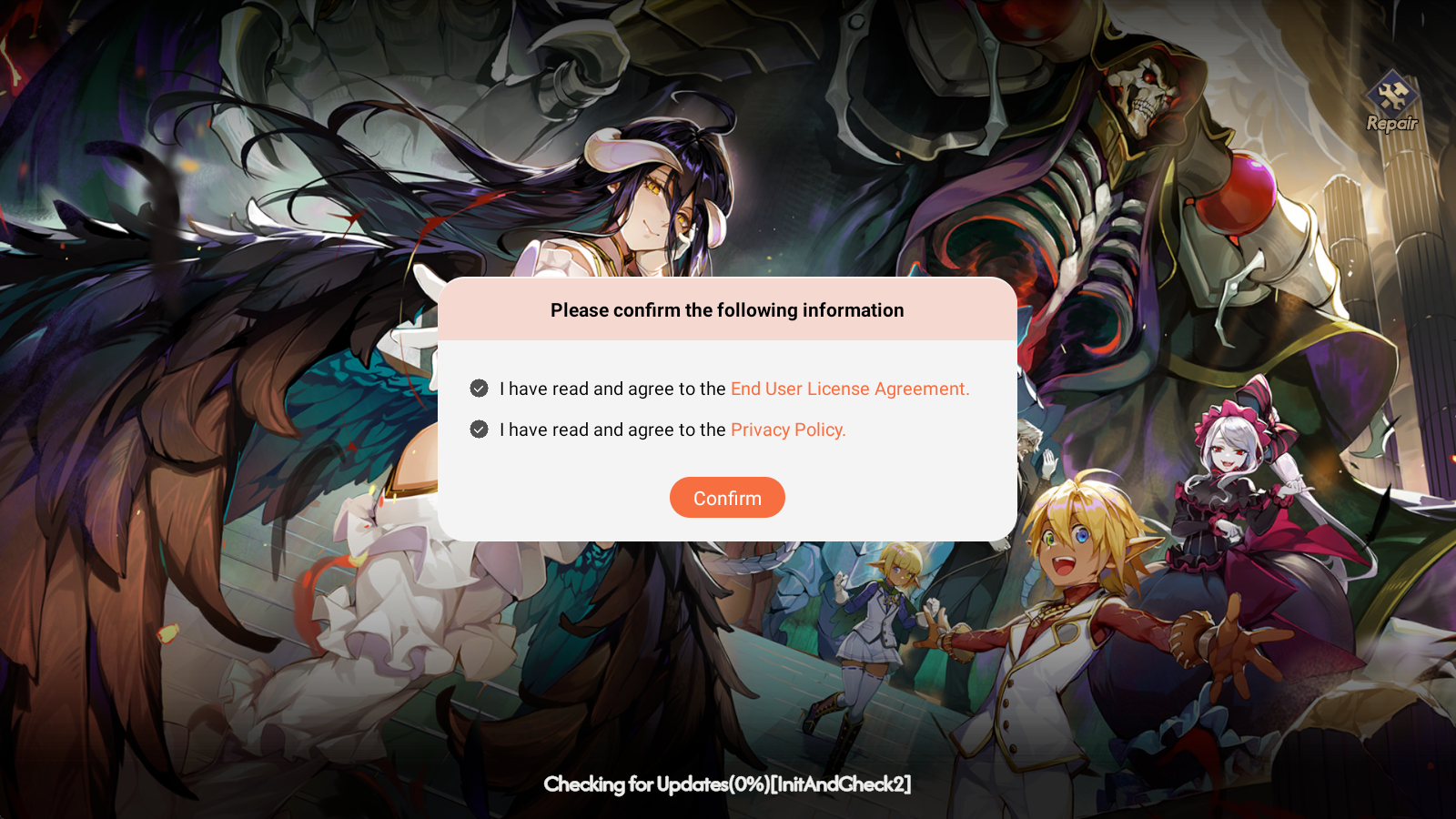
2.1 Upon entering the game, you will be prompted to read and agree to the game’s agreement and policy. Tick the two options and confirm to proceed.
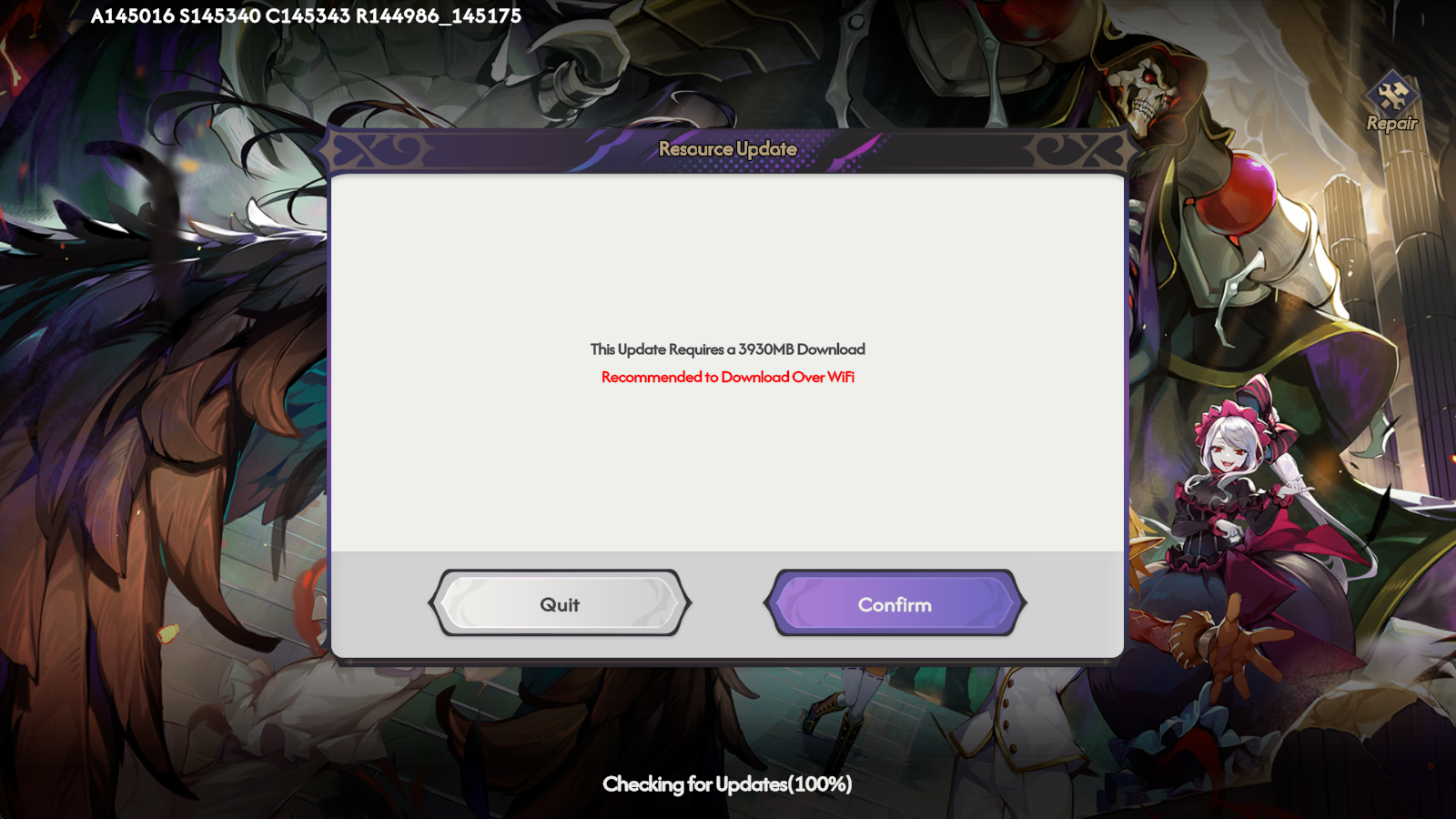
2.2 Then the game will need to update its resource. Click “Confirm” and the game starts to download the first batch of data.
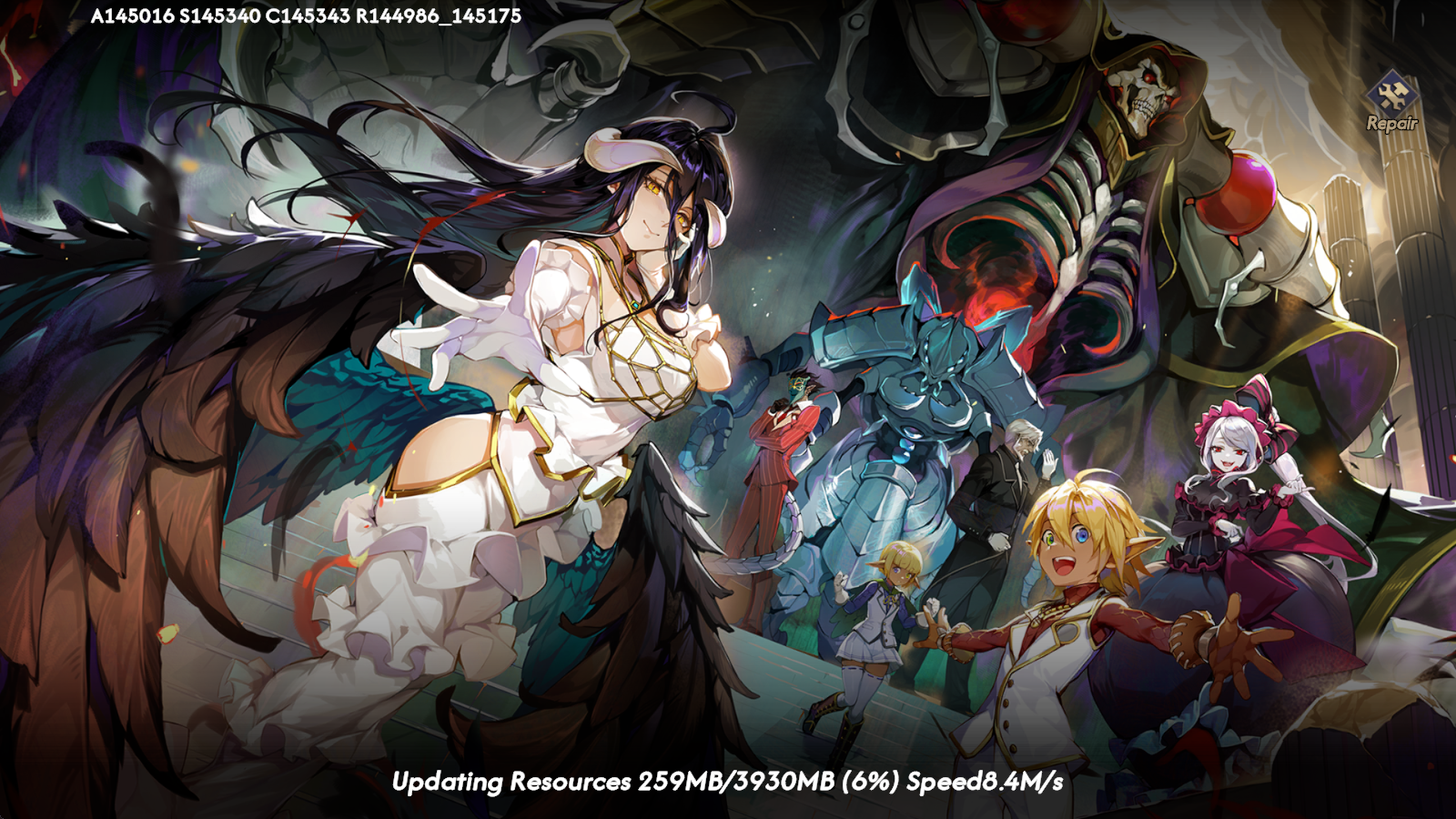
2.3 Once the downloads have been completed, you can click anywhere on the screen to go on and log in to the game with your social account.

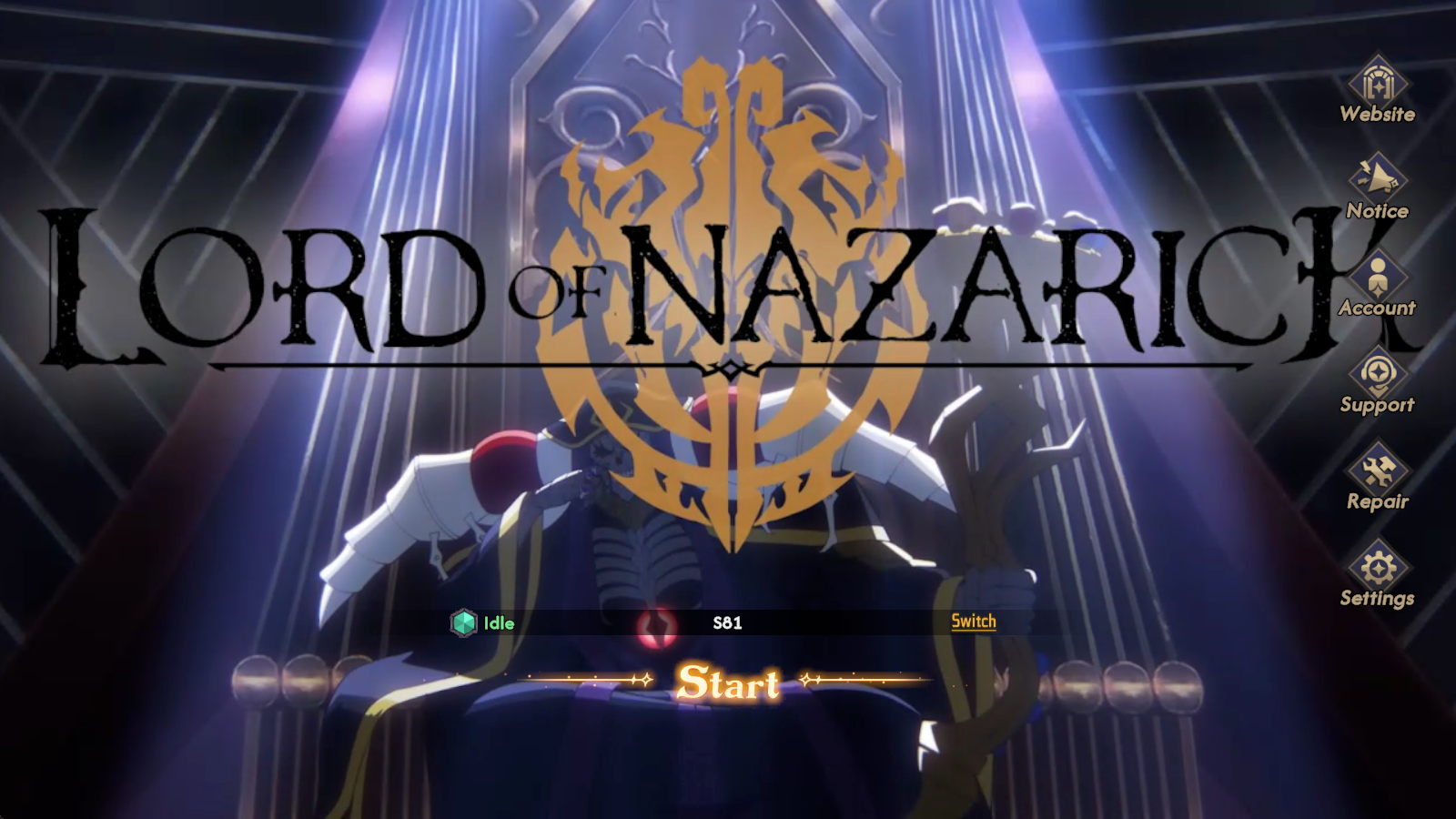
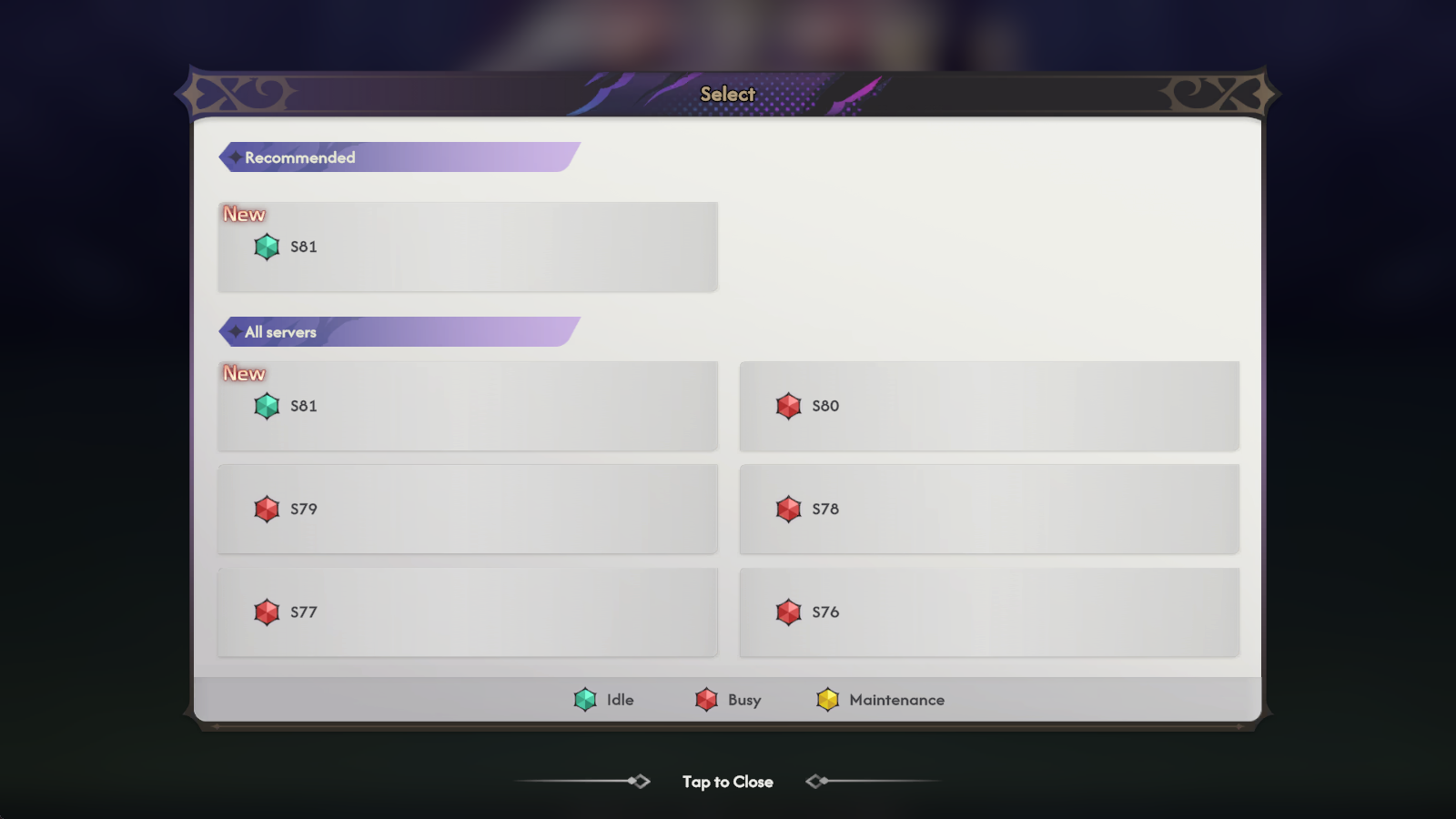
2.4 Click “Start” to enter the game, before which you can also click the “Switch” button to select the server to start if you have a preferred one.
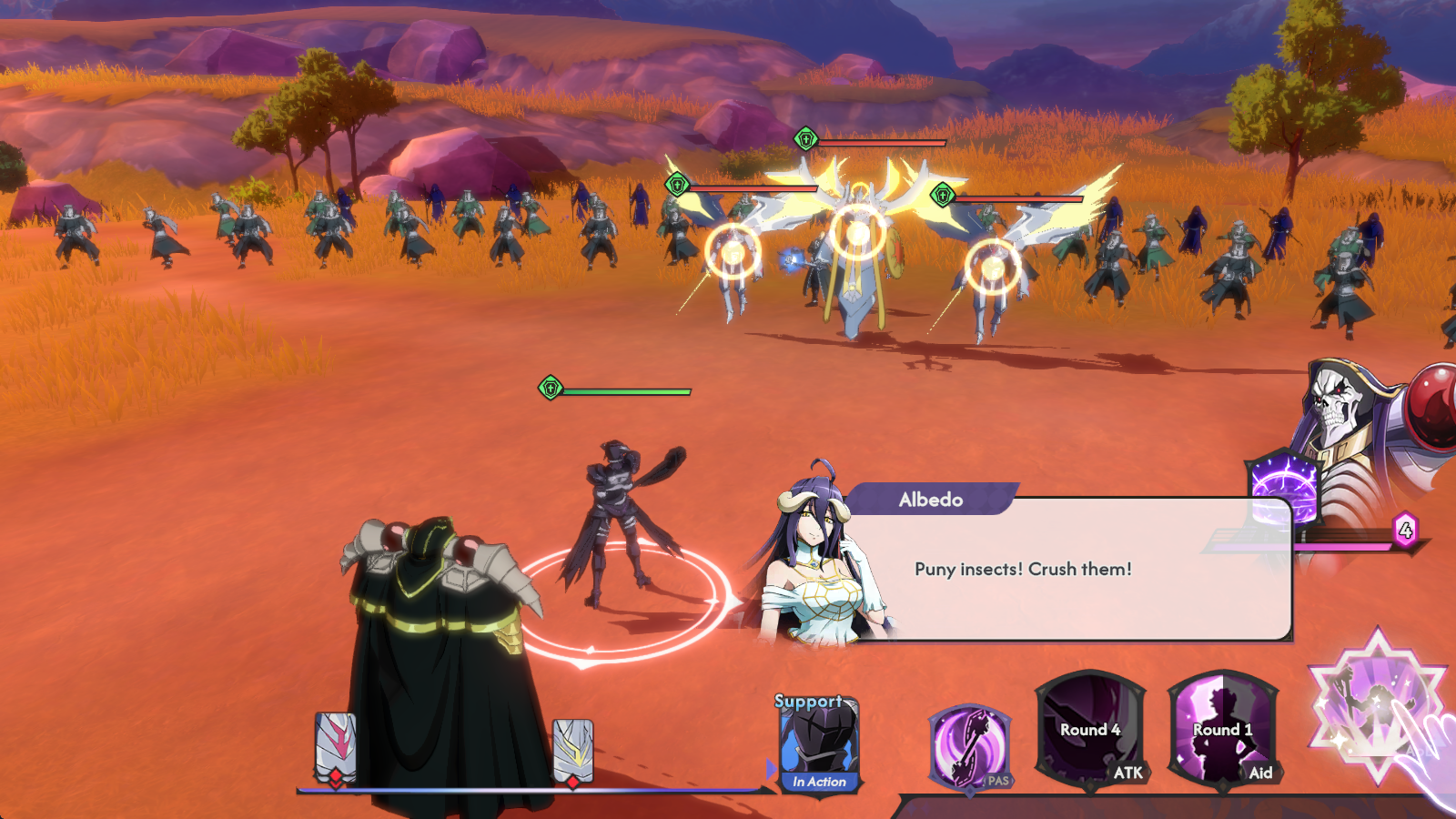
2.5 Now after finishing the background story introduction and the game’s tutorial stage, you can start your wonderful gameplay of Lord of Nazarick on PC with LDPlayer.
Common Problems You May Come Across and Possible Solutions
Network Connection Issues
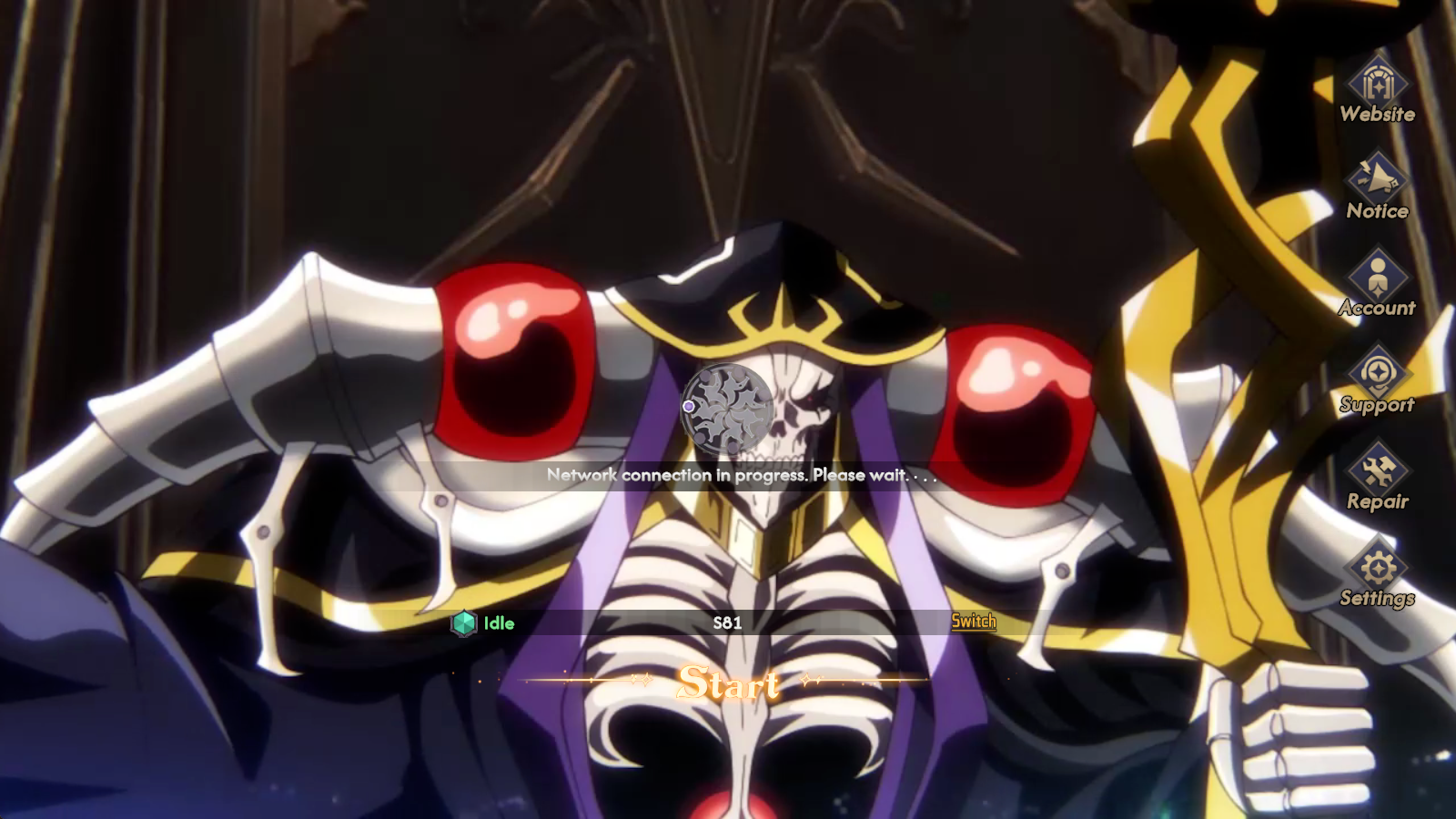
When launching the game or during the gaming experience, if you find that there are some connection issues running the game Lord of Nazarick on the emulator, you can first check the network condition and try to reset the network settings. To further alleviate the network problems, it is recommended that you set up network bridging to improve the network connection of your LDPlayer.
Special Features of LDPlayer for Lord of Nazarick on PC
Special Multi-Instance Sync Feature
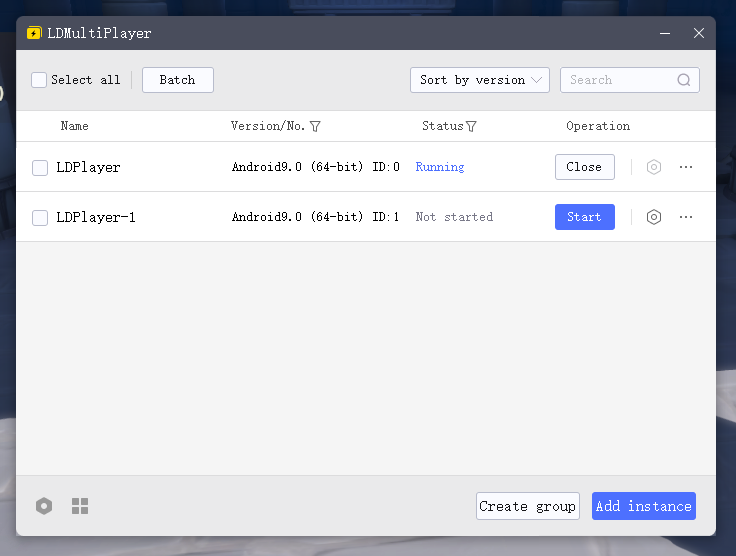
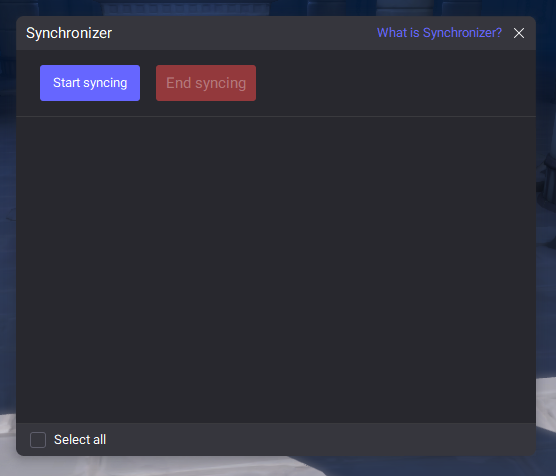
For players of Lord of Nazarick, an important thing you need to focus on is the characters you summon to build your armies. The most efficient way to pull out the strongest and the most desired characters from the game’s system may be using the built-in tool of LDPlayer – the LDMultiplayer, which allows you to clone and operate several instances simultaneously to go for the most powerful character within a short time. Together with the Synchronizer Tool, the Multi-Instance feature can significantly increase your gaming efficiency, providing an ultimate gameplay experience in Lord of Nazarick on PC.
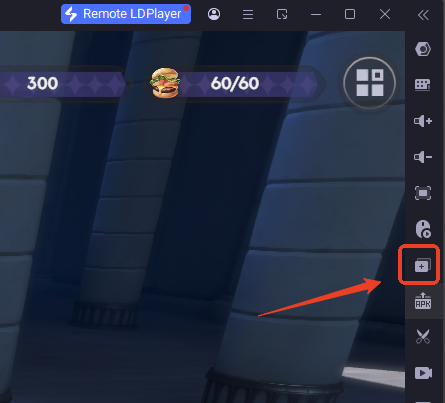
The LDMulti-Player function can be found on the right sidebar of the emulator. Or you can press the key shortcut “Ctrl + 2” to activate it directly.
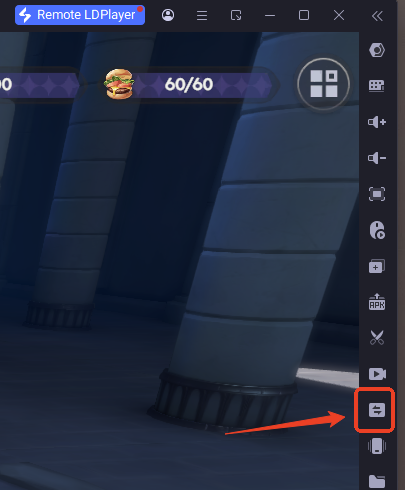
The button for the Synchronizer tool is also on the settings bar. Or you can use the key shortcut “Ctrl + 9”.
Conclusion
Dive into the immersive fantasy world of Lord of Nazarick on PC with LDPlayer, and embark on a new adventure to be the supreme one!
More guides and tips help you enhance your chances to claim the victory: