How to Download and Play Love And Deepspace on PC - Beginners Guide
2024-12-03
Step into a sci-fi world where love knows no bounds. With immersive cutscenes, 3D storylines, and interactions, love is truly within reach by playing Love and Deepspace On PC with the help of LDPlayer 9.0 today!
Table of Contents
Play Love and Deepspace On PC With LDPlayer In 3 Easy Steps
Step 1: Download The Official LDPlayer 9.0 Emulator & Install Love and Deepspace On PC
For Players Who Have Yet To Install LDPlayer 9.0:
To start playing Love and Deepspace On PC, you will need to download the official LDPlayer 9.0 Emulator from the official LDPlayer website. Complete the download and installation process by simply following the instructions. Once the installation process is complete, simply launch an Emulator instance of LDPlayer 9.0 straight from your PC.
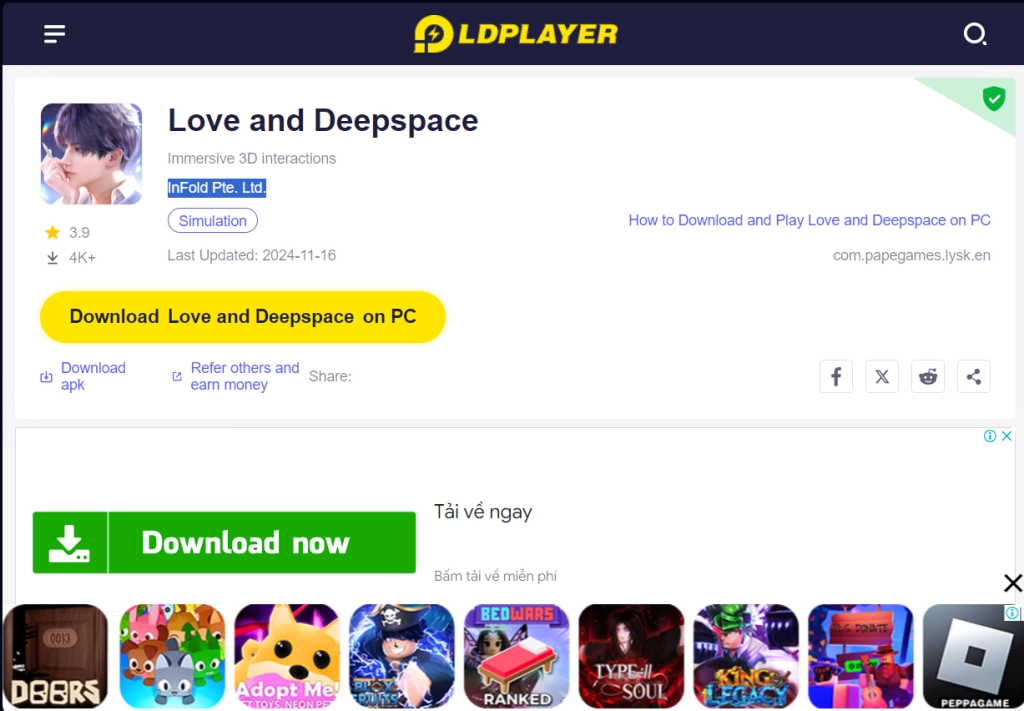
Once you have completed this step, simply continue with the following steps for those who have installed the LDPlayer 9.0 Emulator as shown below.
For Players Have Already Installed LDPlayer 9.0:
Once you have installed LDPlayer 9.0, to download Love And Deepspace, simply search “Love And Deepspace” on the search bar on the main screen and Install the game by clicking the “Install” button. Please make sure that the application being installed is the correct version of Love And Deepspace from InFold Pte. Ltd..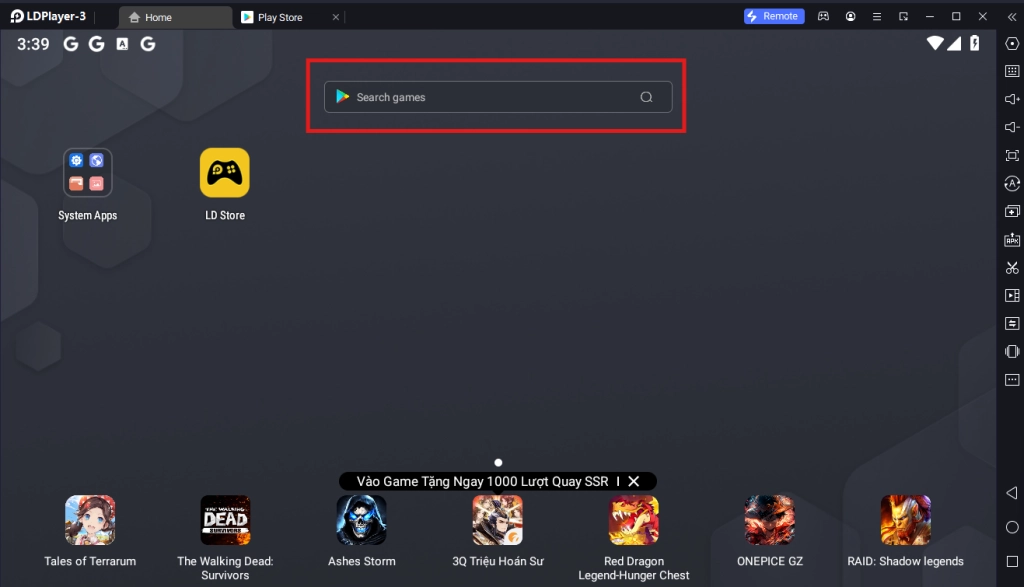
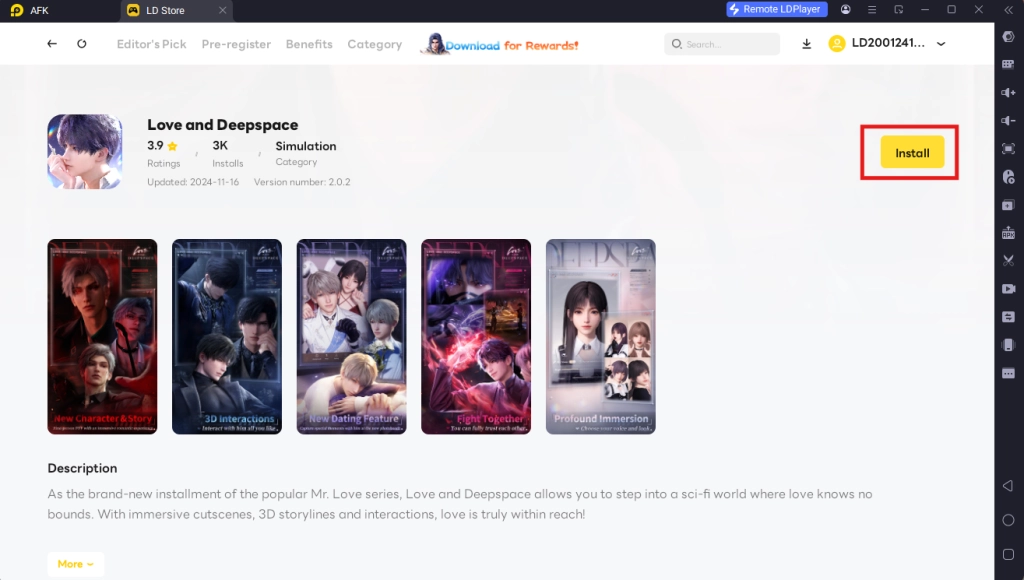
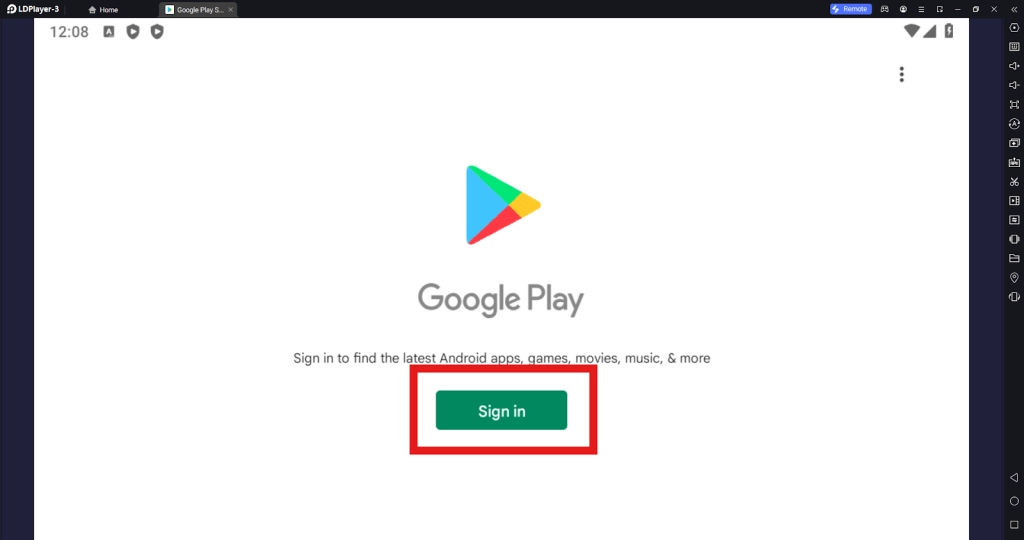
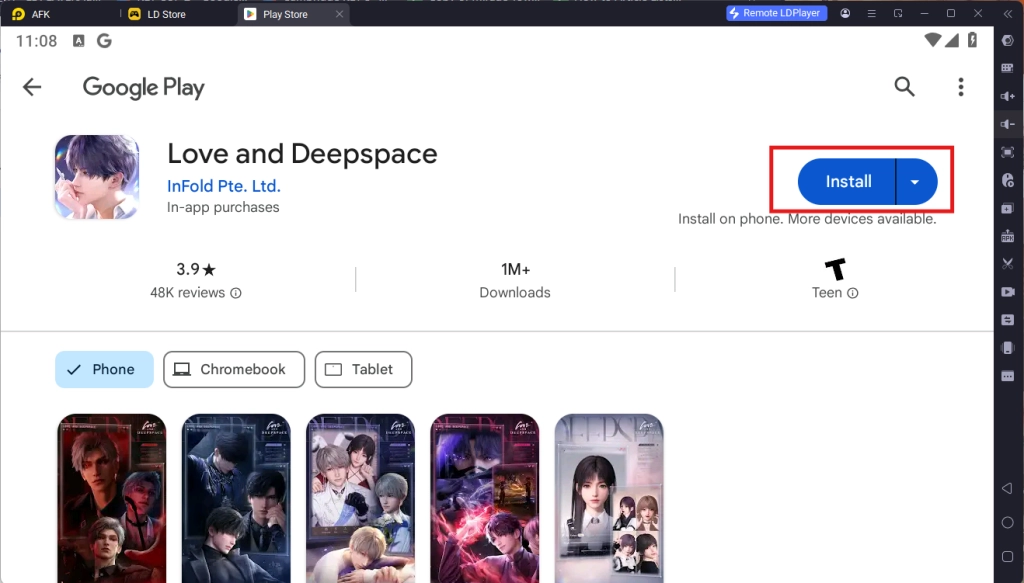
Upon clicking the “Install” button, players will be directed to the Google Play Store. Simply log into your pre-existing Google Play Account or create a new one by following the Google Play Store Instructions. Once finished, simply click the “Install” button on the Google Play Store page for Love And Deepspace.
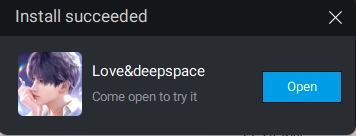
Once the application finishes downloading, players can launch the app directly from the home page of the Emulator instance after receiving a small notification notice.
Step 2: Game Data Download & Account Set Up
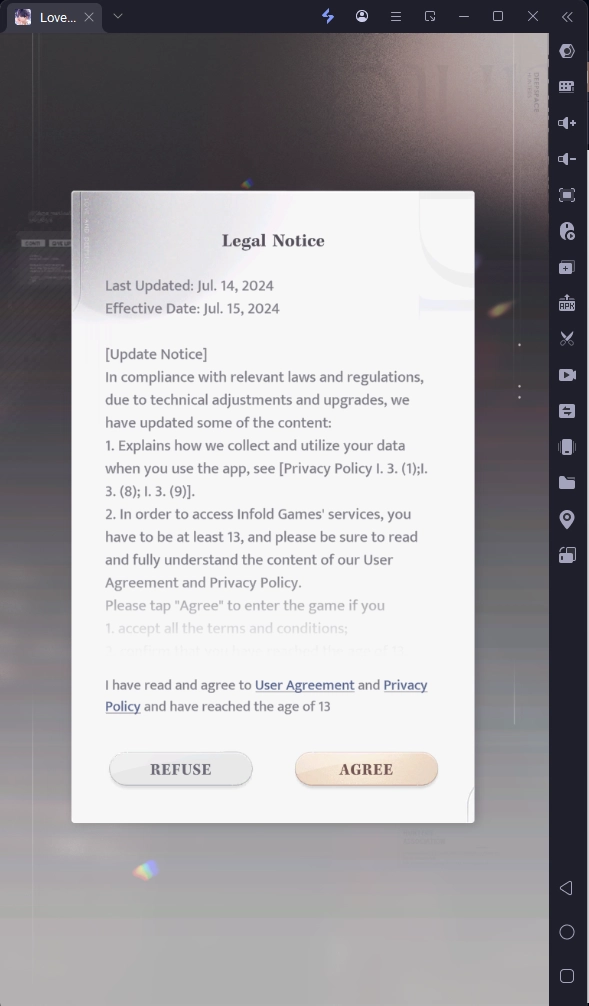
2.1 - Upon launching the game, you will need to accept the game’s terms of service in order to start playing the game. Simply click the “Agree” button in order to continue.
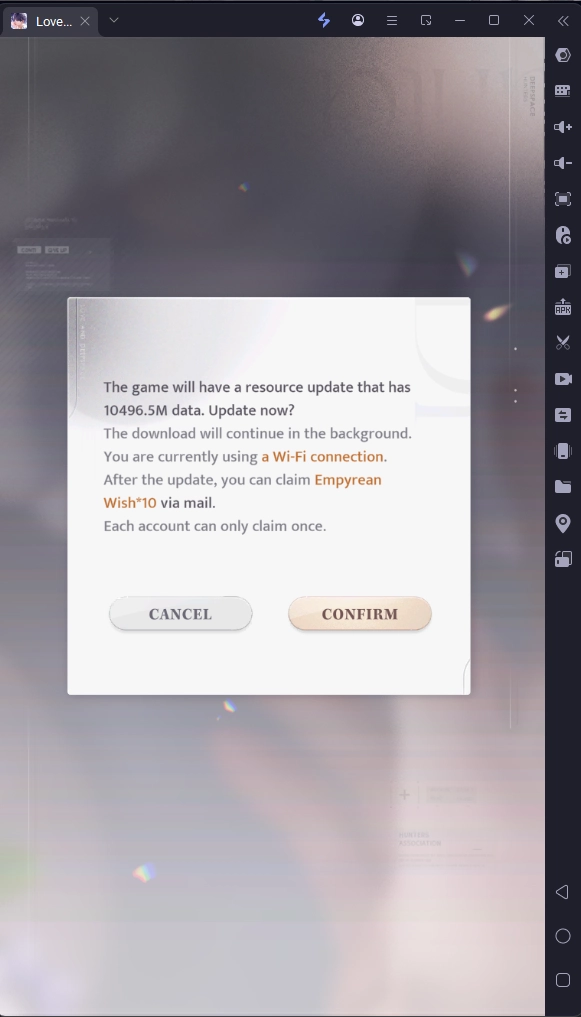
2.2 - Next, you will be prompted to download the game’s data in order to start playing. Simply wait until the game finishes downloading the data in order to start the game. Completing the data download will also reward you with special rewards to pull in the game as well.
2.3 - Upon data download completion, players will be able to log into the game using their Gmail accounts and other types of accounts.
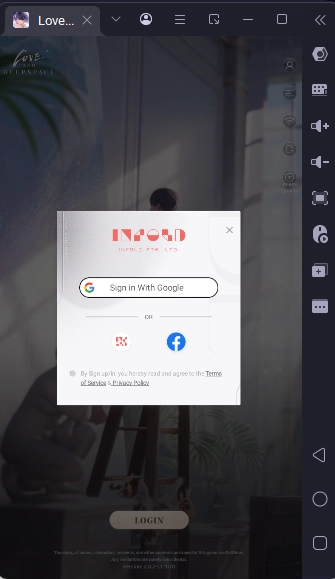
Note: For those who want to reroll, it is highly recommended that you prepare a large amount of gmail accounts in advance in order to log into the game.
2.4 - Once you have logged into the game, you can immediately start playing the game by completing the player customization and completing the game’s tutorial stage.
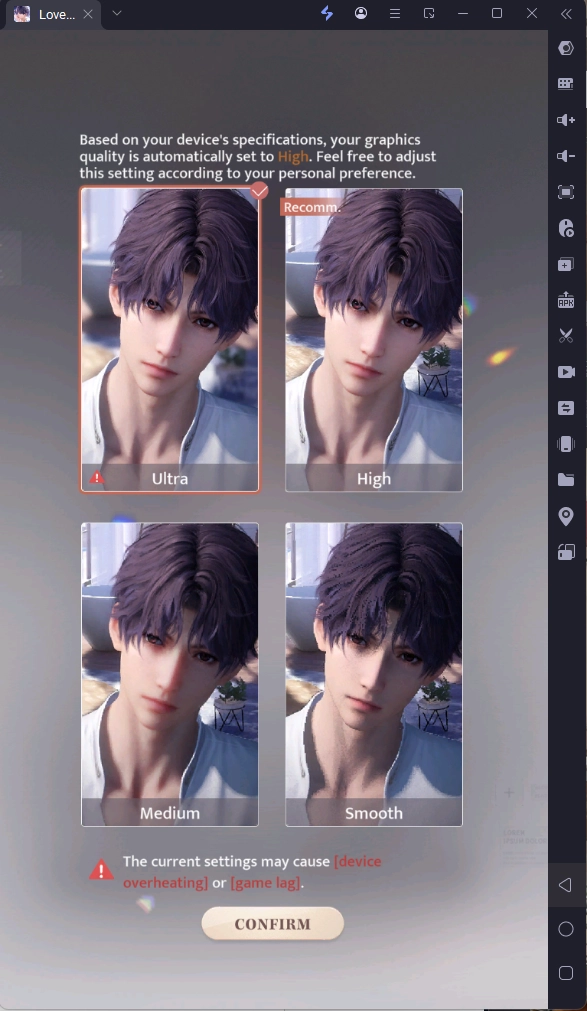
Step 3: Play Love And Deepspace Online For Free
If your PC setup is not up to the bar to set up Love And Deepspace on LDPlayer, they will have the chance to experience the game online for free from the comfort of their browser.
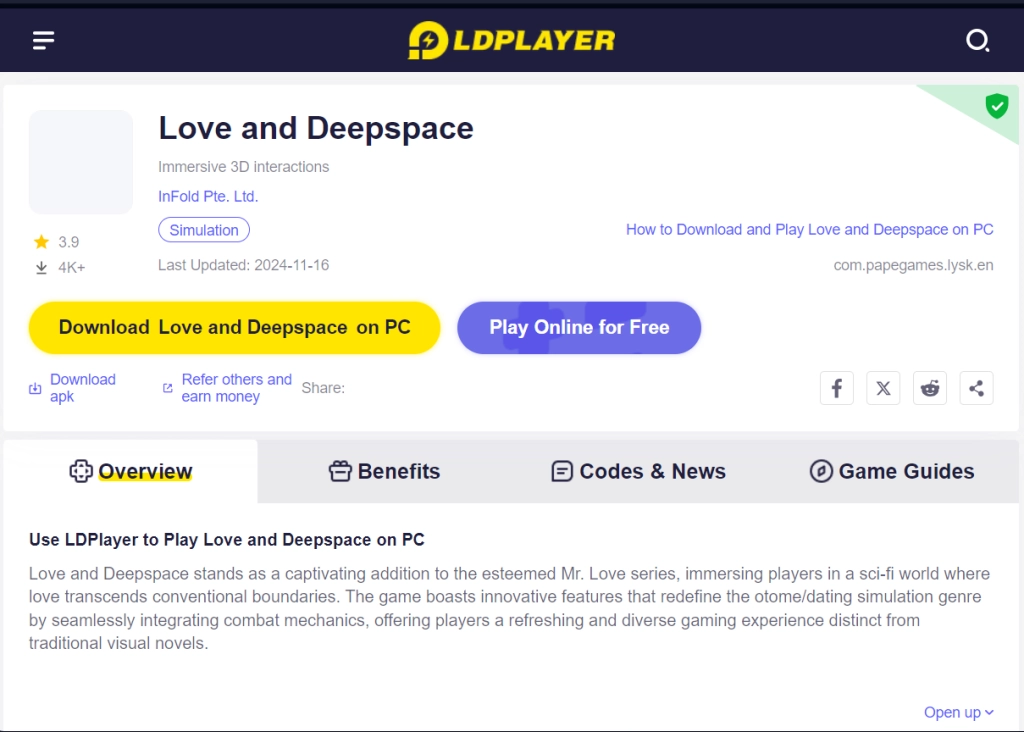
To experience this, simply go back to the LDPlayer website and use the special “Play Online For Free” option.
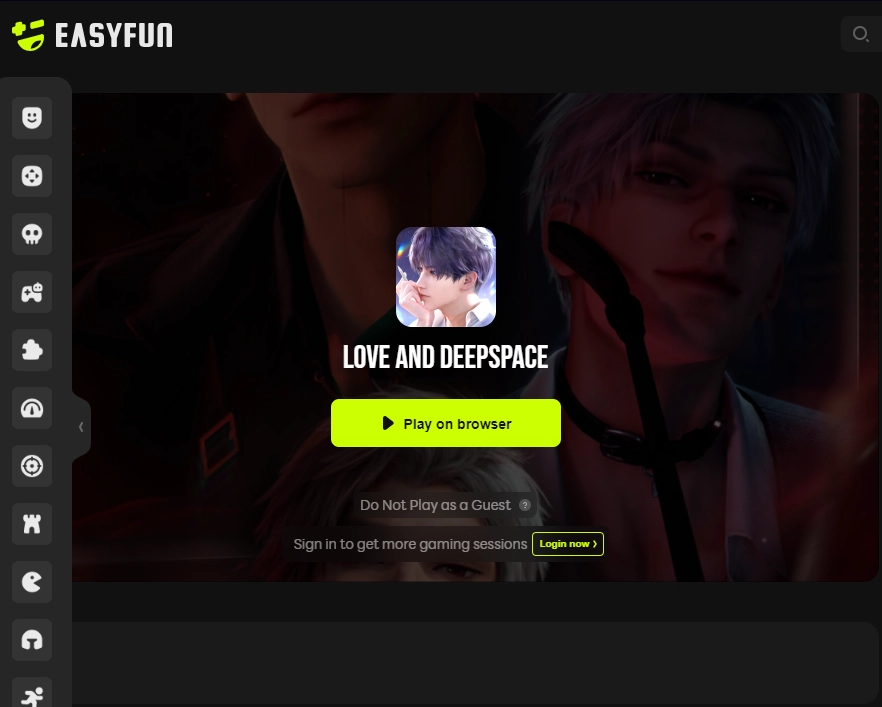
By clicking the option, you will be directed to the easyfun site for Love And Deepspace, allowing you to experience the game a set amount of times each session without having to download any game data.
Special Recommended Settings & Features
Play The Game On Both Portrait And Landscape Mode
For Love And Deepspace, the game is designed in a way that players can experience it in both orientations on the phone.
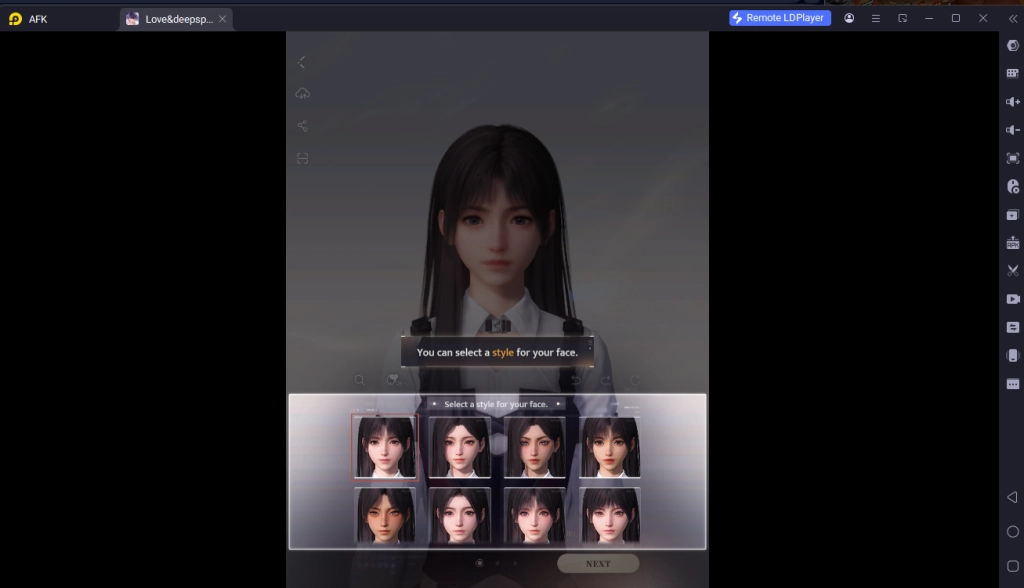
Players who want to experience both of these modes while playing Love and Deepspace On PC can take advantage of LDPlayer’s “Rotate Phone” button, allowing players to switch between Portrait and Landscape modes just like how they do it on the phone.
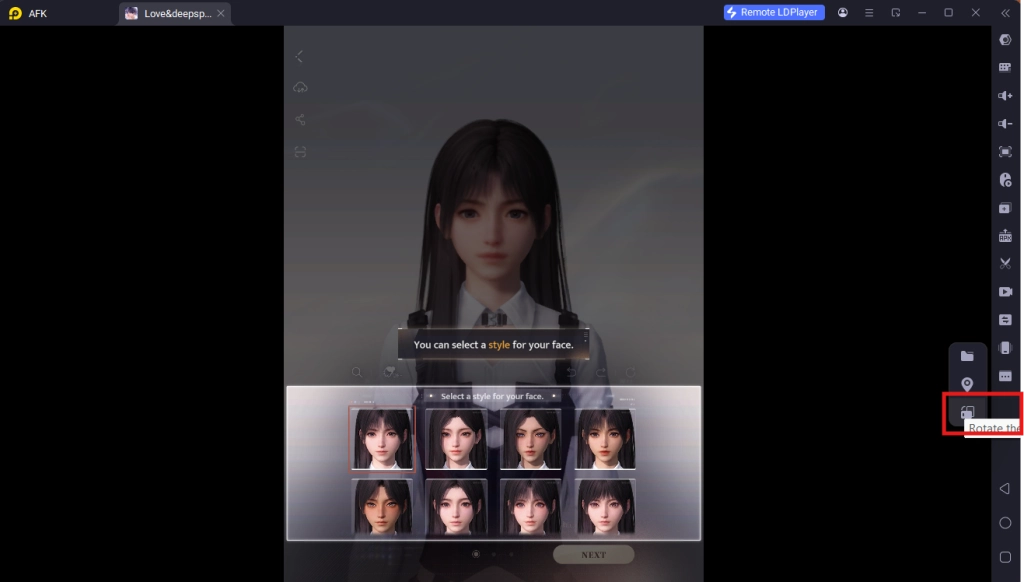
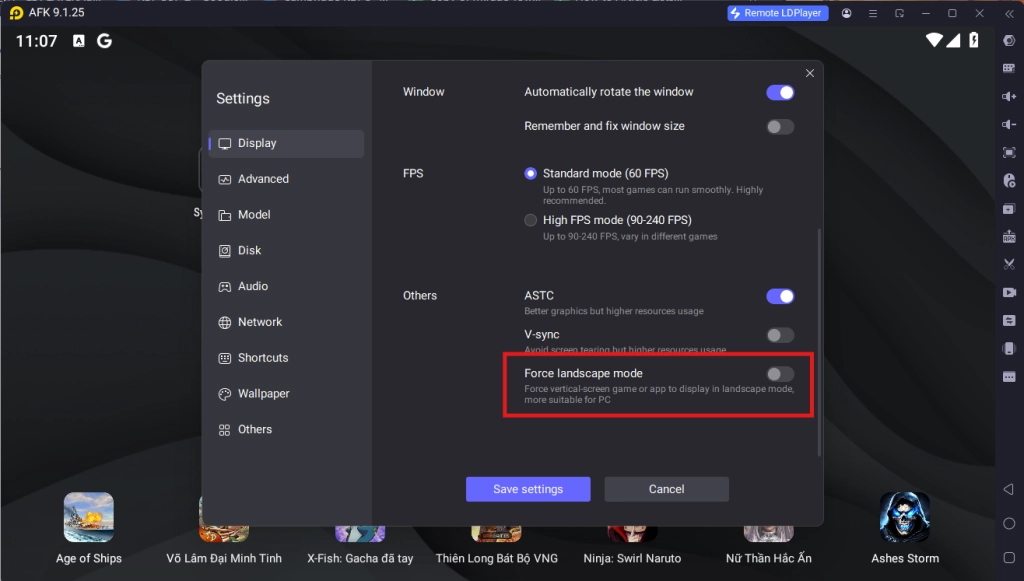
To access this button, simply click on the “More Features” button on the side bar and select the “Rotate Phone” button. In addition, if this does not work, you can force the game into Landscape mode by selecting the option in the Emulator Display Menu.
Multi-Instances For Best Account Rerolling
Since Love And Deepspace is a gacha mobile game, it is inevitable that you may not be able to get your favorite characters when drawing in the game at the start and want to start over by rerolling the perfect account for future gameplay. If this is the case, then you should take full advantage of LDPlayers’ Multi-Instances function that allows them to play multiple accounts of Love and Deepspace On PC at the same time to reroll the perfect account!
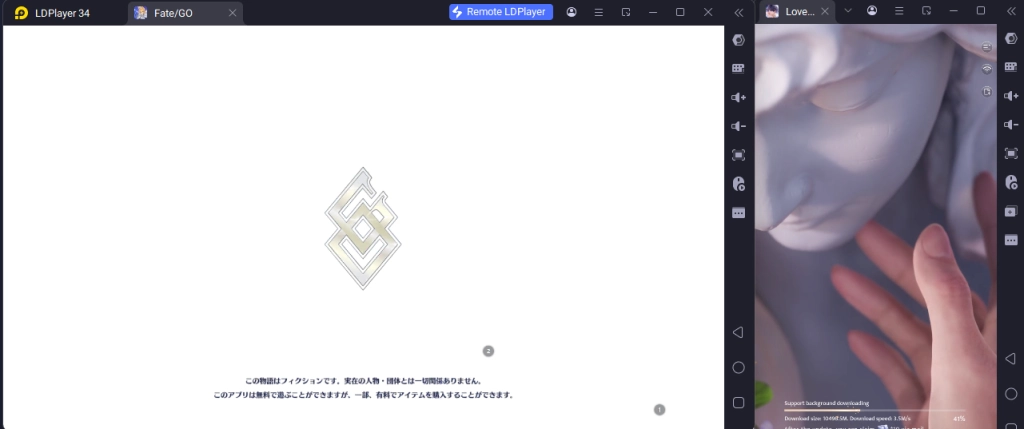
To play multiple instances of LDPlayer at the same time, you can access the LDPlayer Multi Instances application installed when downloading LDPlayer 9.0 on your desktop.

Once opened, you will be able to control the different instances for LDPlayer from this menu. To make a new Instance, simply click on the “Add Instance” button.
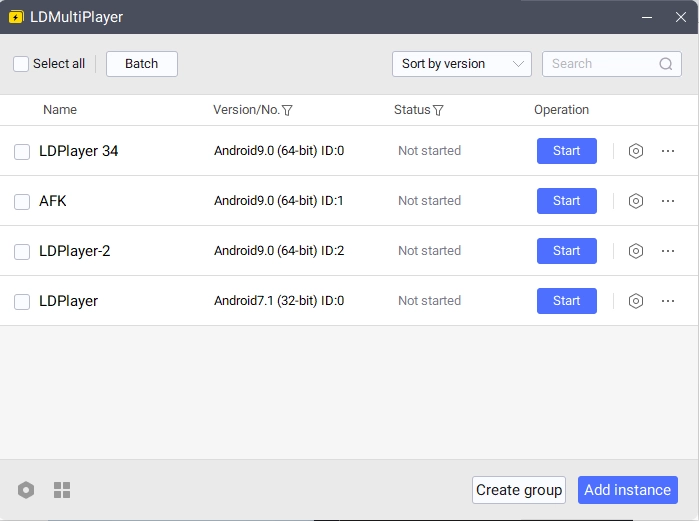
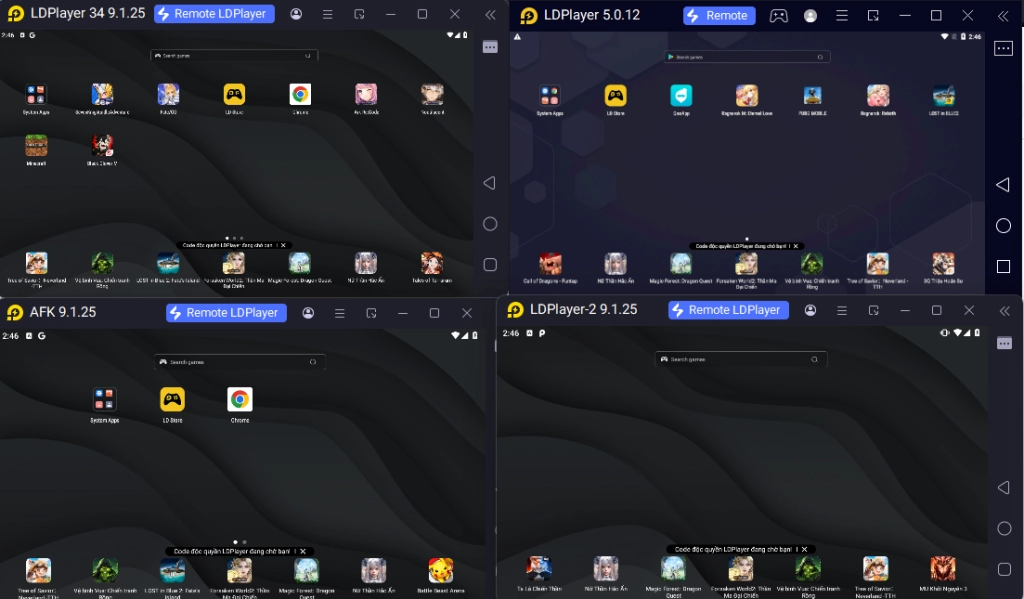
Once you have 2 or more instances, simply click “Start” on both of the Instances to open them both at the same time.
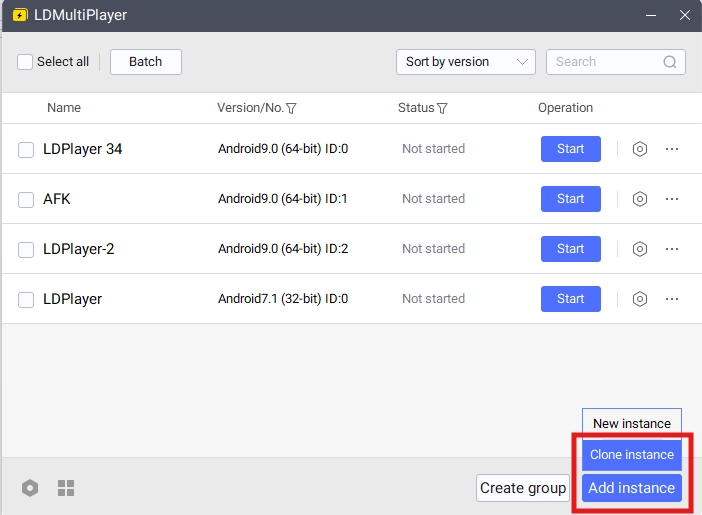
Special Tips: If you are rerolling for games, it is recommended that you download the full game data in one instance first, then use the special “Clone Instance” option to clone the data from an existing Instance immediately. This will help save you time from having to download the game data multiple times for multiple instances.
Conclusion
Fight together with hot guys and save the world by playing Love and Deepspace On PC with the help of LDPlayer 9.0, the best emulator today and obtaining special features and discounts for the game!
Start your best journey with the help of these game guides we have prepared just for you: