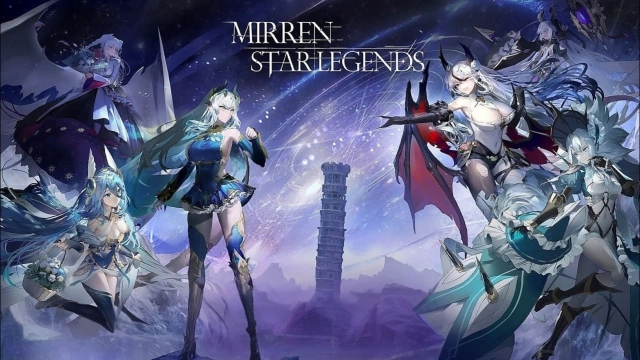
How to Download and Play Mirren: Star Legends on PC - Beginners Guide
2025-03-14
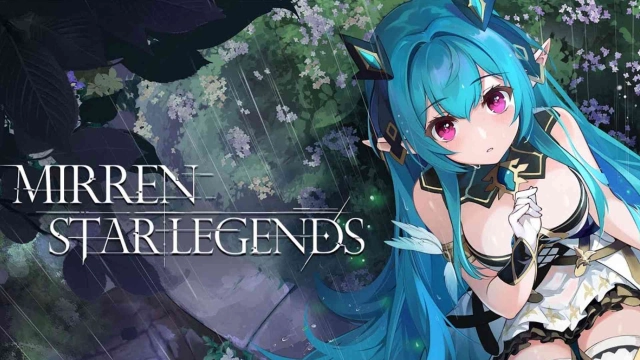
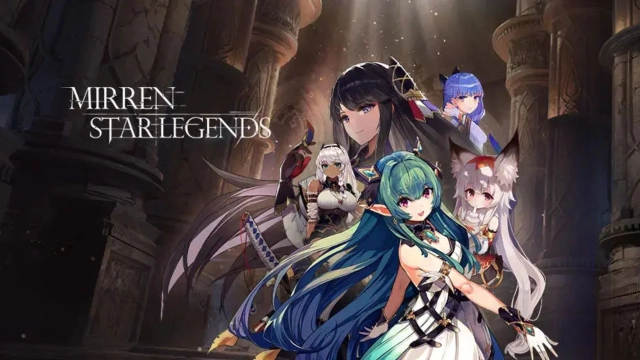
Travel to a distant world and experience a brand new turn based RPG game by A Plus Japan with a brand new rework of the classical game Millennium Tour: ELF rebranded by playing Mirren: Star Legends on PC today!
Table of Contents
Play Mirren: Star Legends on PC In 2 Easy Steps
Step 1: Download The Official LDPlayer 9.0 Emulator & Install Mirren: Star Legends
For Players Who Have Yet To Install LDPlayer 9.0:
To start playing Mirren: Star Legends on PC, you will need to download the official Emulator from the official LDPlayer website. Complete the download and installation process by simply following the instructions. Once the installation process is complete, simply launch an Emulator instance of LDPlayer 9.0 straight from your PC.
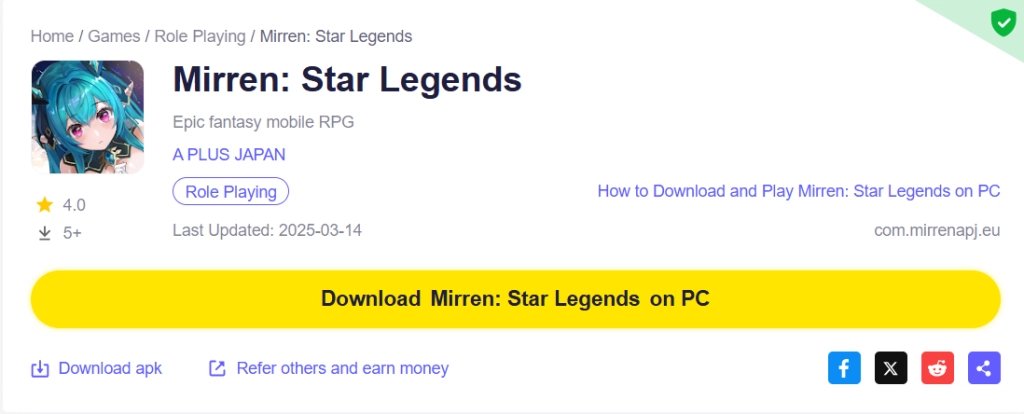
Once you have completed this step, simply continue with the following steps for those who have installed the LDPlayer 9.0 Emulator as shown below.
For Players Have Already Installed LDPlayer 9.0:
Upon starting the emulator instance, to download Mirren: Star Legends, simply search “Mirren: Star Legends” on the search bar on the main screen and Install the game by clicking the “Install” button. Please make sure that the application being installed is the correct version of Mirren: Star Legends from A PLUS JAPAN.
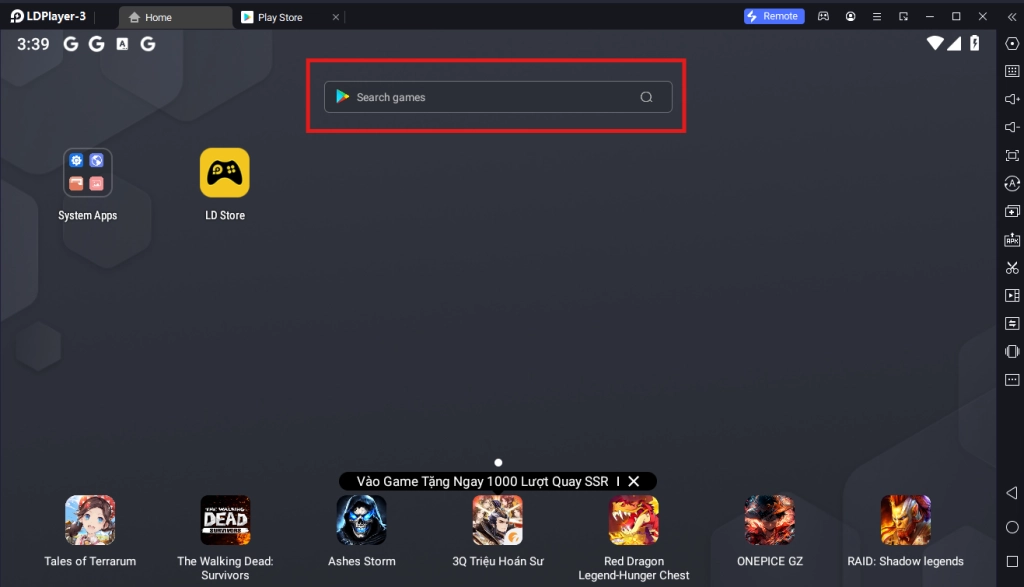
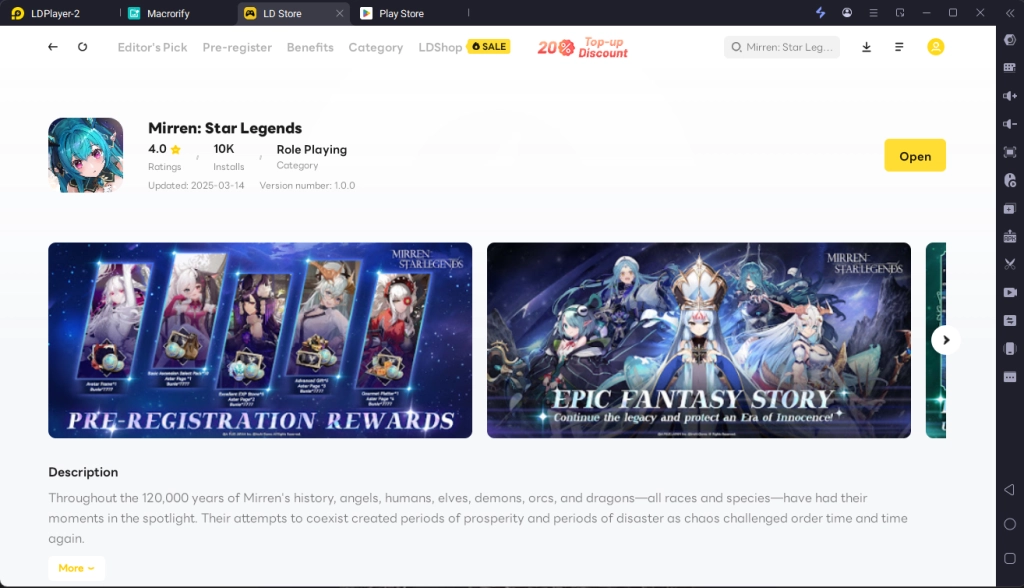
Upon clicking the “Install” button, you will be directed to the Google Play Store. Simply log into your pre-existing Google Play Account or create a new one by following the Google Play Store Instructions. Once finished, simply click the “Install” button on the Google Play Store page for Mirren: Star Legends.
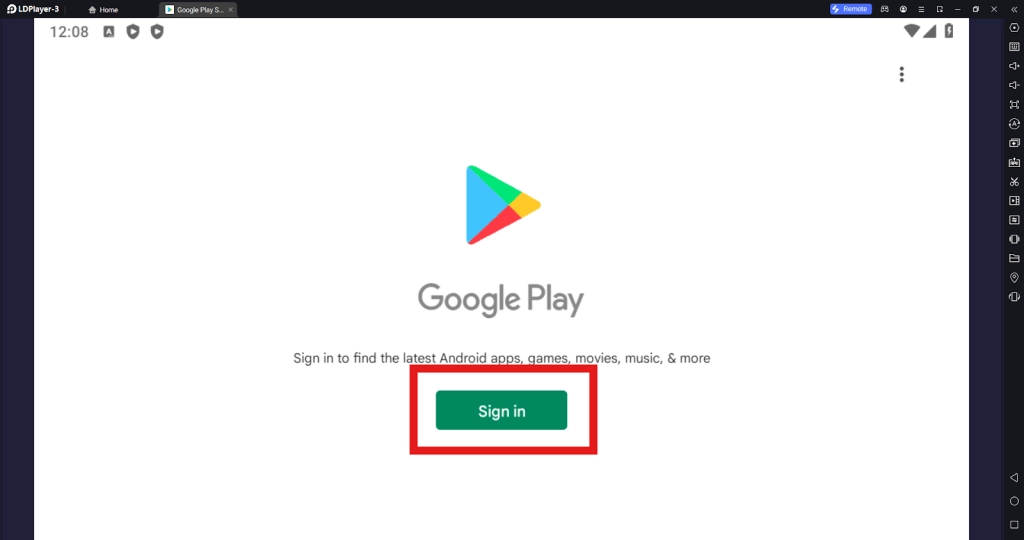
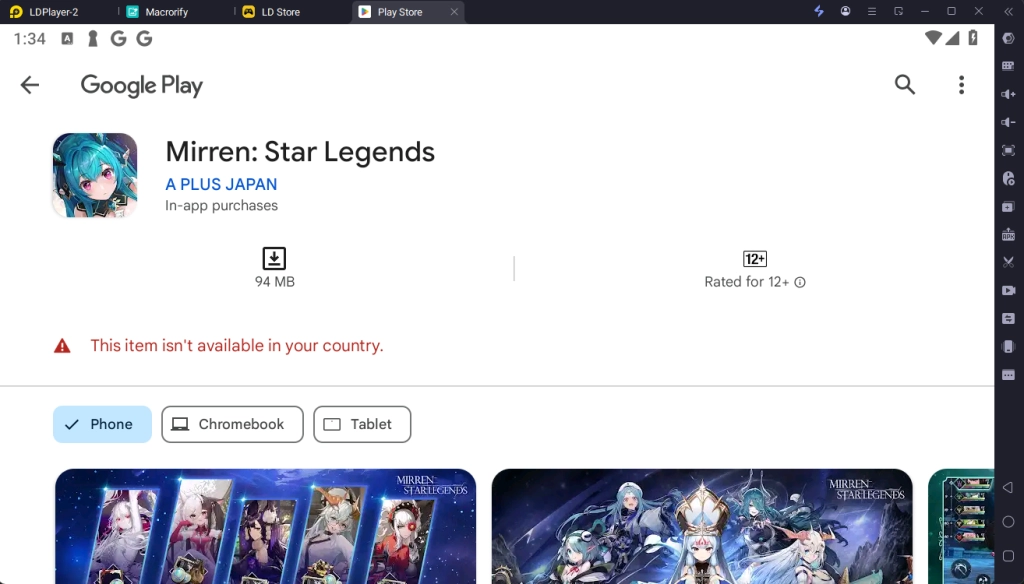
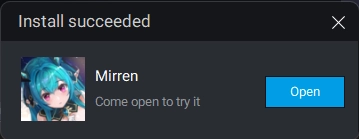
Once the application finishes downloading, you can launch the app directly from the home page of the Emulator instance after receiving a small notification notice.
Step 2: How To Download Data And Link Your Game Account
2.1 - Once the game has been installed, upon launching the game, players will be required to accept the game’s terms of service and privacy policy, simply accept to continue
2.2 - Once done, you will be met with the game’s initial data download screen. Make sure to have a stable internet connection and relax until the game finishes its data download.
2.3 - After all of the data has been downloaded, you can log into the game using multiple different types of accounts by clicking on the log in section.
2.4 - After logging in, you can start the game right away by clicking on the game title screen to start your adventure in a brand new world today in Mirren: Star Legends
Common Problems & Suggested Solutions
Item Not Available For Download In Your Region
When attempting to download Mirren: Star Legends on PC, you may be treated with the Google Play Store’s notification that the version of the application is not available in your country for download. This is because Mirren: Star Legends is exclusively available for certain servers. When this happens, there are several solutions for you to download the game onto your emulators:
1 - The first option is to change your Google Play Store’s location by logging into a different region Google Play account in order to be able to download the game through Google Play Store.
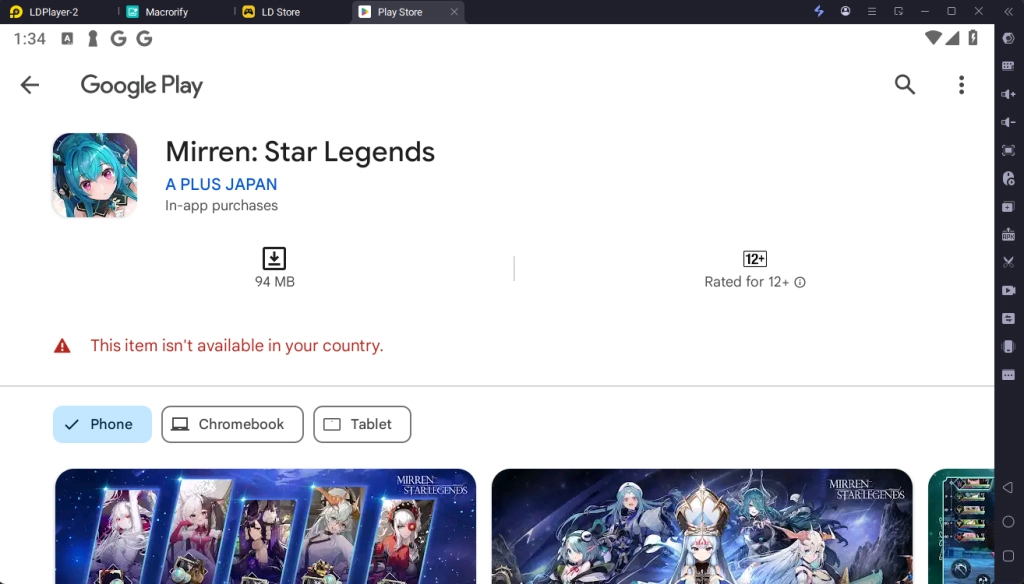
2 - Another Option for players is to download the game’s APK file through the LDPlayer website. Simply select the download APK file option on the website to continue.
Afterward, you will be directed to the APK download page and will be able to download the APK onto your PC.
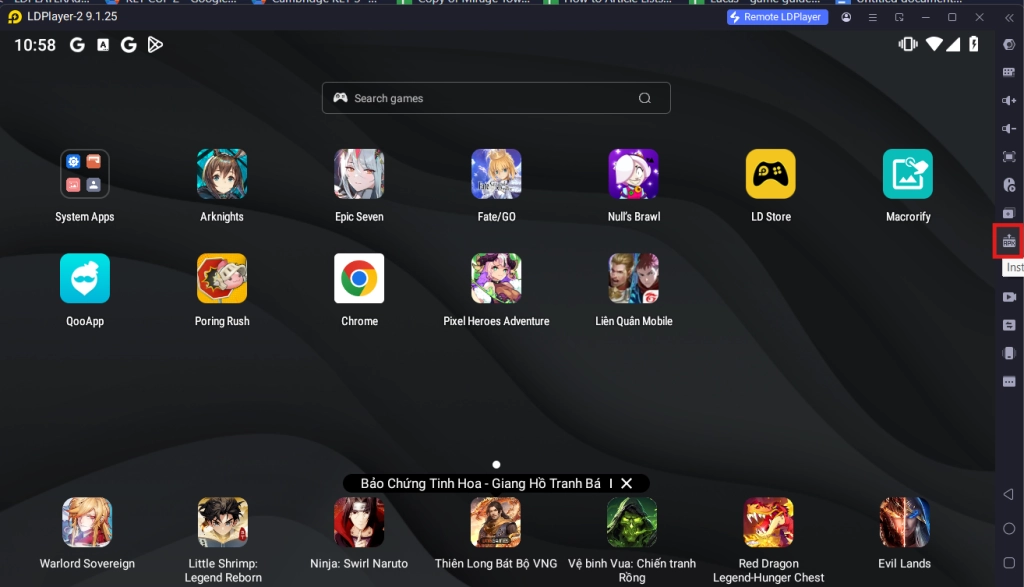
To Install the game onto the emulator, simply use the APK Install function (Ctrl + 3) on the Emulator’s side bar and select the APK file to install.
Minimum System Requirements for Playing Granado Espada M on PC
System
Recommended Win10 and above 64-bit systems, including OpenGL 4.
CPU
8th Gen Intel Core i3-8100 4-core or higher, with VT option enabled
Graphics Card
NVIDIA GeForce GTX1050 Ti 2GB or higher
Memory
8GB or more
Storage Space
10GB or more available space for installation disk, 2GB or more available space for system disk
Conclusion
Meet and Recruit various otherworldly companions to aid you in your adventure in a different world and experience a brand new Turn Based RPG fantasy experience like never before by playing Mirren: Star Legends on PC with LDplayer 9.0 - the best emulator today!