How to Download and Play Soul Land: New World on PC -Beginners Guide
2024-12-03
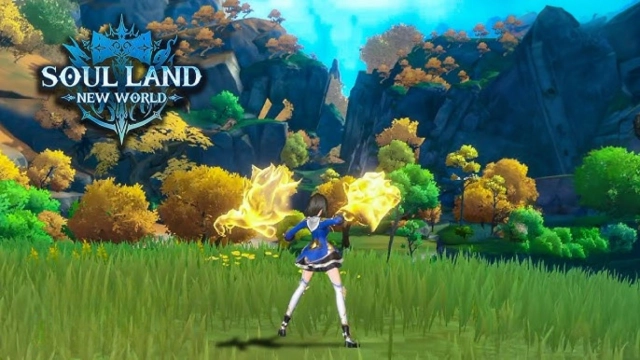
The first open-world MMORPG based on Soul Land, Soul Land: New World is now available for anyone who wants to explore the classic IP world that presents an ultra-realistic large map of Soul Land Continent and flows with a beautiful story. This guide will equip you with the knowledge to play Soul Land: New World on PC and obtain the ultimate gaming experience with LDPlayer in 2 simple steps.
Table of Contents
Download and Play Soul Land: New World on PC in 2 Steps
Step 1: Download LDPlayer 9.0 and Install Soul Land: New World on PC
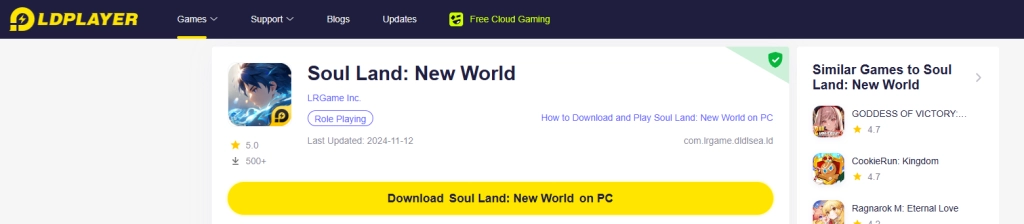
1.1 Click on the “Download Soul Land: New World on PC” button on the official website and download LDPlayer.
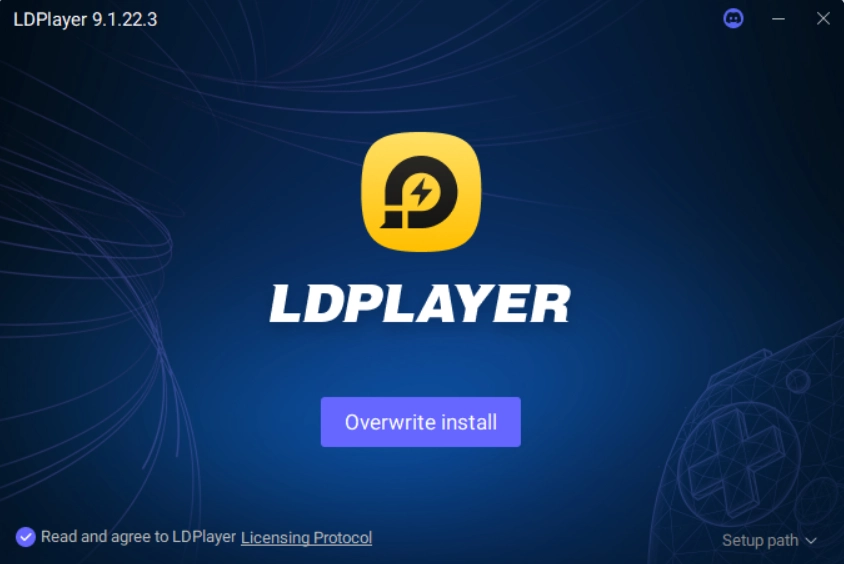
1.2 Launch LDPlayer and search the game “Soul Land: New World”. Find the right version developed by LRGame Inc. and click to install the game.
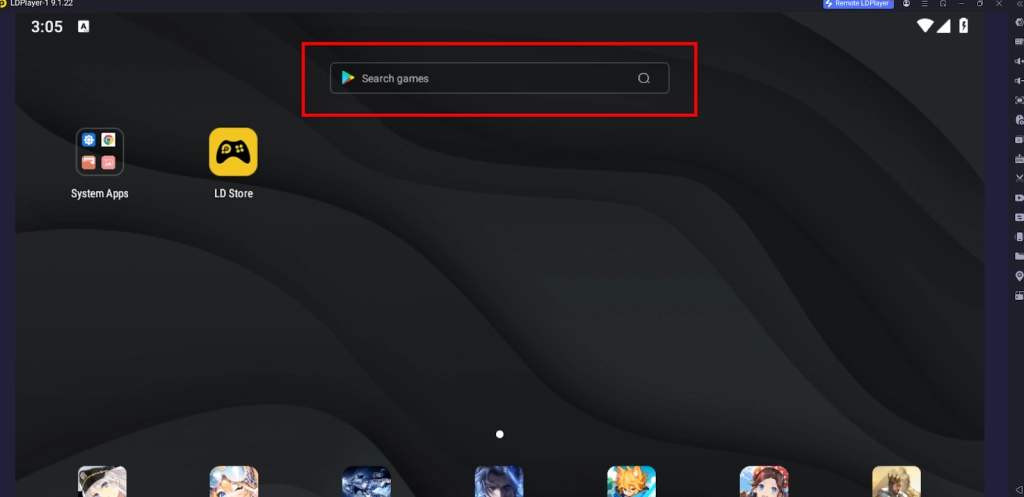
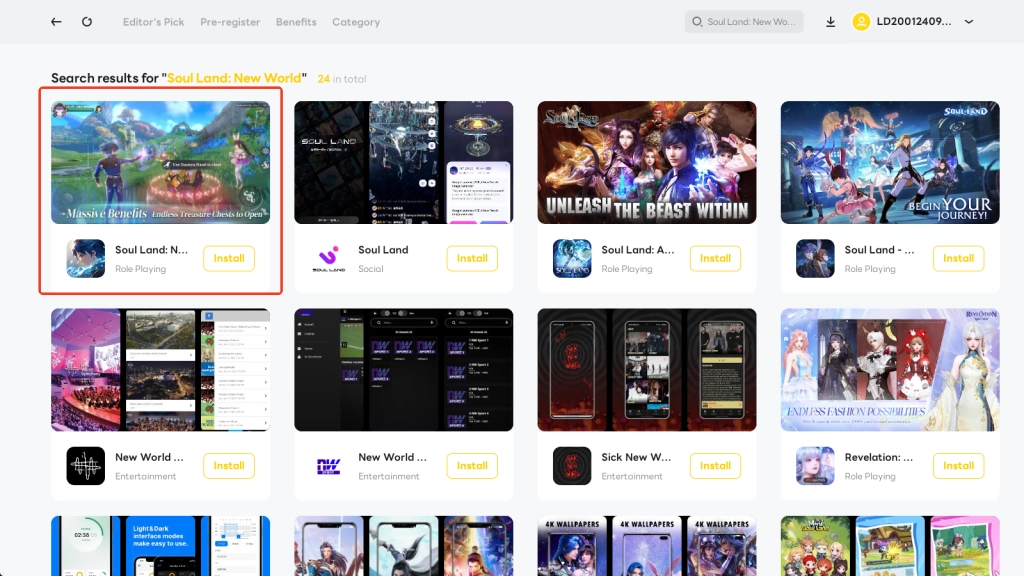
Step 2: Launch and Play Soul Land: New World on PC
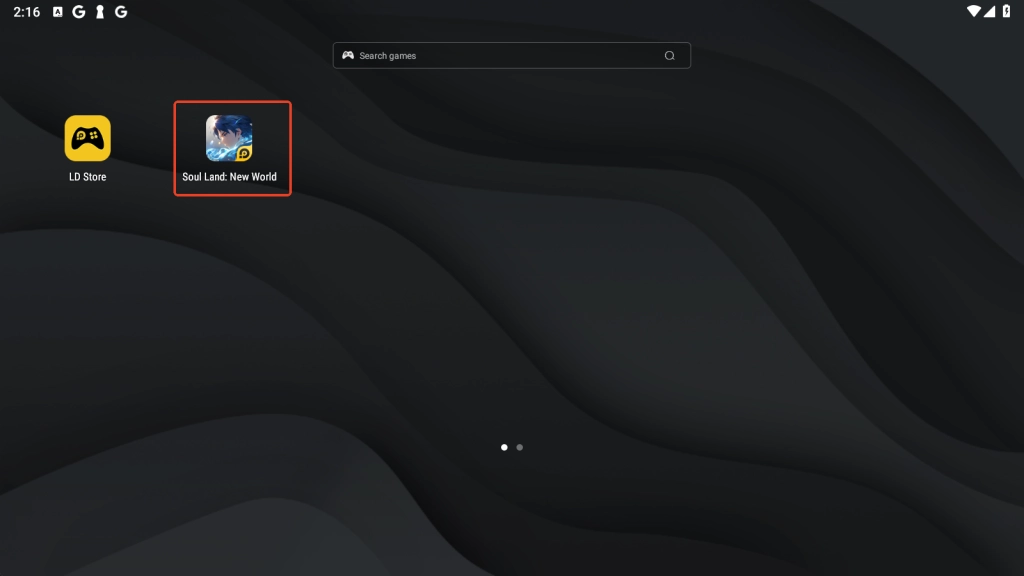
2.1 Click the icon of Soul Land: New World on PC through LDPlayer’s main screen and launch the game.
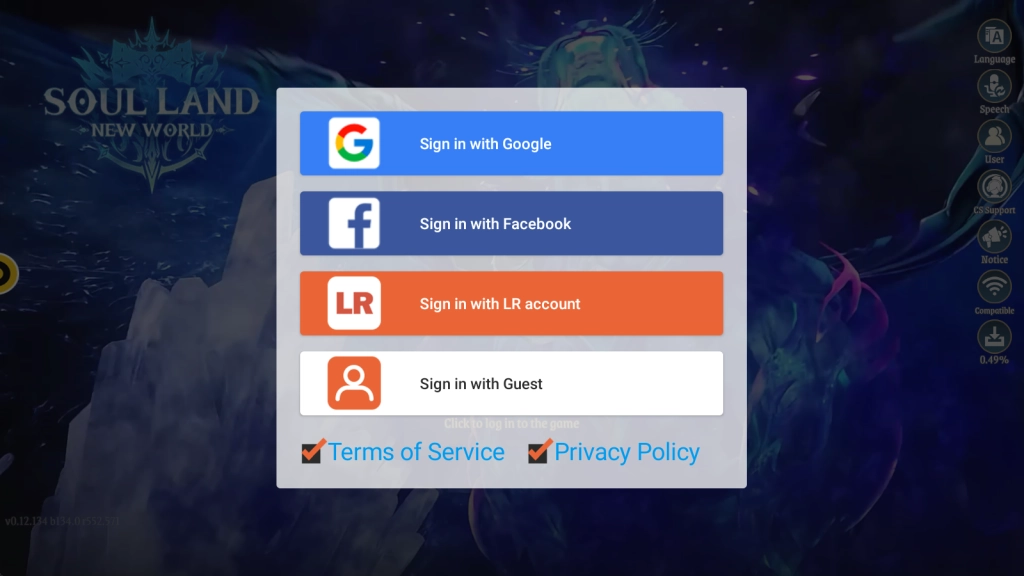
2.2 It will take a few minutes for the game to download its first batch of data.

2.3 Choose a login method and sign in.
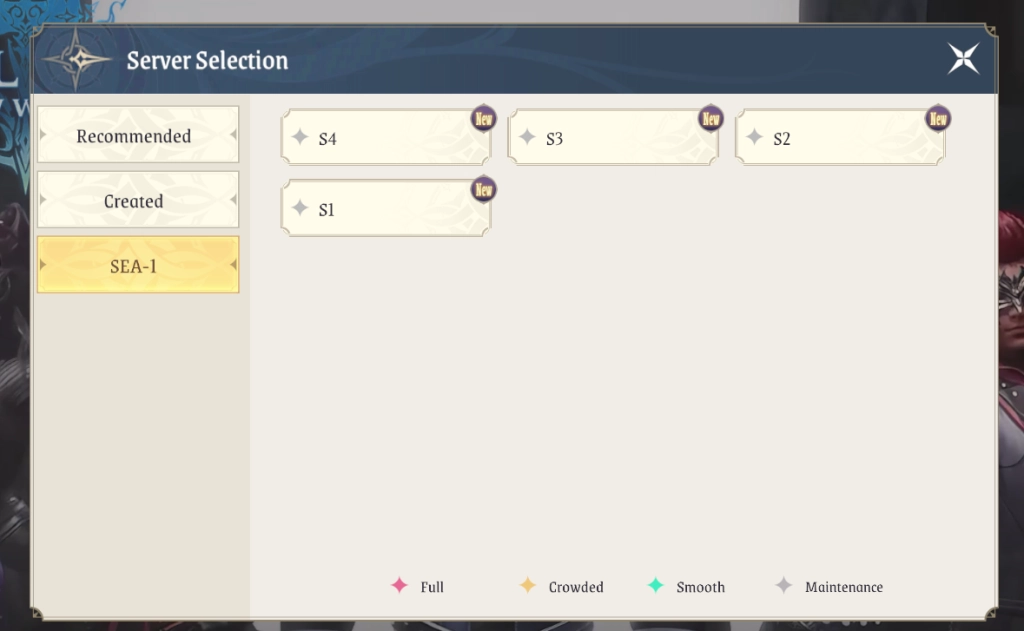
2.4 Select a server.

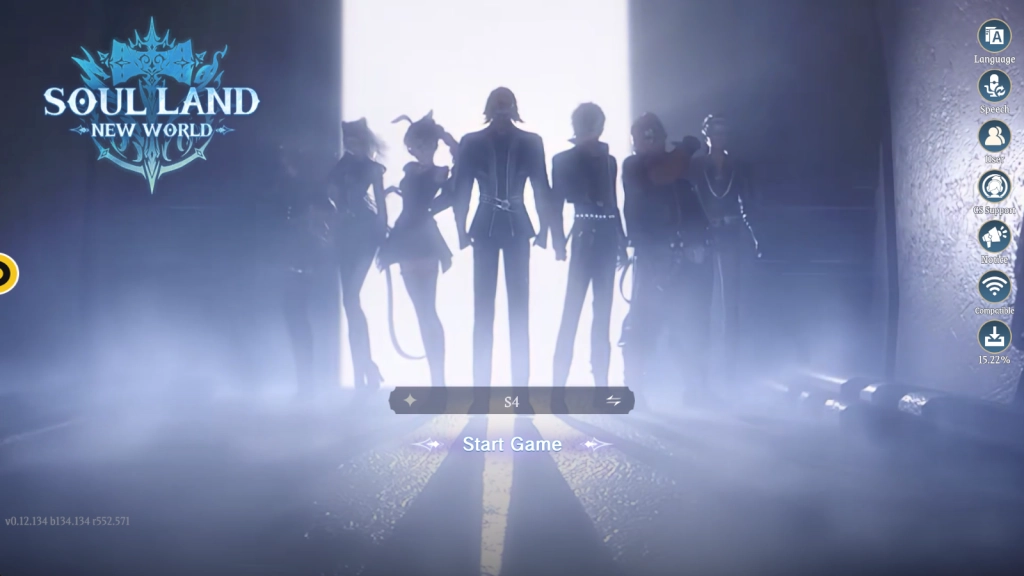
2.5 Click to start the game!
Common Problems You May Come Across and Possible Solutions
How to deal with network errors
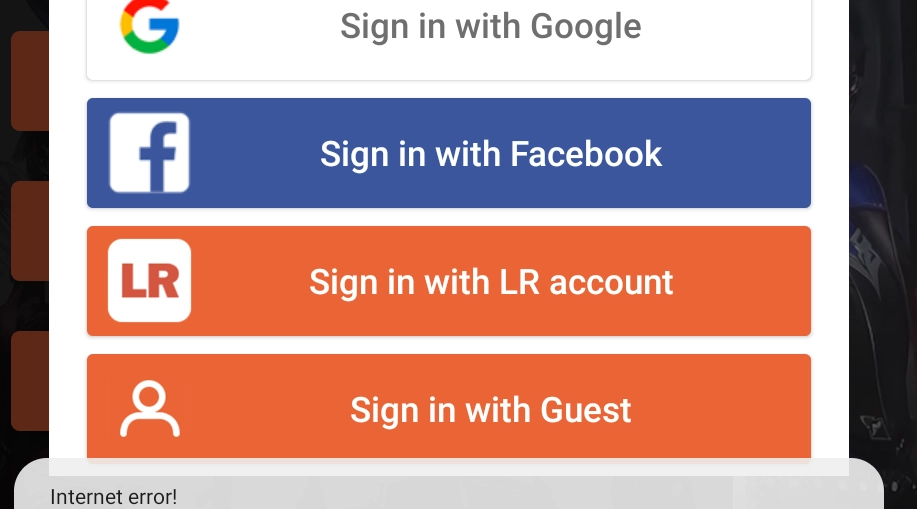
During your gameplay, if you happen to come across some warnings such as “Network_Error”, “Internet error!”, or “Poor network quality, please try again!”, you may first check and reset the network connection of your emulator to fix the problem. If the issue exists constantly throughout your gaming process, you may consider setting up Network Bridging to help deal with the issue.
Special Features of LDPlayer for playing Soul Land: New World
High-Quality FPS & Graphics Settings
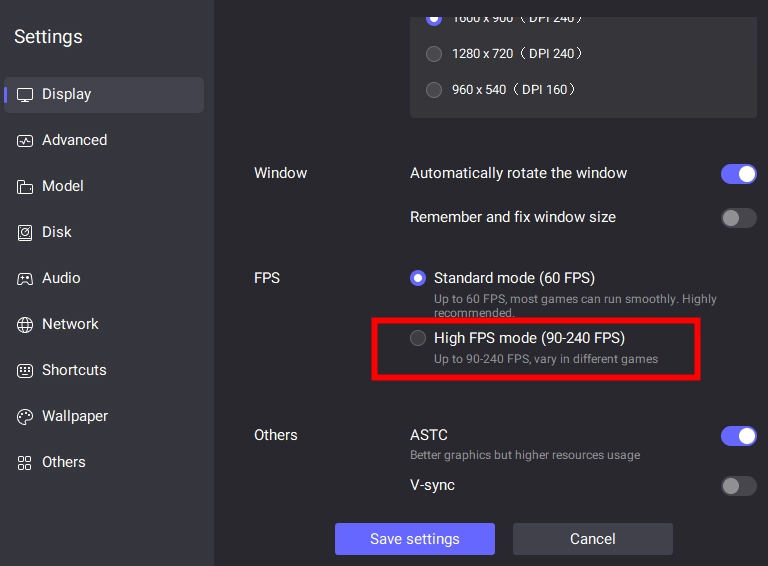
While playing Soul Land: New World on PC with LDPlayer, you are able to enjoy the outstanding FPS & Graphics settings that could guarantee your fluent gameplay and enjoyable visual experience. You can have the 120 FPS Settings and even 240 FPS Game settings turned on to achieve a greater immersion in your Soul Land journey.
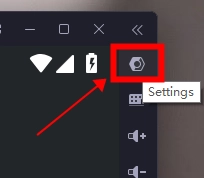
To turn on the high FPS mode, please click the Settings button at the upper right corner and enter the display page.
Tick the High FPS mode.
Click Got it.
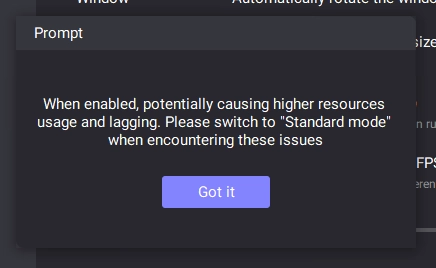
Drag the slider to adjust the rate.

Save the settings and restart LDPlayer. Then the change will take effect.
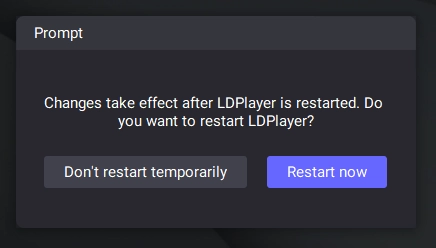
Special Keymap Setup for Soul Land: New World on PC
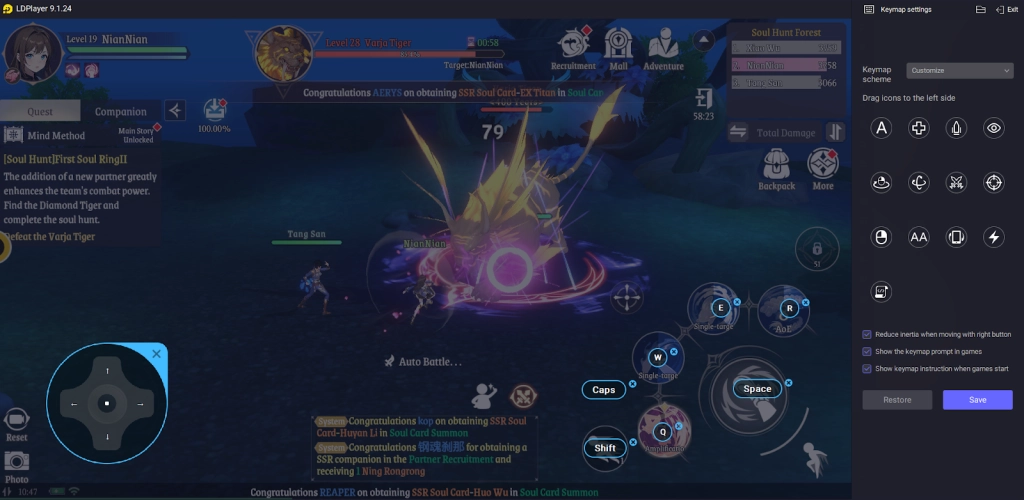
As a soul master, you will come across various exotic soul beasts and have to defeat them using your soul powers. Rather than tapping each of the skills to unleash them, you can play Soul Land: New World on PC and take advantage of LDPlayer’s Keyboard Mapping feature, which allows you to customize your control layout by assigning shortcut keys for each action.
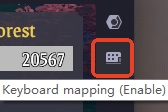
Simply find the keyboard icon on the right sidebar.
Click on the gameplay screen to set up the key map. When all is complete, click Save to see the effects.
Reroll-Friendly Multi-Instance Feature
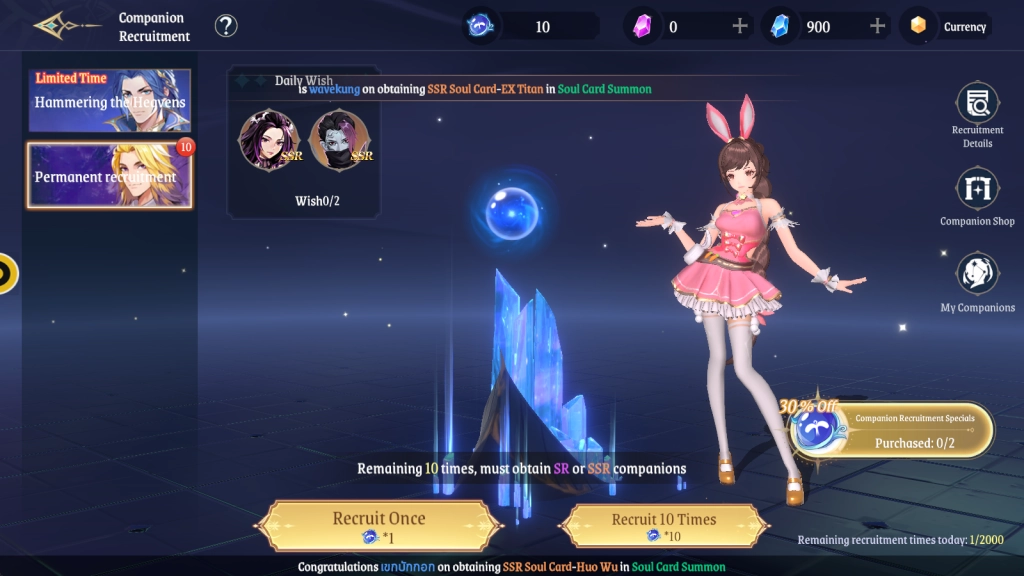
For those who want to reroll to go for the SSRs in Soul Land: New World on PC, LDPlayer offers a special Multi-Instance feature. By using these tools, you can run multiple accounts at the same time to significantly boost your rerolling efficiency, drawing out the best companions for a good start within the shortest possible time!
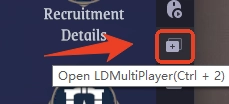
Simply find the Multiplayer button on the right sidebar of your emulator or press “Ctrl + 2” instead.
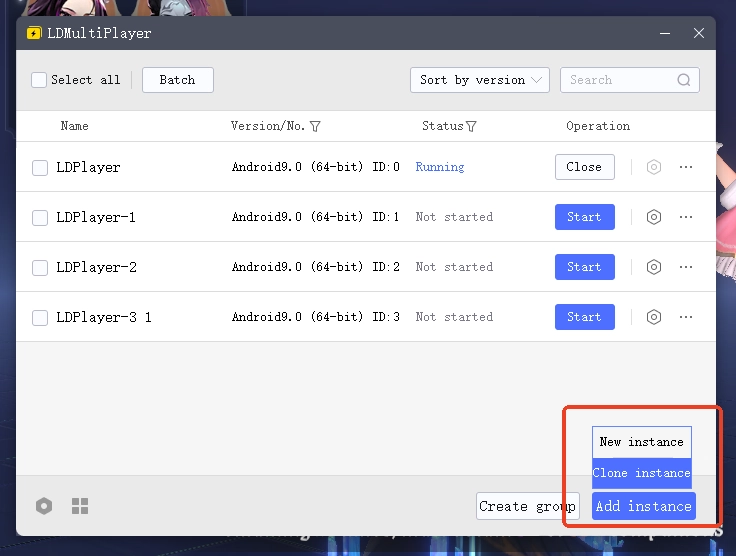
After successfully installing Soul Land: New World on PC and downloading the necessary in-game data, you can utilize the LDMultiplayer tool to clone the instance as many as you want. By combining the Synchronizer tool of LDPlayer, you can control several instances at the same time, making the reroll process an easy task to complete!
Mini Mode for Auto-Battling in Soul Land: New World
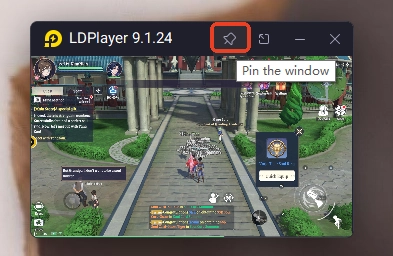
Soul Land: New World has an auto-battle feature that enables players to choose whether to battle automatically or manually based on the situation. While letting the game handle those grinding and bothersome battles, you can turn on LDPlayer’s Mini Mode to zoom out the gaming instance into a small window that can be checked anytime.
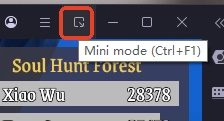
To turn on mini mode, simply find the button on the top right corner of the emulator or use the shortcut “Ctrl + F1”.
Click to pin your window.
Conclusion
Ready to immerse yourself in this mysterious and unknown world? Play Soul Land: New World on PC with LDPlayer and enjoy your special moments by exploring the limitless, combatting with powerful skills, and meeting true friends in Real Soul Land!
More guides about playing Soul Land: New World on PC you may like: