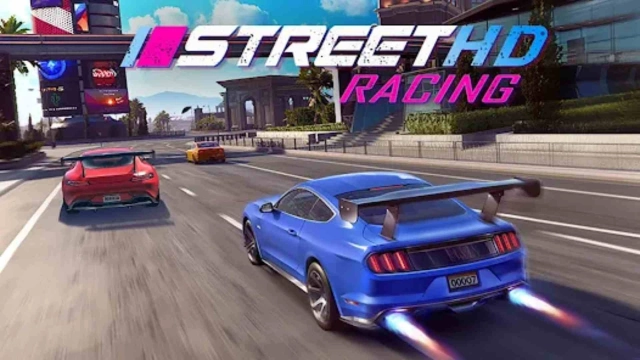
How to Download and Play Street Racing Offline on PC - Beginners Guide
2024-12-26
Do you want to experience the amazing need for speed when racing against other players? Or do you want to try out all of the best models of cars to see how they fare in a race? Then you should experience the amazing racing experience by playing Street Racing Offline on PC today!
Table of Contents
Play Street Racing Offline on PC In 2 Easy Steps
Step 1: Download The Official LDPlayer 9.0 Emulator & Install Street Racing Offline
For Players Who Have Yet To Install LDPlayer 9.0:
To start playing Street Racing Offline on PC, you will need to download the official Emulator from the official LDPlayer website. Complete the download and installation process by simply following the instructions. Once the installation process is complete, simply launch an Emulator instance of LDPlayer 9.0 straight from your PC.
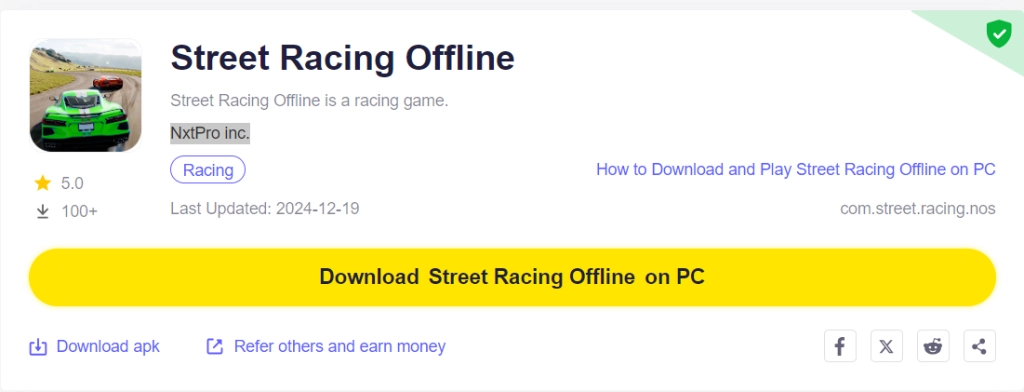
Once you have completed this step, simply continue with the following steps for those who have installed the LDPlayer 9.0 Emulator as shown below.
For Players Have Already Installed LDPlayer 9.0:
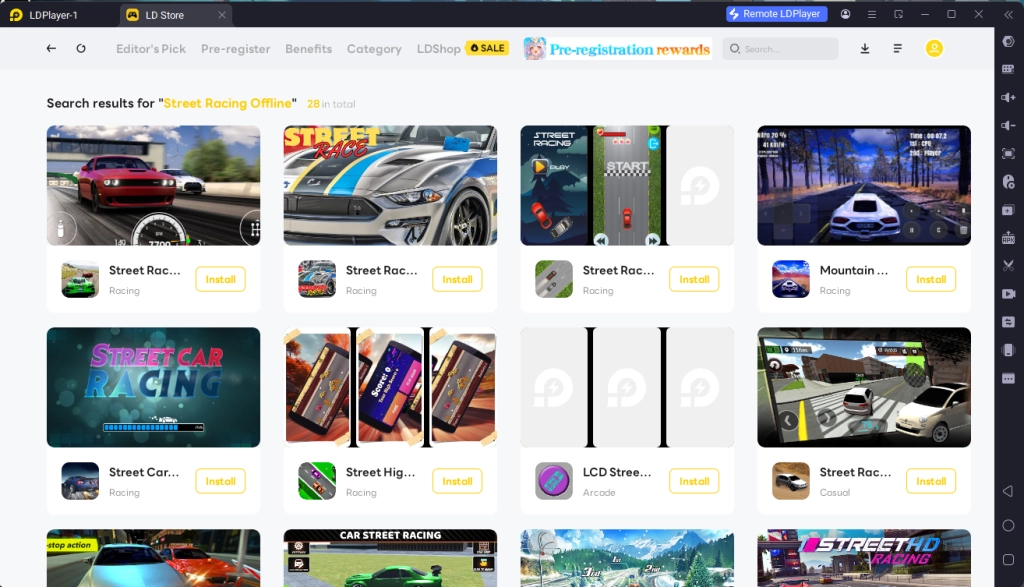
Upon starting the emulator instance, to download Street Racing Offline, simply search “Street Racing Offline” on the search bar on the main screen and Install the game by clicking the “Install” button. Please make sure that the application being installed is the correct version of Street Racing Offline from NxtPro inc.
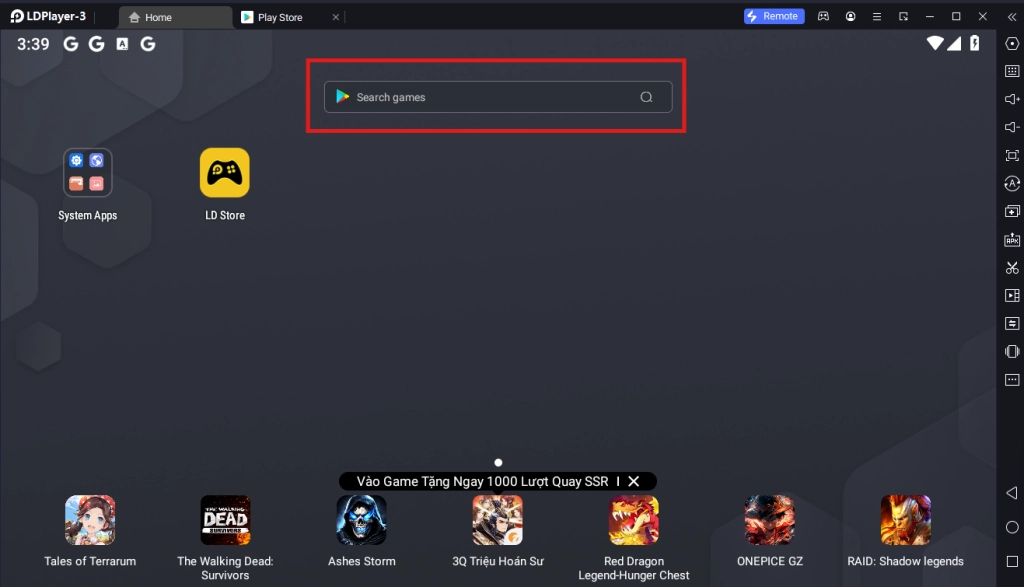
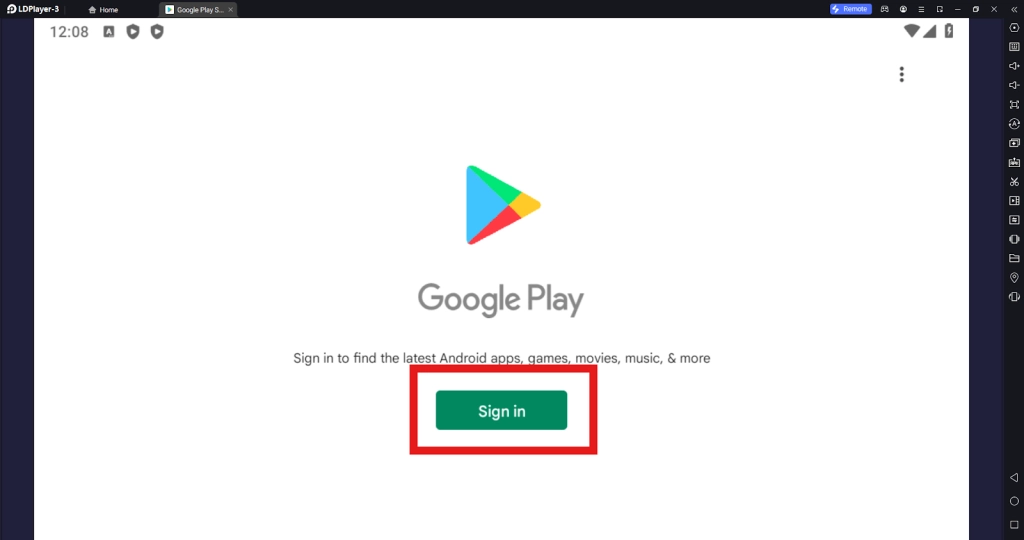
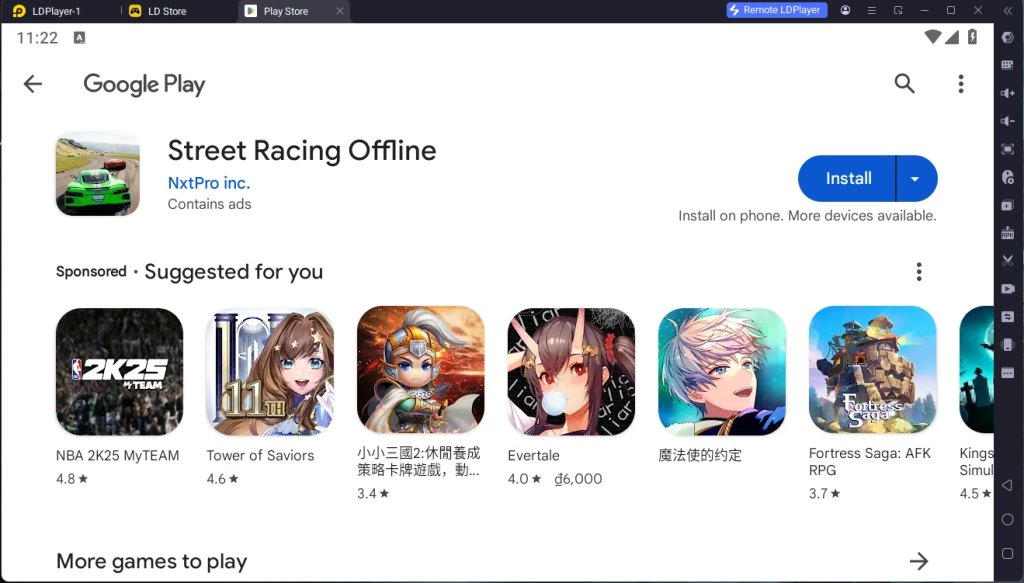
Upon clicking the “Install” button, players will be directed to the Google Play Store. Simply log into your pre-existing Google Play Account or create a new one by following the Google Play Store Instructions. Once finished, simply click the “Install” button on the Google Play Store page for Street Racing Offline.
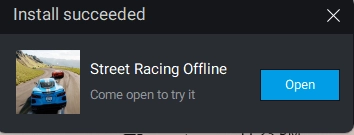
Once the application finishes downloading, players can launch the app directly from the home page of the Emulator instance after receiving a small notification notice.
Step 2: How To Make An Account And Link Account Data
2.1 - Upon launching the game, you will need to wait for the game to finish initializing and download its data. Make sure to have a good internet connection and simply wait for the game to continue.
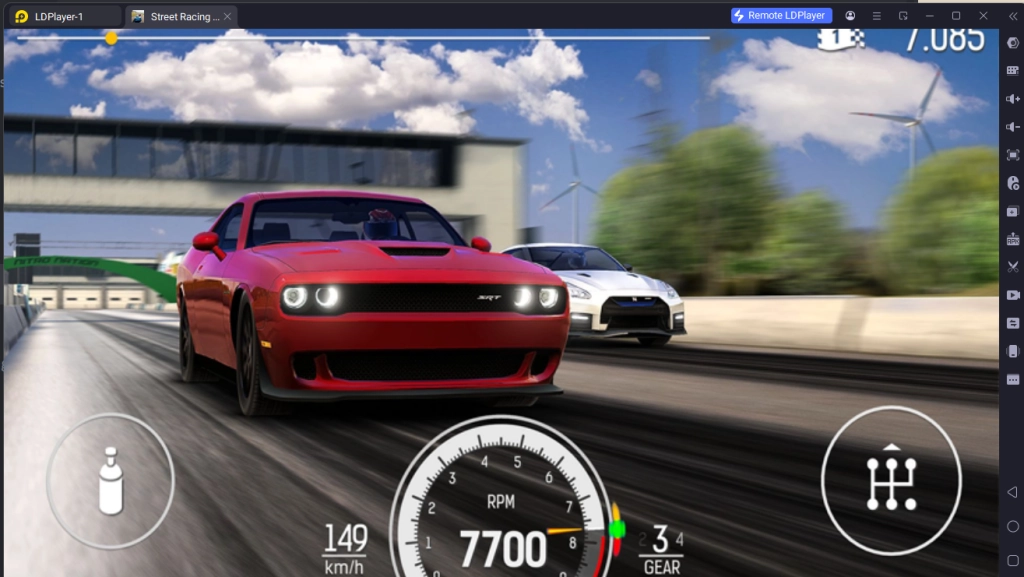
2.2 - Once done, you can immediately play the game by clicking on the game’s main screen.
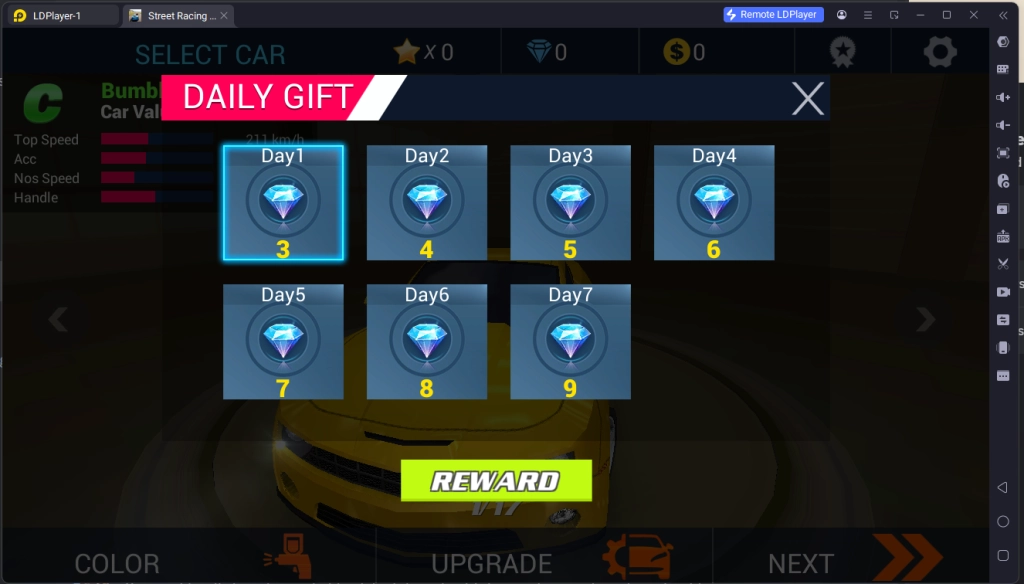
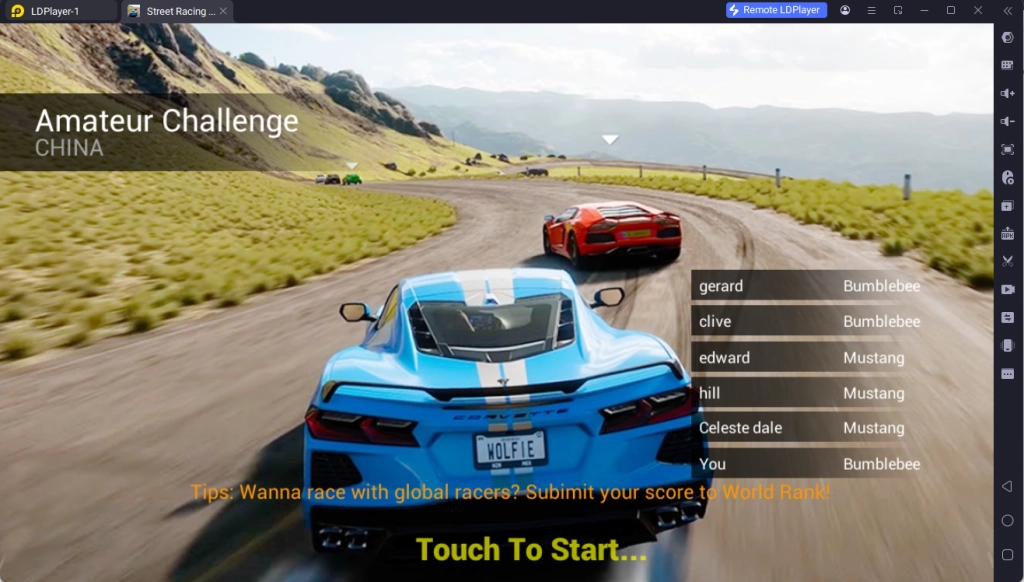
2.3 - To start playing, you can customize your car to your heart’s content and select the racing stage that you want to partake in in order to start playing the game right away.
Special Recommended Settings & Features
Special Keyboard Mapping For Street Racing Offline
As Street Racing Offline is a racing game that requires precise input to not only accelerate but also steer the car in the correct ways in order to pass other vehicles in the race, when Street Racing Offline, you can consider controlling the game directly through your Keyboard instead of using the mouse by using LDPlayer 9.0’s Key Mapping function.
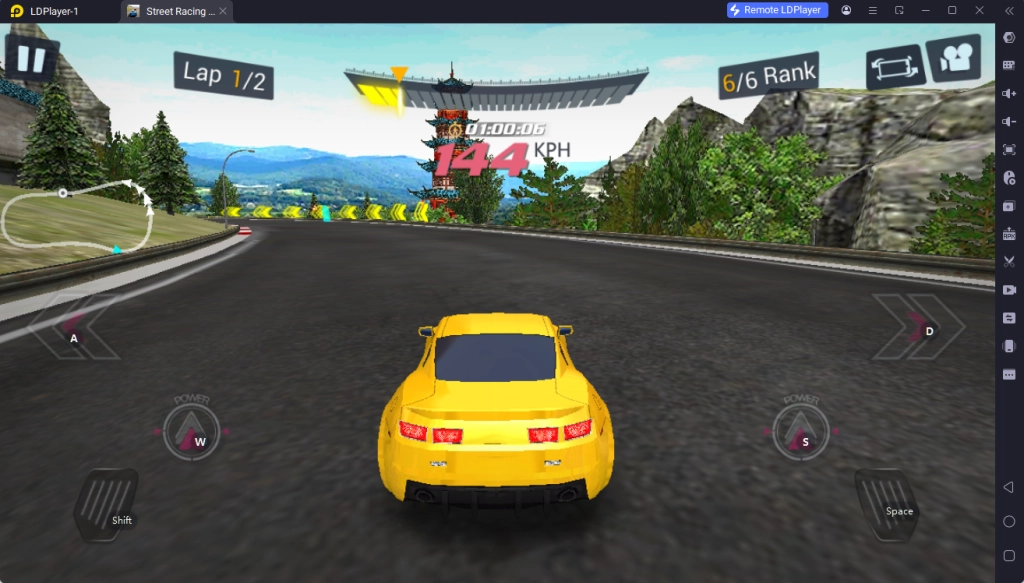
To access the keyboard mapping function and to bind special keys to help play Street Racing Offline with your keyboard, players simply need to find the Keyboard Mapping function on the sidebar of the Emulator instance.
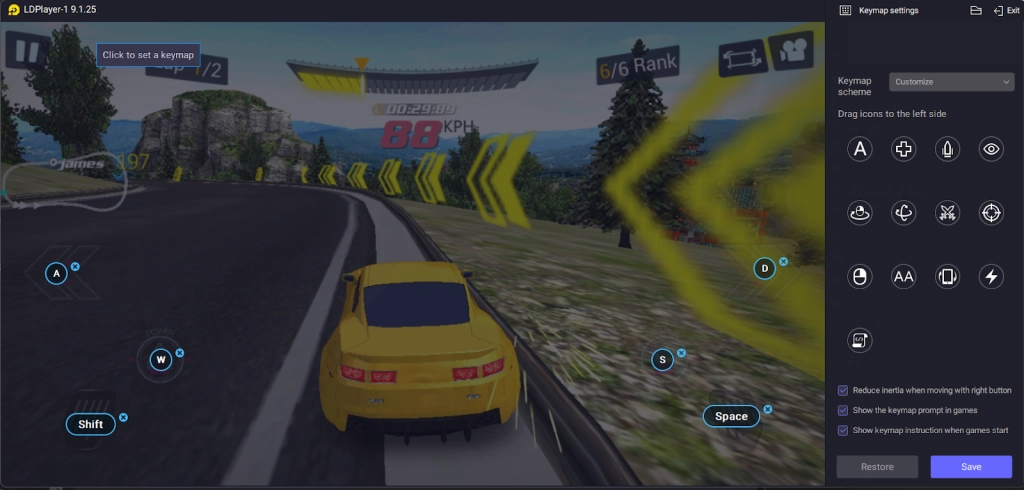
Once clicked, players will be treated with a menu that allows them to assign buttons with certain keyboard keys to do special actions on the screen. To assign the positions of the buttons, simply drag and drop them onto the screen while the game is running.
If players do not find the button's positions good enough or if the players want to change the key binding for these movements, simply choose the Keyboard Mapping button on the Emulator side bar and adjust the buttons by dragging their positions and assigning new keys to them.
Macro Commands For Smooth And Swift Gameplay
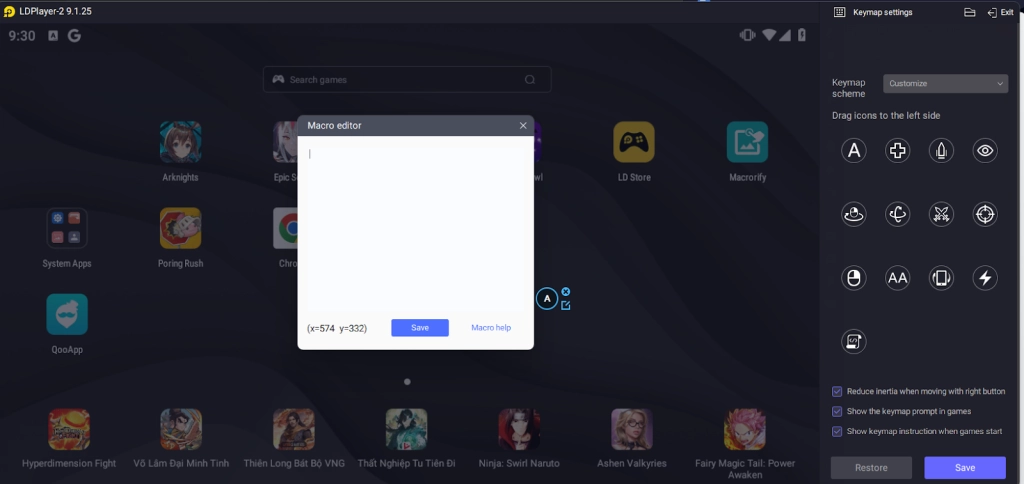
Tired of having to click multiple buttons in rapid succession to both accelerate and steer the car? Then you should take advantage of LDPlayer’s special Keyboard Macro function, allowing you to input multiple keyboard actions by a push of a single button.
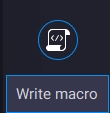
To use this function, simply access the LDPlayer Keyboard mapping settings and select the Write Macro function. Then, simply write out your macro commands, drag them onto the screen, and assign a special function button to the macro. Once this is done, you will be able to execute multiple button commands at the same time using the Macro function.
Play The Game Even When Offline
Unlike other games in the market where the majority of them require an Internet connection to play, you can play Street Racing Offline on LDPLayer without needing to directly connect to an Internet network at all.
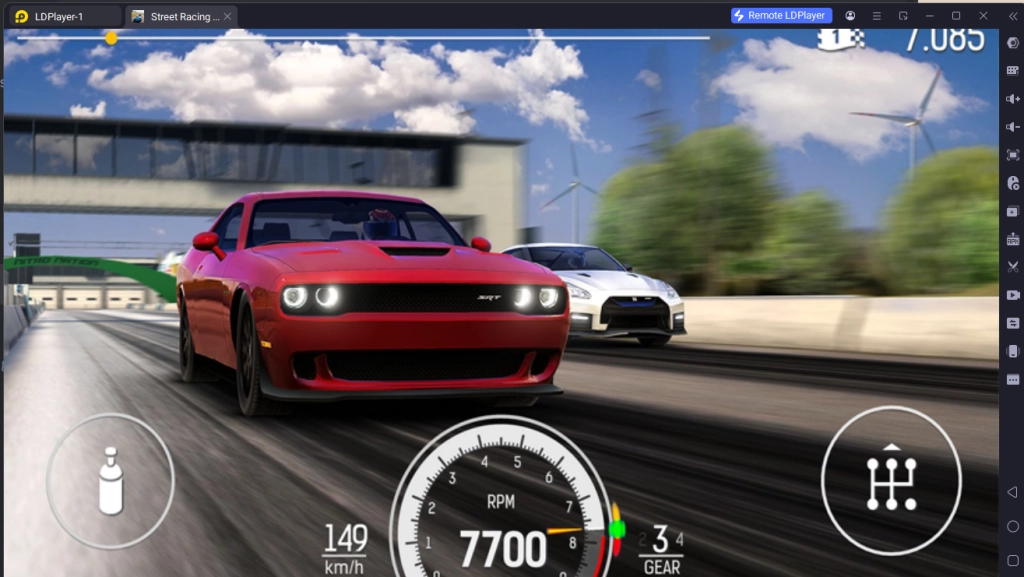
As the game functions as an offline game, players can turn the game into a very suitable comfort game to pass the time on their personal PC or laptop with the help of LDPlayer when they don’t have any internet connections.
Minimum System Requirements for Playing Street Racing Offline on PC
System
Recommended Win10 and above 64-bit systems, including OpenGL 4.
CPU
8th Gen Intel Core i3-8100 4-core or higher, with VT option enabled
Graphics Card
NVIDIA GeForce GTX1050 Ti 2GB or higher
Memory
8GB or more
Storage Space
10GB or more available space for installation disk, 2GB or more available space for system disk
Conclusion
What are you waiting for? Experience the thrill of racing against others or testing out numerous cars’ capabilities and models by playing Street Racing Offline on PC with LDplayer 9.0 - the best emulator today!