home page
Games
Pre-RegisterRPGStrategyAdventureCasualArcadeRacingActionSimulation
Support
LDPlayer 9 IntroductionEnable VTStartup Stuck at 50%/94%Fix Invalid Virtual DiskUpdate Graphics DriverKeyboard MappingEnable LDMultiplayerFPS Setting
Blogs
Updates
LDGame
Affiliate
LDGame Community
download ldplayer
Download LDPlayer
English
繁體中文한국어Tiếng ViệtภาษาไทยPусскийPortuguêsEspañolFrançaisDeutsch日本語Indonesiaالعربية

LDPlayer Support

EmailFacebookDiscordLDGame Customer Service(For LDPlayer account & recharge problem)

Products

LDCloudOSLinkEasyFunLDShop

About

About UsBusiness InquiryDMCA Takedown

Follow Us

©2025 LDPLAYER.NET , ALL RIGHTS RESERVED.JUST OKAY LIMITED , OFFICE F, 12/F, YHC TOWER , 1 SHEUNG YUET RD, KOWLOON BAY KLN, HONG KONG
Games and applications on this site are collected from the internet. If there is any infringement, please contact the email: support@ldplayer.net
Privacy Policy|GDPR Privacy Notice|Help Translate
English
繁體中文한국어Tiếng ViệtภาษาไทยPусскийPortuguêsEspañolFrançaisDeutsch日本語Indonesiaالعربية

Blogs/

Game Guides/

News and Guides for The Ragnarok

How to Download and Play The Ragnarok on PC -Beginners Guide

2024-12-03

The Ragnarok, an open-world MMORPG game inheriting the classic professional style of RO, is available now! Play The Ragnarok on PC with LDPlayer 9.0, the fastest and smoothest Android emulator today, begin a new chapter of your journey, and create your own legendary story by following this beginner guide!

Table of Contents

  • Download and Play The Ragnarok on PC in 2 Steps
    • Step 1: Download LDPlayer 9.0 and Install The Ragnarok on PC
    • Step 2: Login and Play The Ragnarok on PC
  • Special Features of LDPlayer for The Ragnarok
    • Higher FPS & Graphics Settings
    • Special Keyboard Mapping for The Ragnarok on PC
    • Mini Gaming Mode for Playing The Ragnarok on PC
    • Special Multi-Instance Feature
  • Conclusion

Download and Play The Ragnarok on PC in 2 Steps

Step 1: Download LDPlayer 9.0 and Install The Ragnarok on PC

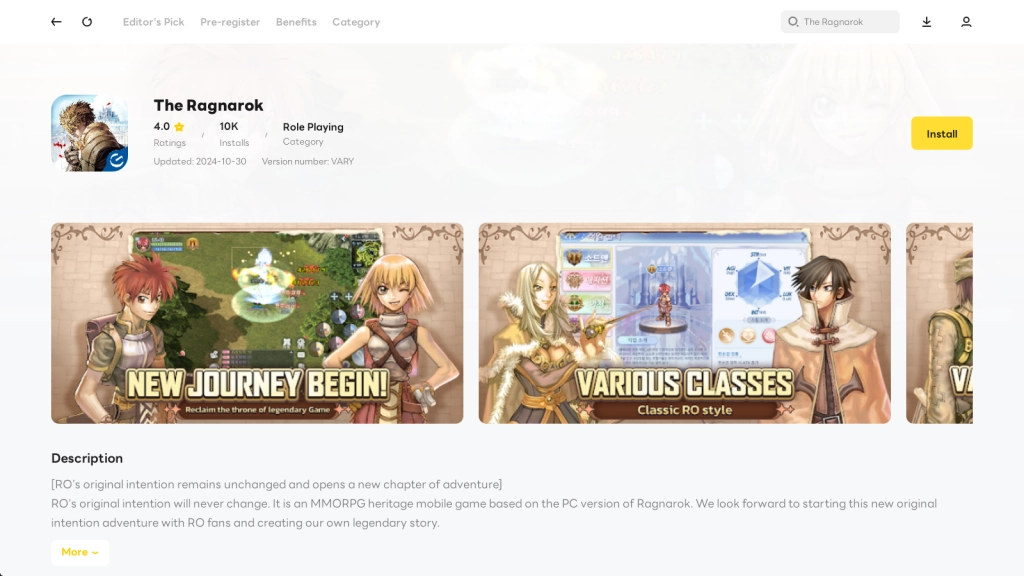
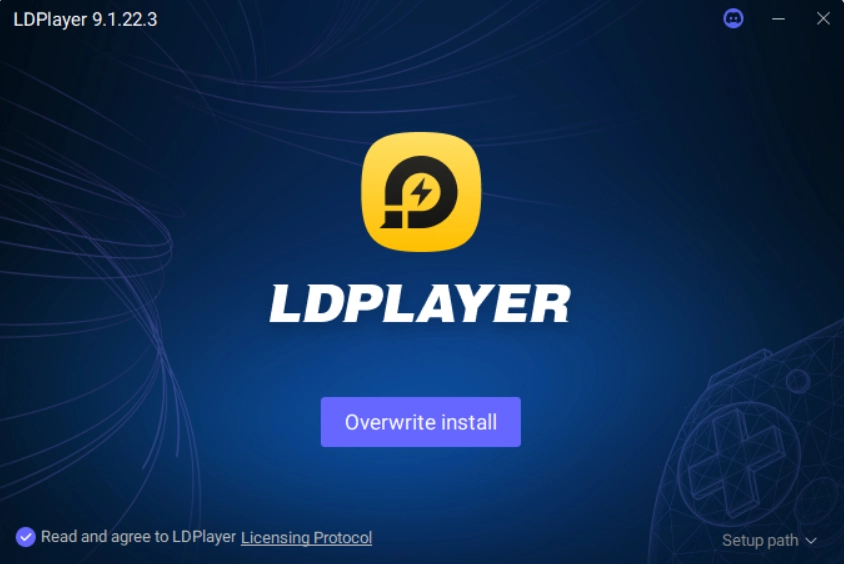
1.1 Find the “Download The Ragnarok on PC” option on the official website to download and install LDPlayer 9.0.
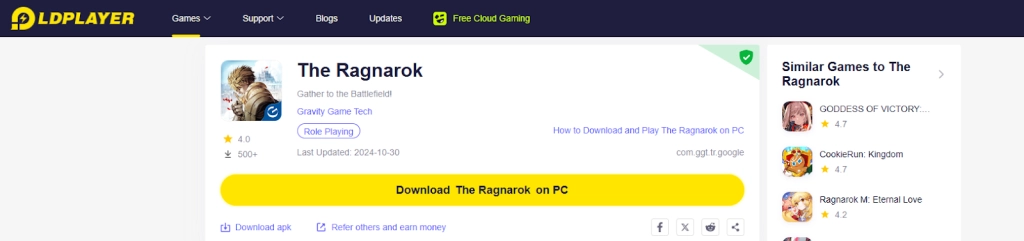
How to Download and Play The Ragnarok on PC -Beginners Guide

How to Download and Play The Ragnarok on PC -Beginners Guide

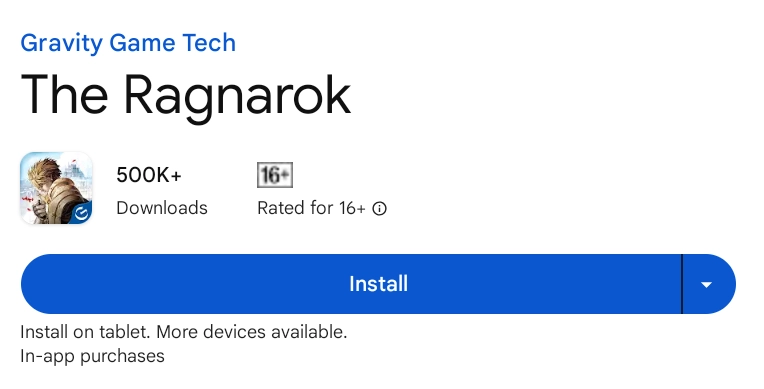
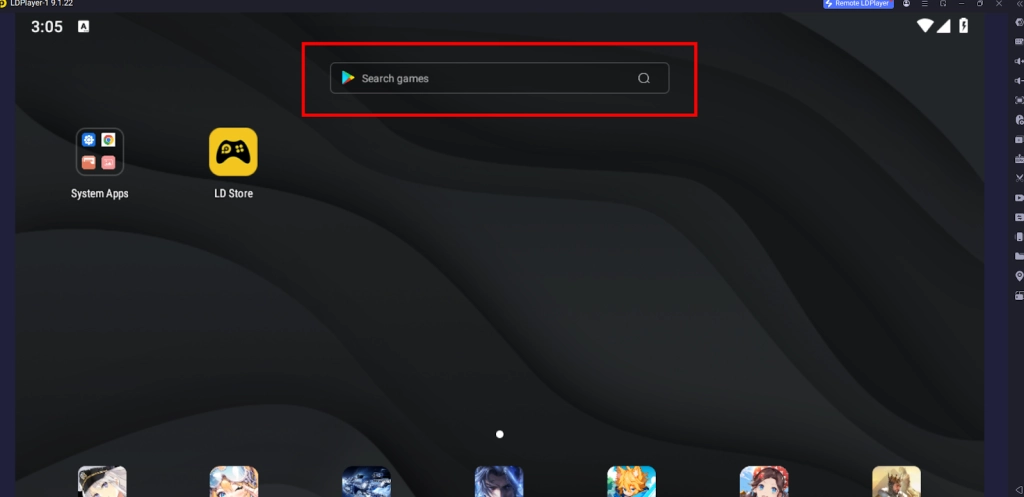
1.2 Find the game “The Ragnarok” developed by Gravity Game Tech on the LD store.
How to Download and Play The Ragnarok on PC -Beginners Guide

How to Download and Play The Ragnarok on PC -Beginners Guide

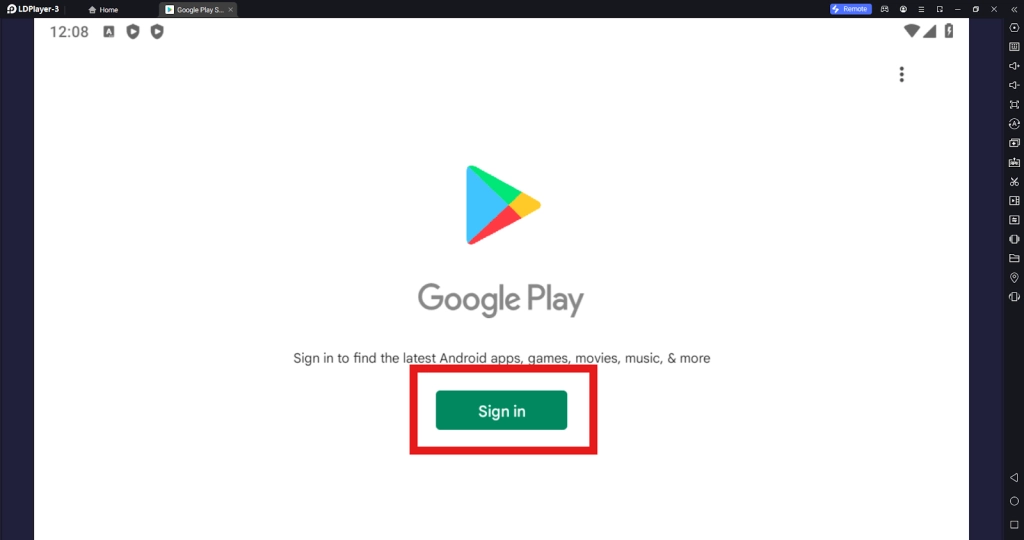
1.3 Sign in to the Google account, and continue installing The Ragnarok on PC.
How to Download and Play The Ragnarok on PC -Beginners Guide

How to Download and Play The Ragnarok on PC -Beginners Guide


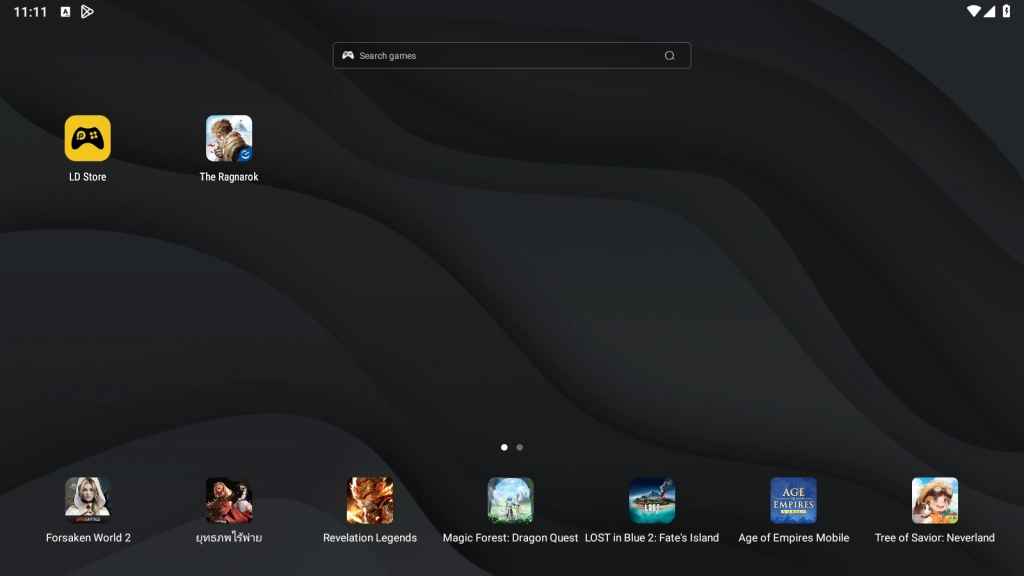
1.4 Launch the game The Ragnarok on PC through the game’s icon on LDPlayer’s home screen directly.
How to Download and Play The Ragnarok on PC -Beginners Guide


Step 2: Login and Play The Ragnarok on PC

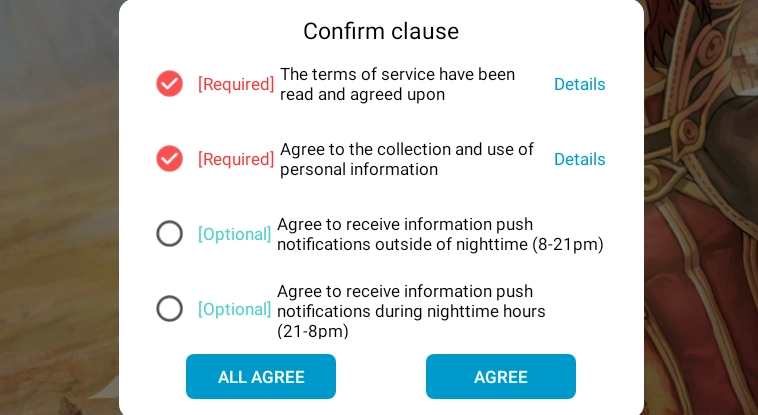
2.1 Click on the game’s icon and enter The Ragnarok on PC. Players will be treated with the Confirm clause window. Kindly check the terms and agree.
How to Download and Play The Ragnarok on PC -Beginners Guide

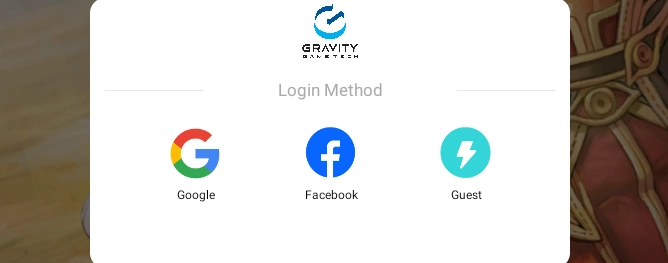
2.2 The Ragnarok offers three methods to log in to the game. Choose one and sign in.
How to Download and Play The Ragnarok on PC -Beginners Guide

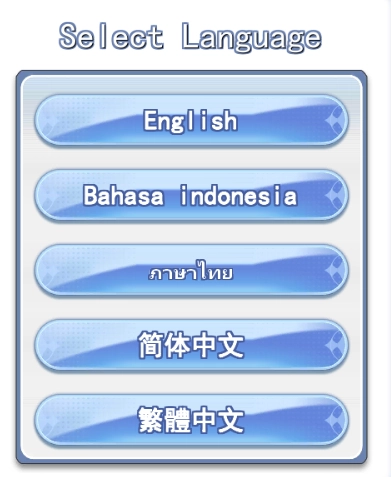
2.3 Then you will be prompted to select the language for your gaming system.
How to Download and Play The Ragnarok on PC -Beginners Guide

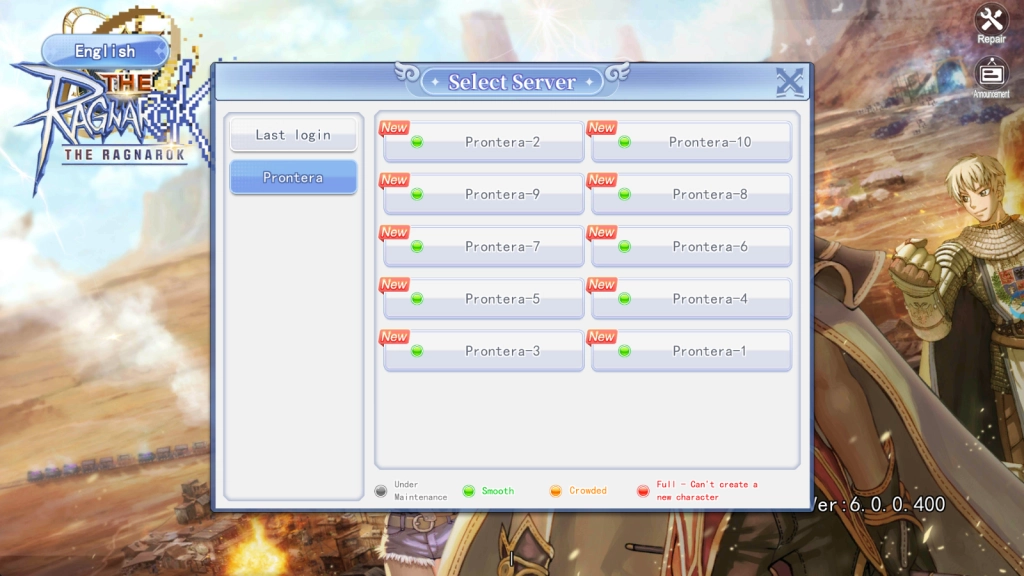
2.4 Now we can see the beginning page of The Ragnarok. Before clicking to start the game, you can switch your server based on your needs.
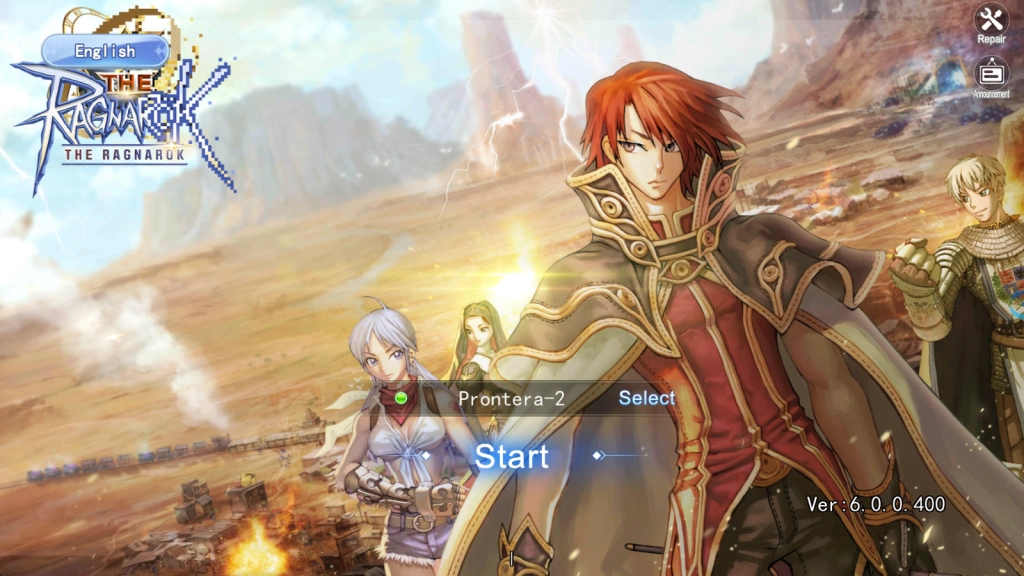
How to Download and Play The Ragnarok on PC -Beginners Guide

How to Download and Play The Ragnarok on PC -Beginners Guide

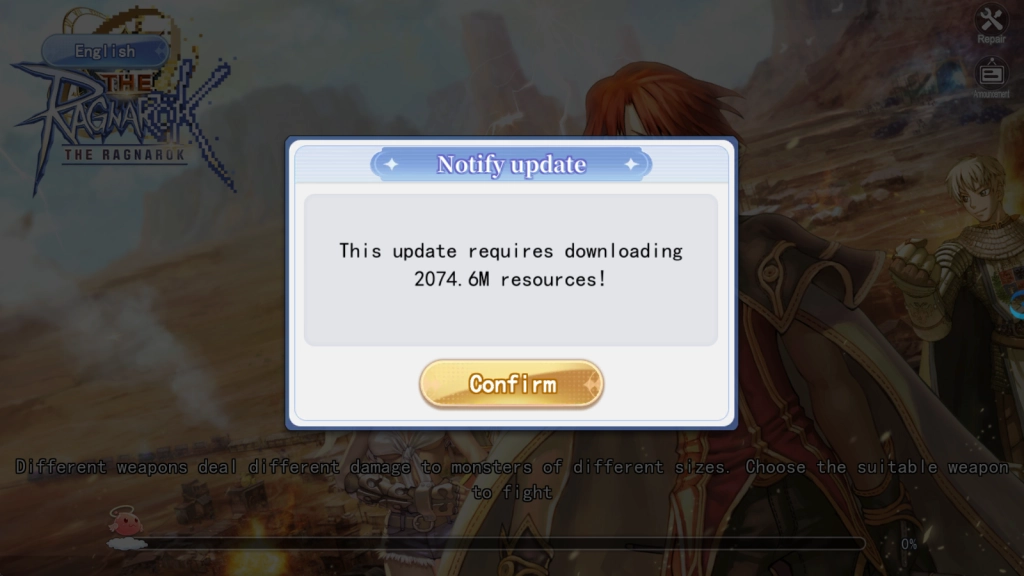
2.5 You will be notified to download the in-game resources for updates. Simply click Confirm to proceed and wait patiently.
How to Download and Play The Ragnarok on PC -Beginners Guide

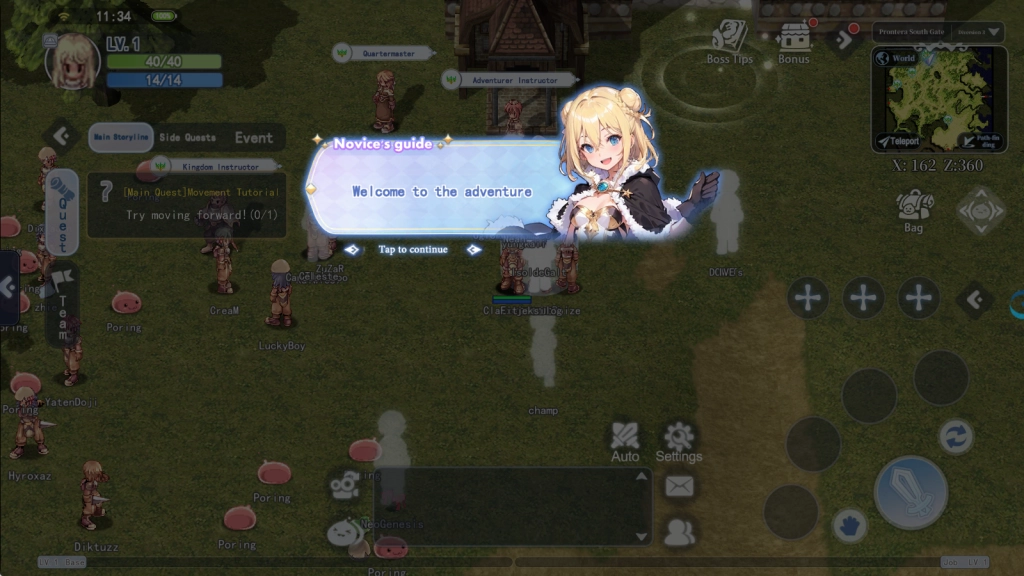
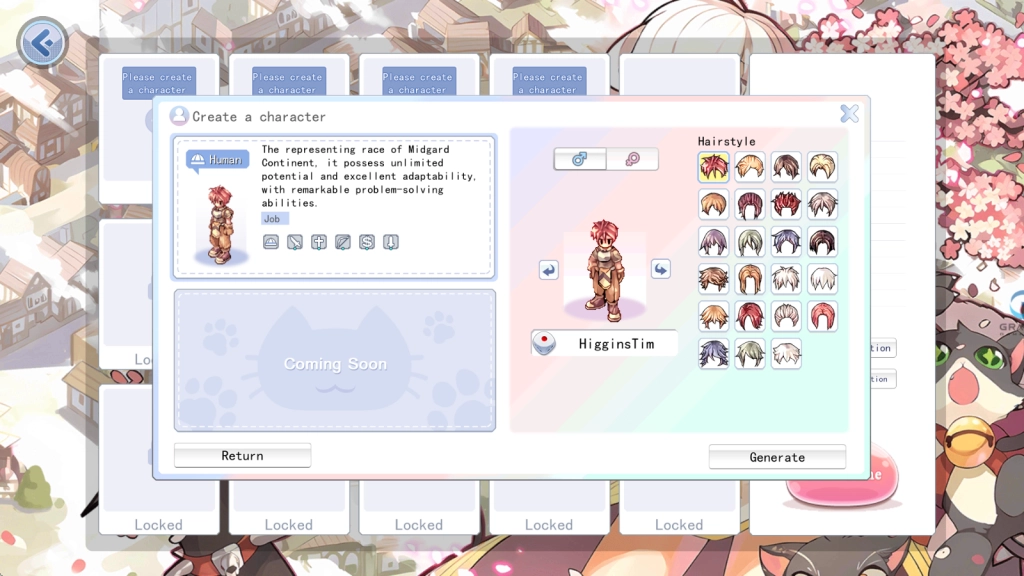
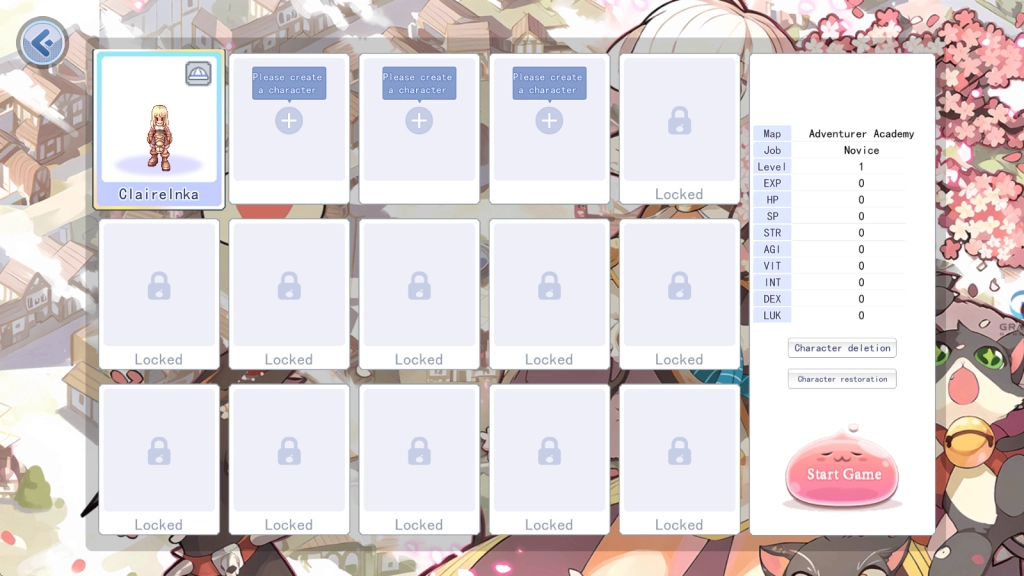
2.6 Now you can start playing The Ragnarok on PC! Go and customize your character. Embark on your exciting journey with the amazing features of LDPlayer 9.0!
How to Download and Play The Ragnarok on PC -Beginners Guide

How to Download and Play The Ragnarok on PC -Beginners Guide

How to Download and Play The Ragnarok on PC -Beginners Guide


Special Features of LDPlayer for The Ragnarok

Higher FPS & Graphics Settings

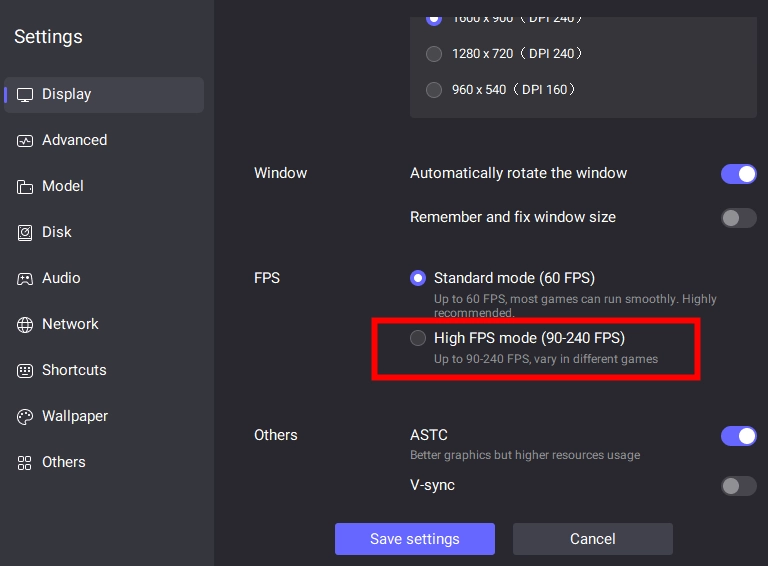
Higher FPS & Graphics settings could guarantee players more fluency and visual experience in The Ragnarok on PC. Now this best Android emulator, LDPlayer, will offer you the chance to have the 120 FPS Settings and even 240 FPS Game settings available to achieve a greater immersion in this RO universe.

The high FPS mode can be turned on by just a few simple steps. Firstly, please click the Settings button at the upper right corner and enter the display page.
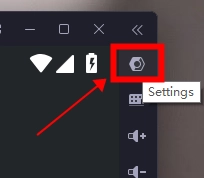
How to Download and Play The Ragnarok on PC -Beginners Guide

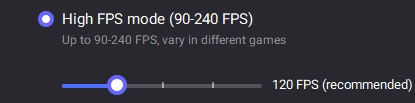
Tick the High FPS mode and 

How to Download and Play The Ragnarok on PC -Beginners Guide

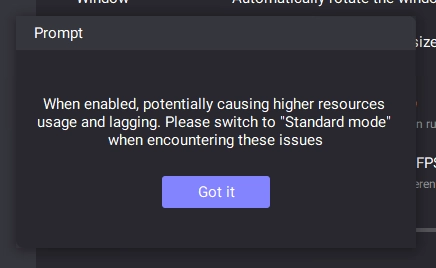
Click Got it.

How to Download and Play The Ragnarok on PC -Beginners Guide

Drag the slider to adjust the rate.

How to Download and Play The Ragnarok on PC -Beginners Guide

Save the settings and restart LDPlayer. Then the change will take effect.
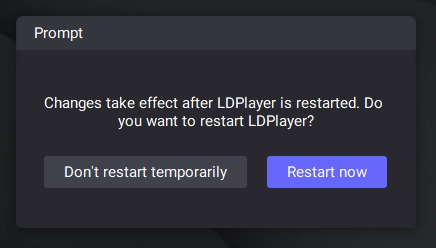
How to Download and Play The Ragnarok on PC -Beginners Guide


Special Keyboard Mapping for The Ragnarok on PC

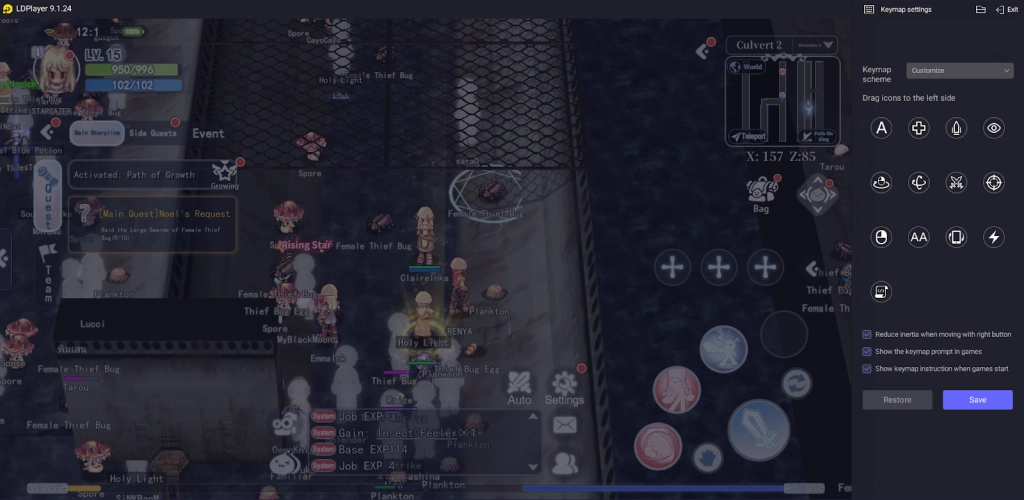
To better accommodate your game style and upgrade your gaming experience, LDPlayer’s special Keyboard Mapping function is recommended here for you to set a keymap based on your preference, helping you use your skills and handle every battle in The Ragnarok on PC with nonchalant ease. 
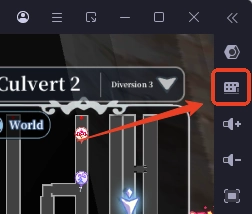
How to Download and Play The Ragnarok on PC -Beginners Guide

How to Download and Play The Ragnarok on PC -Beginners Guide


Mini Gaming Mode for Playing The Ragnarok on PC

The Ragnarok invites every player to explore the Ragnarok universe and uncover a series of fantastic mysteries, where you engage in quests and tasks to progress the story. Here comes the Mini Mode function of LDPlayer 9.0, which enables you to run the game on a small window doing the daily tasks in the game’s auto-mode and reaping the in-game rewards without having to look at the game at all time.

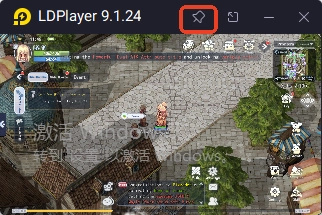
Simply find the mini mode button at the top right corner of LDPlayer 9.0. Or use the keyboard’s shortcut “Ctrl + F1”.
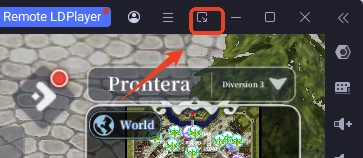
How to Download and Play The Ragnarok on PC -Beginners Guide

After turning on the mini mode, you can use the “Pin” button to pin the instance on your screen.
How to Download and Play The Ragnarok on PC -Beginners Guide


Special Multi-Instance Feature

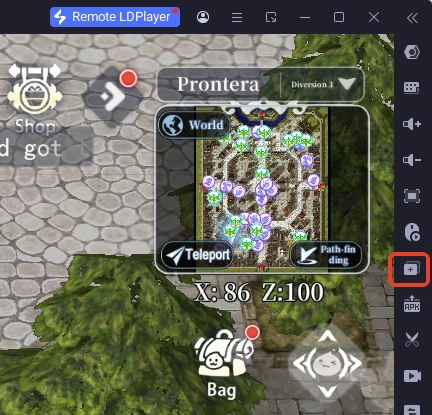
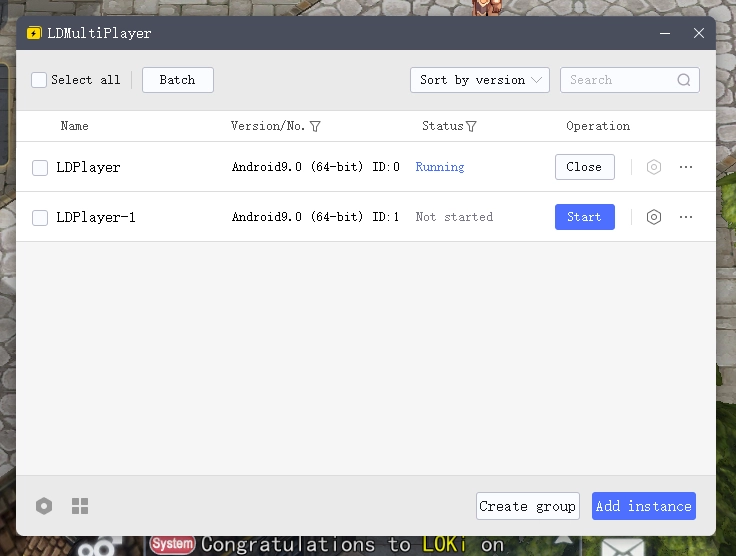
We have introduced the mini mode settings of LDPlayer, you can combine that with the LDMultiplayer function, which allows you to manage multiple instances better on LDPlayer.
How to Download and Play The Ragnarok on PC -Beginners Guide

How to Download and Play The Ragnarok on PC -Beginners Guide


Conclusion

Follow the guide that provides every detail you need to play Play The Ragnarok on PC with LDPlayer. Enjoy the captivating and thrilling journey to challenge fate and rewrite the legends.


Guides and tips that you may need to have a good start in The Ragnarok on PC:

  • The Ragnarok Launch Gift-Redeem Code-LDPlayer

Pokemon TCG Pocket Reroll Guide with LDPlayer for a Better Card – November 2024
|
How to Download and Play STARSEED: Asnia Trigger on PC - Beginners Guide

The Ragnarok

You May Also Like
Top Game Guides
The Ragnarok F2P Guide with Tips for Newbies - Get Started
The Ragnarok Classes Guide – Who to Choose and How to Make Them Powerful?
The Ragnarok Launch Gift
The Ragnarok Beginner Guide – Tips and Tricks for Every New Player
The Ragnarok Codes: Relive Classic Adventures – 2025 March
Star Sailors Codes for April 2026 *Working Codes*