How to Download and Play Voyage Demon Hunter on PC -Beginners Guide
2024-12-03
Voyage Demon Hunter is a Demon Slayer-themed mobile game where the stunning graphics and effects and the true-to-series narrative bring Tanjiro’s captivating story to life. Play Voyage Demon Hunter on PC with LDPlayer today to forge your legend in Demon Slayer with 3 simple steps.
Table of Contents
Download and Play Voyage Demon Hunter on PC in 3 Steps
Step 1: Download LDPlayer 9.0 and Install Voyage Demon Hunter on PC
1.1 Find the “Download Voyage Demon Hunter on PC” option on the official website and download LDPlayer 9.0.
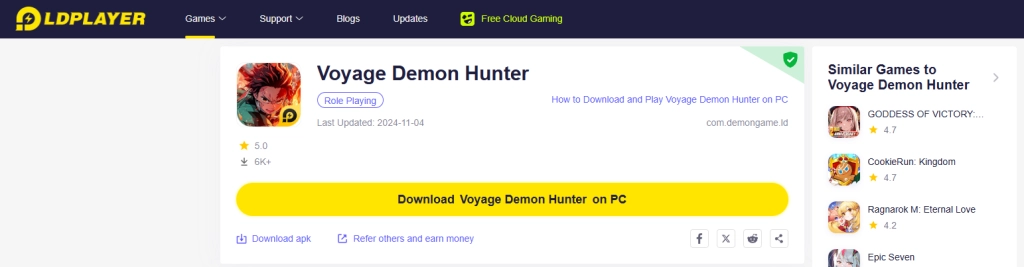
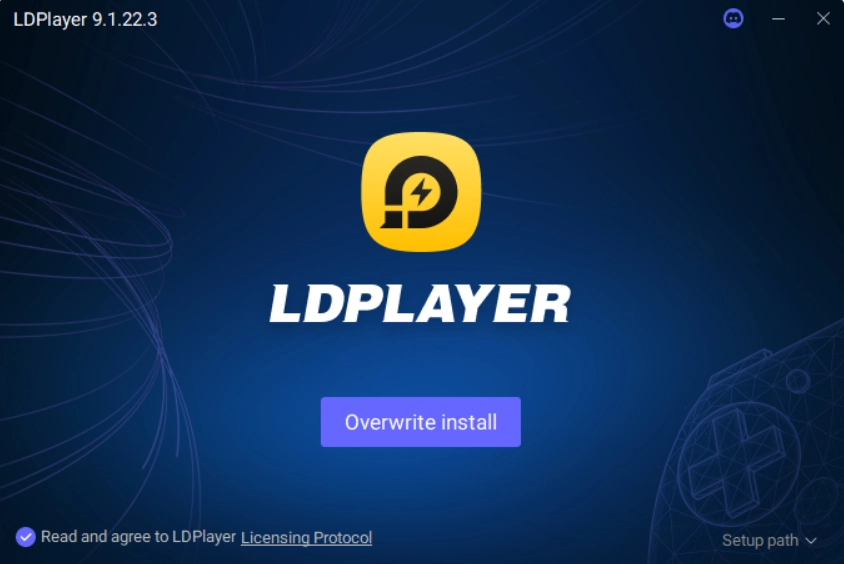
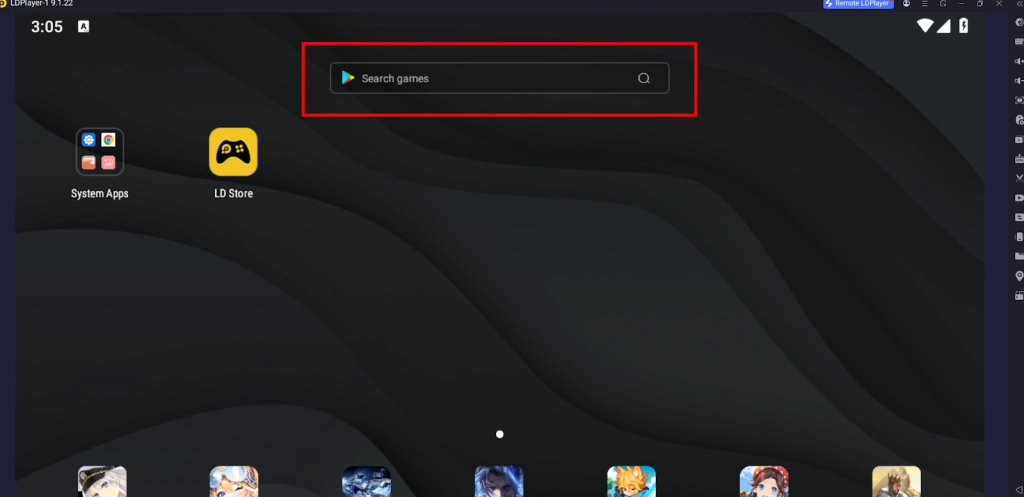
1.2 Search the game “Voyage Demon Hunter” through the search bar of LDPlayer and install.
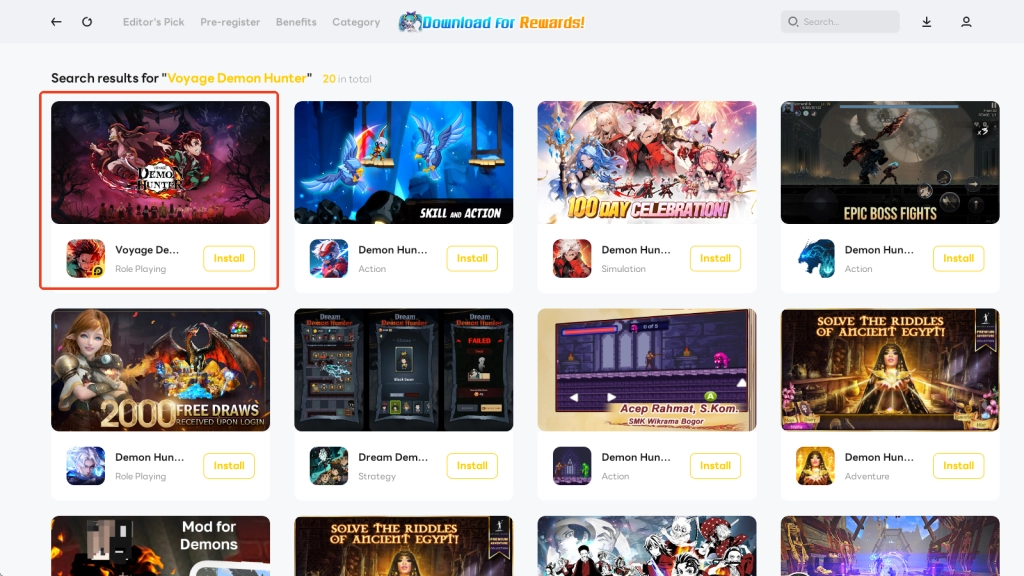
1.3 Tap the application icon on your emulator to launch Voyage Demon Hunter on PC.
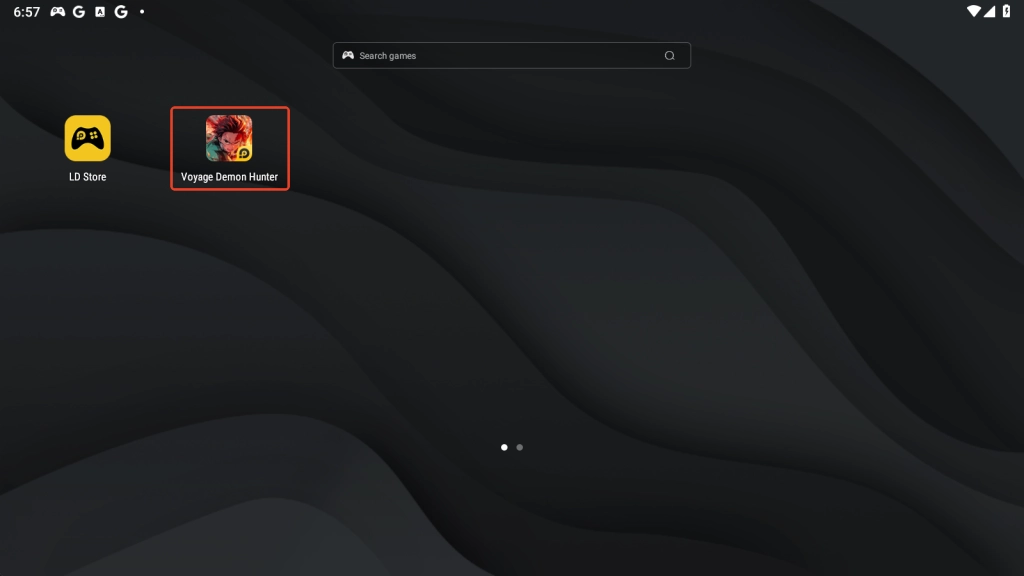
Step 2: Launch and Play Voyage Demon Hunter on PC
2.1 Upon entering the game, it will need a few seconds to download the in-game data.
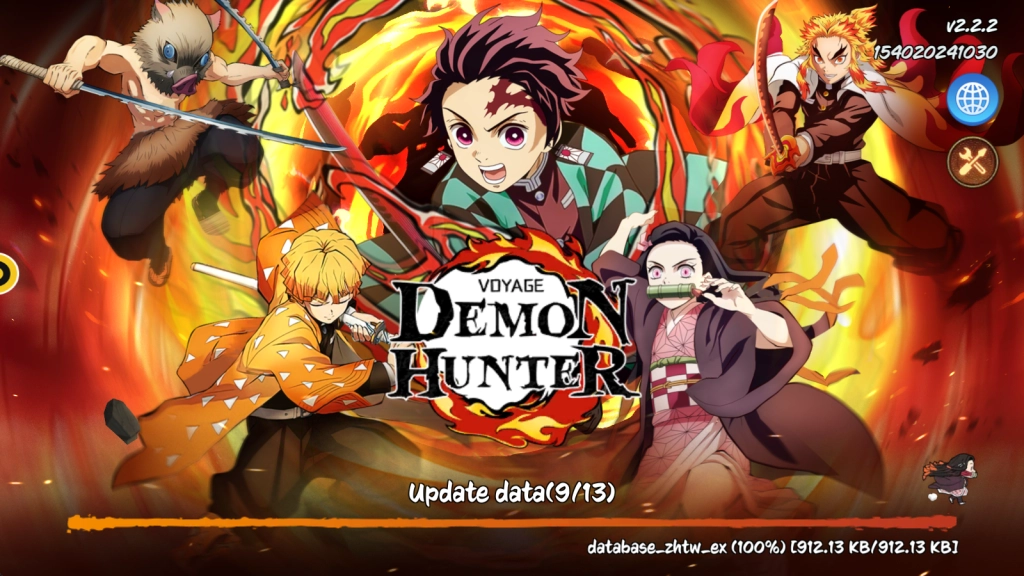
2.2 Then you will need to select the language for the system. You can change it later during your gameplay.
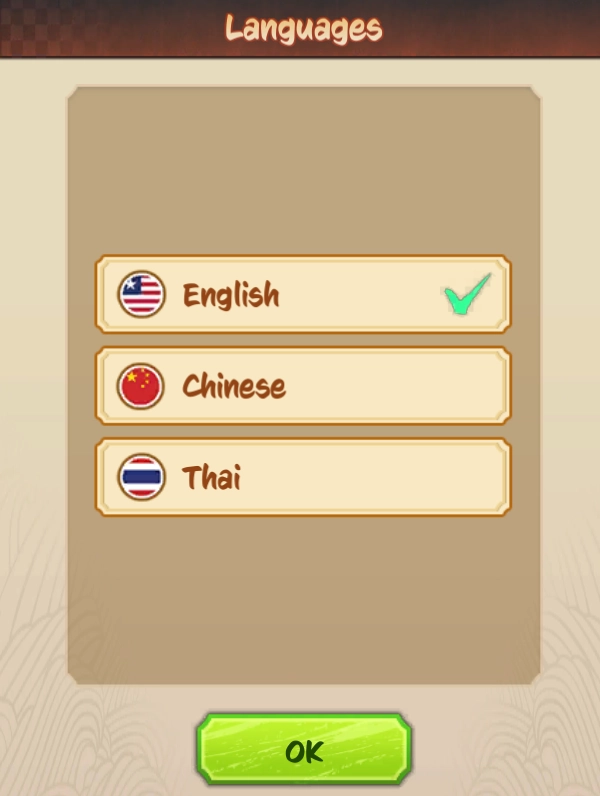
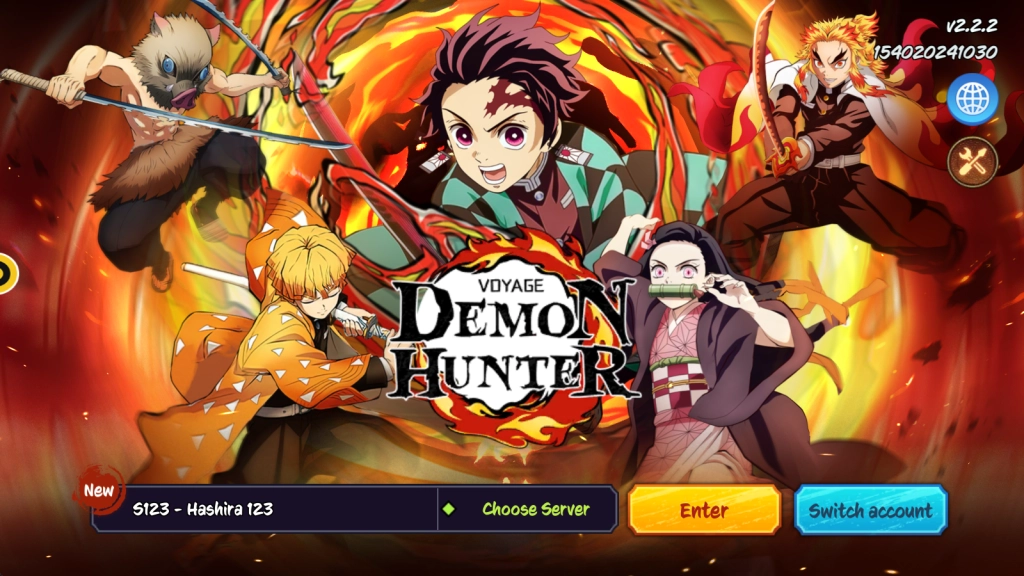
2.3 Now on the opening screen, you can first choose the server to log in.

2.4 The default login method of Voyage Demon Hunter on PC is via your LD account. When playing Voyage Demon Hunter or other co-operative games on LD platform, it’s recommended that you log in with your LD game account for more special recharge discounts and a bunch of attractive exclusive events and activities awaiting.
If you feel like signing in with other kinds of accounts, you can tap the “Switch Account” button at the bottom of the screen and select “Add new account” option.

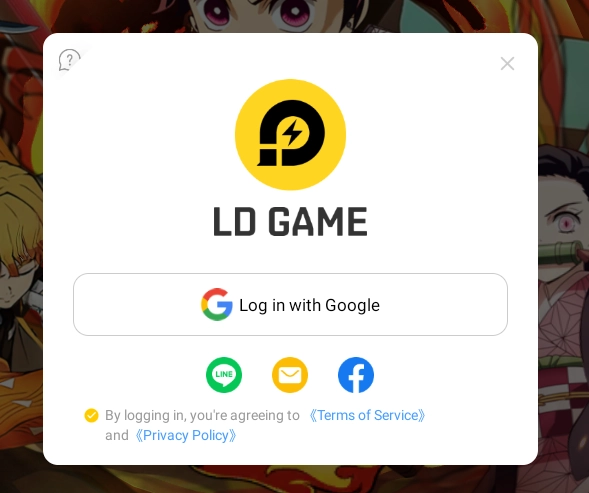
2.5 Now click Enter to start the game. Once you go through the story animation and the beginner tutorial, you can start your new chapter of the exciting journey as a demon slayer by playing Voyage Demon Hunter on PC with LDPlayer.
Step 3: Claim Your Voyage Demon Hunter Gift Pack
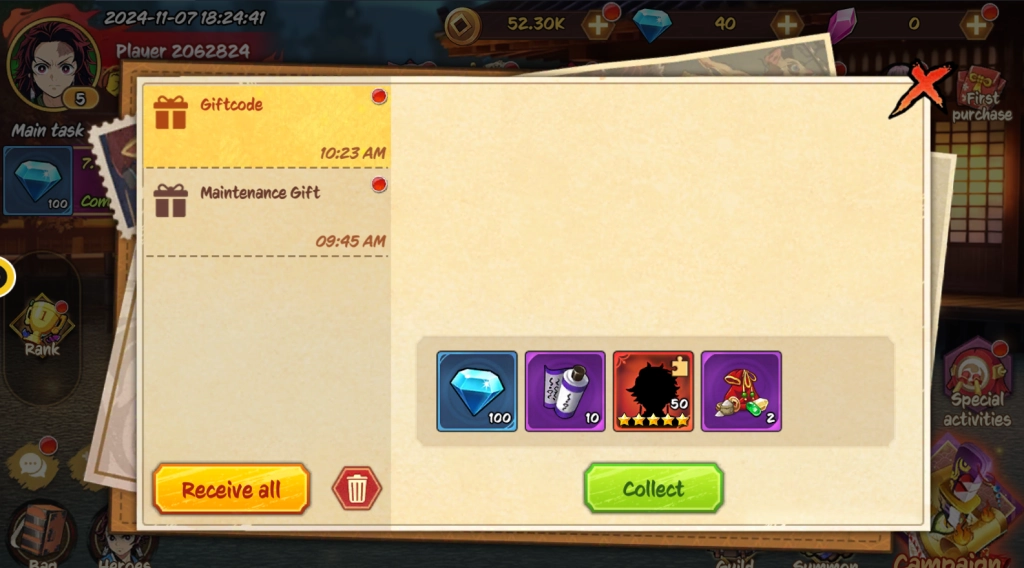
The exciting Voyage Demon Hunter LDPlayer Giftpack(Effective date: 2024-11-05 - 2025-11-05) is awaiting for you with 5-star hero shard*50, advance scroll*10, and material bag lv1*2. Here is how you claim it.
3.1 Enter the Benefits page of LD store.

3.2 Find the gift pack of Voyage Demon Hunter.
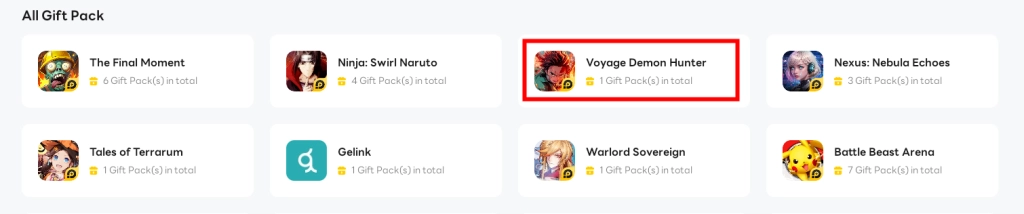
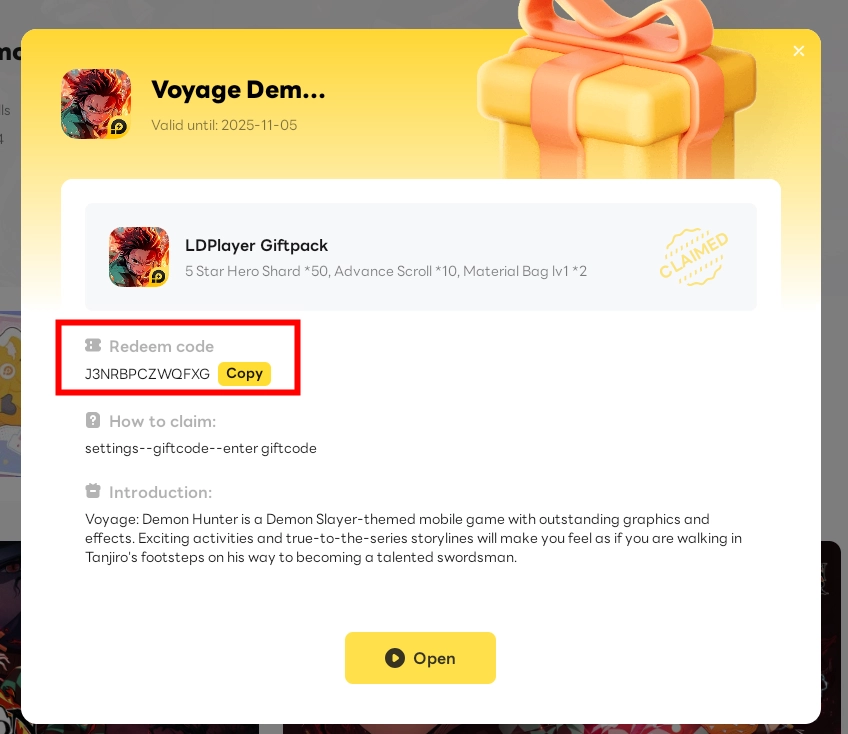
3.3 Claim the gift pack and copy the gift code.
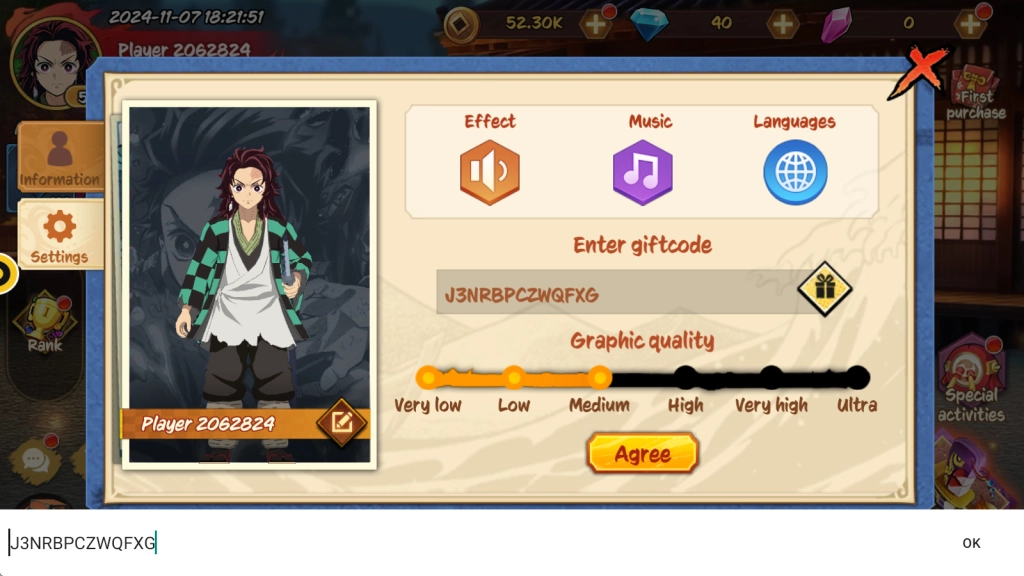
3.4 Enter the game >> click the player’s portrait icon >> Settings >> enter giftcode >> click the gift icon
3.5 Collect the rewards from the folded mail.
Common Problems You May Come Across and Possible Solutions
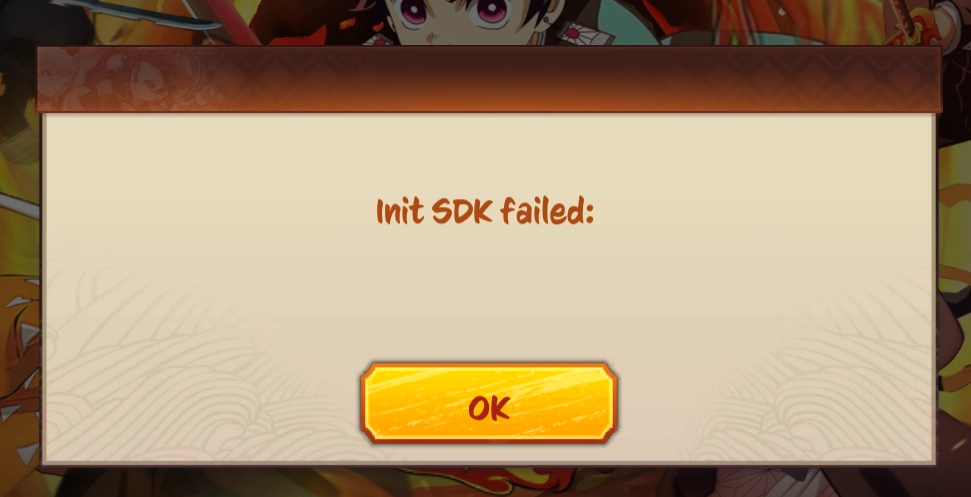
“Init SDK failed” Warning
If you happen to see the “Init SDK failed” error when booting up Voyage Demon Hunter on PC, first try simply restarting the game to see whether it can fix the problem. If not, there may be some network issues and you may consider setting up Network Bridging for your emulator to help with the problem.
Special Features of LDPlayer for Playing Voyage Demon Hunter on PC
Multi-Instances Function
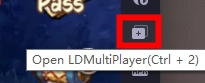
Since Voyage Demon Hunter has an auto-battle system, players can play Voyage Demon Hunter on PC simultaneously with other games by taking advantage of the special Multi-Instances tool to create and run multiple instances, which allows you to manage your playtime as effectively as possible.
Simply find the Multiplayer button on the right sidebar of your emulator or press “Ctrl + 2” instead.
Mini Mode For Background Battling
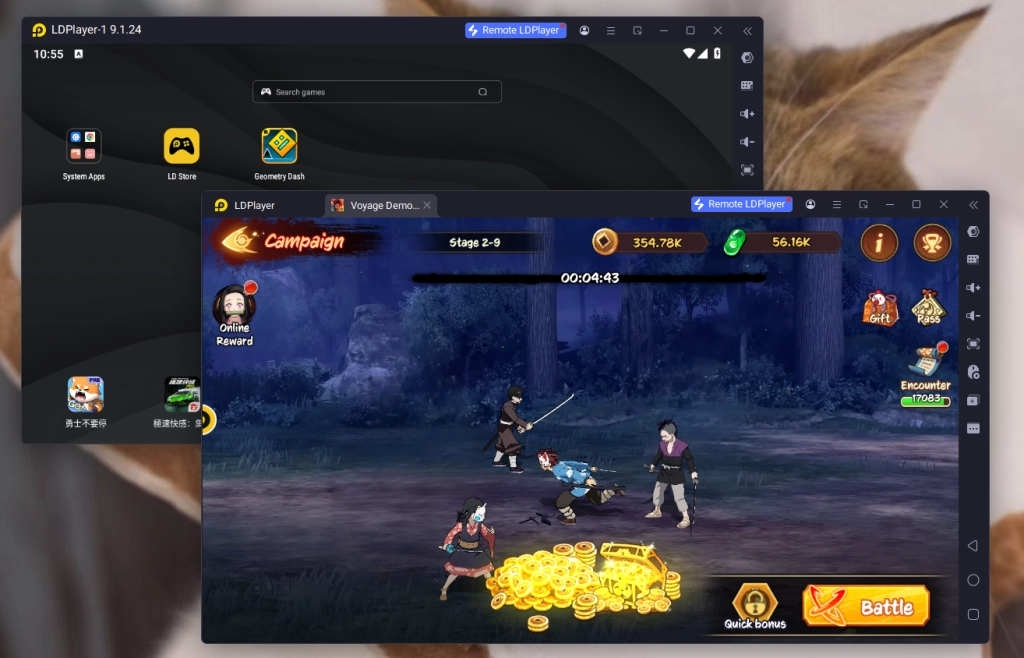
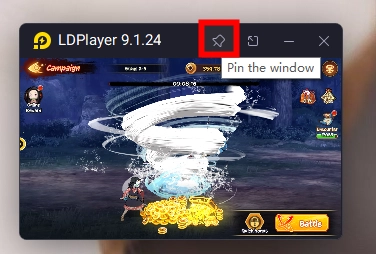
An additional amazing function players can use to help with their Voyage Demon Hunter gaming experience is LDPlayer’s Mini Mode. After turning on this mode, the instance window is minimized, allowing players to turn to other stuff while Voyage Demon Hunter does the auto-battling in the background and reap all of the rewards without having to look at the game at all time.
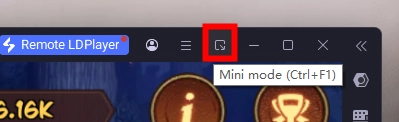
Simply click the button on the top right corner of your emulator or use the “Ctrl + F1” command to switch to mini mode. You can also pin the instance on your display to always follow the game’s progress.
Conclusion
Mark the onset of a thrilling journey and fight side by side with your beloved characters against demons. Get ready to play Voyage Demon Hunter on PC today and embrace your destiny to become a legendary swordsman, with the help of LDPlayer.