How to Play Calibria: Crystal Guardians on PC
2020-02-27
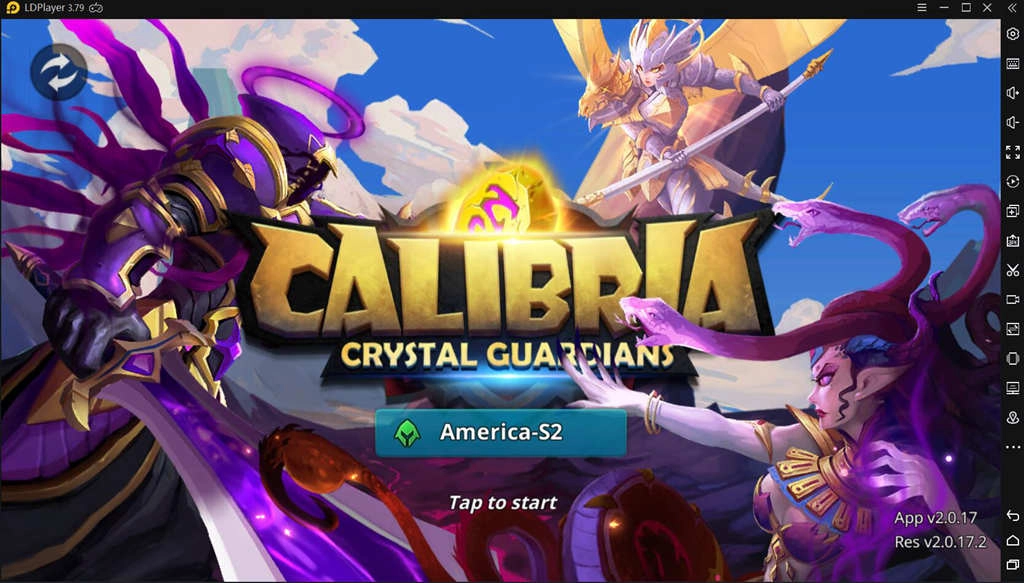
Calibria: Crystal Guardians is a strategic 3D MMORPG with a strong emphasis on DNA element, which makes you joyful during the game. In this thrilling mobile game, you could collect heroes, pick your strategy and join battles. You are responsible for protecting the Calibria Crystal, fighting against evil forces, and bringing peace back to Calibria.
It’s great that there is a free Android emulator - LDPlayer that allows you to play Calibria: Crystal Guardians on PC. Various gaming tools provided by LDPlayer are keymapping, multi-player instance, operation recorder, etc. Therefore, you will not only enjoy the bigger screen but also free your hands while playing this game with LDPlayer on your Windows desktop.
How to Download Calibria: Crystal Guardians on PC
The following will guide you on how to download Calibria: Crystal Guardians on PC.

Step 1: Download LDPlayer and install it to your preferred location
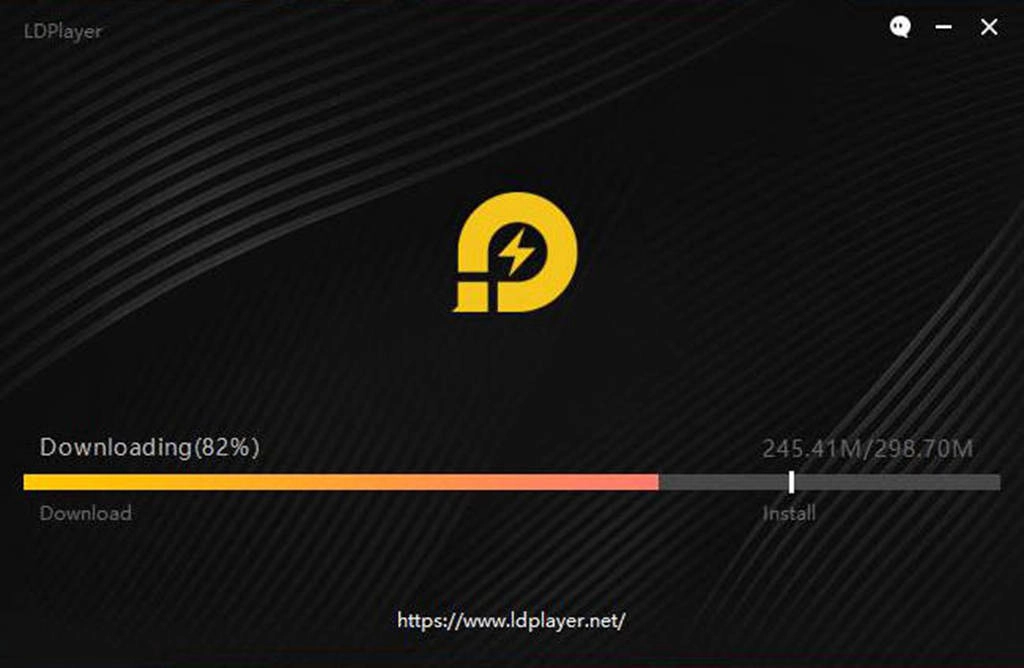
Step 2: Open LDPlayer and search Calibria: Crystal Guardians on the search bar
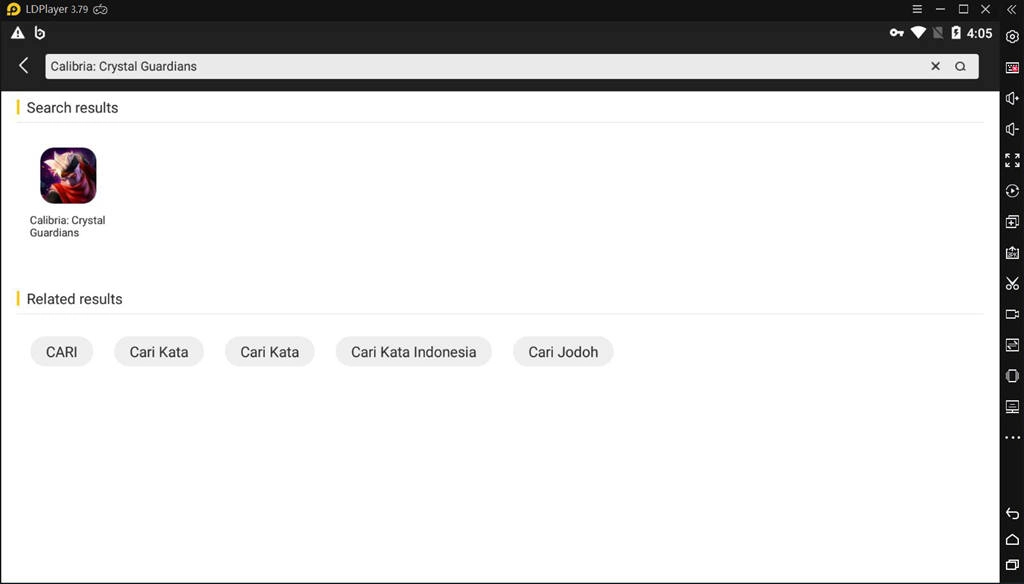
Step 3: Install Calibria: Crystal Guardians on LDPlayer.
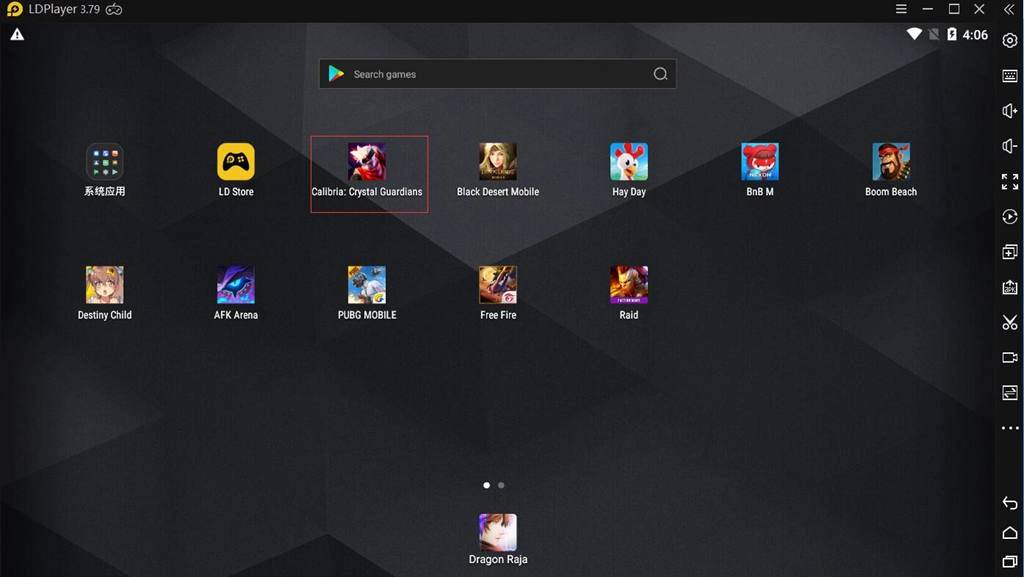
Step 4: Enjoy playing Calibria: Crystal Guardians on your PC freely.
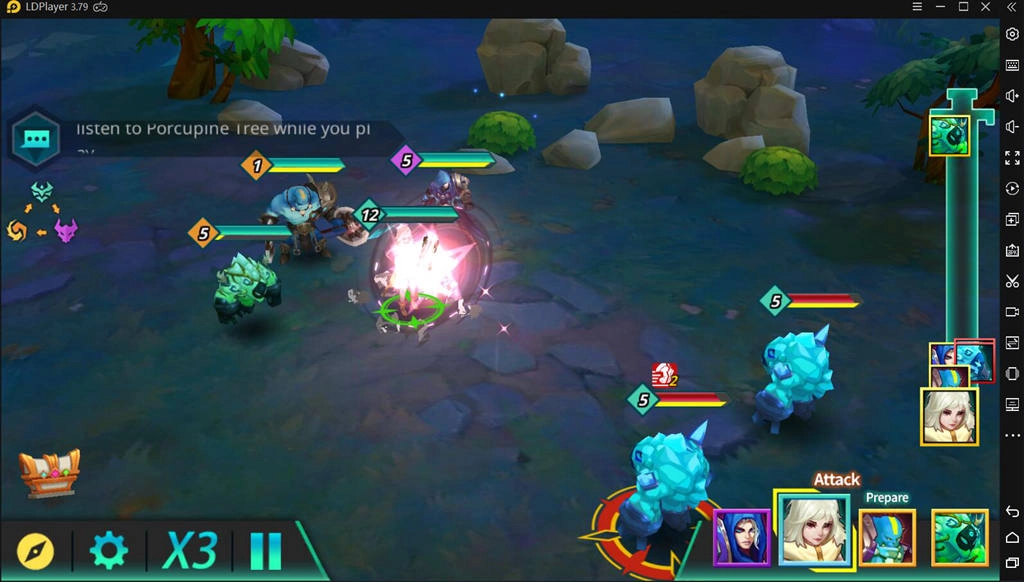
Fight in Calibria: Crystal Guardians
There are 5 different factions of heroes: Lawful, Chaotic, Evil, Light and Dark, and each faction has over 100 heroes with their own unique skills. It’s available to assemble and cultivate any heroes you like. Also, you have much chance to collect heroes by using ways like drawing, completing daily quests and winning the battles.
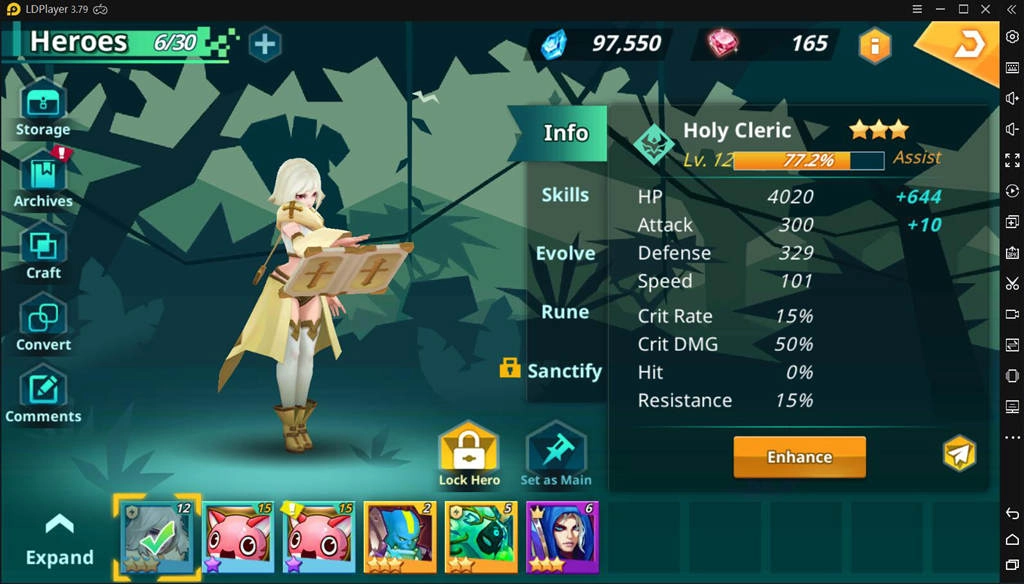
In Calibria: Crystal Guardians, all battles take place in classic turn-based mode. Thus, you should strategically assign your heroes to attack targets, using a variety of skills like strike, buff, debuff and renew spell to create combat advantage. Besides, the skills of heroes can be changed in the heroes’ skills tree, which benefits to form a powerful set of skills for combat.
Calibria: Crystal Guardians provides a number of game modes where you can fight against the enemies. They are respectively the Spire, Battles Arena, Dungeons, and the Campaign. Fight in these modes with a powerful squad you would yield a load of rewards to improve the roster of your heroes to a greater degree.
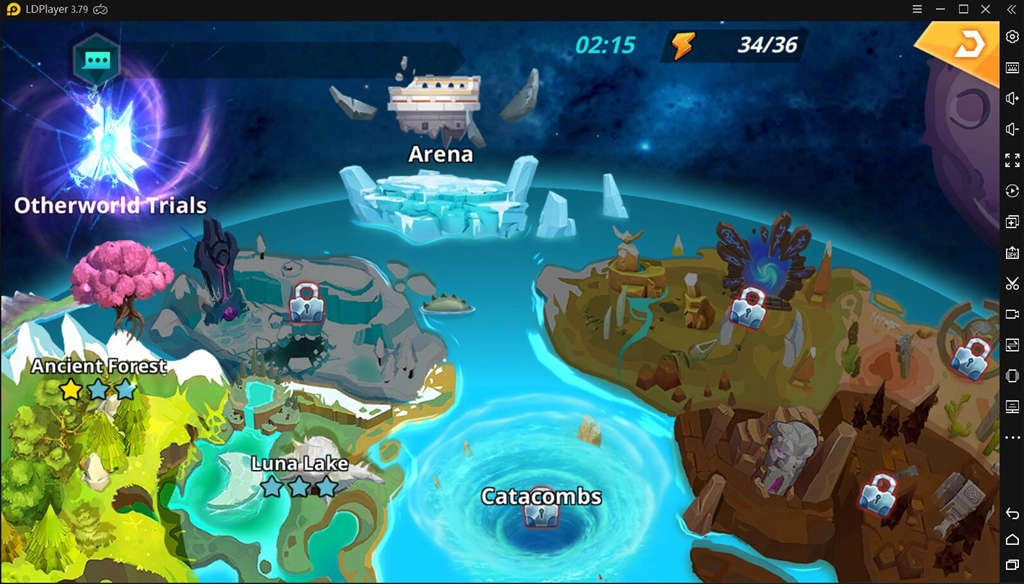
On top of that, Calibria: Crystal Guardians has both Manual and Auto options. If you want to let the game played at its will while you observe the battles, or you are tired of tapping, you could feel free to choose the Auto battle. However, you need to tap the enemies at the right time during Auto Battle to deal massive damage.
Conclusion
Indeed, Calibria: Crystal Guardians is a great RPG, and it is worth being played on your PC with LDPlayer. LDPlayer is the best Android emulator for gaming Calibria: Crystal Guardians on PC. Also, LDPlayer 4 is the recommended version, which will help you play Calibria more smoothly. Start your adventure in Calibria now!