How to Play Mobile Legends on PC Guide (Updated 2021)
2019-06-03
Whether you’re a beginner who is looking for a “helper” or a master who is trying a new way to take down your enemies, the idea of playing Mobile Legends on PC will definitely bring you another new experience! To play Mobile Legends on PC with Keyboard and mouse, you should download and install Mobile Legends Apk first with LDPlayer Android emulator.
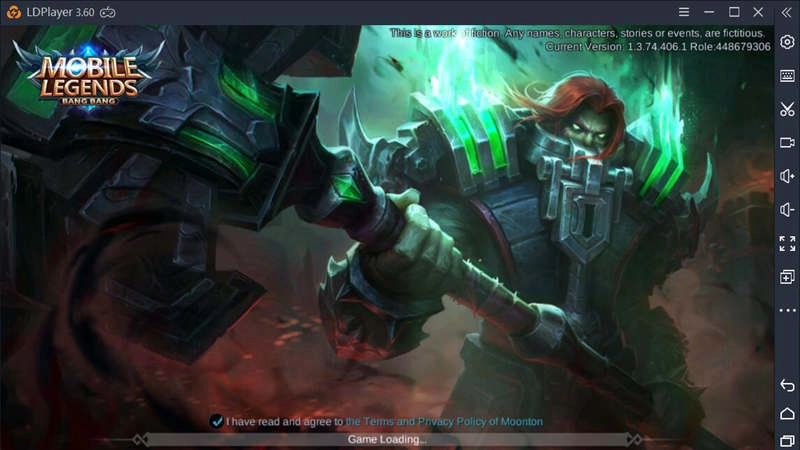
Why Do We Need LDPlayer?
LDPlayer is a free Android emulator that runs on windows. Through this great Android emulator, you can run almost all mobile apps on PC including Mobile Legends. Moreover, LDPlayer thinks highly of the user experience and greatly optimizes the performance of emulator. In other words, there’s no need to worry about playing Mobile Legends on PC with LDPlayer.
Why Should We Choose LDPlayer?
It is admitted that every brand of Android emulator shares the same basic functions and about that, LDPlayer makes no difference! It’s also true that the performance of emulator depends much on your computer and your purposes of using emulator. But LDPlayer seriously values the gaming experience for every user and it keeps upgrading with new features. LDPlayer Android emulator is designed to be the best PC gaming platform for Android games, especially for Mobile Legends.
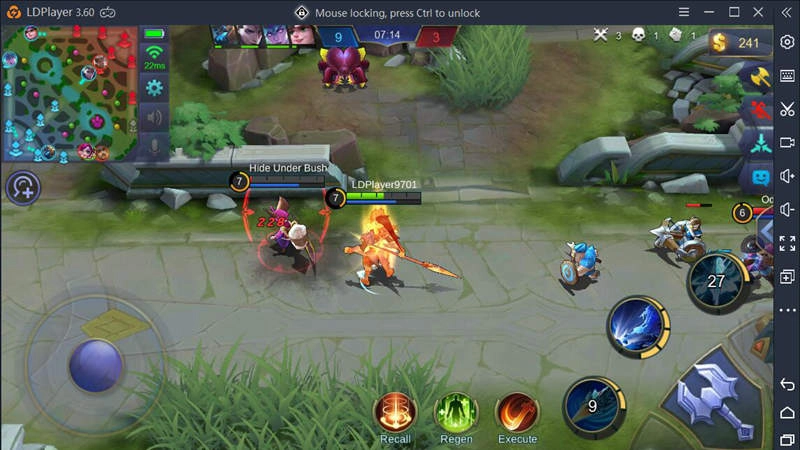
Am I a Cheater by Using LDPlayer?
Playing Mobile Legends on PC with LDPlayer will not be treated as cheating at all. The biggest difference between emulator players and mobile players is that emulator users can fully make use of the advantages of playing on a computer. But there has been some dodgy players searching something like “Mobile Legends hack”, “Mobile Legends Cheat”, “Mobile Legends mod apk”, “Mobile Legends free diamonds”, which is totally not allowed. LDPlayer does not encourage any cheating!
Set Up LDPlayer to Download Mobile Legends for PC
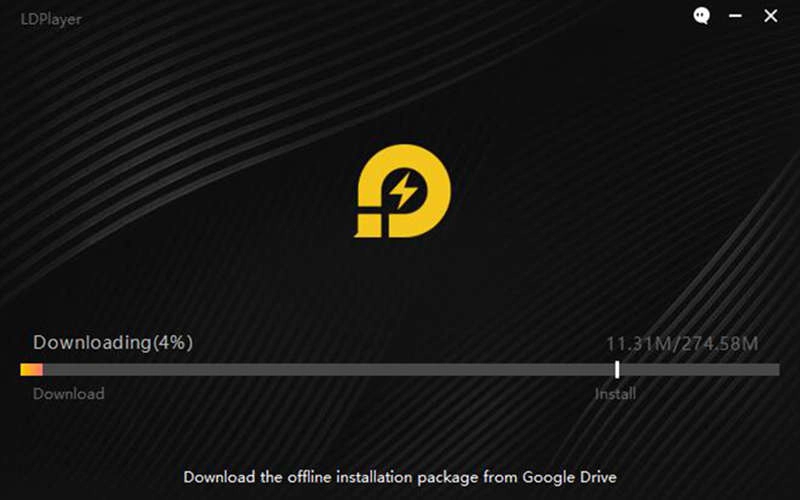
In order to download Mobile Legends and play the game on PC, you should first install LDPlayer Android emulator on your computer. As it will take a few minutes to finish the installation, please keep browsing the following instructions of how to download Mobile Legends for PC with LDPlayer.

How to Download Mobile Legends on LDPlayer
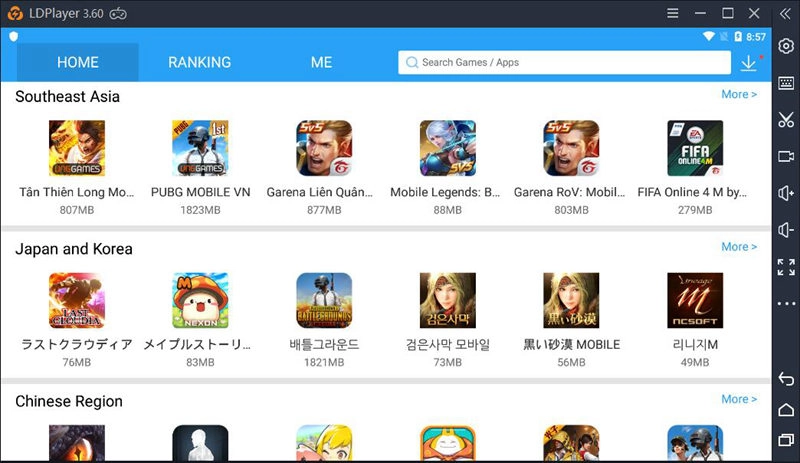
Step 1: Open LD Store on the screen after you launce LDPlayer emulator.
Step 2: Search Mobile Legends: Bang Bang on LD Store.
Step 3: Click Install to download Mobile Legends for PC.
If any technical problems or issues pop up during the installation, please contact the support on LDPlayer Facebook!
Advantages of Playing Mobile Legends on PC with LDPlayer
There are some advantages of playing Mobile Legends on LDPlayer that you don’t get when you play on a mobile device. Making good use of these advantages can help you win easier and get higher rank.
No Worries about Connection Problems
If you’re playing Mobile Legends on a computer that is connected to the internet via a wired connection, your connection will be far better than those who are using WiFi or mobile data connection. The wired internet will help you play in a consistent and smooth connection environment, which is the best way to have a good ping. As ping greatly determines the success or failure of an intense battle, playing Mobile Legends on PC can save you this trouble!
Play with Bigger Screen Space
It’s a fact that computer screen is much bigger than mobile screen, but more importantly, playing Mobile Legends on PC can actually give your more screen view. As we’re tapping the mobile screen to move the character or attack and use abilities, our fingers will block our view of the battle. Thus, having a bigger screen view will enable you to be more competitive and to have a better game playing experience.
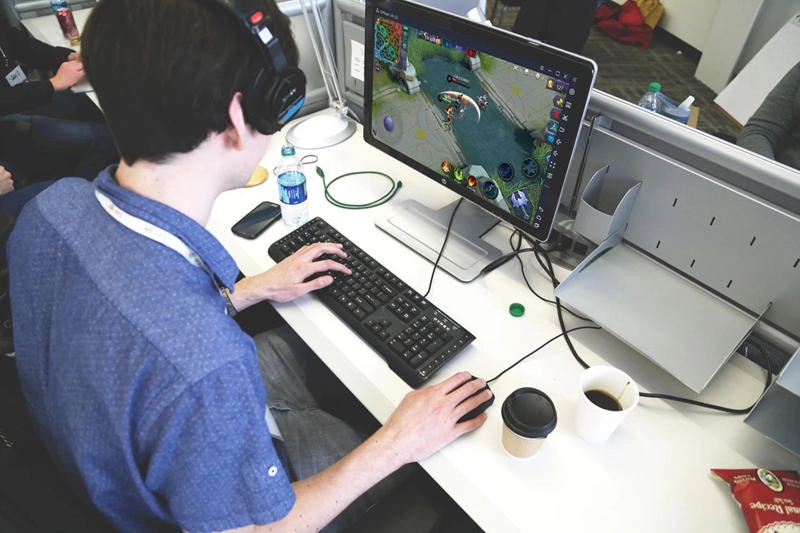
Press Multiple Buttons at once
One of the greatest benefits of playing Mobile Legends on PC with Keyboard and mouse is that you can press multiple buttons simultaneously to cast the movements and abilities faster. This will enable you to cause more damage in a short time. LDPlayer not only makes it possible to press all of the buttons you need at the same time but also makes it easier to do so! Check this Mobile Legends Guide: Customize Your Keyboard Mapping on LDPlayer.
You’ll have a lot of fun playing Mobile Legends on PC with LDPlayer. But the truth is, it doesn’t really matter whether you play Mobile Legends on your mobile or on PC because games are created for fun and entertainment. But if you want to try this new gaming experience on PC, LDPlayer will always stand by you!
Check other Articles Related to Mobile Legends: Bang Bang
A Solution to a Load Failure of Mobile Legends: Bang Bang