home page
Games
Pre-RegisterRPGStrategyAdventureCasualArcadeRacingActionSimulation
Support
LDPlayer 9 IntroductionEnable VTStartup Stuck at 50%/94%Fix Invalid Virtual DiskUpdate Graphics DriverKeyboard MappingEnable LDMultiplayerFPS Setting
Blogs
Updates
LDGame
Affiliate
LDGame Community
download ldplayer
Download LDPlayer
English
繁體中文한국어Tiếng ViệtภาษาไทยPусскийPortuguêsEspañolFrançaisDeutsch日本語Indonesiaالعربية

LDPlayer Support

EmailFacebookDiscordLDGame Customer Service(For LDPlayer account & recharge problem)

Products

LDCloudOSLinkEasyFunLDShop

About

About UsBusiness InquiryDMCA Takedown

Follow Us

©2025 LDPLAYER.NET , ALL RIGHTS RESERVED.JUST OKAY LIMITED , OFFICE F, 12/F, YHC TOWER , 1 SHEUNG YUET RD, KOWLOON BAY KLN, HONG KONG
Games and applications on this site are collected from the internet. If there is any infringement, please contact the email: support@ldplayer.net
Privacy Policy|GDPR Privacy Notice|Help Translate
English
繁體中文한국어Tiếng ViệtภาษาไทยPусскийPortuguêsEspañolFrançaisDeutsch日本語Indonesiaالعربية

Blogs/

Game Guides/

News and Guides for OVERHIT

How to play OVERHIT on PC

2019-05-31

The long wait is finally over and OVERHIT Global has officially launched!

Collect the strongest heroes, train them, and achieve the best team possible!

From top-notch graphics to compelling narratives and characters with dynamic boss fights!

We await you in the world of Overhit, where you can fully immerse yourself.

Supported Regions: All countries except Korea, Japan, China, Vietnam.

How to play OVERHIT on PC

Download LDPlayer to play it on PC now!


1. Go to the following website to download and install LDPlayer if you have not installed it. https://www.ldplayer.net/. Or just click the button to download the latest version of LDPlayer to play OVERHIT on your desktop.

 

Download LDPlayer Android Emulator On PC


2. Click the search box on your home screen and then type OVERHIT into the search box.
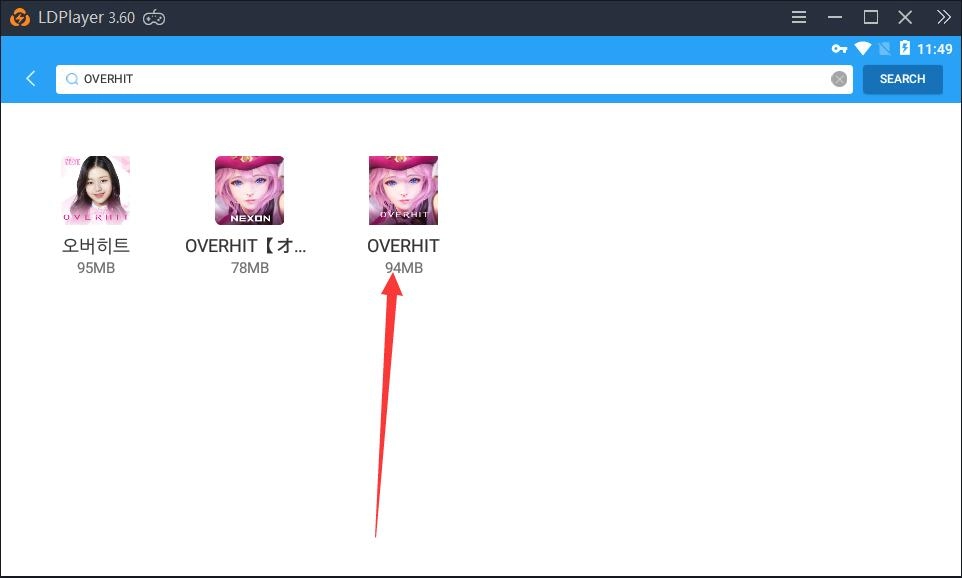
How to play OVERHIT on PC


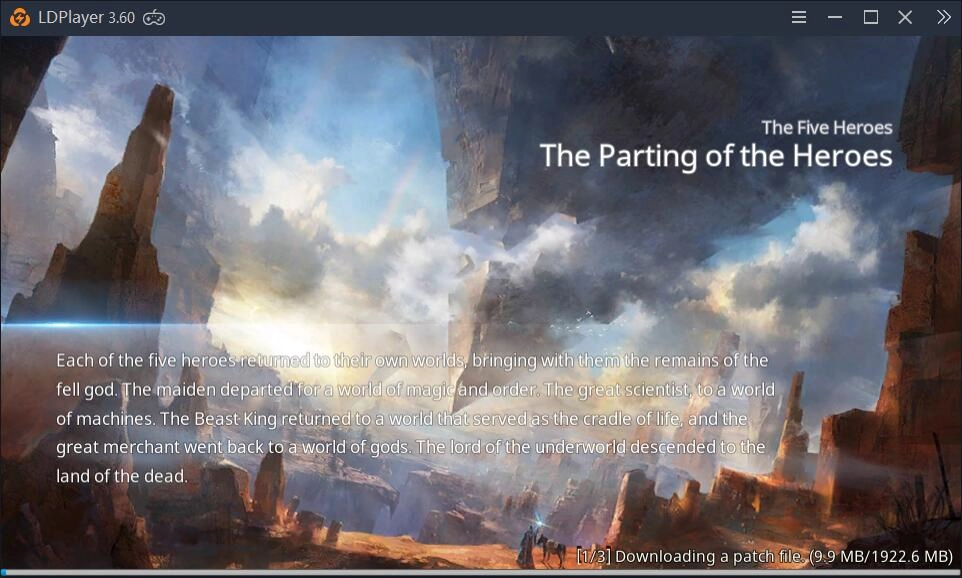
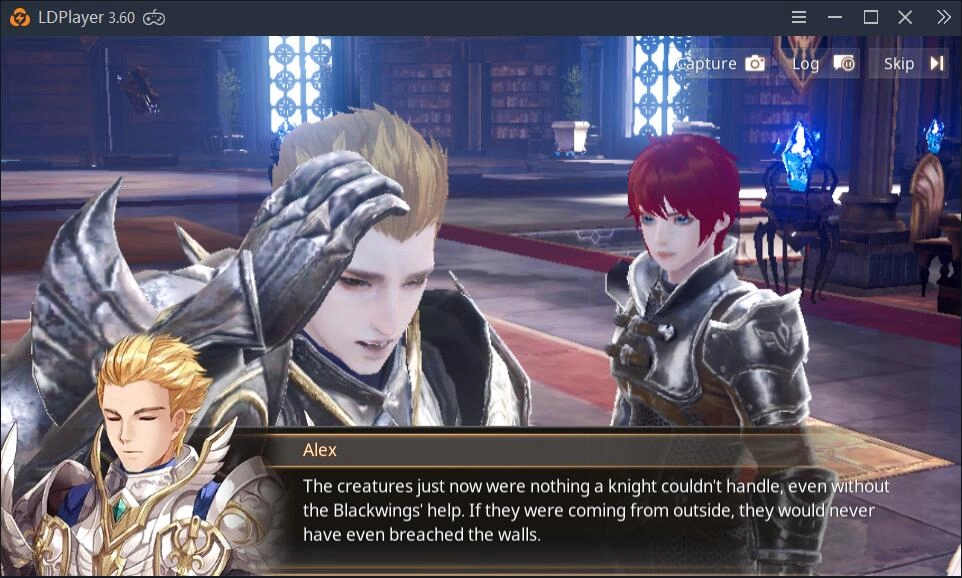
3. Enter the game. 

How to play OVERHIT on PC

How to play OVERHIT on PC

Free Fire for PC: 120 FPS Settings with LDPlayer 9
|
Keyboard Mapping Guide for Mobile Legends: Bang Bang

OVERHIT

You May Also Like
Top Game Guides
Overhit: How to Start the Game as a Beginner?
OVERHIT Beginner's Guide: Things You Need to Know
Reverse: 1999 Paper Heron Build Guide – Best Psychubes, Resonance, Teams & More
Reverse: 1999 2.5 Anniversary “Spring Unending” Guide: 100 Free Pulls, New Characters and Reroll Tips
Arknights: Endfield Zhuang Fangyi Guide –Best Build, Teams & Lone Barge Breakdown
How to Play Plants vs. Zombies™ 3 on PC?