How to Play Reverse: 1999 on LDPlayer with 120FPS – A Full Guide for an Advanced Play
2023-10-27
A time-traveling strategic RPG has come to life, and we called it the Reverse: 1999. There is a massive storm that you can see in this world, and you will be given the Timekeeper role in order to handle this storm. The main reason is that it tries to sift out the timeline, so all you have to do now is to give it your all to save this world. How about having these all in the best frame per second? The game is well known to have the best graphics as well as aesthetic visuals, so it is better to have a balancing rate along with top-notch quality for playing Reverse: 1999 on a PC.
Table of Contents
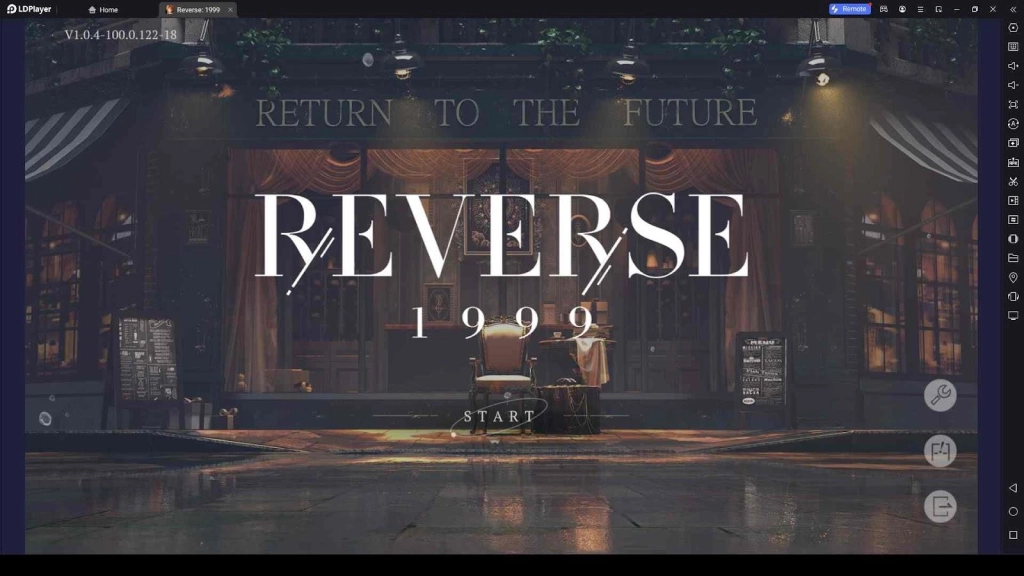
Reverse: 1999 is well known to have outstanding visuals as well as the smoothest gameplay, along with its performance and top-notch gaming visuals. So, for those who want to enjoy the best aesthetics, the best quality of this game, play Reverse: 1999 on PC with one and only LDPlayer 9. And all you have to look into is the 120 FPS Settings. Do you want to know how? Here is how.
Playing Reverse: 1999 with 120 FPS Settings
The steps for setting up Reverse: 1999 with 120 FPS Settings can be shown as follows.
-
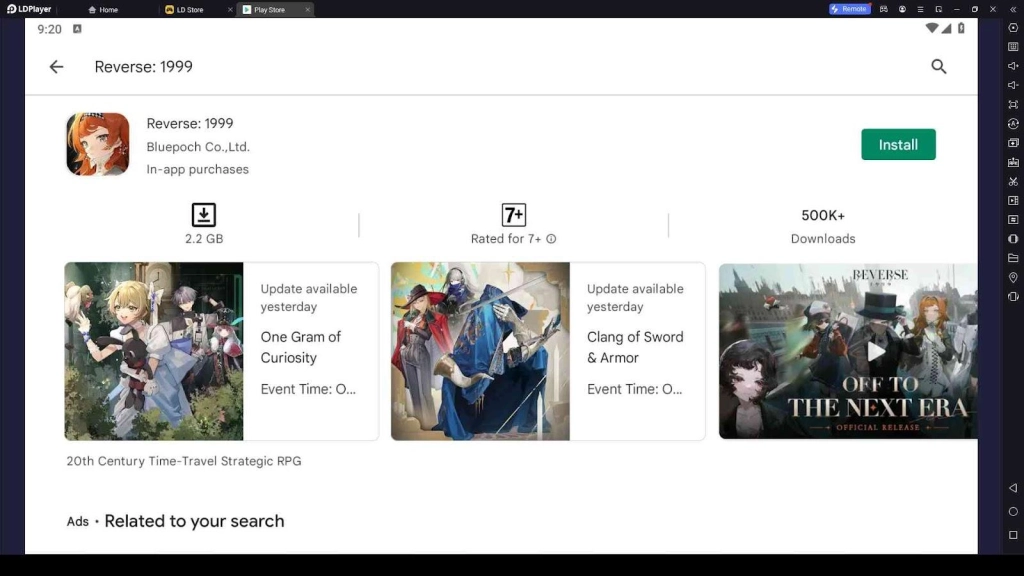
Download LDPlayer 9 first, and then you can look into its store to download and install the Reverse: 1999 game.
-
Then click the menu of the emulator, and this will take you to Settings.
-
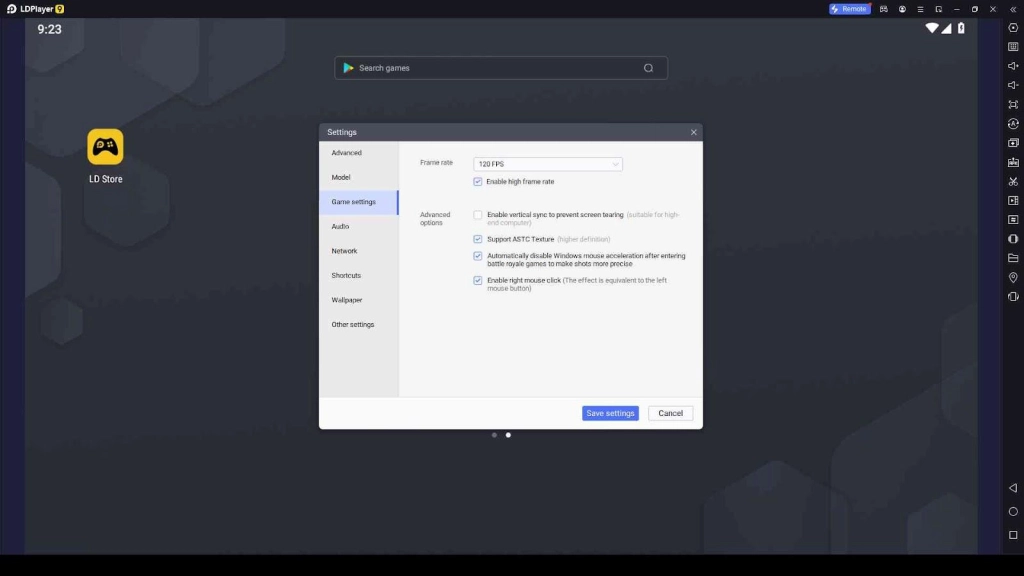
Click Game Settings, and with the drop-down list for the frame rates, you can choose 120 FPS.
-
Save your settings
-
And now you can confirm to proceed with the game.
-
After selecting confirm, another window will be shown to restart the LDPlayer, and after you have done this step, you will be able to play the game with ultra-super quality in terms of graphics.
Locking FPS Settings for Multi Instances
When you are specifically trying to earn the top level of characters from the Reverse: 1999 tier list, you can have the best success rate through the rerolling, and this is such a great opportunity to earn a top-tier rank from the game.
But still, opening multiple instances through LDPlayer 9 is somewhat hard when you are using a low-end PC, so you better adjust the frame rate for each of your instances. This is because when it is a low-end PC, the multi instance opening will be directly affected, and sometimes, it even leads to restrictions on using all the instances of the emulator. So, it is a must to adjust a low frame rate in this case. Here is how you are going to do it.
-
Set the frame rate in the LDMultiplayer to 60 FPS from the Game Settings. In case you have changed it before, the gear icon of each instance you created will allow you to set back the frame rate to the default.
-
Then open the Multi Open Optimization and drag your FPS bar to adjust it with the required frame rate. When there are so many instances opened in the game, it is better to set FPS between 10 to 20.
After doing so, you will be able to lock FPS settings through the Multi Instances of this game, please note that even though you need the highest frame rate, it is always going to be affected by several factors, like the configuration of your PC. If only conditions are satisfied, the emulator will help you to improve the FPS rate to the best.
Conclusion
So, do you want to play Reverse: 1999 in the best-ever settings and at the highest frame rate? Use LDPlayer 9 and follow up with these steps so you will be able to have the best ever gaming experience through this time-traveling world. If you want guidance and help with this journey, don’t forget to check our Reverse: 1999 Wiki page as well as there, you are going to have the best support.