How to Use ZOOM Cloud Meetings App on PC
2020-04-08
ZOOM Cloud Meetings is the leader in modern enterprise video communications, with an easy, reliable cloud platform for video and audio conferencing, chat, and webinars across mobile and desktop. For Android users, there’s an option to use ZOOM Cloud Meetings App on PC with an Android emulator. We recommend LDPlayer Android emulator for ZOOM Cloud Meetings.
Setting up to use ZOOM Cloud Meetings App on PC with LDPlayer is quite simple. You can download LDPlayer 3 simulating Android 5.1.2 or LDPlayer 4 using Android 7.1.2 first on your desktop. Both versions are capable of using ZOOM Cloud Meetings on PC while LDPlayer 3 is more stable and LDPlayer 4 is faster. You can download LDPlayer 4 from our home page.
Note: If you already had LDPlayer 3 installed on your desktop and you want to try LDPlayer 4, then you should install LDPlayer 4 in a different path from your current version of LDPlayer 3. These two versions are separated.
How to Install ZOOM Cloud Meetings App on PC
If you are finding a way to use ZOOM Cloud Meetings App on PC, then LDPlayer is the recommended Android emulator that helps you to install and run ZOOM Cloud Meetings. The following will show you how to install ZOOM Cloud Meetings on LDPlayer.

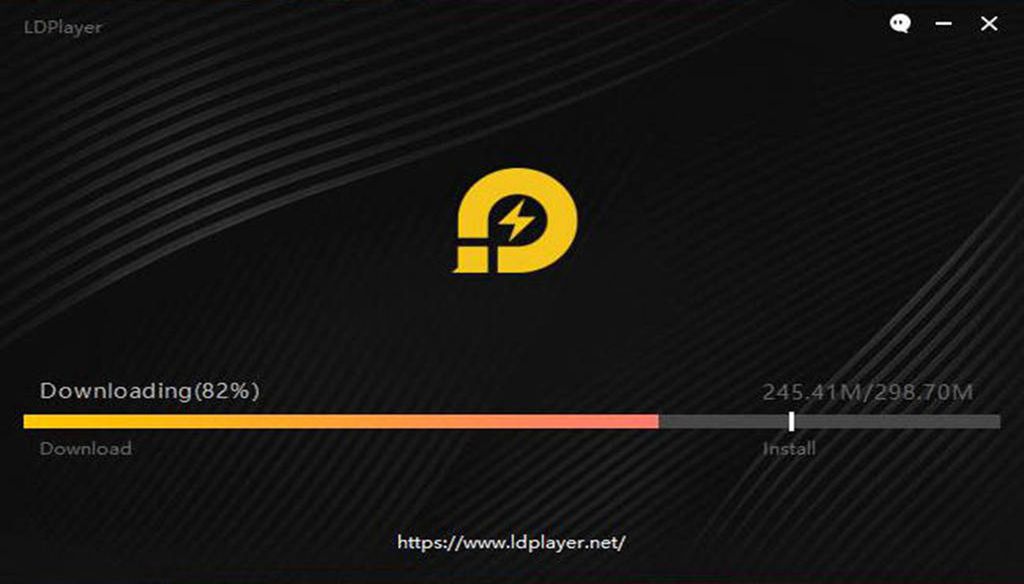
Step 1: Download and install LDPlayer on your desktop
Step 2: Search and download ZOOM Cloud Meetings from LD Store or Google Play
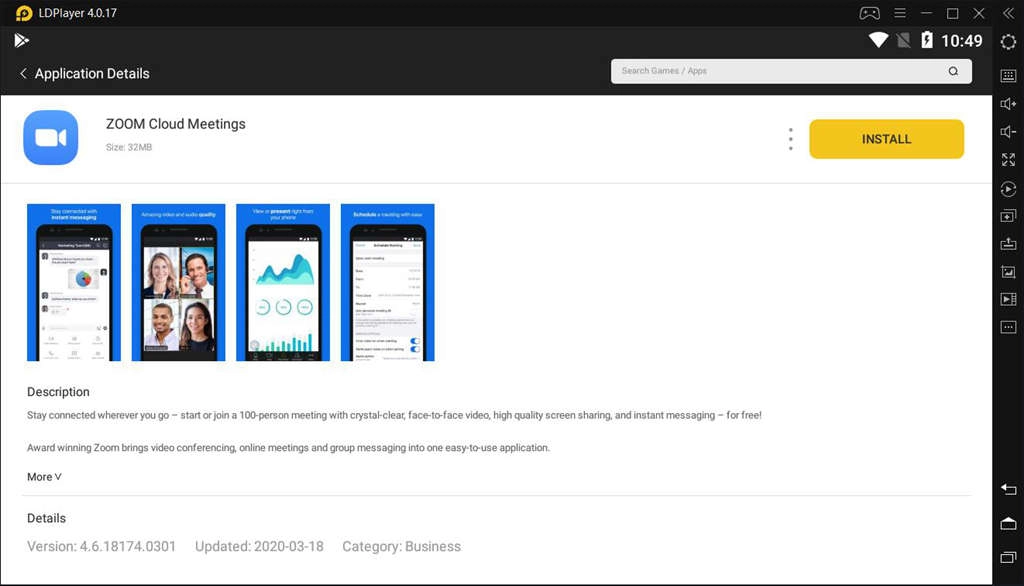
Step 3: Install ZOOM Cloud Meetings on your emulator
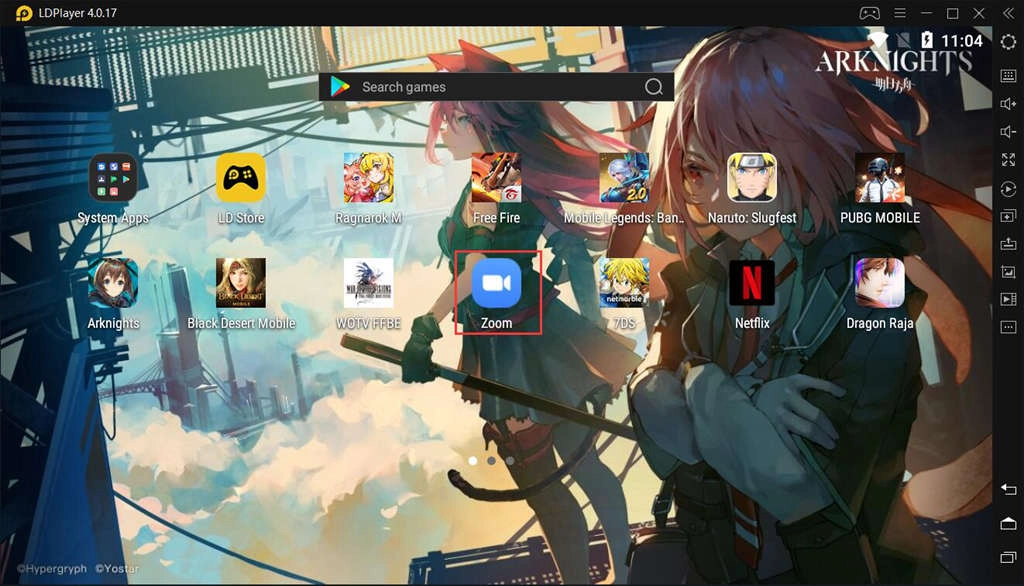
Step 4: Click the App icon to run ZOOM Cloud Meetings on PC with LDPlayer
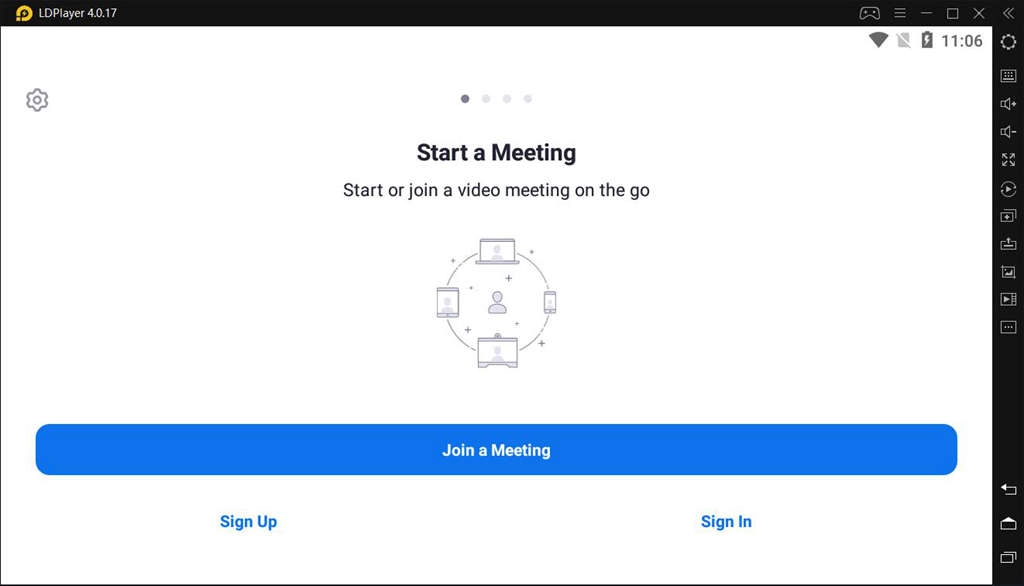
App Review from Charles Graham: Zoom is beyond compare, it is SO much better than any other meeting platform (Webex, Skype for Business). Zoom is fast, instant and clear connection; voice, video and / or chat. Desktop, Notebook and phone... All work perfectly.
App Review from Rajendra Pol: Excellent app for connecting with people whether be it official meetings, conferences, discussions and unofficially as a video chat. It also provides audio conference as well and gives various options to mute the audio, video; both, raise hand, Q and A, chat. I would recommend this app as a must to have in your phone. I love it made education and socializing much easier in this space aged and cutting edge technology.
Setting Up Your Emulator for ZOOM Cloud Meetings App on PC
If this is your first time using ZOOM Cloud Meetings on PC with LDPlayer Android emulator, then you can check the following tips to optimize your emulator and get the best performance.
Enable Your Virtualization Technology
Most CPUs come with the Virtualization Technology(VT) and this technology can enable your CPU to act as if you have several independent computers. It’s designed to enable several operating systems to run at the same time on the same machine. That’s how LDPlayer Android emulator operates on your computer. By enabling VT, you can boost the performance of LDPlayer and run ZOOM Cloud Meetings successfully on PC.
Read: How to Enable VT (Virtualization Technology)
Update Your Graphics Driver for Maximum Performance
Graphics driver is the software that allows your operating system and programs to use your computer’s graphics hardware. However, if you have both integrated graphics and dedicated graphics, you may want to make sure LDPlayer is using the dedicated graphics. After that, you can use a free Driver Booster to update your graphics driver, which will increase the graphics for whatever Apps or games you run in LDPlayer.
Read: How to Update Graphics Driver for Maximum Gaming Performance
Not Just for ZOOM Cloud Meetings
Besides running ZOOM Cloud Meetings on PC, you can also watch Tik Tok on PC, reply your WhatsApp message through LDPlayer, and even play popular Android games with keyboard and mouse. Android games like Free Fire, Black Desert Mobile, can be easily handle by LDPLAYER and the Multi-Instances feature helps you run different apps and games simultaneously.
Conclusion
LDPlayer is one of the best Android emulators for using ZOOM Cloud Meetings App on PC. Zoom brings video conferencing, online meetings and group messaging into one easy-to-use application. If you really like this app and want to enjoy Zoom on your PC with bigger screen, don’t hesitate to download LDPlayer as the Android emulator for ZOOM Cloud Meetings on PC.