News
LDPlayer 14: Higher FPS, Better Compatibility, and a Smoother PC Gaming Experience

Brooke
|2026-06-25As mobile games continue to evolve with higher graphics quality, stronger performance demands, and more advanced system requirements, players are expecting more from Android emulators in terms of compatibility, frame rates, and overall stability.
Built on Android 14, LDPlayer 14 delivers a smoother, more stable, and more compatible Android gaming experience on PC. Whether you want to enjoy mobile games on a larger screen, run multiple game accounts simultaneously, or keep games running for extended periods, LDPlayer 14 offers reliable performance to support a wide range of gaming needs.
Contents
- Android 14 System Upgrade for Broader Compatibility
- Frame Rates Up by Up to 20%-30% with More Stable Performance
- Optimized Resource Scheduling for Single and Multi Instance Gaming
- Improved Hyper-V Compatibility for a More Stable Environment
- New AI Wallpaper Feature for a More Personalized Emulator Desktop
- Get Started with LDPlayer 14
Android 14 System Upgrade for Broader Compatibility
LDPlayer 14 is built on a new Android 14 architecture and introduces a comprehensive upgrade to its underlying framework.
As more mobile games are developed for newer Android environments, older emulators may encounter issues such as installation failures, black screens, or unexpected crashes when running certain titles. With improved compatibility support, popular games can be installed and played with less setup and troubleshooting. This upgrade further improves overall compatibility and support for newly released games.
Frame Rates Up by Up to 20%-30% with More Stable Performance
LDPlayer 14 delivers smoother frame rates, improved visual stability, and more efficient resource scheduling. In gaming scenarios, frame rates can improve by up to 20%-30%, with average FPS and minimum frame rates both holding more steady throughout.
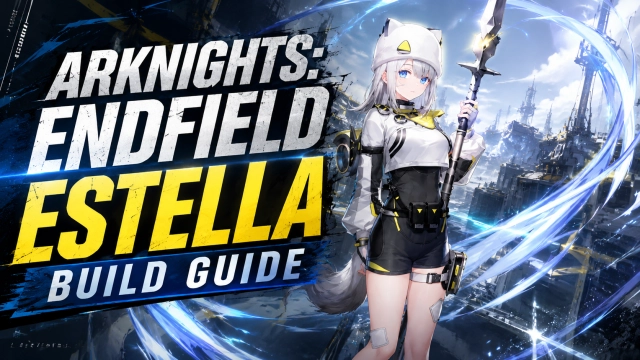
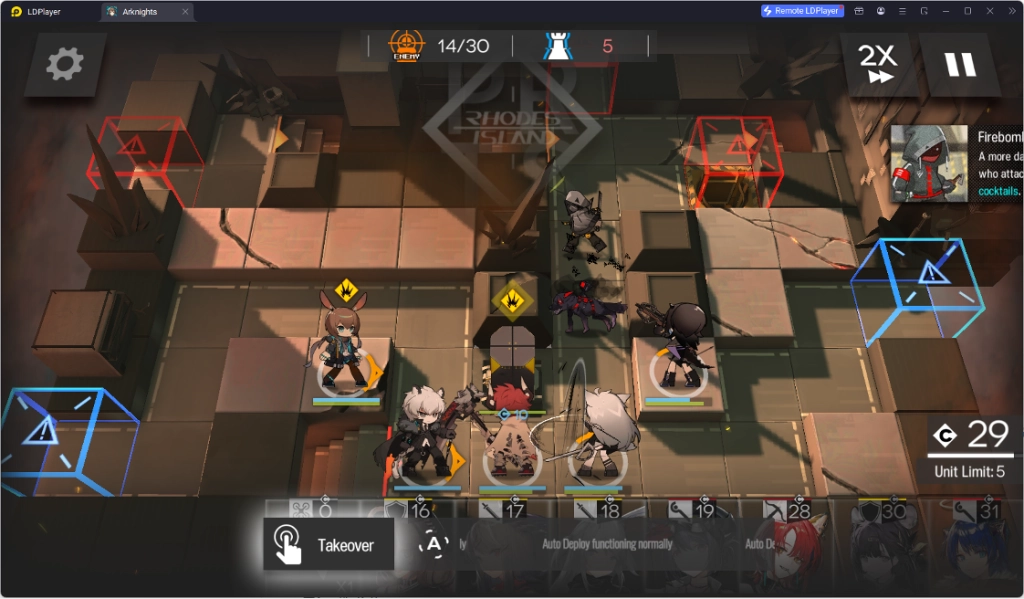
On high performance PCs, the emulator can maintain higher frame rates in supported games. In Arknights, the average frame rate can exceed 200 FPS. During large scale battles featuring burst skill effects and multiple units on screen, frame fluctuations are significantly reduced, making gameplay smoother and more consistent.
For mid range and entry level PCs, improved resource scheduling strategies reduce overall system load while keeping performance stable. This allows more users to enjoy a smooth gaming experience across a wider range of PCs.
Optimized Resource Scheduling for Single and Multi Instance Gaming
LDPlayer 14 enhances background resource efficiency by reducing unnecessary processes and optimizing memory allocation. During single instance gaming, the emulator consumes fewer system resources and stays responsive even when browsers or office software are running alongside it.
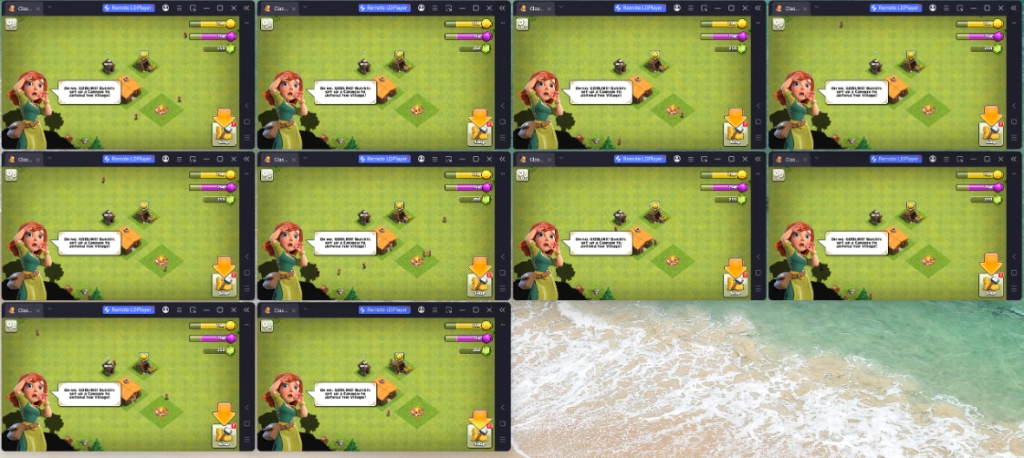
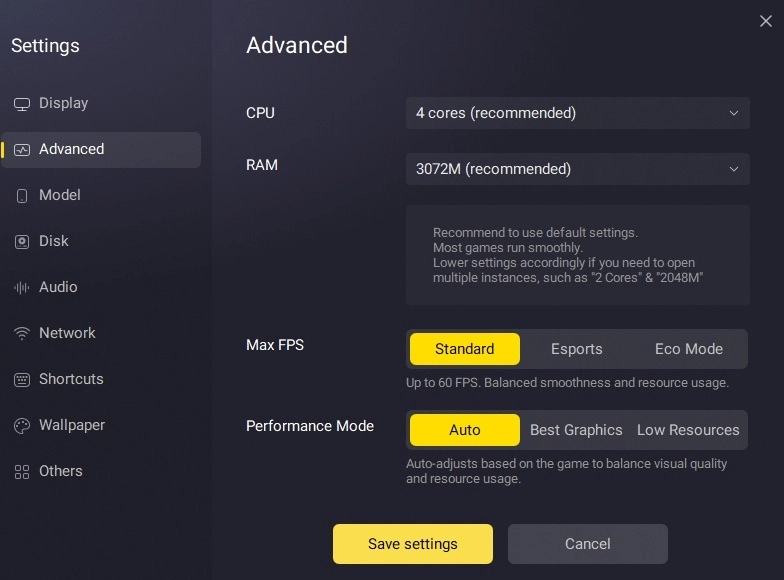
For multi instance gaming, the new Eco Mode dynamically allocates resources according to the status of each window. Active windows get priority access to system resources, while idle windows automatically scale down resource usage. The result is better efficiency and stability when running multiple game accounts at once.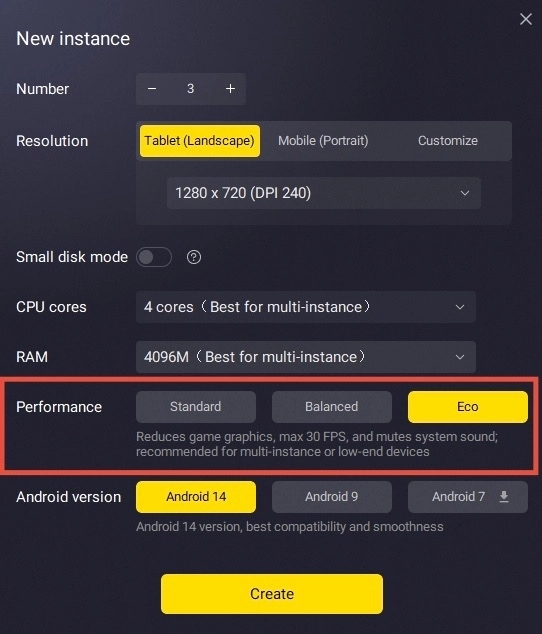
Improved Hyper-V Compatibility for a More Stable Environment
Some Android emulators experience startup issues or performance degradation in virtualization environments. LDPlayer 14 fully supports Hyper-V, so users can run it normally without manually disabling virtualization settings. This helps reduce the lag and error messages that environment conflicts can cause, making it easier to run Android apps and games across different Windows environments.
New AI Wallpaper Feature for a More Personalized Emulator Desktop
LDPlayer 14 introduces a new AI Wallpaper feature. Users can enter a text prompt or upload a static image, and the system generates an animated wallpaper that applies directly to the emulator desktop.
From game characters to landscapes to any visual style you prefer, AI Wallpaper brings the desktop to life with a single prompt or image upload. Every time users open LDPlayer, they get a more immersive and personalized experience beyond the default emulator interface.
Get Started with LDPlayer 14
As the first LDPlayer release based on Android 14, this version brings meaningful improvements across compatibility, performance, and system support.
From broader game compatibility and more stable high frame rate performance to AI features, multi instance optimizations, and full Hyper-V support, LDPlayer 14 delivers a smoother and more stable experience than previous versions.
If you want a better Android gaming experience on PC, visit ldplayer.net and download LDPlayer 14 today.