LDPlayer’s Dedicated Arknights PC Version - Smoother, Faster, Cleaner
2025-11-06
The all-new Arknights Dedicated Version integrates LDPlayer’s latest performance upgrades to deliver smoother gameplay with lower resource usage. Ads have been significantly reduced, ensuring a cleaner, faster, and more immersive gaming experience for all Doctors.
Exclusive Features
Exclusive to the Arknights Dedicated Version
- Greatly reduced advertisements.
- Added exclusive Arknights skins for a more Arknights-vibe touch.
Performance Improvements
- Greatly enhanced emulator stability and responsiveness.
-
Reduced CPU and memory consumption to ensure more consistent high performance.
Graphics Fixes
-
Fixed an issue on certain devices where the water in some stages displayed incorrectly.
-
Fixed a visual issue that caused the gacha (recruitment) screen to appear too dark on some setups
Key-Mapping Upgrades
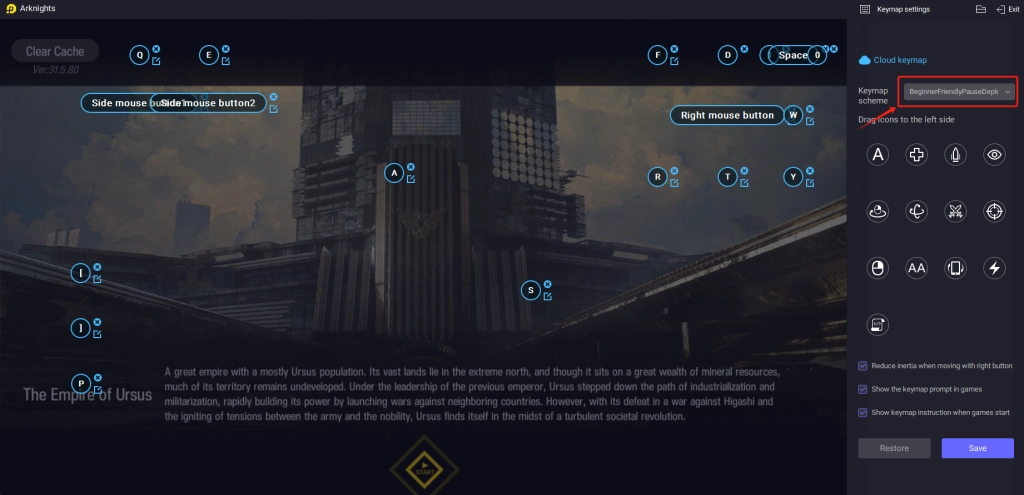
- Added the Beginner-Friendly Pause-Deploy Keymap (Switch keymap scheme instantly in-game with F12).
- Fully supports multiple resolutions (16:9, 16:10, 20:9) and frame rates (60 / 90 / 120 / 144 FPS).
-
Major reduction in input delay; improved precision and stability for all key actions, including One-key Pause-deploy Trick, Select Unit when Paused, 0-Frame Skill Activation, and 0-Frame Retreat.
-
Enhanced success rate and speed for one-key pause-deploy — easily perform same-frame deployments with a simple right-click during pause. Even new players can execute pro-level moves. Internal testing achieved over 100+ pause-deploys in a single next-frame cycle.
- Refined frame-skip timing: adjusted from a single 17 ms to dual 30 ms / 163 ms settings to better match the game’s real-time and bullet-time frame logic, preventing multi-frame skips; added a fine-tuned 12 ms precision option
-
Expanded skill and retreat key coverage, compatible with nearly all maps except I.S. Simulation, Secondary Plans, and Fortress Defense modes.
Press F12 or find "keymap settings" in the emulator right-side tool bar to switch to the "BeginnerFriendlyPauseDeploy" keymapping:
How to Download & Install Arknights Dedicated Version
Method 1 - LDPlayer Official Website Homepage Download
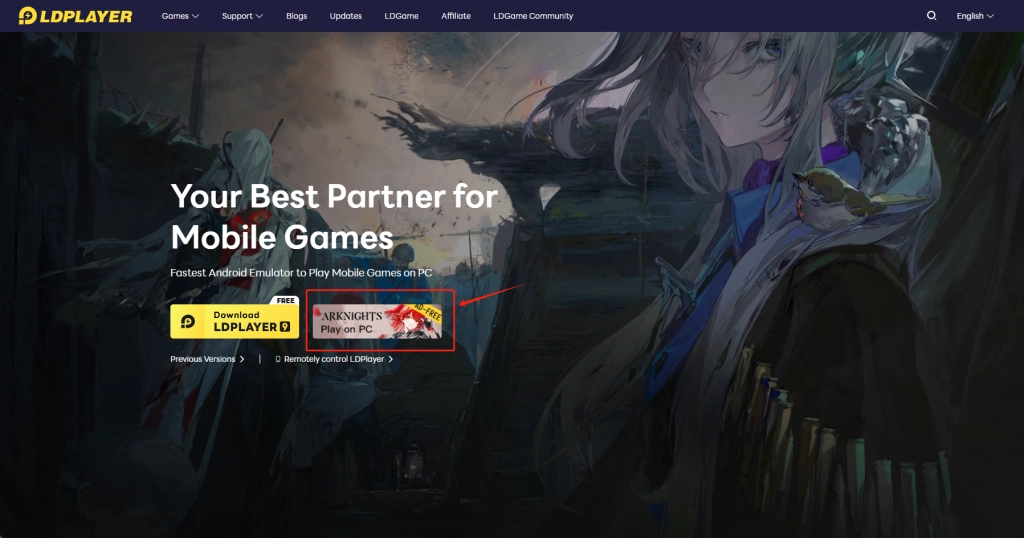
- Go to the LDPlayer official website.
- Click the Arknights Dedicated Version button on the homepage to start the download.
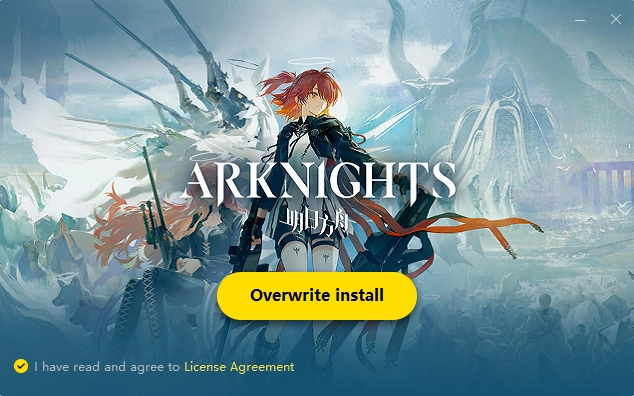
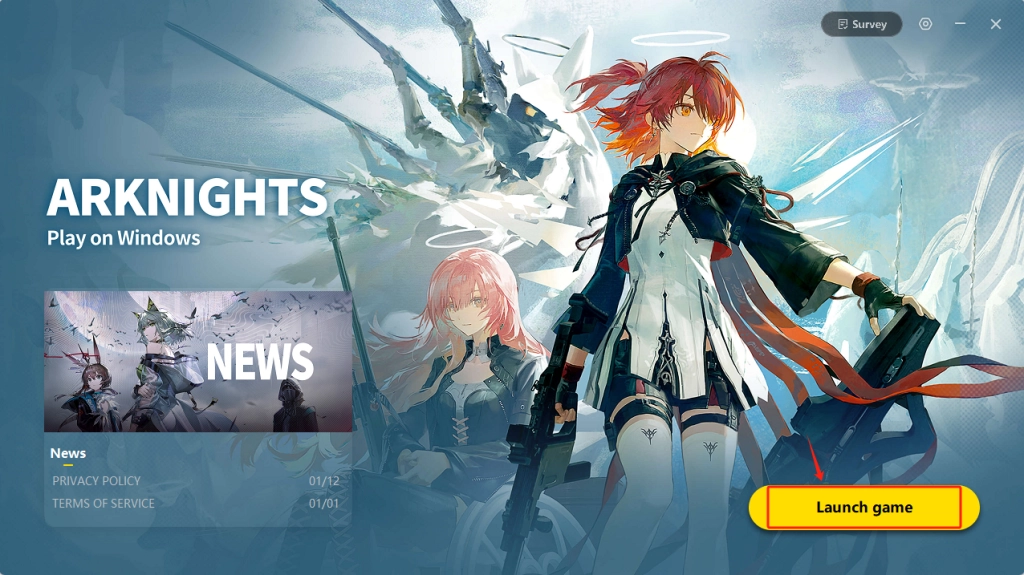
- After download, install and launch Arknights.