LifeAfter for PC | Best Way to Play LifeAfter on Desktop
2019-08-29
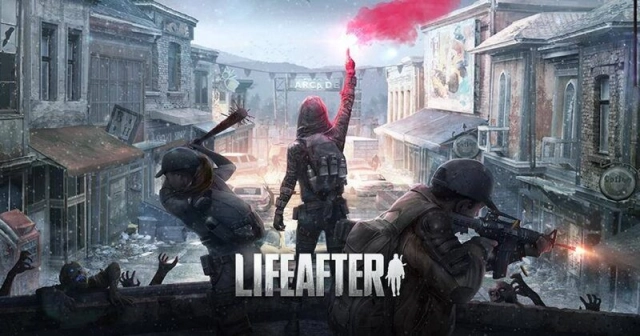
LifeAfter is a very popular mobile game about the survival of humanity under the end of the world, developed and published by NetEase Games. Players need to collaborate with other players in the game to collect supplies and against the Infected.
The game details and features are rich and fascinating, but at the same time, this game also imposes a higher requirement for operation while being played on a mobile phone. So there are many players are searching for a way to play LifeAfter on PC.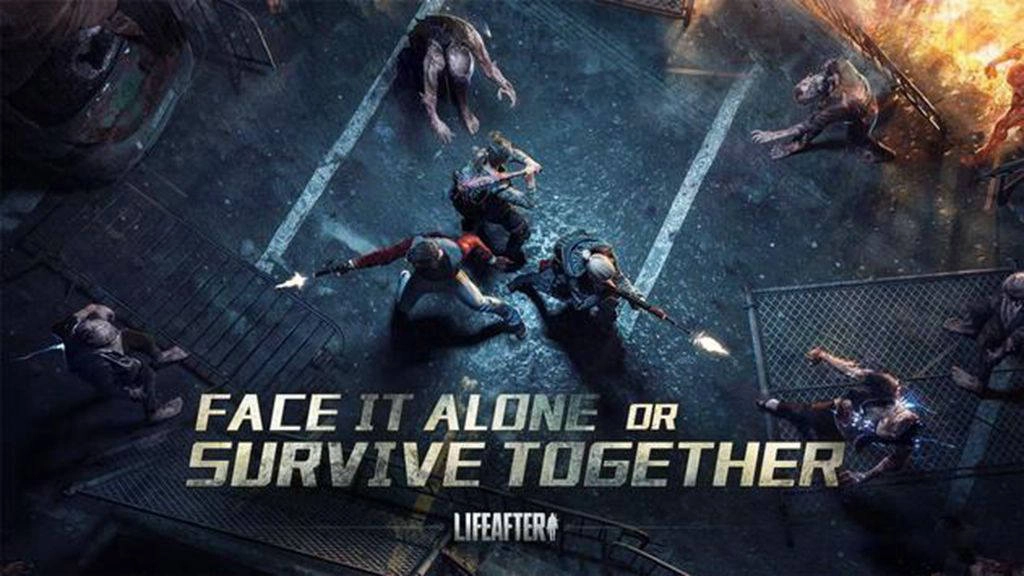
Thus, if you want to play LifeAfter with mouse and keyboard on your computer, we found that the best way is to use an Android emulator. There are many different Android emulators on the market but LDPlayer Android emulator can offer the best and smoothest gaming experience for LifeAfter.

How to Play LifeAfter on PC
1. Download LDPlayer and Run the Installer
Firstly, you will need to click the download button up there to download LDPlayer on your computer. And then, after downloading the installer, you can run the installer and start the installing process. It won’t take you too much time. When you have finished the installation, launch LDPlayer on your desktop. Please note that the emulator doesn’t carry any virus and won't cause any damage to your computer.
2. Install LD Store and Download LifeAfter (Or Use Google Play)
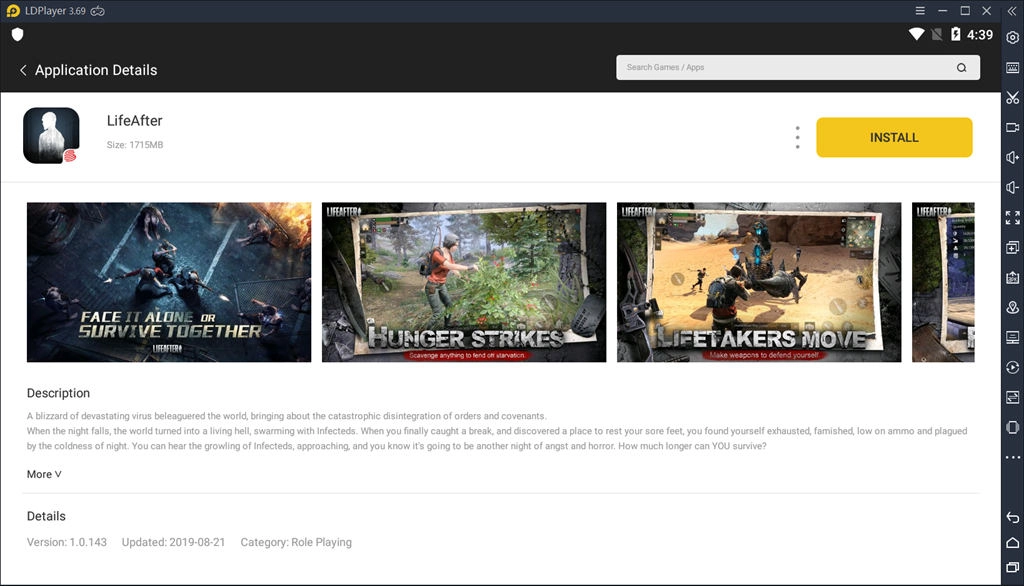
After downloading LDPlayer on your computer, you can launch your emulator and open LD Store (or sign in your Google Play Store) to install LifeAfter. You just need to search “LifeAfter” in the search box and then follow the on-screen instructions to complete the download. The whole process is very simple.
3. Enjoy Playing LifeAfter on Your PC
When you finish the installation of LifeAfter on LDPlayer, you can open LifeAfter and it will take some time to load and extract the resources. After that, you can enjoy playing LifeAfter on your desktop without any concern. Also, if you have any trouble in technical problems or emulator settings for LifeAfter, you can feedback to LDPlayer through Facebook or Reddit Community!
Why Do We Need LDPlayer to Play LifeAfter on PC?
As we all know, LifeAfter contains a lot of game details, including special maps, recipe system, game mechanics and so on. Comparing with mobile gaming, the advantages of playing LifeAfter on PC with LDPlayer are very obvious.
Longer Duration and Free of Phone Limitation for Formulation System
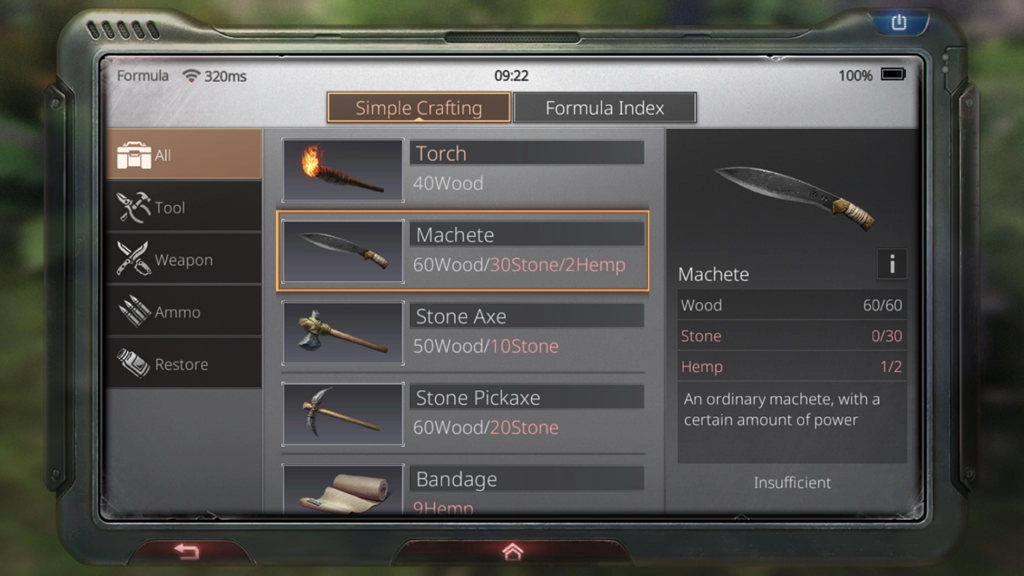
Once you start playing LifeAfter, you will find a great difference between LifeAfter and other survival games. In this world, you need to build the base, make tools and weapons, and constantly upgrade the science tree to gain more advanced survival skills. That is the particular formulation system of LifeAfter.
In the formulation system, the materials and the synthetic recipes may take you a long time to collect. And that will be a serious burden for your phone if you play LifeAfter on your phone for a long time. But you don't need to worry about the issues of battery or consumption any more if you use LDPlayer play LifeAfter on PC.
Control Better and More Precise with Mouse and Keyboard For Special Map
The game offers a variety of PVE and PVP maps with different rules for players to access resources. In the PVP maps, you can compete with other players for their resources, or you can ally with them and continue to survive together. In the PVE maps, you need to fight with wild powerful system monsters.
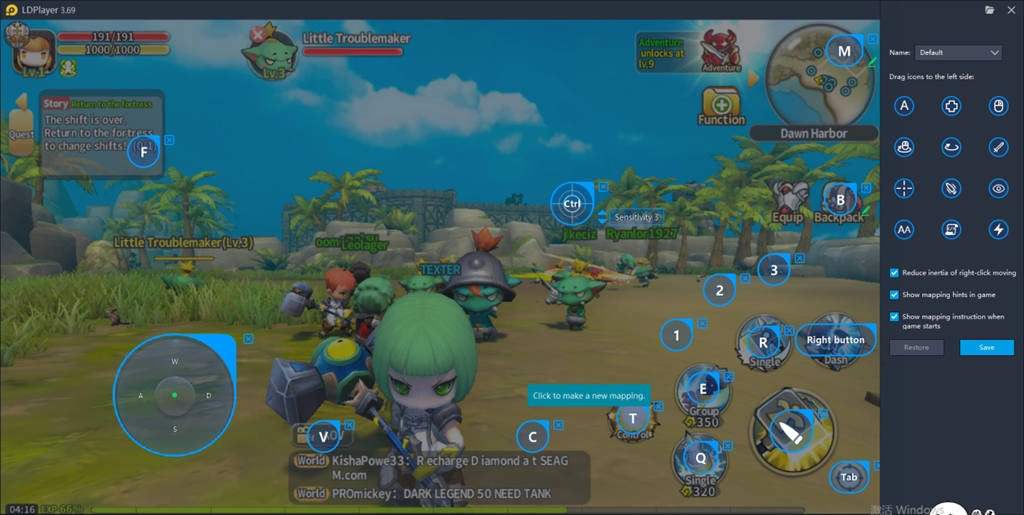
Maybe sometimes you would feel that “I can’t fight them well on my mobile phone” because it’s harder to control on such a small touch screen. But with LDPlayer, you can set the keymapping as you like and it will be much easier for you to defeat the infected and other enemies with mouse and keyboard. It’s true that you can have a better gaming experience if you play LifeAfter on PC with LDPlayer emulator.
Better Gaming Experience with Bigger Screen
As the developer of LifeAfter, NetEase has made a lot of effort in promoting the character details, map details, and models. So you can see those very realistic characters and scenery when you are playing.
Compared to a mobile phone, playing LifeAfter with a larger computer screen will provide a better visual experience for you. Especially you can enjoy the excellent map and character details during the gameplay. Using LDPlayer emulator is one of the best ways to bring you this unique experience.

As the hottest survival mobile game recently, LifeAfter truly offer players different and excellent gaming experience. Instead of mobile, playing LifeAfter on pc seems like a better way to performance this game. Hope that you can enjoy this game on PC with an Android emulator. If you like this tutorial, please share it with your friends so that they can also play LifeAfter on PC using LDPlayer.