How to Upload Edited TikTok Videos from PC/Laptop to TikTok?
2020-12-24
TikTok is one of the most famous entertaining apps available on Google Play Store and iOS. If you look for the best apps, games, and applications of 2020, then you will find TikTok on top of the list. TikTok has offered a platform for a lot of people who wanted to give acting a try. Not only acting but many great singers have started their journey from TikTok and then moved to YouTube to achieve a lot more.
In this modern era, TikTok has emerged as the most entertaining and relaxing app. You can find almost everything on it, including Food Recipes, Fashion Trends, Top Trending Songs, Trending Styles, etc.
However, it's not easy to make a TikTok video. Maybe it's easy to make a video, but it's not easy to edit your video on a Mobile Phone, and just like you edit your YouTube videos on a PC/Computer, you have to edit your videos from a PC too. When you edit your TikTok Videos on PC, then why not upload them from your PC/Laptop and save your precious time. If you are thinking, is it possible, then the simple answer would be: Yes, it is possible.
Today, we have brought you good news, and that is that you can Upload Edited TikTok Videos from PC and for Free. So, without further ado, let's get started.
How to Upload Edited TikTok Videos from PC/Laptop to TikTok?
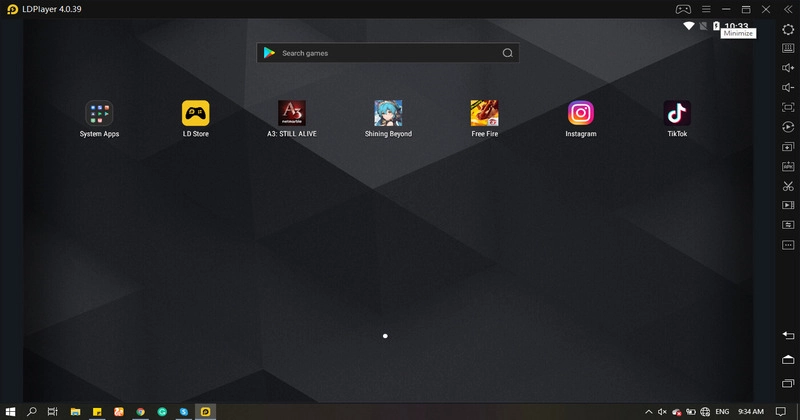
You will need an Android Emulator to upload edited TikTok Videos from PC to TikTok. LDPlayer is also an Android Emulator, which allows you easy access to a lot of features for free. Even if it's an application or a game or software, you can access everything for free. Download your favorite games and play for hours while waiting for your video to upload. Add amazing captions and achieve an easy path to being Famous.
What else is LDPlayer emulator provides you massive benefits while playing mobile games, and that is the option to use any social media or play other games simultaneously. And that is possible through LDPlayer Multi-Window and Multi-Instance features.
Down below, we have added a step-by-step guide to How to Upload Edited TikTok Videos from PC to TikTok:
- Download and Install LDPlayer Android Emulator on your PC/Laptop for Free from its official website or any other website; however, the official website is preferred.
- Launch the emulator and Sign/Login from your Google Account or Sign Up for a new one (If required).
- Go to any of the three stores available in the LDPlayer emulator and search for TikTok.
- Download TikTok on your PC/Laptop for free with a few taps and start using the app.
- Log in with your TikTok account and click on the upload button to upload your desired edited TikTok video.
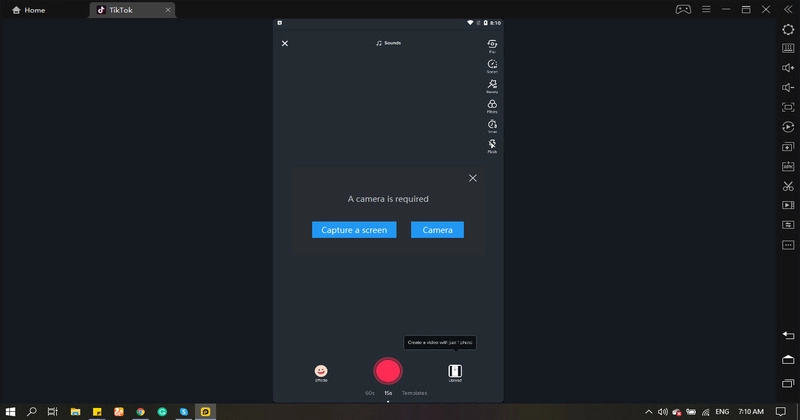
Before clicking on the upload button in TikTok, you must know how to upload Videos to LDPlayer's Android Shared Folder:
- Go to More Features, which is located on the right bottom corner of the LDPlayer Emulator. Click on Shared Folders and then PC Shared Folder.
- Copy your Edited TikTok Videos into that folder and then come back to the main screen.
- Open More Features again and Click on Shared Folder and click on the Android Shared Folder.
- Copy those Videos into Download Folder or any other Android Shared Folder.
- Open the TikTok app (Login again if you are logged out or haven’t logged in before).
- Click on upload and select your desired edited TikTok Video.
- Add captivating captions or use #tags according to your liking.
- Click on Next, then click on Next again, and your video will be uploaded.
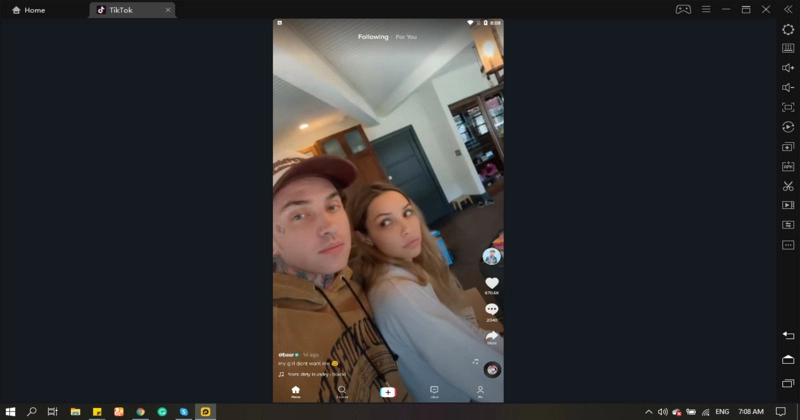
- In the below-given screenshot, you can clearly see a TikTok video in a brand new TikTok account, uploaded from PC using the LDPlayer emulator in a few simple steps.
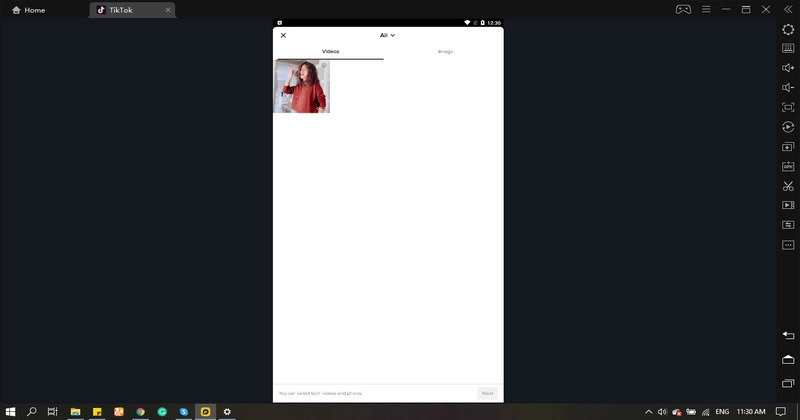
The whole process might overwhelm you at the start, but it’s quite easy and straightforward once you get the hang of it. All you need is a better understanding, which you can get from the above given step-by-step guide.
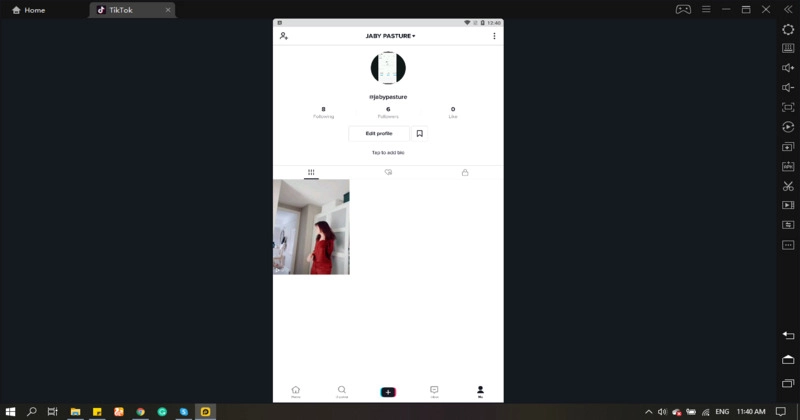
The best part about LDPlayer is that you can do all of this while playing Mobile games on PC, including PUBG Mobile, Genshin Impact, Illusion Connect, Skylanders: Ring of Heroes, etc. You can also run a maximum of four TikTok accounts simultaneously.