

Pizza Boy A Pro is a Arcade application developed by Pizza Emulators, but with the best Android emulator-LDPlayer, you can download and play Pizza Boy A Pro on your computer.
Running Pizza Boy A Pro on your computer allows you to browse clearly on a large screen, and controlling the application with a mouse and keyboard is much faster than using touchscreen, all while never having to worry about device battery issues.
With multi-instance and synchronization features, you can even run multiple applications and accounts on your PC.
And file sharing makes sharing images, videos, and files incredibly easy.
Download Pizza Boy A Pro and run it on your PC. Enjoy the large screen and high-definition quality on your PC!
Pizza Boy A Pro is an emulator developed independently. This application is not affiliated with, nor authorized, endorsed or licensed in any way by Nintendo Corporation, its affiliates, or subsidiaries. GBA (Game Boy Advance), GBC (Game Boy Color), and Game Boy are trademarks of Nintendo Corporation. The mention of any console is solely for the purpose of describing the emulation environment supported by the program. No games are included in this app.Warning! This emulator won't run Game Boy nor Game Boy Color roms! Only GBA roms are supported!
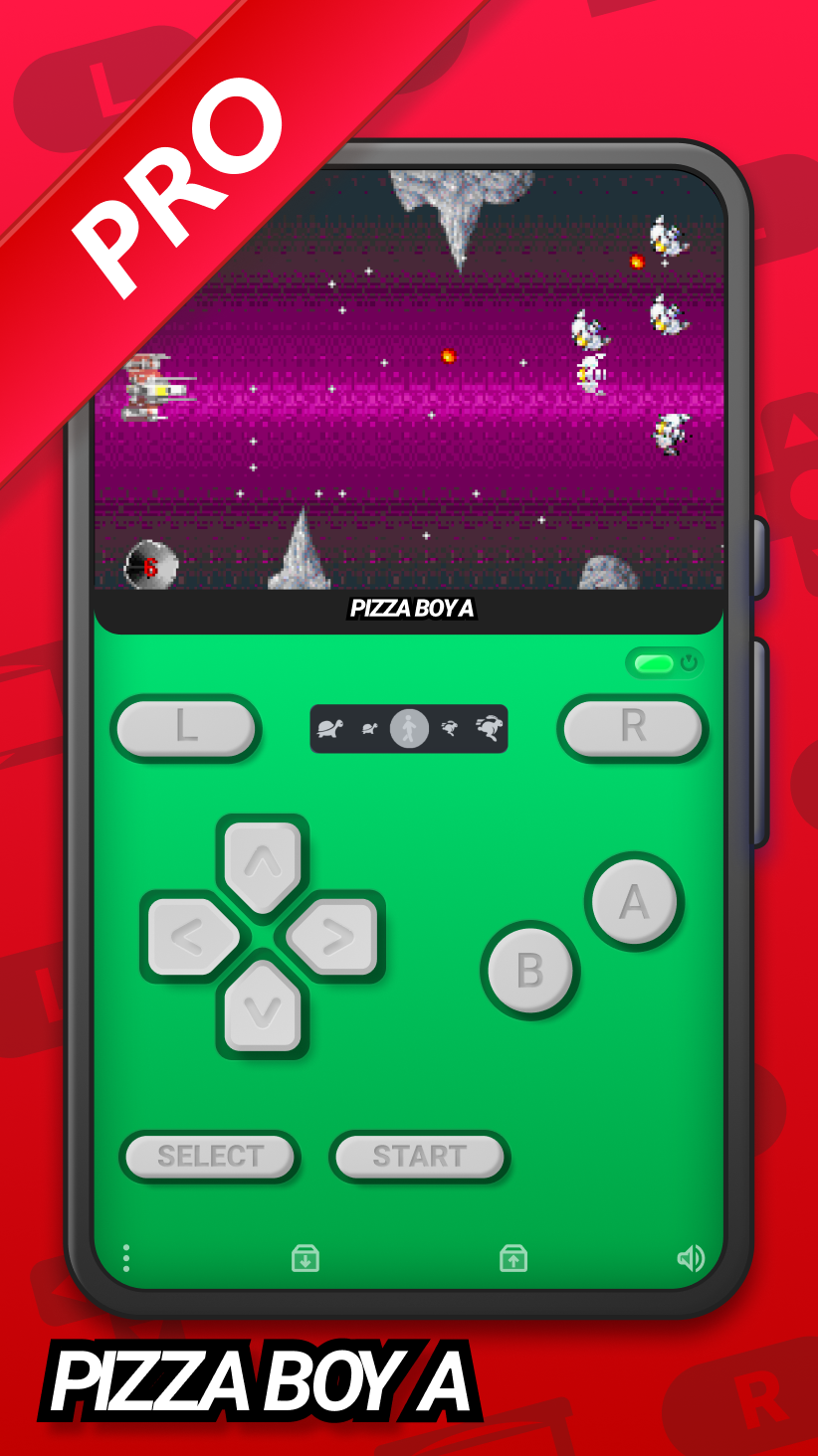
Experience the best of retro gaming with Pizza Boy A Pro, the most accurate and high-performing GBA emulator available on Android. After a highly successful run on Play Pass, this premium version is now available for purchase, offering a fully featured experience.
Enhancements compared to the basic version:
- Beautiful GUI
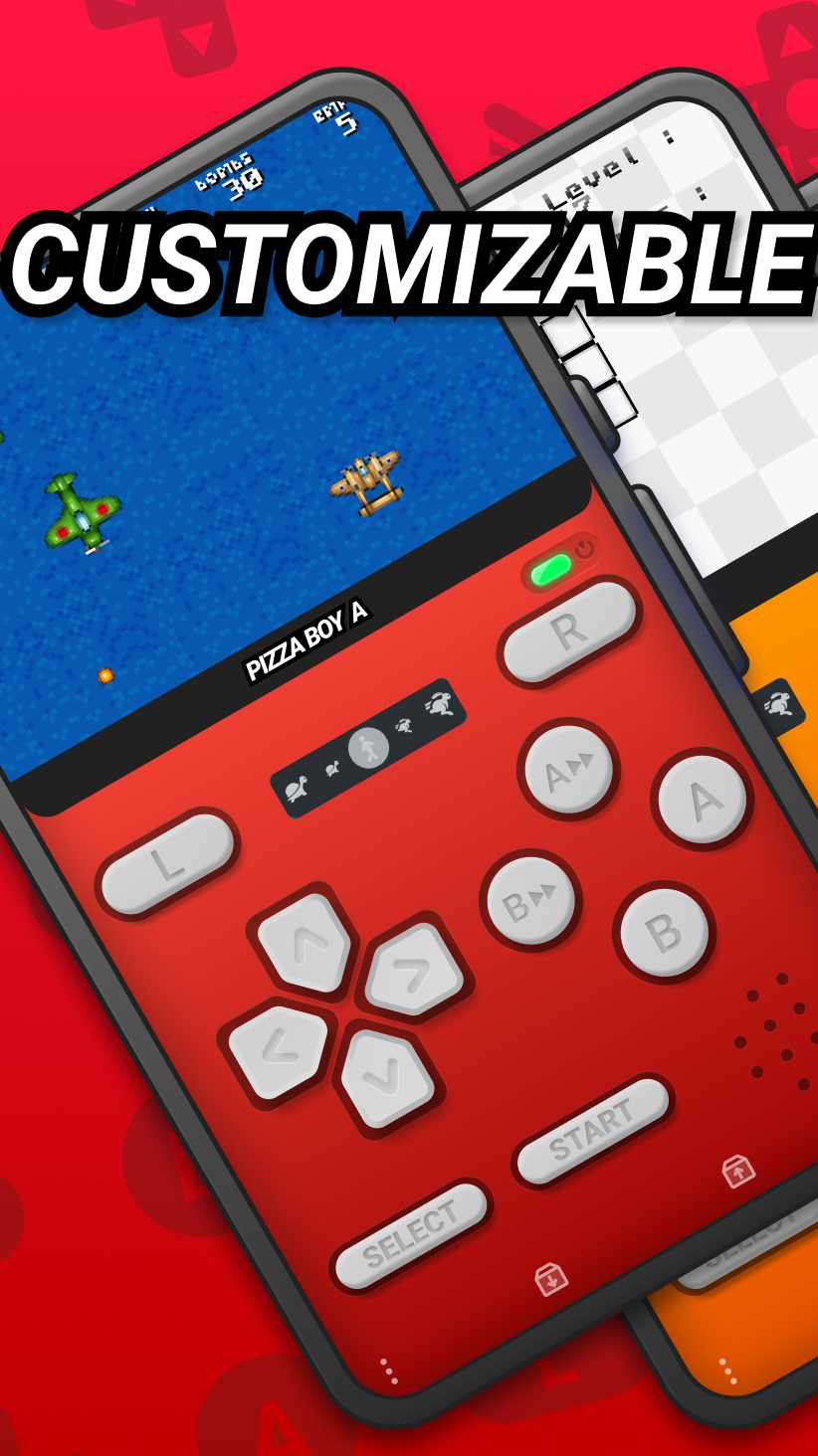
- Customizable skins
- Cheats
- Google Drive sync
- Quick/Auto save
- Local and Wifi multiplayer
- An enhanced settings menu
- Improved control system
- Custom BIOS support
- Cartridges hardware (gyroscope, light sensor, tilt sensor, rumble pack) support
- Rewind
Common features with Pizza Boy A Basic
- Very high scores in precision tests
- Totally written in C and assembly for incredible performance and low battery consumption
- Take advantage of OpenGL and OpenSL native libraries for video and audio performance to the top
- 60 FPS guaranteed even on old hardware
- Save and restore states
- Slow motion/Fast forward
- Buttons size and position total customization
- Hardware joypads support
- Shaders
- Supports zip and 7z archives
- Retroachievements support
Warning! Roms not included!
Bugs? Features request? Email me at: pizzaemulators@gmail.com