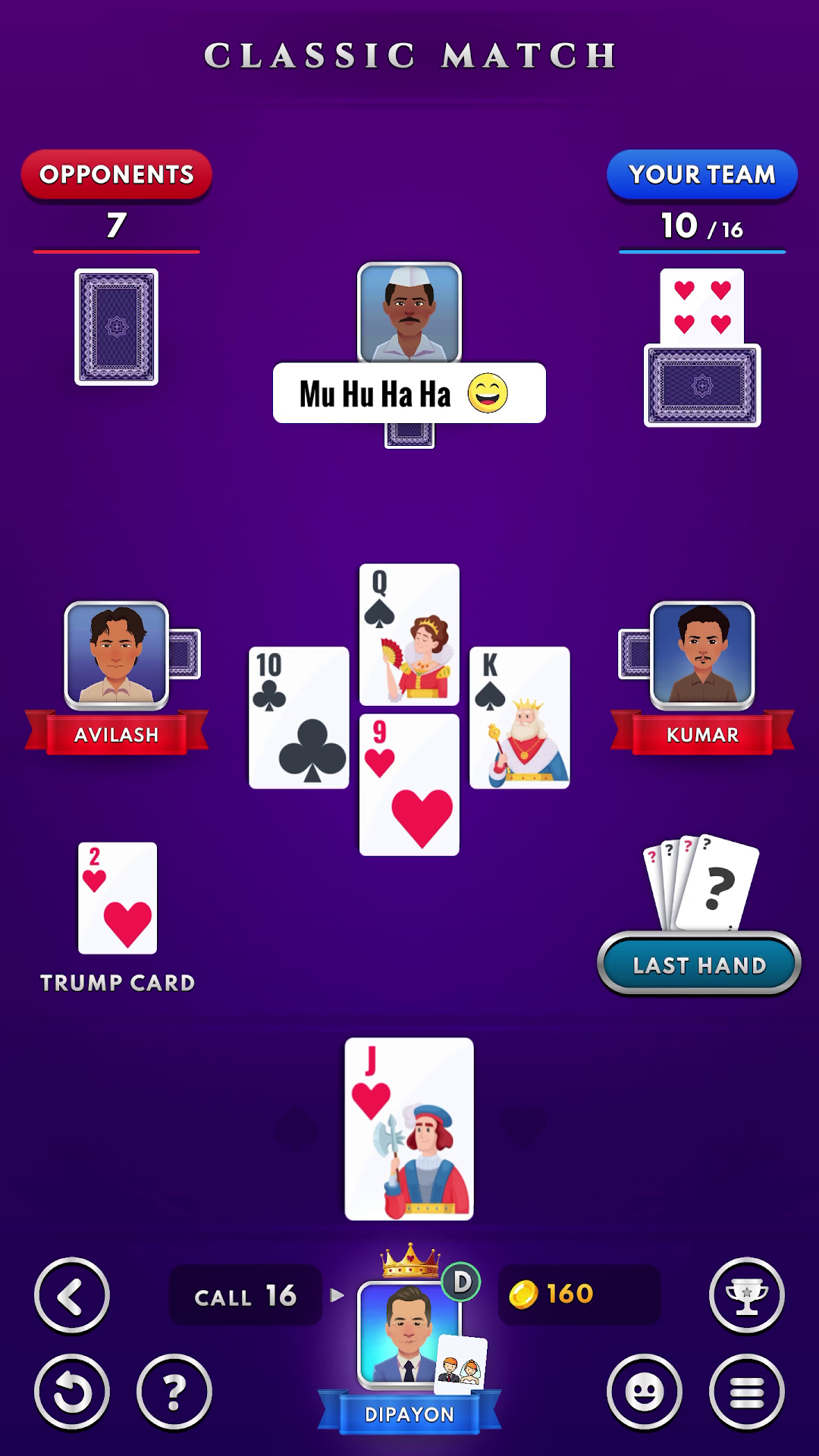
Classic 29 Card Game Offline is a Card application developed by Hyper Cat Games, but with the best Android emulator-LDPlayer, you can download and play Classic 29 Card Game Offline on your computer.
Running Classic 29 Card Game Offline on your computer allows you to browse clearly on a large screen, and controlling the application with a mouse and keyboard is much faster than using touchscreen, all while never having to worry about device battery issues.
With multi-instance and synchronization features, you can even run multiple applications and accounts on your PC.
And file sharing makes sharing images, videos, and files incredibly easy.
Download Classic 29 Card Game Offline and run it on your PC. Enjoy the large screen and high-definition quality on your PC!
❤️❤️ BEST OFFLINE TIME PASS GAME ❤️❤️❤️❤️ PLAY ANYTIME, ANYWHERE ❤️❤️
❤️❤️ OFFLINE GAME FREE DOWNLOAD ❤️❤️
❤️❤️ REGULAR UPDATES ❤️❤️
❤️❤️ BEST AI (BOT) ❤️❤️
❤️❤️ SMOOTH ANIMATION AND GAMEPLAY ❤️❤️
❤️❤️ BEST HD GRAPHICS ❤️❤️
❤️❤️ PURE SKILL BASED GAME ❤️❤️
❤️❤️ ALL FEATURES ARE TOTALLY FREE ! ❤️❤️
❤️❤️ REGULAR UPDATES ❤️❤️
❤️❤️ NO INTERNET ? NO PROBLEM ❤️❤️
Twenty-nine or 29 (also called 28 with small changes in rules) is a very addictive and popular card game. It is played by four players in fixed partnerships. In our game, you will find all the common rules like double, re-double, full-set, pair, single hand etc. The game is played with 32 cards consisting of 8 cards from each suit. Jack (3 points), Nine (2 points), Ace (1 point) and Ten (1 point) are the only cards which have points. Thus making a total of 28 points. The players facing each other are partners.The teams need to CALL and set a target for themselves and then achieve it. The player who makes the highest CALL gets to set the trump suit thus biasing the game towards them. The opponents need to achieve 29 - (CALL) to stop the other team from winning the game. This is where the game gets its name '29'.
Our Game has the best AI (BOT) and gameplay is smooth. This is the best 29 Card Game. We are continuously making updates to make the game better. Please share your feedback so we can continue making the best possible 29 card game experience!