Agricola All Creatures... is a Board application developed by Twin Sails Interactive, but with the best Android emulator-LDPlayer, you can download and play Agricola All Creatures... on your computer.
Running Agricola All Creatures... on your computer allows you to browse clearly on a large screen, and controlling the application with a mouse and keyboard is much faster than using touchscreen, all while never having to worry about device battery issues.
With multi-instance and synchronization features, you can even run multiple applications and accounts on your PC.
And file sharing makes sharing images, videos, and files incredibly easy.
Download Agricola All Creatures... and run it on your PC. Enjoy the large screen and high-definition quality on your PC!
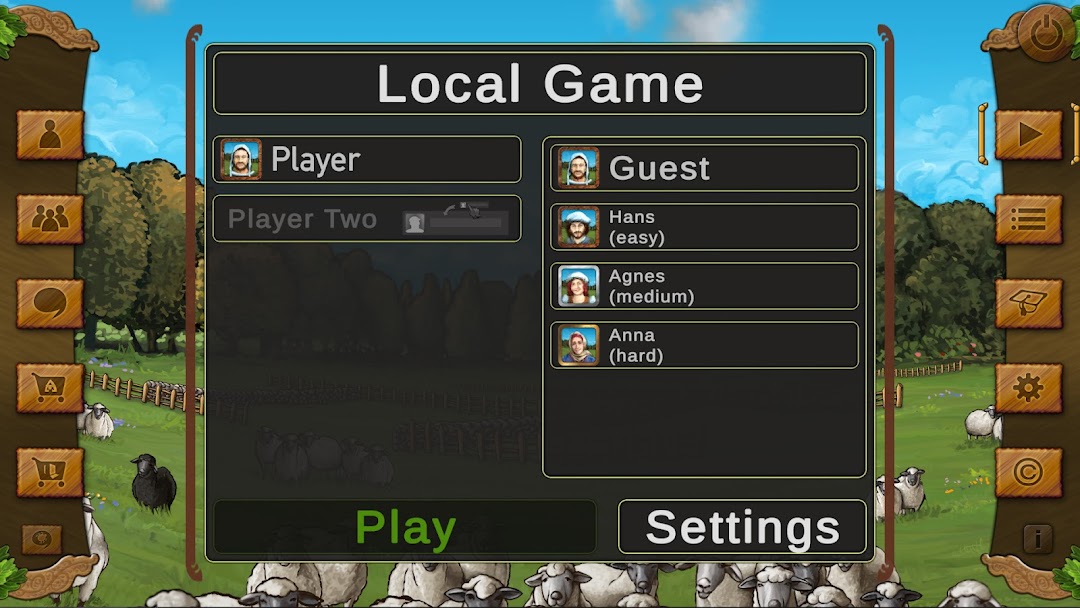
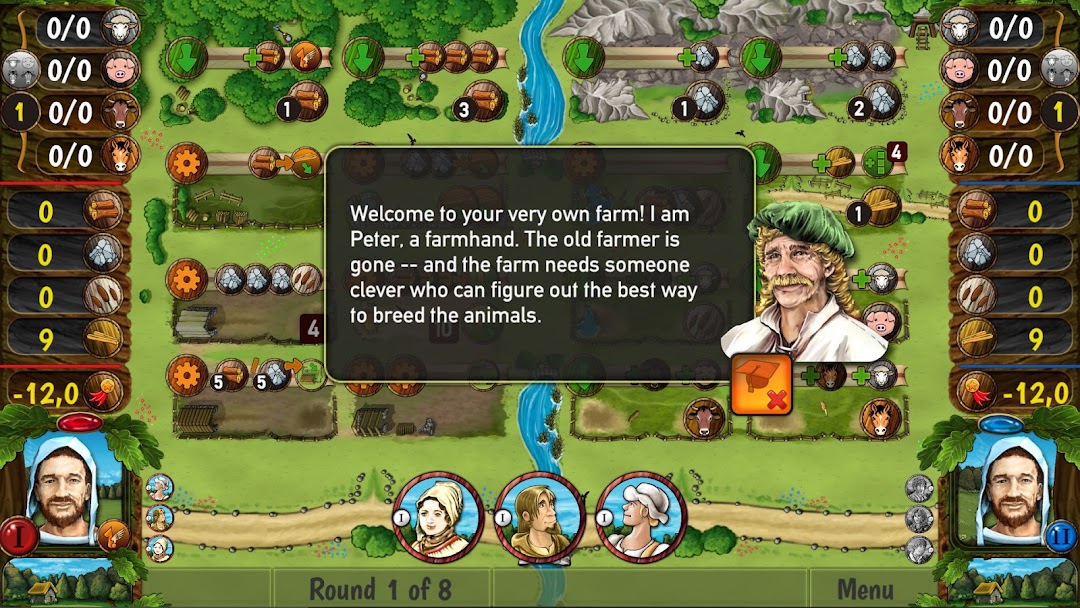
Agricola: All Creatures Big & Small is a digital adaptation of Uwe Rosenberg's award-winning two-player board game featuring farming and livestock breeding. You’re in charge of growing a farm from its simple beginnings -- just a hut and some fields. Send your workers to the village market to barter for goods and livestock. Breed different animals. Eventually, with your ever-growing animal population and special buildings, you’ll compete against your neighbors to see who has the best farm! You only have three workers in each of the eight rounds, so make your decisions count. Play against AI, or claim your plot on a worldwide leaderboard and become a strategy game legend.KEY FEATURES:
- Experience another faithful boardgame conversion from the studio behind Le Havre: The Inland Port and Patchwork.
- Engage in exciting 1v1 cross-platform multiplayer matches against players from all over the world.
- Focus on breeding the largest and most varied livestock.
- Use the Playback feature to review your best games and learn new tricks from the pros.
- Stay on your toes with challenging AI.
Having an issue? Looking for support? Please contact us: https://asmodee.helpshift.com/a/asmodee-net/
You can follow us on Facebook, Twitter, Instagram and You Tube!
Facebook: https://www.facebook.com/TwinSailsInt
Twitter: https://twitter.com/TwinSailsInt
Instagram: https://www.instagram.com/TwinSailsInt
YouTube: https://www.YouTube.com/c/TwinSailsInteractive