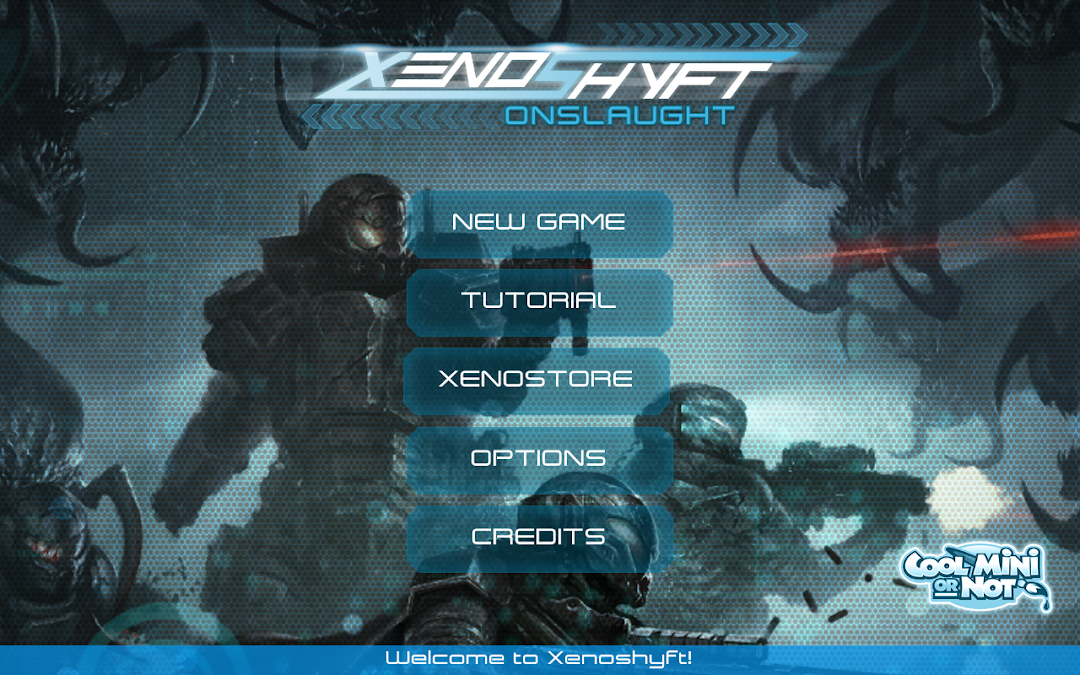
XenoShyft is a Card application developed by Twin Sails Interactive, but with the best Android emulator-LDPlayer, you can download and play XenoShyft on your computer.
Running XenoShyft on your computer allows you to browse clearly on a large screen, and controlling the application with a mouse and keyboard is much faster than using touchscreen, all while never having to worry about device battery issues.
With multi-instance and synchronization features, you can even run multiple applications and accounts on your PC.
And file sharing makes sharing images, videos, and files incredibly easy.
Download XenoShyft and run it on your PC. Enjoy the large screen and high-definition quality on your PC!
The hit Kickstarter boardgame, now available on mobile!Defend against waves of horrific Hive beasts in this beautifully illustrated, base defense, deck-building game for 1 to 4 players!
"One of the most fun co-op games I have played in a long time!" - Tom Vasel (The Dice Tower)
"The enemies are just monstrous and difficult!" - Rodney Smith (Watch it Played)
In XenoShyft Onslaught players take on the role of a commander in the NorTec Corporation. You're tasked with defending your division of the NorTec base as wave after wave of horrific Hive beasts attempt to destroy the base and end NorTec's strip mining operation.
Gameplay Features
1 - 4 players - Single player compatible, fully cooperative gameplay.
Strong focus on coordination and strategic planning - to overcome the game's intense difficulty players will need to work together.
Base-Defense with deck-building elements
Incredible art - Illustrated by three amazing artists, XenoShyft features beautiful and consistent art. All of which creates one cohesive and frightening universe.
Inventive and exciting armor and weapon upgrade cards - You'll need to outfit your troops with the best equipment if you hope to survive.
Xenoshyft is a game for 1-4 players, with each player controlling one of the divisions of the Nortec military: The Science Labs, Med Bay, Armory, Weapon's Research, Barracks and Command Center. Each of these divisions represents one part of the overall Nortec base, and it is your job as Commander of these divisions to protect the base while its field operations are completed.
You and your teammates will have to work together to survive the continuous onslaught of horrors – the goal of the mission is not to wipe out these threats, it is merely to outlast them!
Survive through nine rounds of combat with these horrors and the base will have succeeded in its mission, and you and your allies will have survived to fight another day!
Having an issue? Looking for support? Please contact us https://asmodee.helpshift.com/a/xenoshyft
You can follow us on Facebook, Twitter, Instagram and YouTube!
Facebook: https://www.facebook.com/TwinSailsInt
Twitter: https://twitter.com/TwinSailsInt
Instagram: https://www.instagram.com/TwinSailsInt
YouTube: https://www.YouTube.com/c/TwinSailsInteractive