AI Brainrot Prank Video Call is a Simulation application developed by Technology Product and Service, but with the best Android emulator-LDPlayer, you can download and play AI Brainrot Prank Video Call on your computer.
Running AI Brainrot Prank Video Call on your computer allows you to browse clearly on a large screen, and controlling the application with a mouse and keyboard is much faster than using touchscreen, all while never having to worry about device battery issues.
With multi-instance and synchronization features, you can even run multiple applications and accounts on your PC.
And file sharing makes sharing images, videos, and files incredibly easy.
Download AI Brainrot Prank Video Call and run it on your PC. Enjoy the large screen and high-definition quality on your PC!
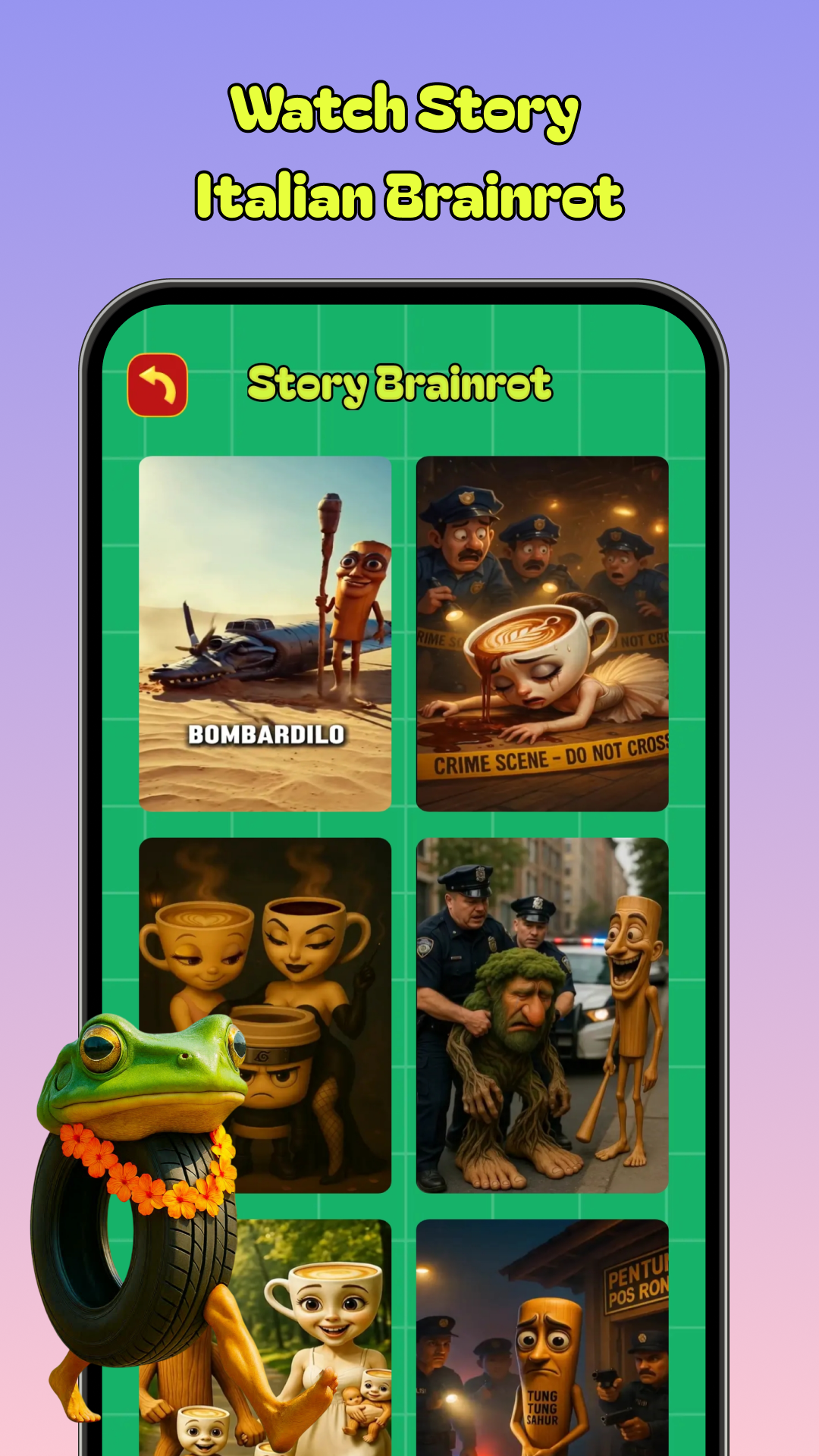
🧠 Brainrot Fake Call – AI Meme & Prank Call AppGet ready for the most viral fake call experience ever with Brainrot Fake Call – your go to prank call app packed with iconic AI meme characters like Sigmaboy, Tralalero Tralala, Italian Brainrot, and the legendary Tung Tung Tung Sahur. Whether you're into fake video calls, hilarious prank games, or chaotic AI brainrot chaos, this app has it all.
With the power of AI, you can generate personalized, lifelike prank calls that will surprise your friends. Choose characters like bombombini gusini, brr brr patapim, or trulimero trulicina for the most unpredictable fake phone call moments.
🎭 Why Brainrot Fake Call?
- Make realistic fake facetime calls using AI brainrot characters in just one tap.
- Recreate viral memes like sigmaboy and tralalero tralala on a fake video call.
- Use prank caller mode for unexpected and funny moments.
- Perfect for those who love prank games, scary prank calls, and meme-based humor.
- Built-in features for free prank call apps lovers: easy to use, quick to share, and always entertaining.
✨ Key Features:
- Viral content like italian brainrot, tung tung tung sahur, and AI-generated voiceovers.
- Simple UI for meme fans and casual users alike.
- Export and share your funniest prank calls in seconds.
Whether you're pranking a friend with a fake sigmaboy FaceTime or setting up a wild tralalero tralala soundboard, this prank call app brings the madness. Try the classic fake phone call, build up a scary prank call, or just dive into chaos with AI and prank caller tools.
🧩 From realistic fake video calls to interactive prank games, Brainrot Fake Call is more than just another free prank call app – it’s a meme-powered chaos engine. Enter the world of AI brainrot and explore meme culture like never before.