Word Connect Game is a Word application developed by LittleBigPlay - Word, Educational & Puzzle Games, but with the best Android emulator-LDPlayer, you can download and play Word Connect Game on your computer.
Running Word Connect Game on your computer allows you to browse clearly on a large screen, and controlling the application with a mouse and keyboard is much faster than using touchscreen, all while never having to worry about device battery issues.
With multi-instance and synchronization features, you can even run multiple applications and accounts on your PC.
And file sharing makes sharing images, videos, and files incredibly easy.
Download Word Connect Game and run it on your PC. Enjoy the large screen and high-definition quality on your PC!
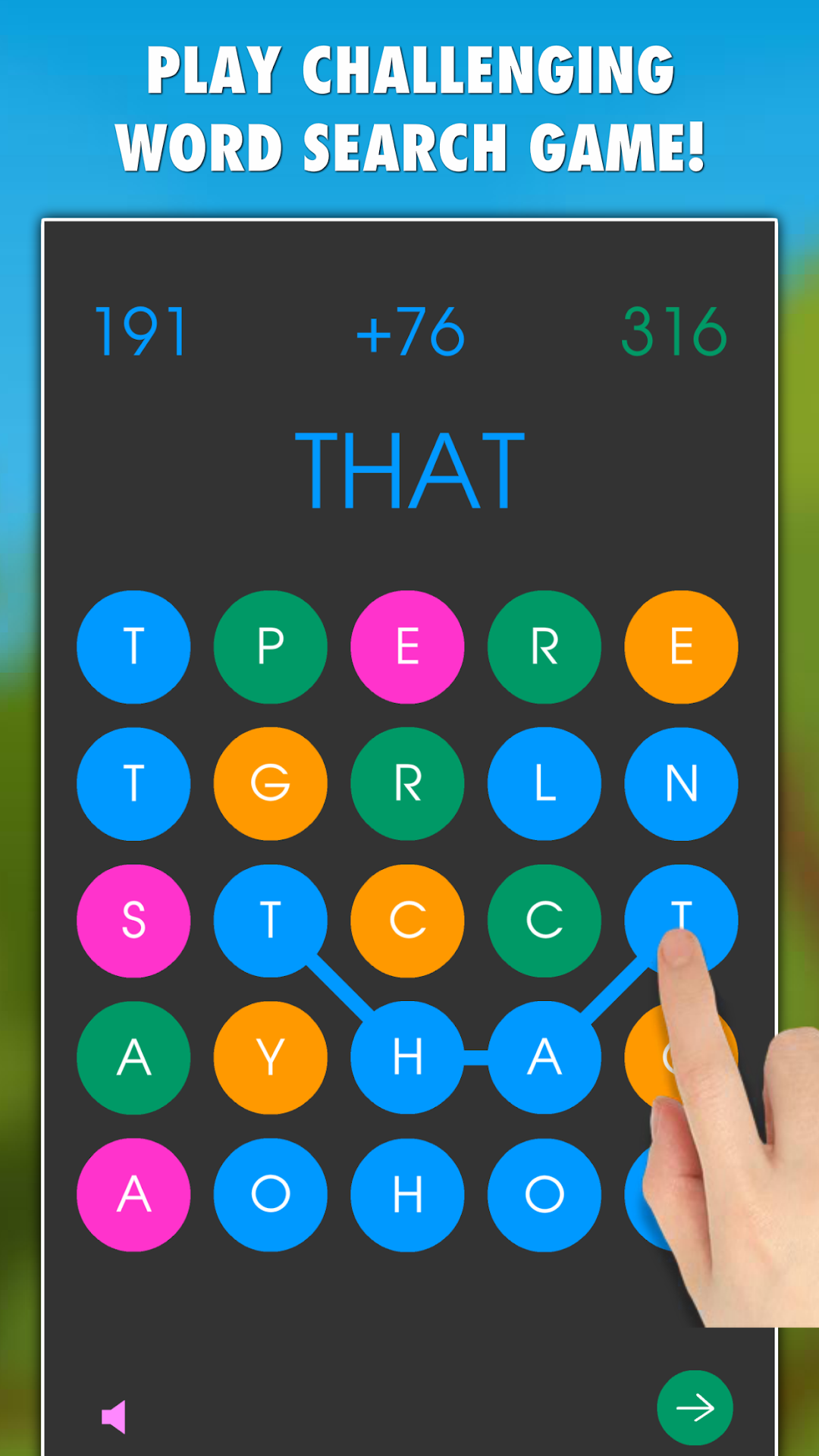
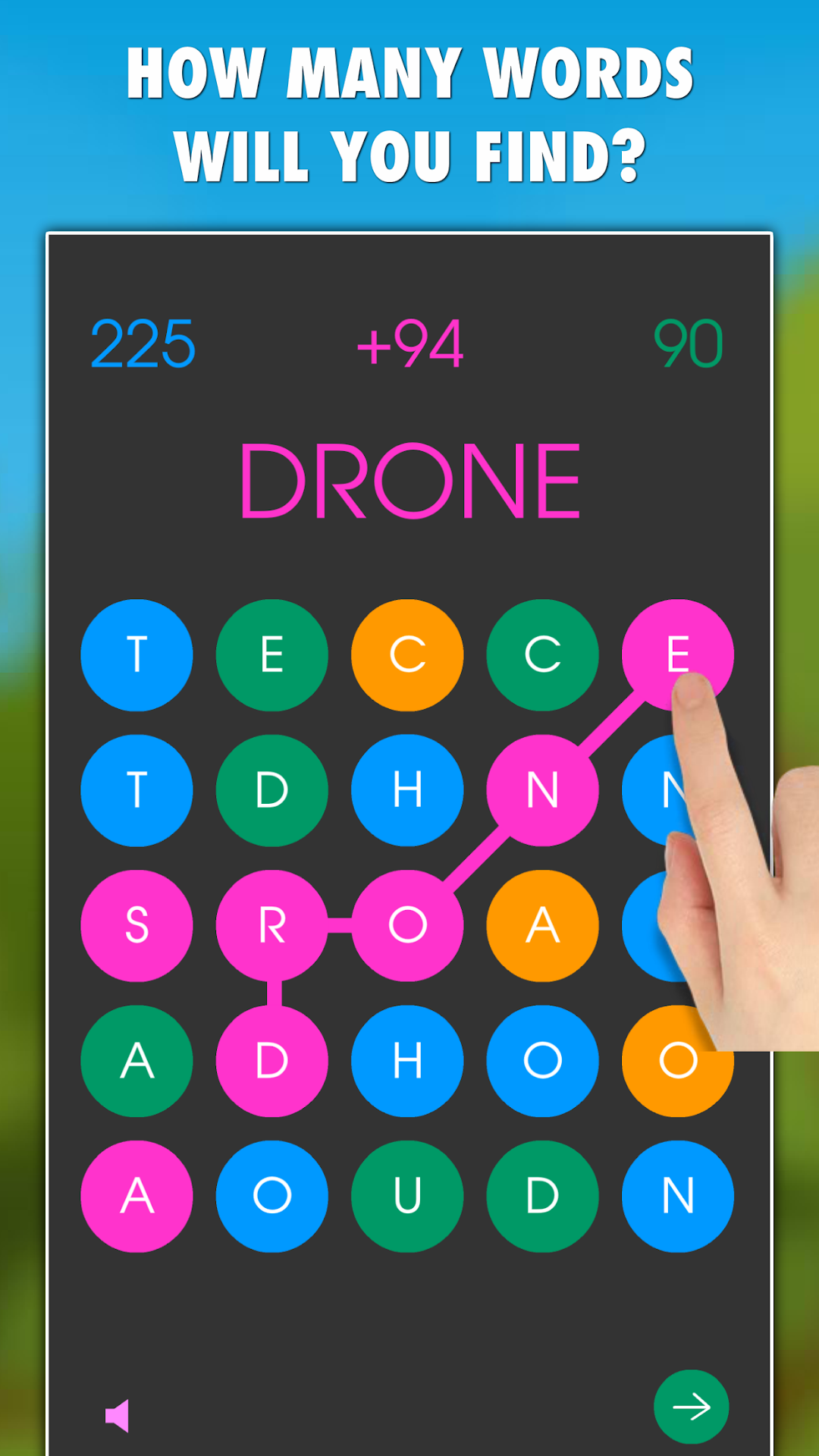
How many English words will you find in our relaxing word search game Word Connect?Keep connecting neighboring letters and try to create as many words as you can! Collect points for each found word and get extra points (combos) for matching colors of letters!
Play as a single player and try to break your personal bests or submit your points and challenge other people from all around the world! Will you make it into TOP20 highscores?
Word Connect Game is free to download and it can be played without an internet connection or WiFi.
FEATURES:
* A relaxing word search game with 5 game modes (timed and untimed)
* Playable offline - internet or WiFI is required only if you want to submit your points
* More than 500 000 English words included
* TOP20 leaderboard - compare your score with points of other people from all around the world
* Day and night mode
* Free to download
GAME MODES:
* 240 Seconds - get the best score possible in 4 minutes time limit!
* 25 Moves - no time limit, you have 25 moves available!
* 4+ Words - words with 4+ letters add new letters.
* 25 Letters - you have 25 letters available.
* +5 Seconds - 90 seconds time limit and you get +5 seconds for each word found.
All the game modes are highscores based, so don't forget to submit your points at the end of the game to see who is the best!
HOW TO PLAY:
Slide your finger over 3 to 10 letters horizontally, vertically or diagonally to create a word. Match the colors of the first letter in your word to get combo points! The game will show up the points above your word if the word exists! Get the best score possible.
Thank you for choosing and playing our game Word Connect!
Have fun!