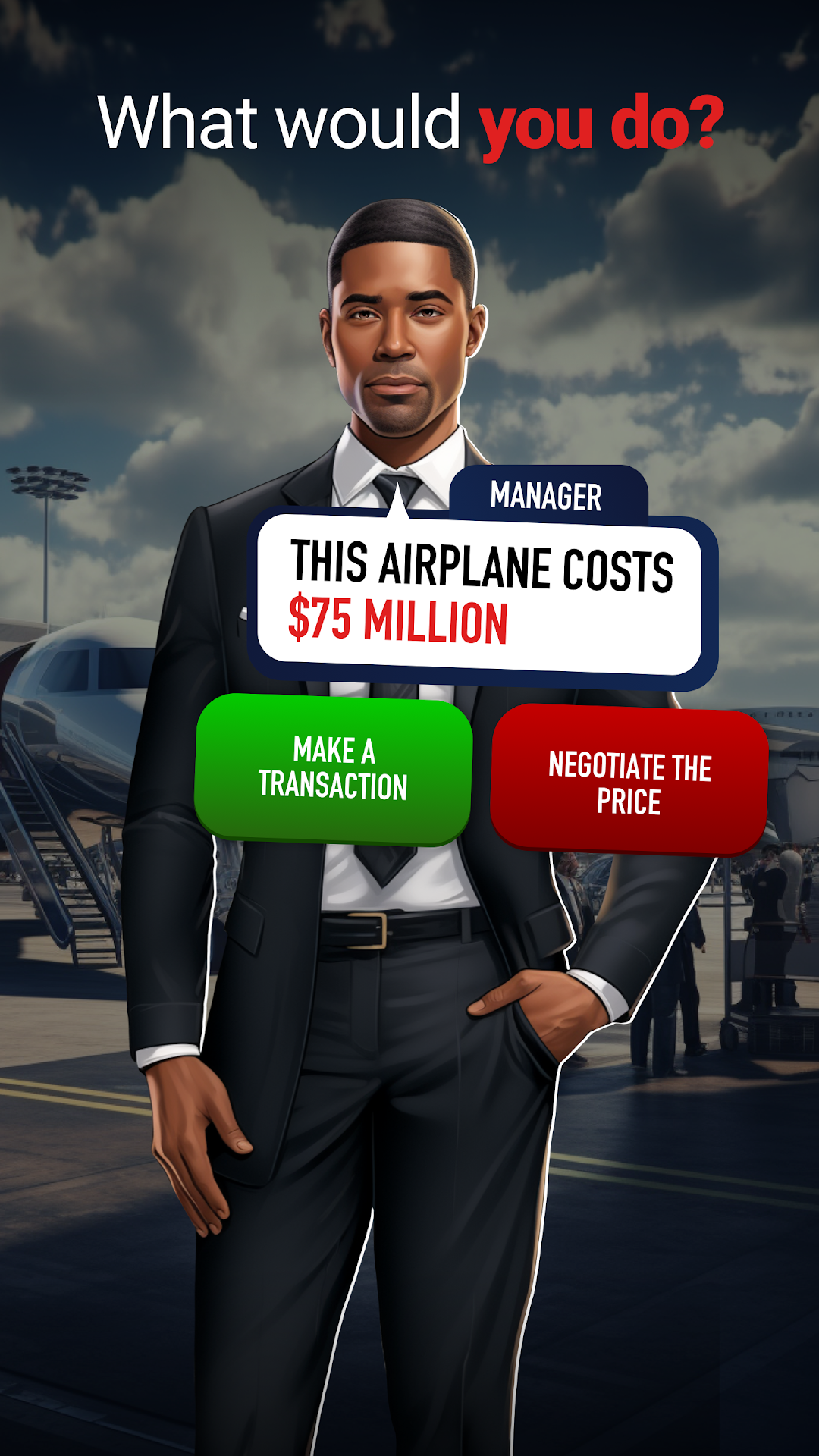
Airline Tycoon: The Game is a Simulation application developed by Hidden Lake Games LLC, but with the best Android emulator-LDPlayer, you can download and play Airline Tycoon: The Game on your computer.
Running Airline Tycoon: The Game on your computer allows you to browse clearly on a large screen, and controlling the application with a mouse and keyboard is much faster than using touchscreen, all while never having to worry about device battery issues.
With multi-instance and synchronization features, you can even run multiple applications and accounts on your PC.
And file sharing makes sharing images, videos, and files incredibly easy.
Download Airline Tycoon: The Game and run it on your PC. Enjoy the large screen and high-definition quality on your PC!
Airline Tycoon: The Ultimate Airline Manager and Business TycoonBuild and manage your own airline, expand to real airports, and grow a powerful aviation empire. In this airline management game, every decision matters as you compete to become the most successful airline CEO.
Develop and Expand Your Airline
- Start as an airline manager and grow into a global business tycoon
- Buy and upgrade real airplanes to optimize efficiency and profitability
- Customize aircraft seat layouts to balance comfort and revenue
- Expand your airline network and manage routes across international airports
Master Business Strategy and Financial Growth
- Make smart investments to grow your airline’s stock value and increase revenue
- Compete in the market by setting ticket prices and optimizing operational costs
- Build airline alliances and partnerships to expand your business influence
- Manage fuel prices, employee wages, and airport fees to maximize profits
Realistic Airline Management and Economic Decisions
- Oversee daily airline operations, from passenger satisfaction to fleet maintenance
- Adapt to changing economic conditions and market trends to stay ahead of competitors
- Expand your headquarters and upgrade airport services for higher efficiency
- Take strategic risks to build the most profitable airline empire
Do you have what it takes to create the world’s most successful airline business?
Download now and take control of the skies.