

Alien Bloom - The Poker Game is a Strategy game developed by Bestwood Studios LLC, and LDPlayer is the best platform for playing Alien Bloom - The Poker Game on Windows PC, offering powerful features for an immersive experience.
When playing Alien Bloom - The Poker Game on your computer, you can enjoy long game sessions using the operation recording feature to record repetitive operations to complete the same tasks automatically. It allows you to level up faster and makes resource grinding much more efficient.
In addition, if you want to execute combo moves or the game requires repeated skill actions, the macro feature is your best helper. It enables you to complete kills with just one click!
If you want to manage multiple accounts, LDMultiplayer and Synchronizer will assist you. You can run multiple alternative accounts at the same time to assist the leveling of your main account. Download and play Alien Bloom - The Poker Game on PC with LDPlayer now!
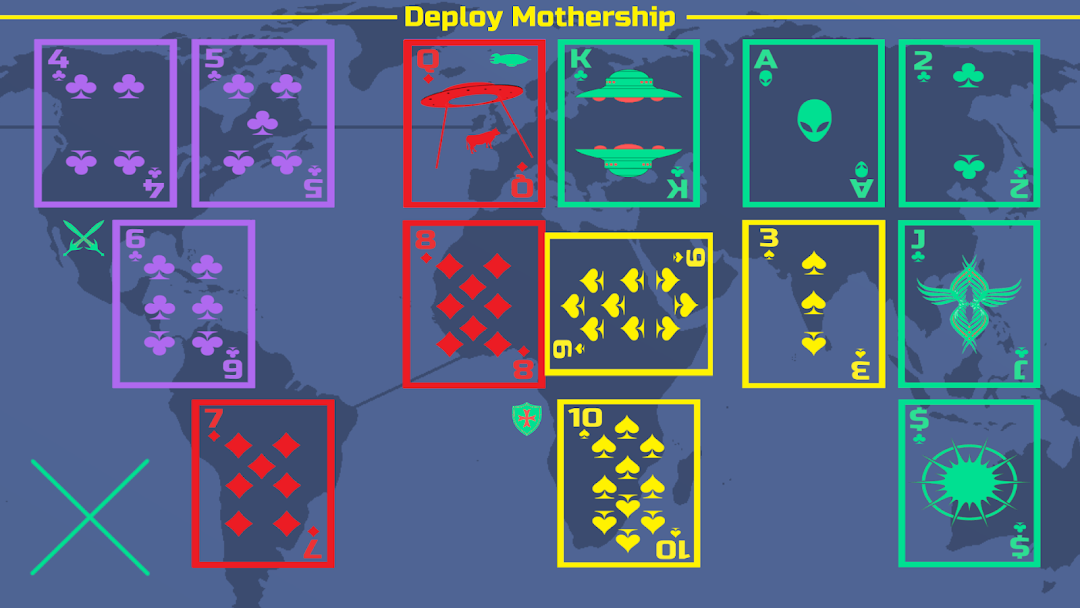
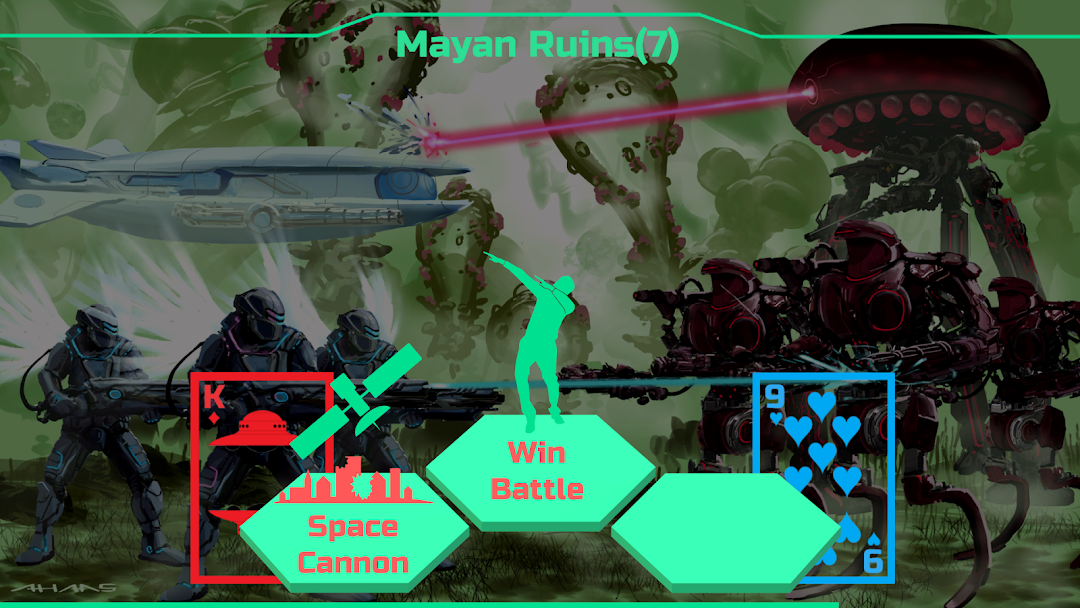
Alien Bloom is a strategy card game where 3 players compete for a 5-card Straight Flush on the World Map. Players must command their forces to take control of Territories and Continents while preventing other Players from doing the same.Lore - In the near future mankind will be faced with Great Tribulation like the World has never seen before. World War 3 was concluded 2 years ago followed by mass adoption of suppressed technology and worldwide Alien disclosure. A world government was established to bring peace between mankind and the Aliens...but it was all a ruse. The Aliens had spent decades preparing bioweapons, Motherships and making alliances with fallen angels to eradicate mankind once and for all. World War 4 has begun for the fate of the planet in a war unlike any other. 5th Dimension Alien races are pouring unto the Earth, mankind is completely on the backfoot and even Kthulhu wants in on the action. There are no alliances in this war and it will take every bit of skill and luck for Commanders to be victorious.
Humanity - Fighting back against all odds, Humanity relies on mobility and speed to defeat their Opponents. Supersonic Airships enable Expansions and Attacks anywhere on the World Map while Ace High victories enable Feint Attacks to steal any Opponent Territory.
Cybernetics - Fun to play if you like rogue A.I's, Stealth Technology and Napalm. Hunting down Humanity and Aliens for capture, prisoners are moved to invisible Stealth Factories where their brains are transplanted into powerful cybernetic machines. Stealth Factories transform your lower Battle Cards (2 and 3) into Ace's that also establish Firewalls on the World Map, preventing Opponent attacks for one turn.
The Orcus - A parasitical tentacle monster that becomes exponentially more powerful the more it consumes. The Orcus starts out slow but if it's able to consume enough biomass to form three Mind Flowers, an intelligent hive mind is formed and enables 2-card battles for the rest of the game. If four Mind Flowers are formed, The Orcus becomes the strongest force in the game by enabling 3-card battles.
The Aliens - Command powerful Motherships and be considered a player-controlled "Boss Fight". Motherships always battle with a Queen High and every three turns a new Mothership is available for deployment anywhere on the World Map.