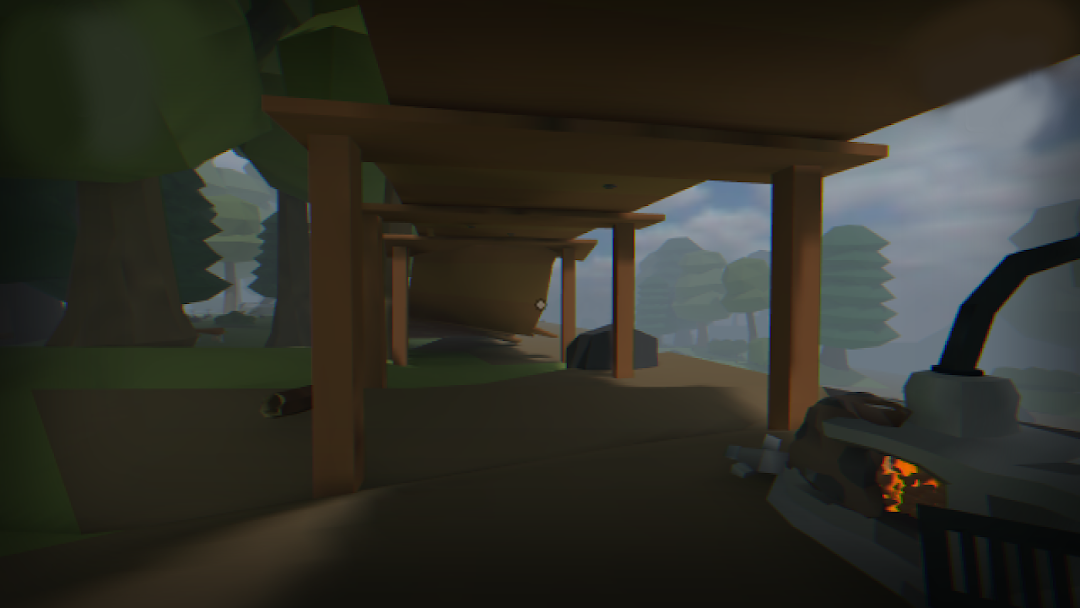
Alternate World is a Adventure application developed by Petr Nagel Games, but with the best Android emulator-LDPlayer, you can download and play Alternate World on your computer.
Running Alternate World on your computer allows you to browse clearly on a large screen, and controlling the application with a mouse and keyboard is much faster than using touchscreen, all while never having to worry about device battery issues.
With multi-instance and synchronization features, you can even run multiple applications and accounts on your PC.
And file sharing makes sharing images, videos, and files incredibly easy.
Download Alternate World and run it on your PC. Enjoy the large screen and high-definition quality on your PC!
The main character got into a mysterious parallel world, the way out of which is impossible to find without your help!Help him make the right decisions, overcome all the puzzles and unravel the main mystery of the new world!
In the game you will find an interesting and exciting storyline in the spirit of classic adventure games and adventures, simple puzzles for attentiveness and ingenuity, an abundance of enemies and various monsters, the presence of weapons, as well as resource management.
In the story, the main character finds himself in a world that is on the verge of destruction. Once a powerful and developed civilization is in decline, and there are practically no people left. Together with the hero of the game, you will have to explore a new world, look for resources, solve puzzles and progress through the story.
Friends, this game was created by one person. If you like it, write your review so that I understand that it is worth continuing development.
The main thing in the game is that this is an adventure quest based on solving puzzles, exploring the game world, as well as various interactions with objects.
Each level has its own unique goal based on solving puzzles, shooting enemies, movement speed and so on.
In the game you will find:
- An interesting and complete storyline!
- Lots of puzzles and riddles!
- Offline passage without the Internet!
- An immersive adventure atmosphere!
- Survival in a post-apocalyptic world!
Hope you enjoy this game!