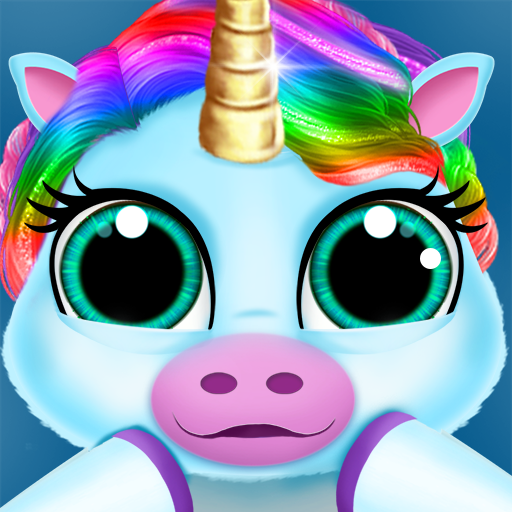
Amaru: The Self-Care Pet is a Casual game developed by Six Wing Studios. LDPlayer is the best platform for playing Amaru: The Self-Care Pet on Windows PC, offering powerful features to enhance your immersive experience in Amaru: The Self-Care Pet.
When playing Amaru: The Self-Care Pet on your computer, if you find repetitive actions or tasks tedious and time-consuming, fret not! Macro can alleviate your concerns. Simply record your actions with a click of the screen recording feature and let macros take care of the rest. Macros automate your operations, allowing you to effortlessly conquer the game with minimal effort! Start downloading and playing Amaru: The Self-Care Pet on your computer now!
Amaru is here to support your self-care!Feed, pet, customize, and play minigames with the adorable Amaru while being rewarded for taking care of yourself! The game contains engaging goal-setting, mindfulness, and journal activities that provide a fun way to build focus and resilience to stress, anxiety, and depression.
Explore the mysterious world of Enso to earn Collectibles, unlock Amaru’s story, and help him find his way home!
“Finally, a game that promotes (and reinforces) positive, long-term mental-health habits! It's enjoyable & the artwork is beautifully done. Daily goals are customizable, but there is a variety of preset goals to choose from to get you started. It's calming at the end of your day and refreshing at the beginning. Doesn't leave you frustrated and mentally depleted like most other games. Plus, magic kitties! ❤️😻”
- Kat, Google Play Reviewer (March 8, 2023)
“It's clear that the people behind this app care about helping people. I am genuinely floored about how focused the game is on self-care and the player. This is especially apparent in the 'free trial' aspect of this app- none of the self-care elements are behind a paywall, and they have an entire system for people to donate full copies of the game to those in financial need. The game is reassuring and never unhealthily pressures. also the animation is so good. I'd say more but I have no more space.”
- Celia, Google Play Reviewer (July 9, 2023)
FINANCIAL NEED? READ BELOW!
Want the full version but can’t afford it? No problem! All the self-care features in the app are completely FREE, and the game contains NO ADS! There will be points where you will be asked to pay to unlock story features or optional skins, but if you have financial need, you can apply for a free copy through our Keys for Those in Need Program. You’ll be given a place in line, and when a copy becomes available, you’ll receive it for FREE! We just ask that you pay it forward when you can!
WHAT’S INSIDE:
• A virtual pet to feed, pet, and care for!
• Make Amaru your own with custom colors and skins!
• Beautiful hand-drawn animation that evolves as your Bond grows stronger.
• A goal-setting system that rewards you for self-care.
• Journaling modes that promote free expression and support well-being.
• 20+ guided breathing and mindfulness meditation recordings scientifically shown to reduce stress, anxiety and depression with voicing and subtitles.
• Fun, low-pressure Mini-games to play with Amaru
• Gorgeous environments with unique, relaxing soundscapes like ocean waves or falling rain.
• 100+ lore-rich items revealing details about the fantasy world of Enso and its inhabitants.
• Hundreds of player-submitted Affirmation messages to brighten your day!
LANGUAGES:
This app is only in available in English, but we will be localizing to new languages soon.
FOLLOW US:
@fogofmaya on IG, Twitter, and TikTok can communicate with us via Discord (link is in the app).