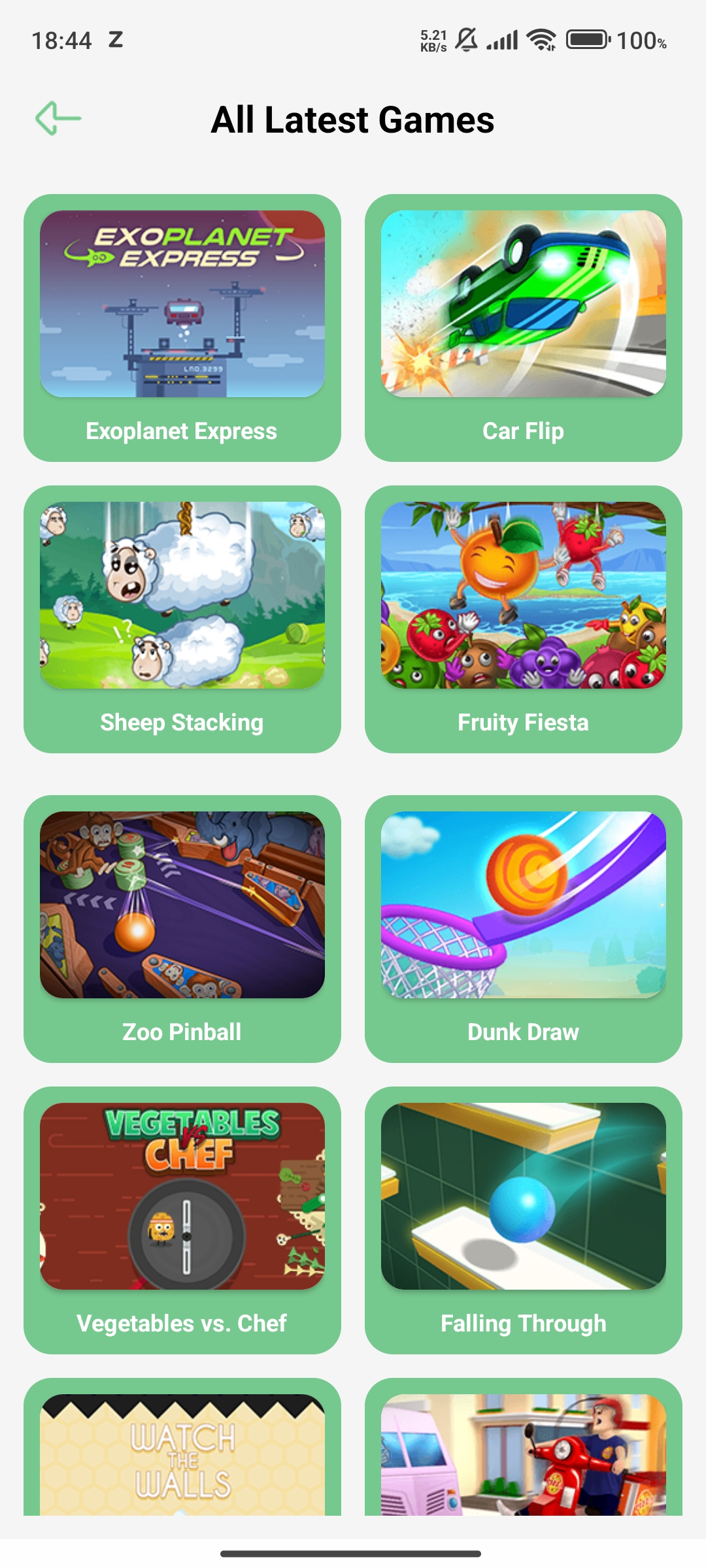
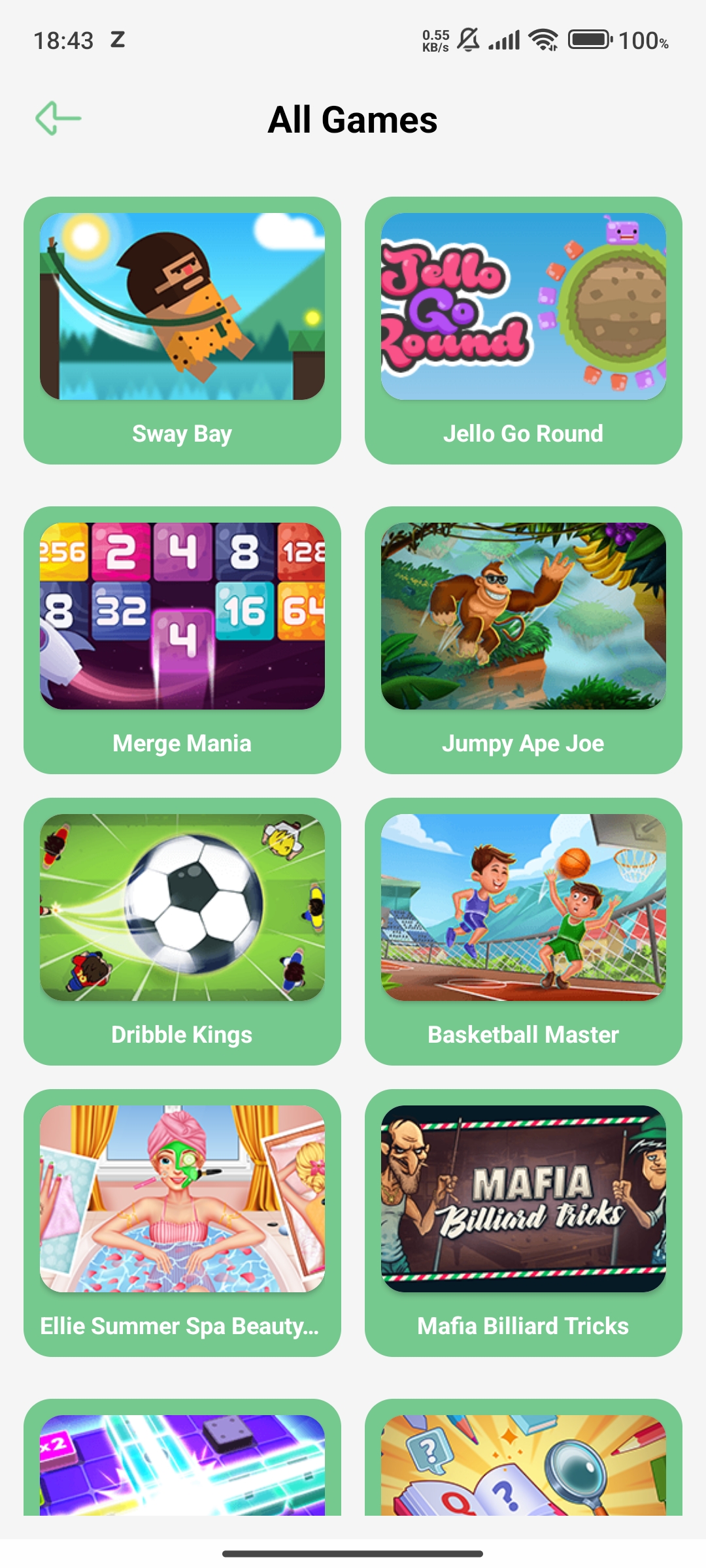
Apps & Games Tips : Happymod is a Casual game developed by Magizh.Inc. LDPlayer is the best platform for playing Apps & Games Tips : Happymod on Windows PC, offering powerful features to enhance your immersive experience in Apps & Games Tips : Happymod.
When playing Apps & Games Tips : Happymod on your computer, if you find repetitive actions or tasks tedious and time-consuming, fret not! Macro can alleviate your concerns. Simply record your actions with a click of the screen recording feature and let macros take care of the rest. Macros automate your operations, allowing you to effortlessly conquer the game with minimal effort! Start downloading and playing Apps & Games Tips : Happymod on your computer now!
Are you on the hunt for an app that simplifies the quest for the finest games out there based on your mood ? Look no further than HappyMood: Games Mods Tracker, your new go-to for everything gaming-related.Happymod is your one-stop destination for effortlessly discovering the latest and most popular games. Say goodbye to endless searches across multiple platforms, and instead, embrace the convenience of HappyMod.
Explore the world of gaming with GamesMood's exceptional features :
1. Mood-Based Recommendations: Discover games that perfectly suit your current mood, making your gaming experience even more enjoyable.
2. Effortless Game Exploration: Browse through a curated selection of popular games with ease.
3. In-Depth Game Insights: Dive into detailed information for each game, helping you make informed choices.
4. Game Time Tracking: Keep tabs on your gaming hours, ensuring you stay on top of your gaming experiences.
5. Personalized Library: Organize and manage the games you're currently playing, those you've completed, and those on your wish list.
6. Genre and Platform Filters: Find games that match your interests and preferred gaming platforms effortlessly.
7. Game Search: Easily locate any game you're planning to play.
8. Accurate Time Tracking: Monitor and review your gaming time accurately.
9. Engaging Quizzes: Challenge your gaming knowledge with fun quizzes.
10. Nearby Game Spots: Find gaming locations near your current location.
11. Personalization Options: Customize the app's appearance to match your style.
And that's just the beginning! GamesMood has even more exciting features waiting for you.
We value your input! If you have any feedback or comments, please share them with us. Your feedback helps us improve GamesMood.
Get ready to embark on a journey of discovering your next favorite game with GamesMood. Don't wait any longer – download it now !