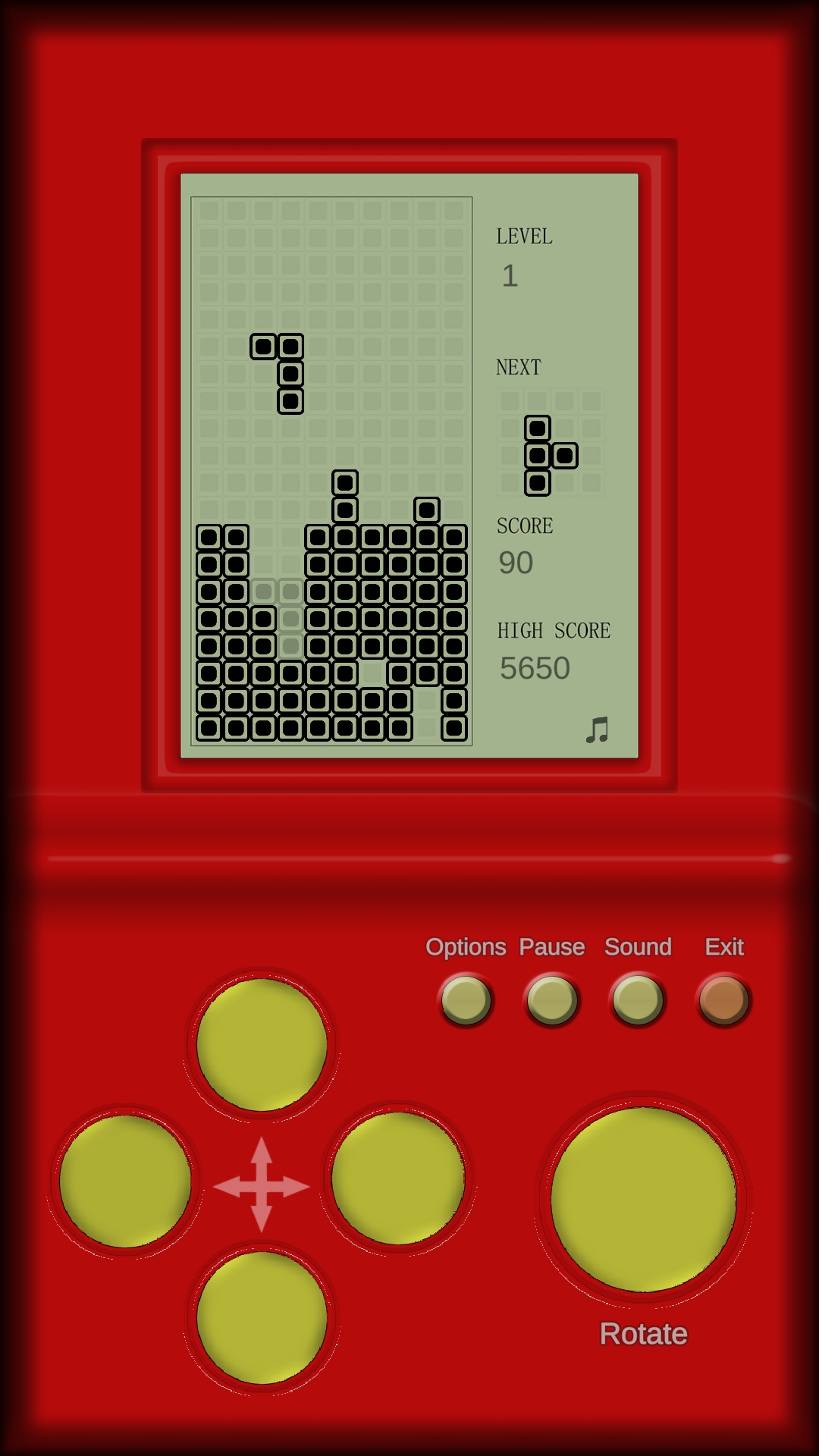
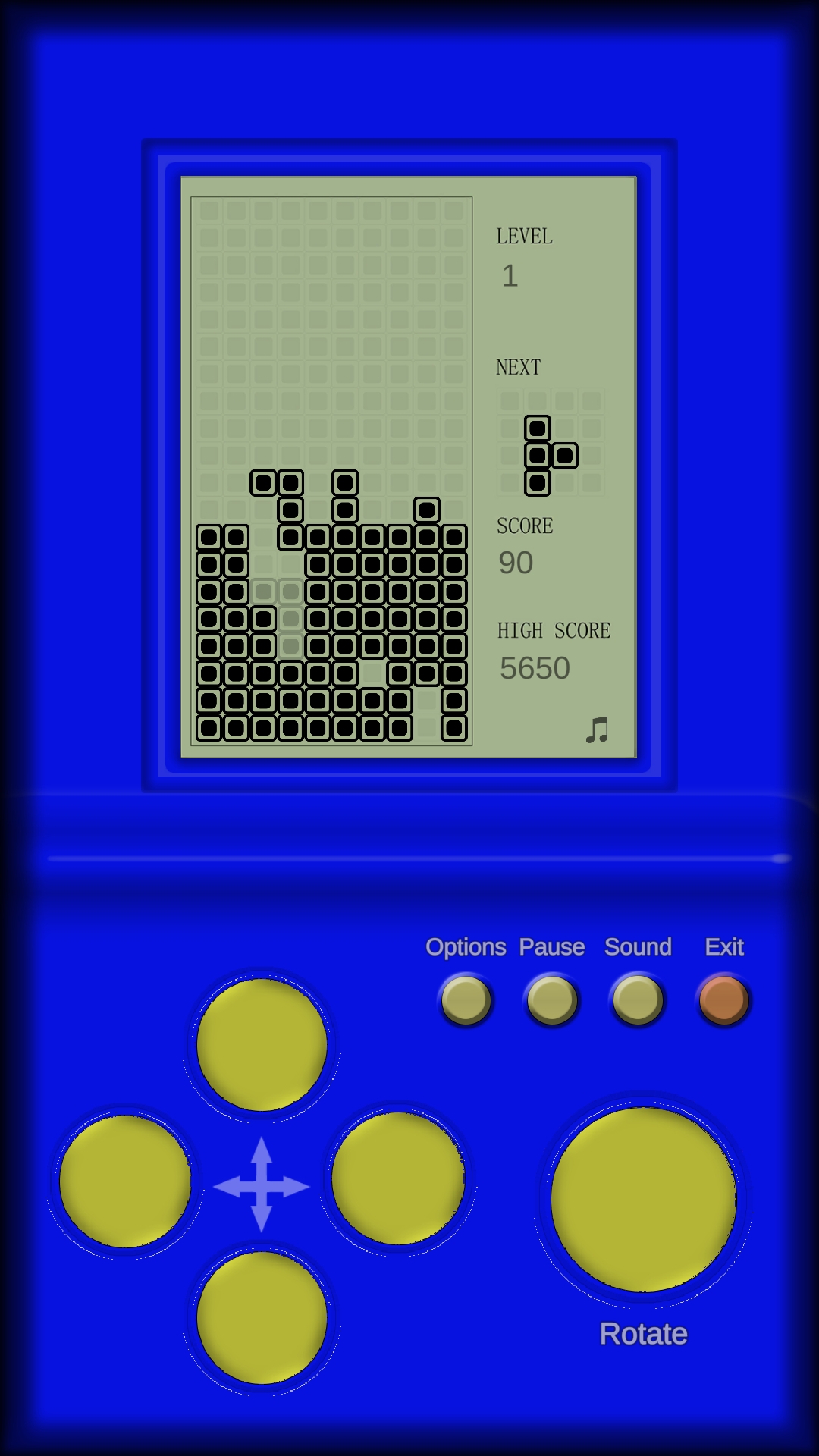
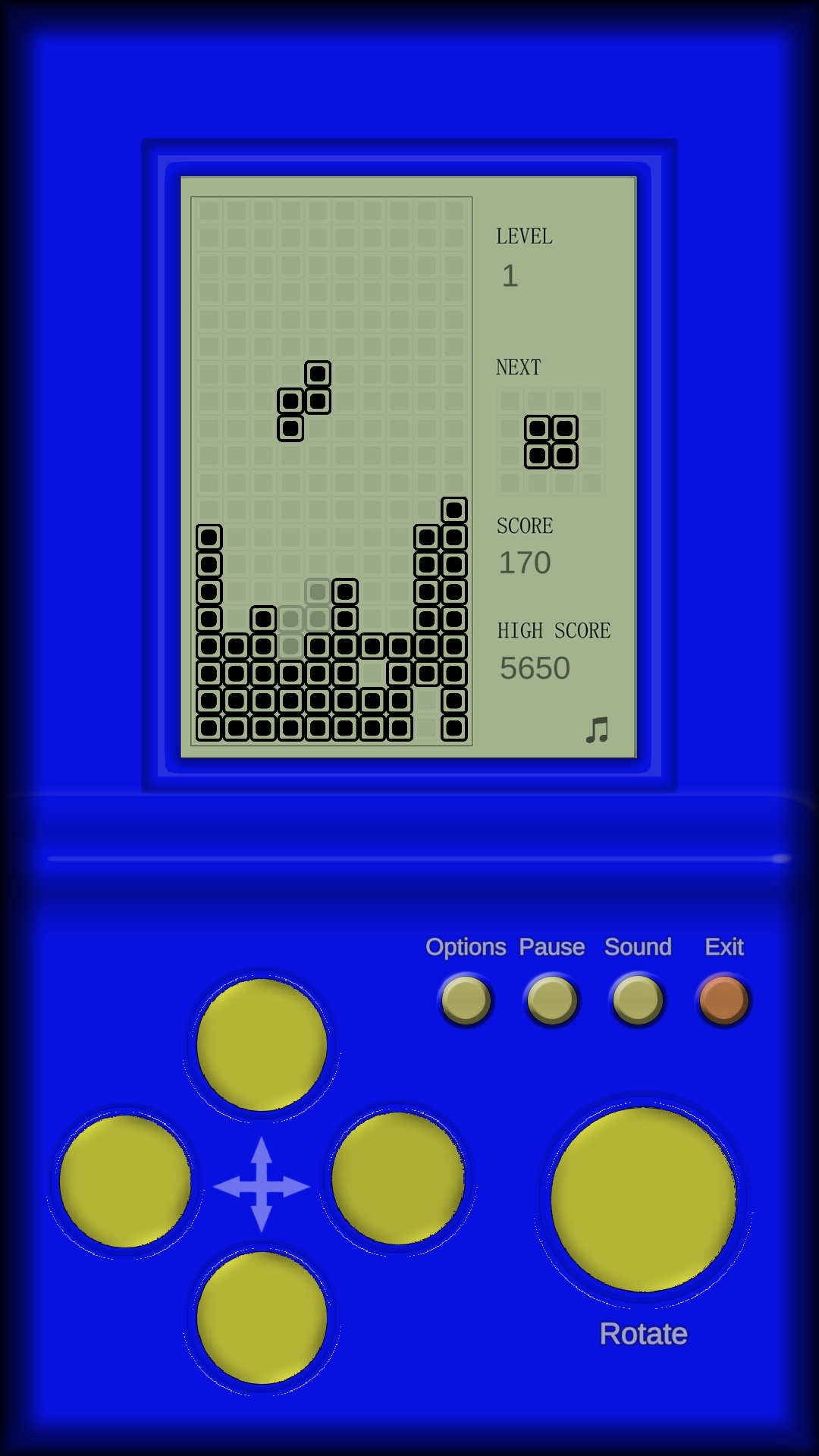
Arcade Games :Retro Brick Game is a Puzzle application developed by Arcade Gamess, but with the best Android emulator-LDPlayer, you can download and play Arcade Games :Retro Brick Game on your computer.
Running Arcade Games :Retro Brick Game on your computer allows you to browse clearly on a large screen, and controlling the application with a mouse and keyboard is much faster than using touchscreen, all while never having to worry about device battery issues.
With multi-instance and synchronization features, you can even run multiple applications and accounts on your PC.
And file sharing makes sharing images, videos, and files incredibly easy.
Download Arcade Games :Retro Brick Game and run it on your PC. Enjoy the large screen and high-definition quality on your PC!
Retro Brick Game, one of the most famous classic atari games of the nineties, is a game that entertains by thinking and exercises your brain while having fun.For those who do not forget the magic of old games and retro 8-bit air, we tried to bring you the Brick Game of your childhood with this game.As a result of our hard work, we were able to present you the Brick Game game.We carried the nineties to these days.Come on now, join this excitement.Anyone who lived in her youth in the nineties knows very well 8 bit Retro Brick Game, one of the old atari games.Back then, everyone had these classic atari gadgets.We would break our own records and compete with our friends.Here, we wanted to carry the competition in the nineties to the present.Try yourself by competing with people playing the game from all over the world with the points we earned from the game.
How to Play the Game?
There are classic blocks that go from top to bottom.While the block is going down, move it to the right and left and turn it clockwise to lower the block to the appropriate place.The descent speed of the blocks accelerates as time passes.The goal is to leave no gaps between the blocks that are lowered.Lines without spaces disappear after the blocks have landed.In this way, the blocks are prevented from rising up.The more lines you destroy each time a block lands, the higher your score will be.As the game progresses, the speed of the descending blocks increases.You have to think fast to place the blocks in the appropriate place.When gaps form between the blocks, the blocks begin to accumulate.If the blocks accumulate on the screen and fill the screen completely, the game is over.Stand out from your opponents in the leaderboard with the points you collect and take the top places.