Avatar: Realms Collide is a Strategy game developed by Tilting Point, and LDPlayer is the best platform for playing Avatar: Realms Collide on Windows PC, offering powerful features for an immersive experience.
When playing Avatar: Realms Collide on your computer, you can enjoy long game sessions using the operation recording feature to record repetitive operations to complete the same tasks automatically. It allows you to level up faster and makes resource grinding much more efficient.
In addition, if you want to execute combo moves or the game requires repeated skill actions, the macro feature is your best helper. It enables you to complete kills with just one click!
If you want to manage multiple accounts, LDMultiplayer and Synchronizer will assist you. You can run multiple alternative accounts at the same time to assist the leveling of your main account. Download and play Avatar: Realms Collide on PC with LDPlayer now!
Winner of Pocket Gamer’s 2026 Best Strategy Game of the Year!A New Story Set in the Avatar Universe
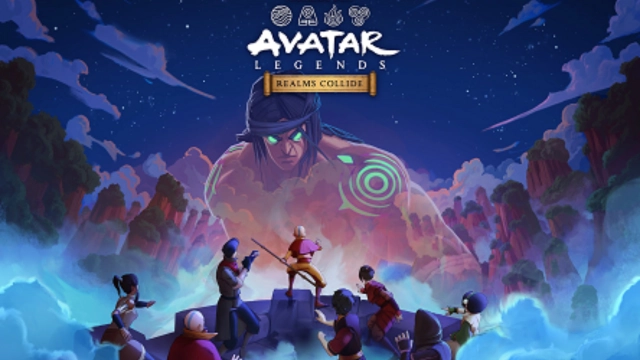
The harmony of the Four Nations is threatened. A powerful cult from the Spirit World rises, spreading chaos and threatening everything the Avatars once protected.
As chaos looms, you must rise as a leader, gathering heroes from across generations to stand against the growing darkness and restore balance to the world. Classic heroes. New faces. One epic story.
Award Winning 4X Strategy Game
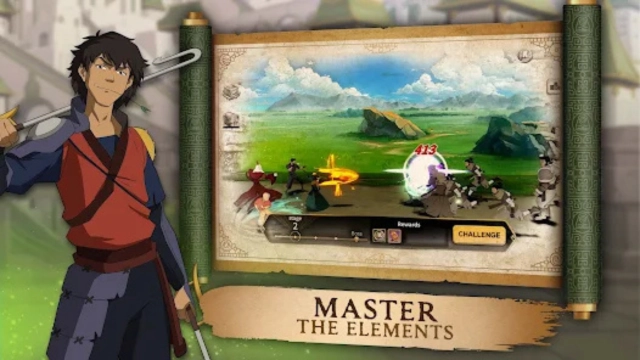
Step into the world of Avatar: The Last Airbender and The Legend of Korra in this epic 4X strategy mobile game. Explore iconic locations, expand your city, exploit resources, and exterminate powerful enemies as you fight to restore balance to the Four Nations.
Build, Expand, and Rule
· Choose your element and build and upgrade your city
· Manage resources, research upgrades, and strengthen your defenses
· Expand your territory and claim strategic locations on the world map
Recruit Legendary Heroes From Across the Avatar Universe
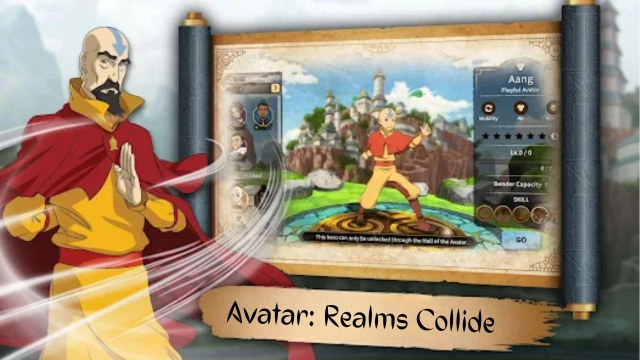
Assemble teams of powerful heroes like Aang, Korra, Sokka, Zuko and many more from across the Avatar universe. Upgrade their abilities, equip gear, and create strategic lineups tailored to PvE battles, PvP combat, and large-scale alliance wars.
Battle With Avatar Companions
Collect and raise iconic animal companions from the Avatar universe. These aren’t just pets, companions grow stronger over time, unlock abilities, and fight alongside your heroes as powerful strategic partners.
· Collect & Raise companions through long-term progression
· Enhance Battles with stat boosts and combat support
· Customize Appearances to add power and personality
Strategic PvP, PvE & Alliance Warfare
Battle other players in competitive PvP and alliance conflicts
Participate in seasonal events, challenges, and live-service content
Play Together in a Global Multiplayer Strategy Game
Form alliances with players around the world. Coordinate strategies, share resources, and dominate the battlefield in a persistent online multiplayer 4X strategy experience built for long-term progression.
Master the Battlefield
Command heroes, raise companions, and master large-scale strategy in a world built for long-term play. With constant updates, competitive multiplayer, and an evolving battlefield, the path to greatness is always unfolding. Your legend begins now.
IGRS Rating: 13+