bad ideas: a card game is a Card application developed by Buddies Games Inc., but with the best Android emulator-LDPlayer, you can download and play bad ideas: a card game on your computer.
Running bad ideas: a card game on your computer allows you to browse clearly on a large screen, and controlling the application with a mouse and keyboard is much faster than using touchscreen, all while never having to worry about device battery issues.
With multi-instance and synchronization features, you can even run multiple applications and accounts on your PC.
And file sharing makes sharing images, videos, and files incredibly easy.
Download bad ideas: a card game and run it on your PC. Enjoy the large screen and high-definition quality on your PC!
bad ideas is a funny, edgy card game similar to Evil Apples or Cards Against Humanity — but with new prompts and game modes. Get ready for hours of laughter as you and your friends dive into a game where the worst ideas turn out to be the most fun! This is a new game for friends and couples from the creator of Kumple! Ready to spice up a hangout with friends or any party?Features:
• Over 1,500+ question cards and 5,000+ answer cards — each game is unique and full of laughs.
• Local Play — Connect with friends nearby.
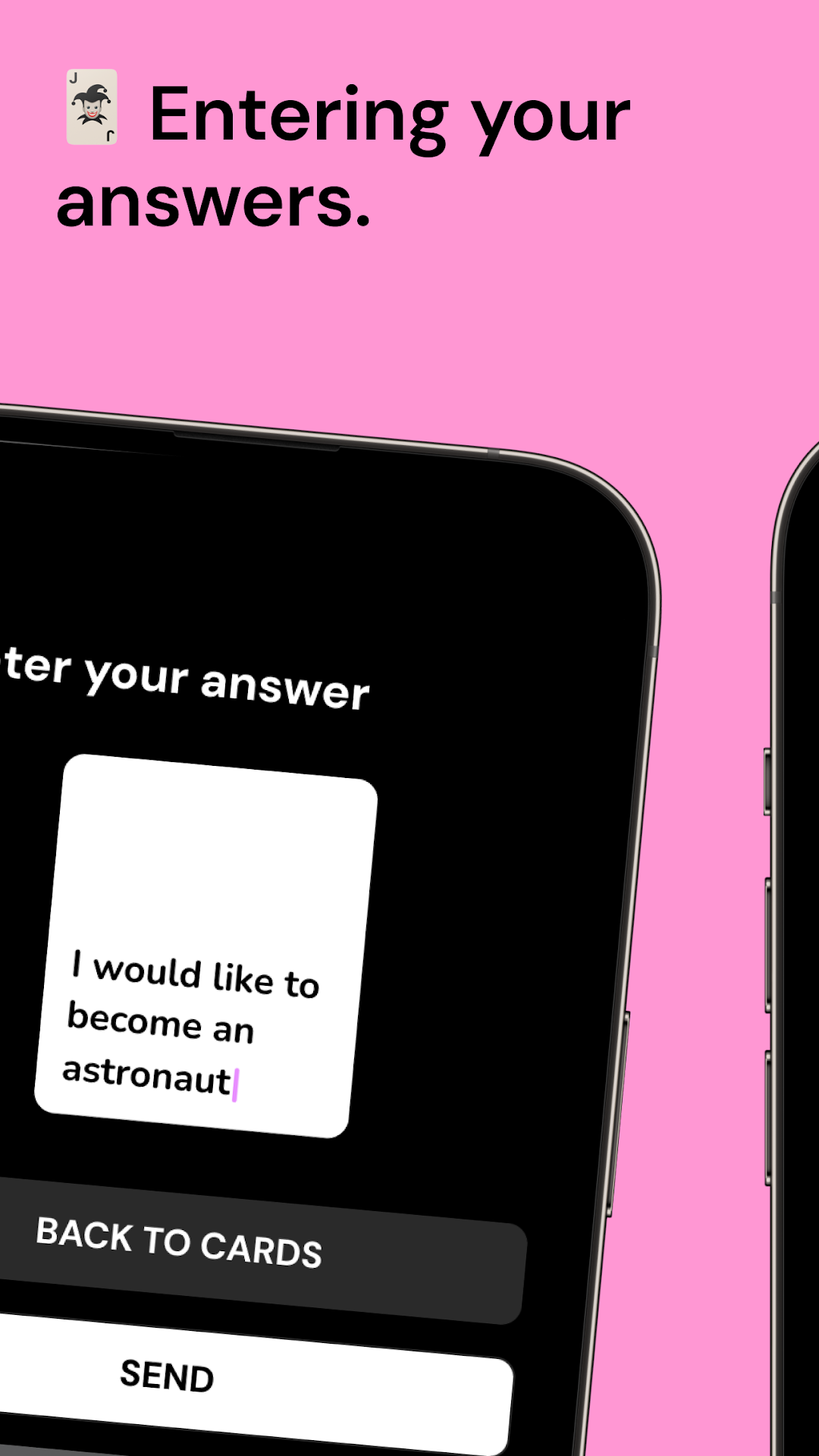
• Pick Fun Cards — Add your humor and select unique responses.
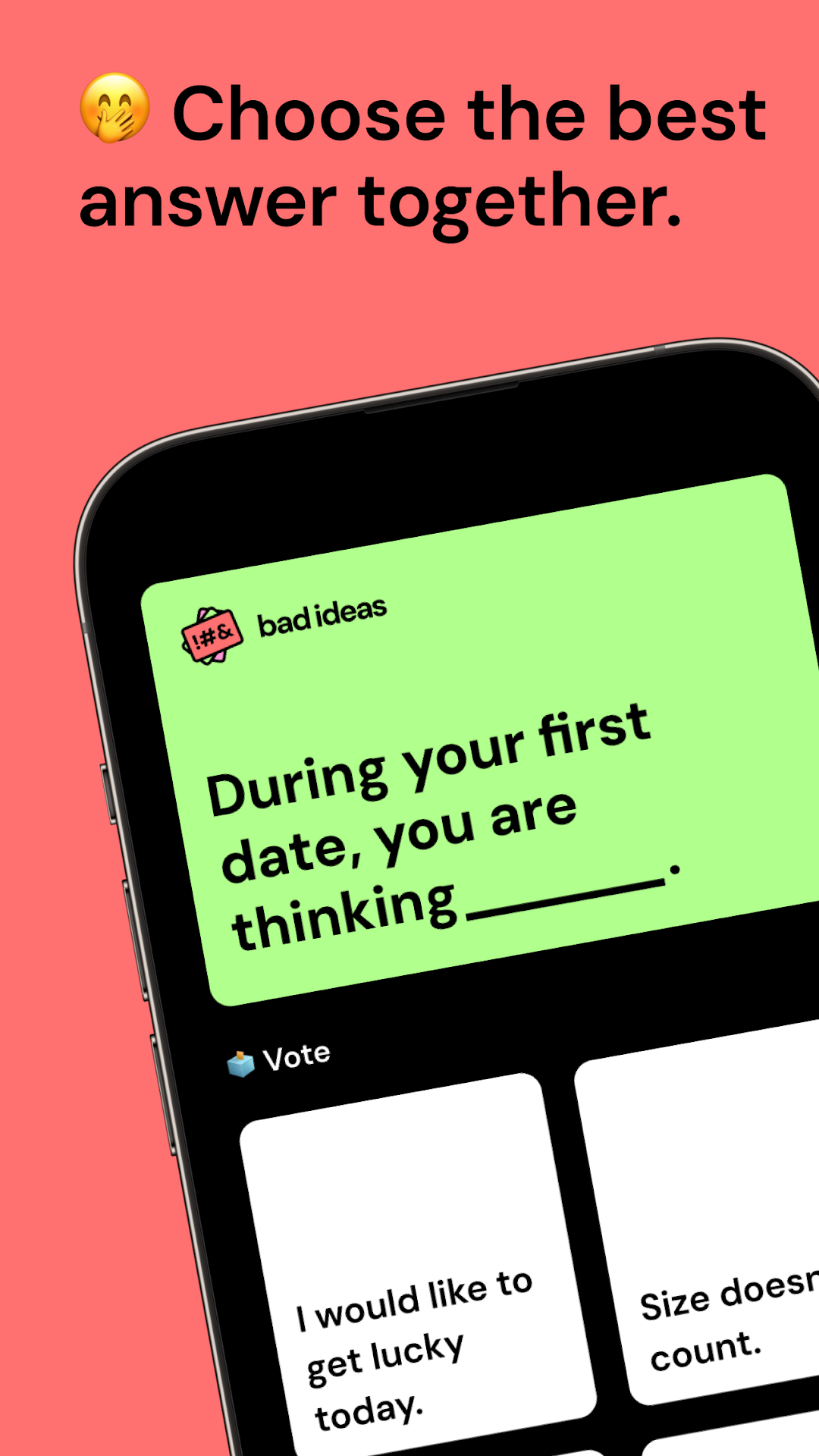
• Voting Mode — Choose the best cards together as a group.
• Judge Mode — In each round, a different player decides the winner.
• Share the Best Moments — Take screenshots and share the funniest highlights.
• In-game Chat — Chat with friends and plan your next moves.
• Family-Friendly Mode — Play with family or colleagues without worrying about explicit content.
How to play?
1. Gather Your Crew: You’ll need at least one friend to get the fun started.
2. Open bad ideas: Set up the game, invite players, and hit start. A question card will appear on the screen, like, “The worst advice on a date is ____.”
3. Choose Your Answer: Pick the most absurd, shocking, or completely inappropriate answer from your cards.
4. Vote on the Funniest (or Worst) Answer: Everyone votes, or a single judge can choose the best answer.
5. The player with the most points wins!
Why bad ideas?
• It’s edgy, shocking, and guaranteed to make your parties full of laughter.
• See how far you can push the boundaries of good taste with cards that test your sense of humour.
• Perfect for parties, gatherings, or wild nights with friends.
• Surprise your friends with outrageous answers.
Note: bad ideas isn’t for the faint-hearted! The game includes content unsuitable for younger players. Play responsibly — consider yourself warned!
If you enjoy games like Flamingo Cards, Expose, Truth or Dare, Evil Apples, Black Humor, I Have Never Ever Dirty & Evil, Cards Against Humanity, Party Game, Who’s Most Likely To, Party Roulette, or 5 Second Rule, then bad ideas is for you!
Ready for an unforgettable party game? Download bad ideas now and make those not-so-good ideas your best fun yet!