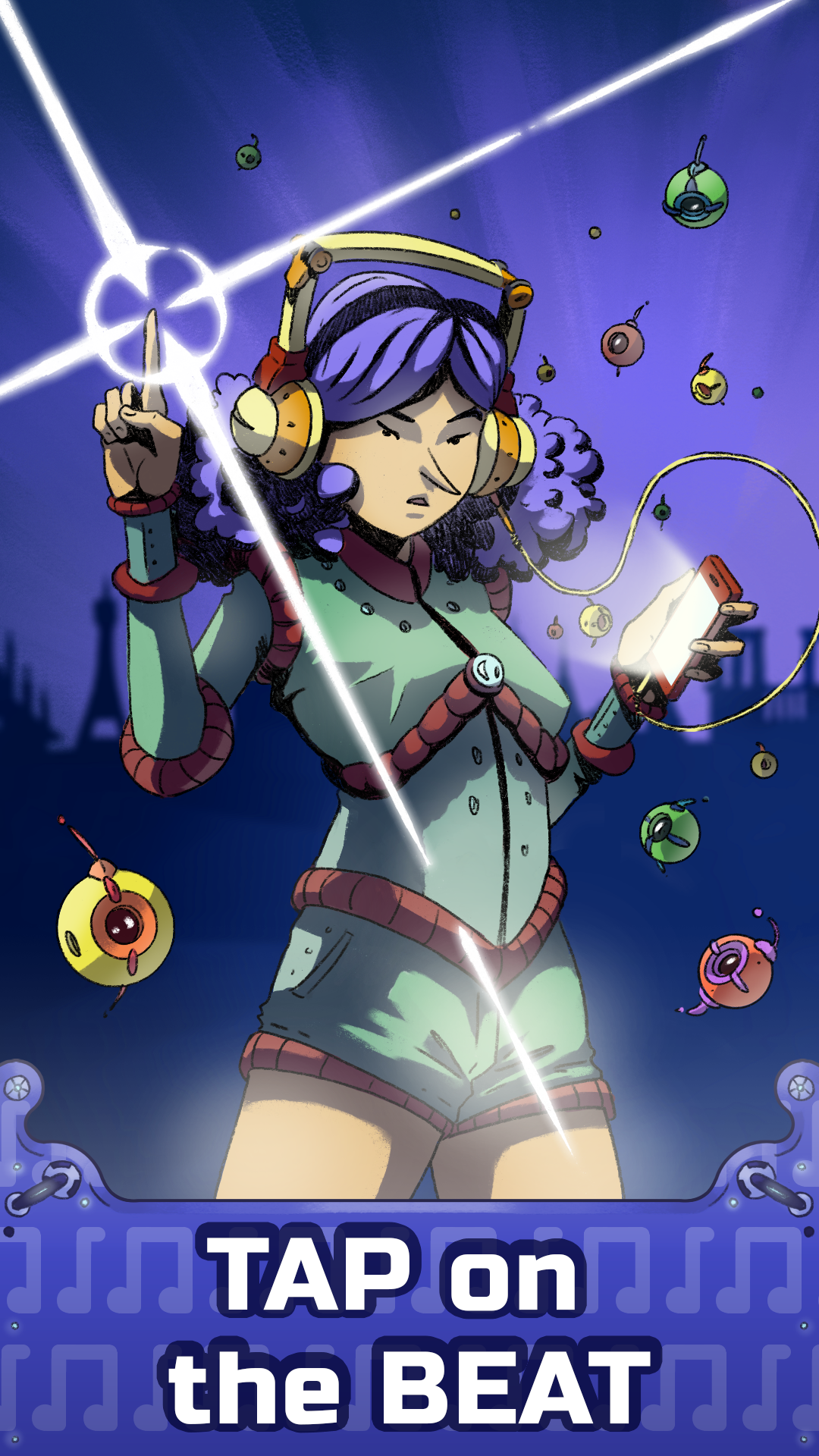
Beat Workers is a Music application developed by NaturalPad Games, but with the best Android emulator-LDPlayer, you can download and play Beat Workers on your computer.
Running Beat Workers on your computer allows you to browse clearly on a large screen, and controlling the application with a mouse and keyboard is much faster than using touchscreen, all while never having to worry about device battery issues.
With multi-instance and synchronization features, you can even run multiple applications and accounts on your PC.
And file sharing makes sharing images, videos, and files incredibly easy.
Download Beat Workers and run it on your PC. Enjoy the large screen and high-definition quality on your PC!
*** 🏆 TOP 10 of the Indie Games Festival 2021, by Google Play 🏆 ***Beat Workers is set in a futuristic world where most of the work is done by robots. You're put in the shoes of the Great Architect, one of the last employed human being. Your job ? Rebuilding monuments from the Great Country’s past to offer some more distraction to the mostly idle Great People.
In order to do that, you need to synchronize builder robots by tapping to the beat of the awesome tracks composed specially for the game.
This task would be a piece of cake if it was not for the Saboteur, a dangerous criminal bent on preventing your Great Work from being done. You have to fight his legions of robot minions with the tip of your fingers, while keeping up with the rhythm of increasingly difficult music tracks.
** Key features :
NOT YOUR AVERAGE RHYTHM GAME
Unlike most games of this genre, you need to tap and swipe to the tempo without help from any visual cues! Your ears and sense of rhythm are your best allies!
MANY ORIGINAL TRACKS
32 original music tracks composed specially for the game in more than 10 genres!
READY FOR A CHALLENGE?!
A campaign mode with 2 levels of difficulty for a total of 64 levels! Will you get all 196 medals ?!
REBUILD THE GREAT COUNTRY’S HERITAGE
Discover monuments from 11 different french cities! Each city has its own music genre!
BOSS FIGHTS!
The Saboteur will join his robot minions to prevent you from achieving your Great Work!