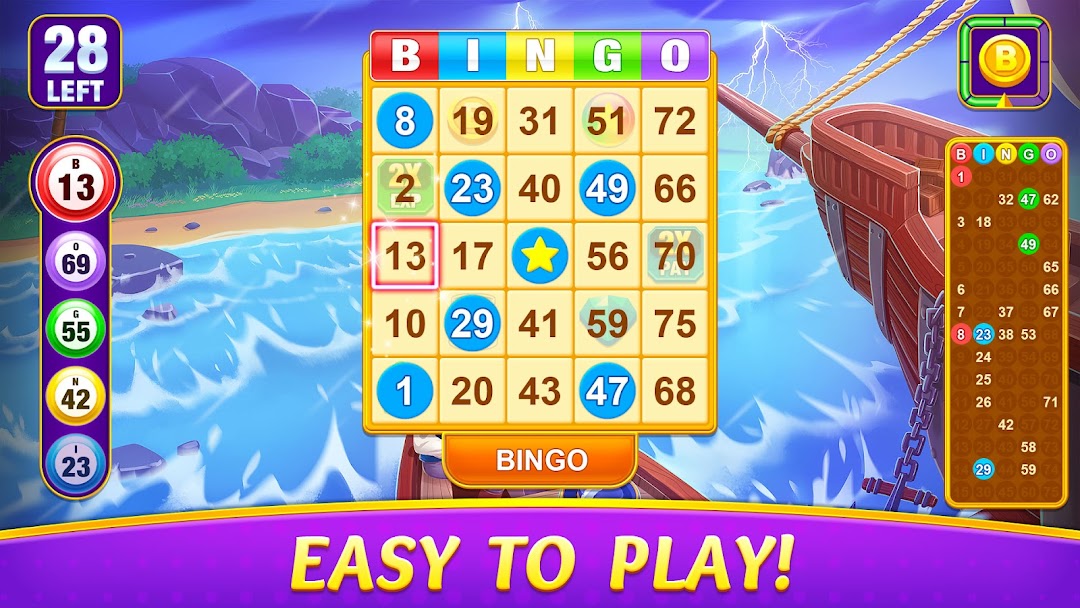
Bingo Alpha - Offline Games is a Board application developed by 365 Fun Games, but with the best Android emulator-LDPlayer, you can download and play Bingo Alpha - Offline Games on your computer.
Running Bingo Alpha - Offline Games on your computer allows you to browse clearly on a large screen, and controlling the application with a mouse and keyboard is much faster than using touchscreen, all while never having to worry about device battery issues.
With multi-instance and synchronization features, you can even run multiple applications and accounts on your PC.
And file sharing makes sharing images, videos, and files incredibly easy.
Download Bingo Alpha - Offline Games and run it on your PC. Enjoy the large screen and high-definition quality on your PC!
Find your lucky free bingo cards anywhere you go while playing one of the best bingo games of online bingo or just some of your favorite bingo offline.Play Bingo Alpha free without wifi and try to win the Jackpot! Bingo Alpha brings the Bingo Caller to your device in an android game app! Want the best free bingo games fun to play and get daily free coins? Play BINGO! - Bingo Alpha today!
Best of all, you can play Bingo Alpha anywhere you want as the game can be played offline with no internet connection.
Bingo Alpha FEATURES:
Free bingo play - get free coins to play every 4 hours
FRIENDLY and FUN bingo! Complete kinds of puzzles to get BIG BONUS, Each room has several puzzles to collect
Great bingo odds
PLAY up to 6 bingo cards
Go through the world bingo tour, travel and unlock city rooms
Play Bingo like never before! Use unique boosters for awesome effects like free daubs, extra coins, instant bingo, and many more
Play in 30+ different Bingo game themes. We will be rolling out more rooms all the time
Join millions of players in the best bingo board game. Get ready to explore a new Bingo adventure, free hourly bonuses and a lot of fun
If you love bingo and are looking for a fun new bingo game, this is the game for you.
Bingo Note:
This free bingo games casino is intended for adult audiences and does not offer real money gambling or any opportunities to win real money or prizes. Success within this free to play bingo game app does not imply future success at real money gambling.