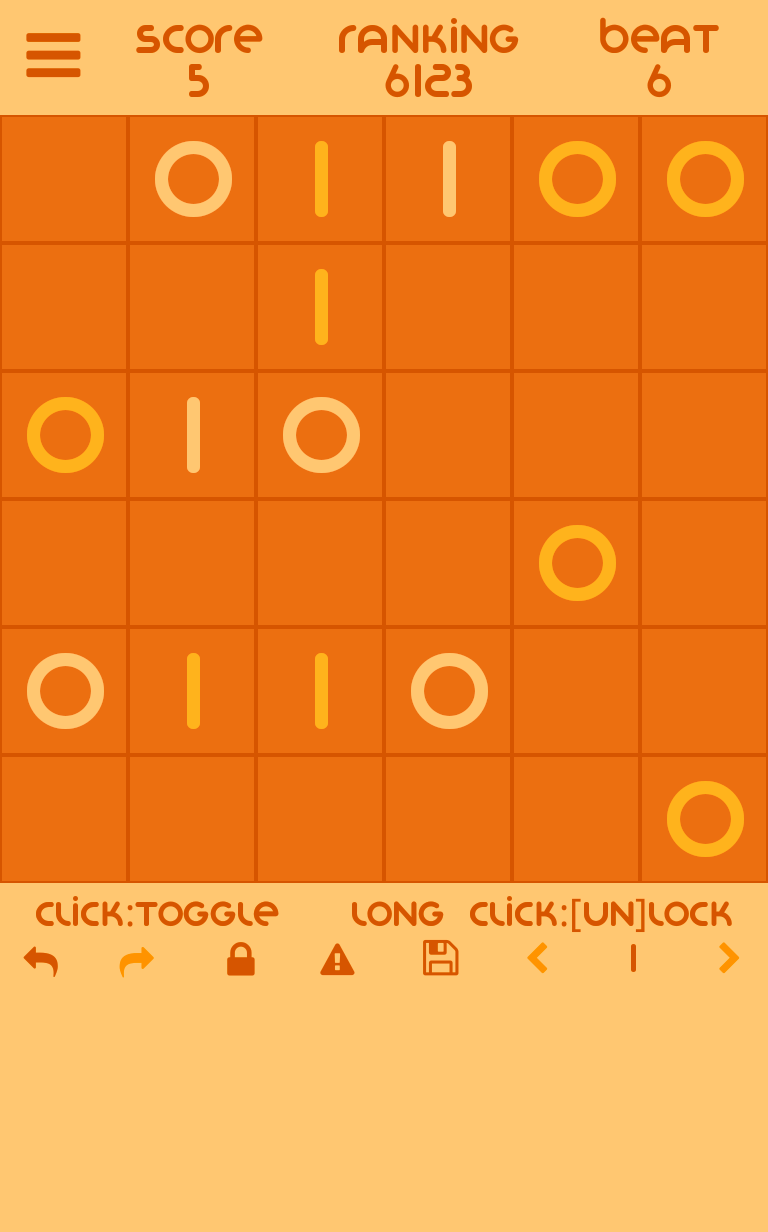
bionoid - binary puzzle fun is a Puzzle application developed by Verschueren Geert, but with the best Android emulator-LDPlayer, you can download and play bionoid - binary puzzle fun on your computer.
Running bionoid - binary puzzle fun on your computer allows you to browse clearly on a large screen, and controlling the application with a mouse and keyboard is much faster than using touchscreen, all while never having to worry about device battery issues.
With multi-instance and synchronization features, you can even run multiple applications and accounts on your PC.
And file sharing makes sharing images, videos, and files incredibly easy.
Download bionoid - binary puzzle fun and run it on your PC. Enjoy the large screen and high-definition quality on your PC!
bionoidThe binary puzzles as you will find them in your daily newspaper, puzzle book or online puzzle website.
Also labeled as the new sudoku's.
We offer you endless binary puzzle fun with different board sizes and difficulties.
Place the binary values 0 & 1 in the empty fields of the grid while keeping these rules in mind...
- A value can not appear more than two times next to each other.
- Each row or column should have an equal amount of 0's and 1's.
- Each row or column should be unique and not more than once.
Long pressing a cell will lock it and it will have different color as indicator.
Clicking on the exclamation mark /!\ will toggle error highlighting which is usefull for beginners to understand the game.
Press the lock icon to lock the current cells.
Use the disk icon to store the current board state.
Use the arrows next to the disk icon to move between the stored board states.
Current board state is saved when swithching apps and you will continue that level at the next run of the app.
Make sure to backup your user code.
You can access the code screen again by long clicking the logo in the main menu and use the send button.