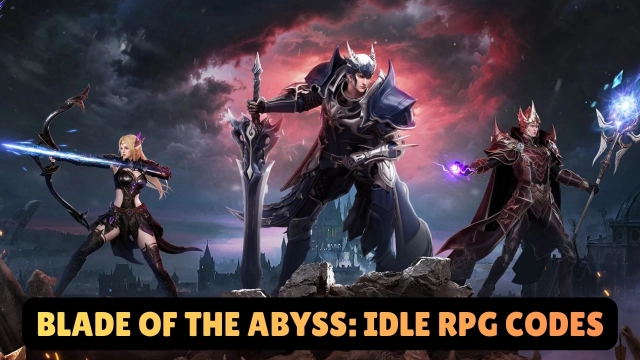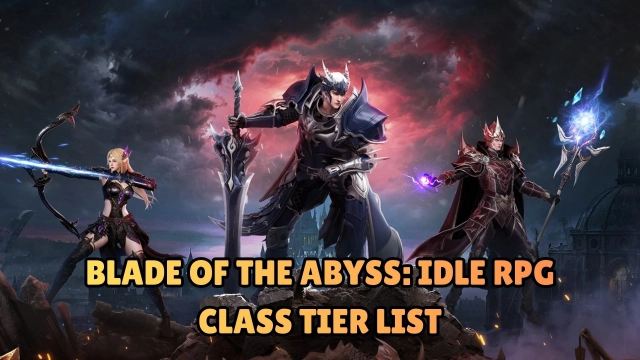


Blade of the Abyss: Idle RPG is a dark fantasy idle-style MMORPG from Leniu Technology Co., Limited. The peaceful Kingdom of Roland has been shattered by an invasion of abyssal demons — players assume the role of rising heroes (warrior, mage, archer, etc.), embarking on a journey to reclaim the land, harness ancient powers, and restore hope.
Core Gameplay & Features
-
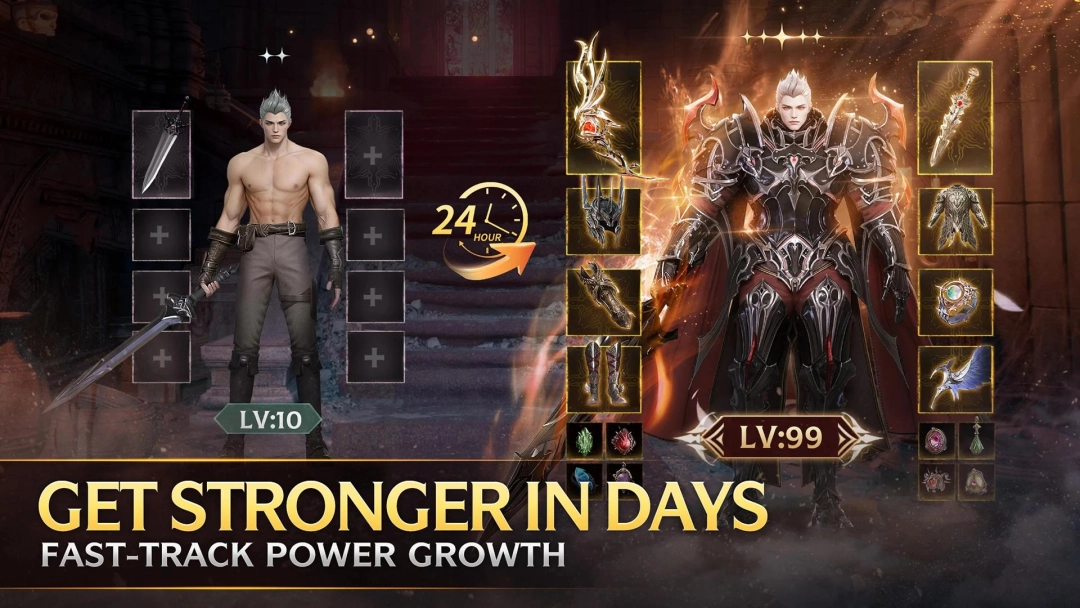
Rapid progression & streamlined growth — simplified leveling and upgrade systems let players power up quickly without tedious grinding.
-
Daily rewards & generous giveaways — from early mounts and wings to SSR-grade weapons, players receive steady bonuses starting from day one.
-
Arena PvP and guild warfare — challenge other players in competitive PvP arenas or band with allies for guild-based battles and conquest.
-
High drop and loot rates — world bosses, dungeon clears, and boss raids offer ample chances for rare gear, materials, and treasures.
-
Extensive customization & cosmetic options — thousands of wearable gear items (armor, wings, weapons, etc.) let you craft a unique visual identity for your hero.
Player Impressions
Climbing the power ladder felt surprisingly quick — I didn’t need to grind for hours before feeling strong; early gear rewards and steady upgrades made progress feel meaningful.
PvP matches and guild wars delivered real excitement: teaming up with others or climbing the arena ranks gave a nice sense of achievement, especially when loot drops rewarded effort.
Play Blade of the Abyss: Idle RPG on PC with LDPlayer
Playing on PC via LDPlayer makes Blade of the Abyss more comfortable and lets you enjoy its dark-fantasy world with clarity and ease.
-
Ultra Screen — see the full battlefield, party status, loot drops and UI at once — useful when managing gear, inventory, and multiple heroes.
-
Custom Controls — mouse and keyboard simplify navigation through menus, skill activation, and inventory management compared to small touchscreen taps.
-
High FPS & stable performance — ensures smooth animations, stable frame rates, and responsive input even during intense PvP or boss raids.
-
Battery-free long sessions — ideal for marathon sessions of farming, upgrades, or guild events without worrying about mobile device heat or power drain.
Ready your weapons and reclaim Roland — play Blade of the Abyss: Idle RPG on PC with LDPlayer for the best dark-heroic experience.