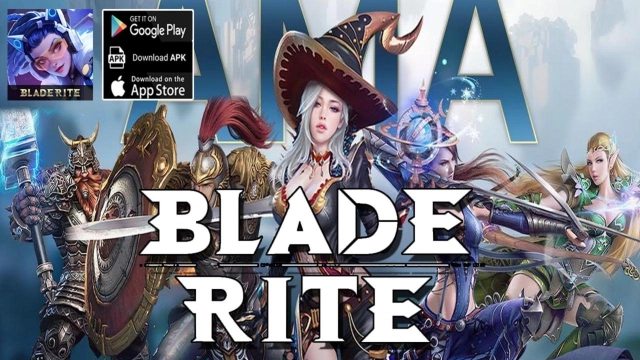
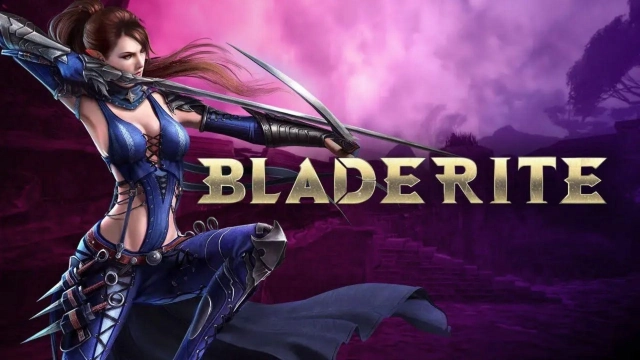
Bladerite is a Action game developed by Bladerite:Retribution, and LDPlayer is the best platform for playing Bladerite on PC, offering powerful features to immerse you in the game.
When playing Bladerite on computer, you can adjust frame rate settings for smooth gameplay and stunning visuals.
LDPlayer also provides pre-configured keyboard mapping for convenient control of the entire game. Continuous optimization of keyboard mapping enhances key sensitivity and skill accuracy. Additionally, LDPlayer offers special buttons like shoot, hide mouse, and continuous key press for an enhanced gaming experience.
If you prefer using a gamepad, the automatic gamepad detection allows you to customize controls with just a few clicks, enabling you to freely maneuver your hero. Start downloading and playing Bladerite on your computer now!
*Minimum Game SPECS for Mobile Device: RAM over 3GBBladerite offers action game enthusiasts a unique opportunity to polishing gaming skills like never before. Not only can you earn rewards based on defeating opponents in each match, but you can also acquire upgradeable patterns that enhance your game experience. Immerse yourself in a world where the in-game economy is supported by cryptocurrency.
Upon downloading the game, instantly jump into match and unlock additional features as you level up, without any fees. In other words, every player can experience the game and earn rewards through battles.
Bladerite invites you to embark on an exhilarating journey, where your gaming skills can be both celebrated and monetized. Join us now and unlock endless possibilities in the world of competitive action gaming.
Free to play, endless fun >>
Embark on an extraordinary battle royale with a variety of starter avatars, each possessing unique abilities and skills.
Immersive melee combat >>
Master the art of dodging, dashing, jumping, and blocking as you swiftly eliminate your opponents with lightning-fast reflexes.
Collect and upgrade >>
Build your own pattern system by engaging in battles, and surprise your adversaries with powerful enhancements.
Loot and trade >>
Master coveted patterns through triumph over your rivals, and capitalize on their value by offering them in the market.
Fight for glory >>
Strive in ranking system, aiming to claim abundant rewards and establish your position among the esteemed bladers.
Official website:https://www.theseeds.io/
Twitter:https://twitter.com/blade_rite
Discord:https://discord.gg/bladerite