Block Smasher : Color Blast is a Puzzle application developed by Creative Code Tech, but with the best Android emulator-LDPlayer, you can download and play Block Smasher : Color Blast on your computer.
Running Block Smasher : Color Blast on your computer allows you to browse clearly on a large screen, and controlling the application with a mouse and keyboard is much faster than using touchscreen, all while never having to worry about device battery issues.
With multi-instance and synchronization features, you can even run multiple applications and accounts on your PC.
And file sharing makes sharing images, videos, and files incredibly easy.
Download Block Smasher : Color Blast and run it on your PC. Enjoy the large screen and high-definition quality on your PC!
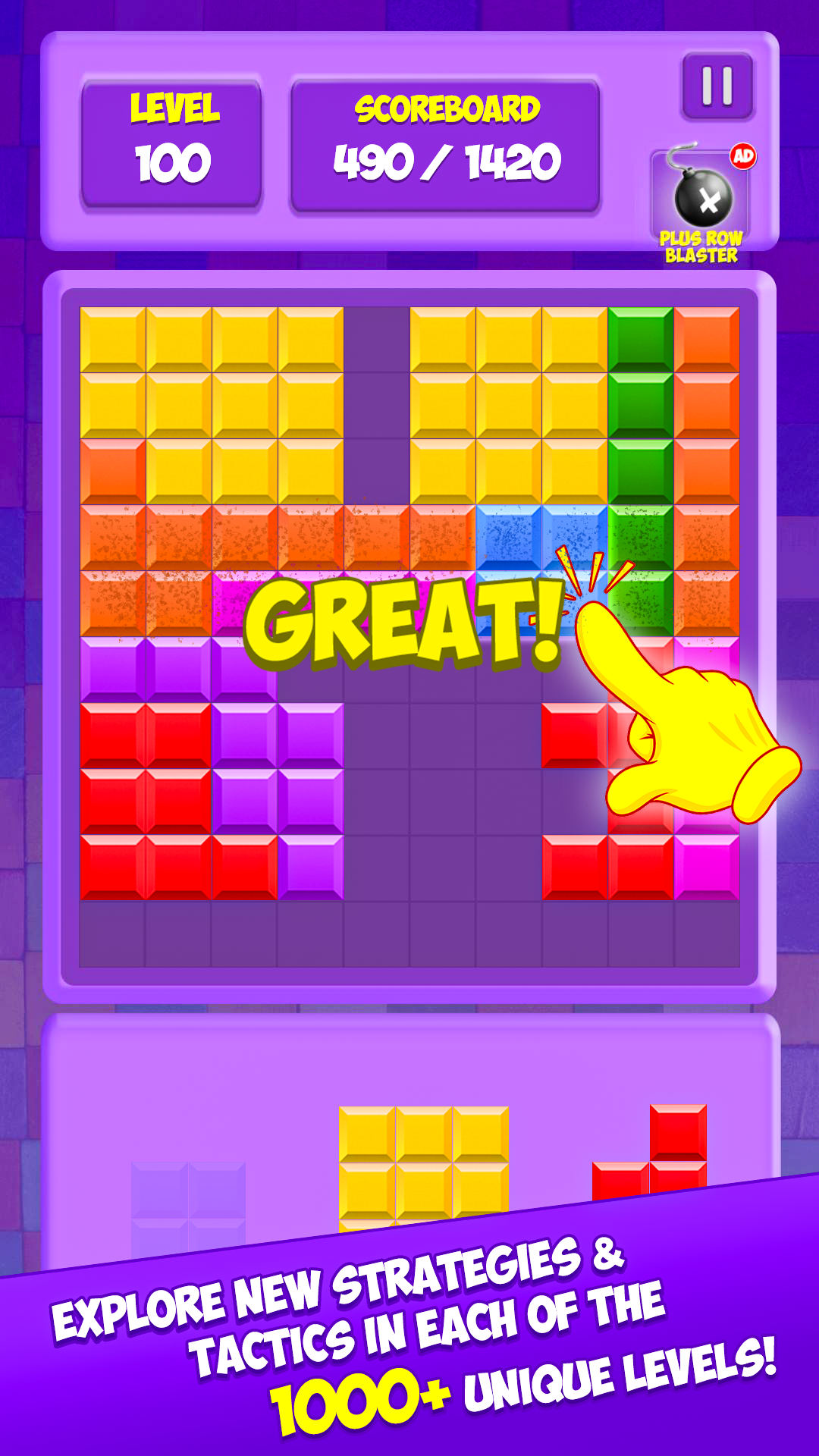
Welcome to "Block Smasher: Color Blast," a captivating puzzle game designed to challenge your mind and provide endless hours of enjoyment. Immerse yourself in a colorful world with engaging gameplay and delightful sounds that enhance every level.Gameplay and Objectives: In "Block Smasher: Color Blast," your goal is to drag and drop various shaped blocks onto the board to create and clear full horizontal or vertical lines. Each line you clear make more closer to the next level and opens up more space for new blocks. Be mindful, though—blocks cannot be rotated, so every move requires strategic thinking to keep the game going.
1000+ Levels: Experience the excitement of 1000+ levels. There's no limit to how far you can go, offering endless fun and increasing challenges. The game continues until there’s no space left for new blocks, pushing you to plan and strategize each move carefully.
Key Features:
• 1000+ Levels: Enjoy limitless gameplay with levels that keep going, ensuring you always have a new challenge.
• Vibrant Visuals: Bright and colorful graphics make every level visually appealing and engaging.
• Fun Sounds: Delightful sound effects play when placing blocks and clearing lines, accompanied by soothing background music to keep you immersed.
• Power-Ups: Use special items like Bombs to clear tricky spots on the board.
• Daily Challenges: Participate in daily challenges to test your skills and earn special rewards. These challenges keep the gameplay fresh and exciting.
How to Play:
• Drag and Drop: Drag colored blocks from the bottom panel and place them on the board.
• Complete Lines: Form complete horizontal or vertical lines to clear them and earn points.
• Plan Ahead: Use the preview of the next blocks to strategize your moves and avoid running out of space.
• Utilize Power-Ups: Make use of Bombs to clear difficult areas and continue your gameplay.
Why Play "Block Smasher: Color Blast"? Whether you are a casual gamer looking for a quick and enjoyable way to pass the time or a puzzle enthusiast seeking a challenging and rewarding experience, "Block Smasher: Color Blast" offers something for everyone. Its intuitive controls, beautiful visuals, and fun sounds make it a game you will keep coming back to.
Download "Block Smasher: Color Blast" now and start your journey to become the ultimate block-smashing champion! Happy smashing!