Home/

Games/

Adventure/

Blue Protocol: Star Resonance

Blue Protocol: Star Resonance
4.0500+

Blue Protocol: Star Resonance

Season2 launches January 15

Play on PC with LDPlayer
recommend
A PLUS JAPAN
How to Download&Play Blue Protocol: Star Resonance on PC?
Last Updated: 2026-01-17
com.bpsr.apj
Share:
  • Overview

  • FAQ

  • Game Guides

Use LDPlayer to Play Blue Protocol: Star Resonance on PC

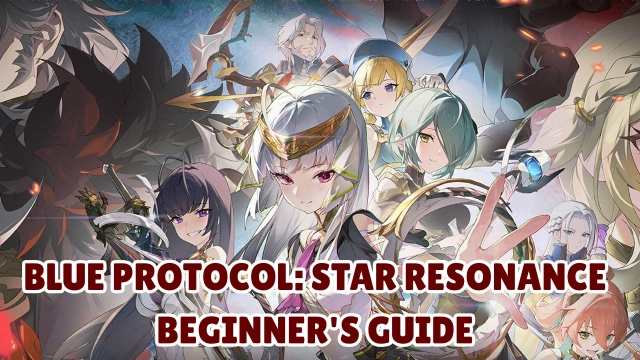
Blue Protocol: Star Resonance is an anime MMORPG developed by Shanghai Bokura Network Technology. It is launching on October 9, 2025, featuring action-based combat, open-world exploration and multiple classes. You will step in Regnus, a wonderland with rare crystals, herbs and monsters. Embark on your adventure and unleash your powers!

Game Features

[Distinctive World View]

Blue Protocol: Star Resonance is set in Regnus where the adventurers make effort to restore the vanishing Stellar Energy. As you explore in-depth storyline, you will unveil the truth of the world and witness a legend full of challenging, unity, and hope.

[Flexible Class Choice]

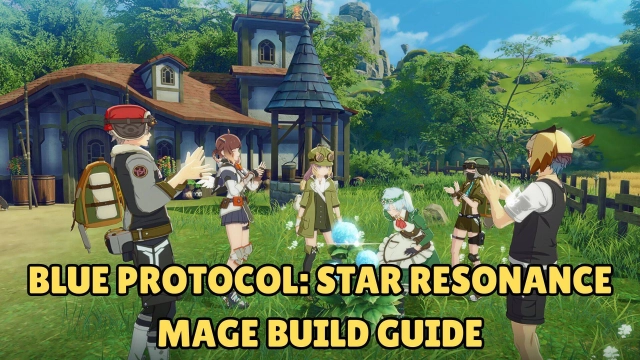
You can flexibly switch classes between powerful melee DPS and ranged archer, while tank and healer are also available. Every class offers exclusive gameplay to deal with various dungeons.

[Action-Based Combat System]

Getting rid of traditional auto-battle system, you can experience dynamic battle with complicated action. Perfect dogdes, smooth combos and devastating skills make every combat exhilarating and lively.

[Customizable Heroes and Outfits]

Customize your heroes with optional appearances and a number of stunning outfits. Show up your unique style to charm strangers or your friends.

Why Play Blue Protocol: Star Resonance on PC with LDPlayer

Enjoy Blue Protocol: Star Resonance on PC with LDPlayer, it helps you dominate Blue Protocol: Star Resonance with the wonderful functions such as Multi-instance & Sync, high FPS, keyboard mapping and etc. Download LDPlayer now for the smoothest gaming experience.

Multi-instance & Sync: Create multiple instance and execute the same operation simultaneously, save your time to gather massive rare characters, equipment and accessories.

Customizable FPS: Unlock fixed FPS settings, customize your optimal FPS and enjoy smoothest gameplay. Enjoy Huntopia with high-definition resolution and relieve your CPU/GPU usage pressure.

Keyboard Mapping: Skip the combat, place combat units and release skills more conveniently and accurately.

Open up

Screenshots and Videos of Blue Protocol: Star Resonance PC

Experience a wider field of view, exquisite game graphics, and cooler combat skills and effects by downloading and playing Blue Protocol: Star Resonance on PC with LDPlayer. Enjoy the ultimate gaming experience with LDPlayer.

Why Play Blue Protocol: Star Resonance on PC with LDPlayer?

LDPlayer offers unique emulator features including multi-instance support, macros, operation recorder, and other functions not available on mobile devices.

Multi-Instance & Sync

Remote Control

Custom Controls

Multi-Instance & SyncRemote ControlCustom Controls

Effortlessly clone multiple instances and initiate synchronization until you draw the desired hero before binding your account, enhancing efficiency in rerolls in Blue Protocol: Star Resonance.

  • High FPS

    With support for high FPS, Blue Protocol: Star Resonance's game graphics are smoother, and actions are more seamless, enhancing the visual experience and immersion of playing Blue Protocol: Star Resonance.
  • Video Recorder

    Easily capture your performance and gameplay process in Blue Protocol: Star Resonance, aiding in learning and improving driving techniques, or sharing gaming experiences and achievements with other players.

How to Download&Play Blue Protocol: Star Resonance on PC?

  • 1

    Download and install LDPlayer on your computer

  • 2

    Locate the Play Store in LDPlayer's system apps, launch it, and sign in to your Google account

  • 3

    Enter "Blue Protocol: Star Resonance" into the search bar and search for it

  • 4

    Choose and install Blue Protocol: Star Resonance from the search results

  • 5

    Once the download and installation are complete, return to the LDPlayer home screen

  • 6

    Click on the game icon on the LDPlayer home screen to start enjoying the exciting game