Blushed - Romance Choices is a Simulation application developed by MILOSERVE ENTERPRISES LTD, but with the best Android emulator-LDPlayer, you can download and play Blushed - Romance Choices on your computer.
Running Blushed - Romance Choices on your computer allows you to browse clearly on a large screen, and controlling the application with a mouse and keyboard is much faster than using touchscreen, all while never having to worry about device battery issues.
With multi-instance and synchronization features, you can even run multiple applications and accounts on your PC.
And file sharing makes sharing images, videos, and files incredibly easy.
Download Blushed - Romance Choices and run it on your PC. Enjoy the large screen and high-definition quality on your PC!
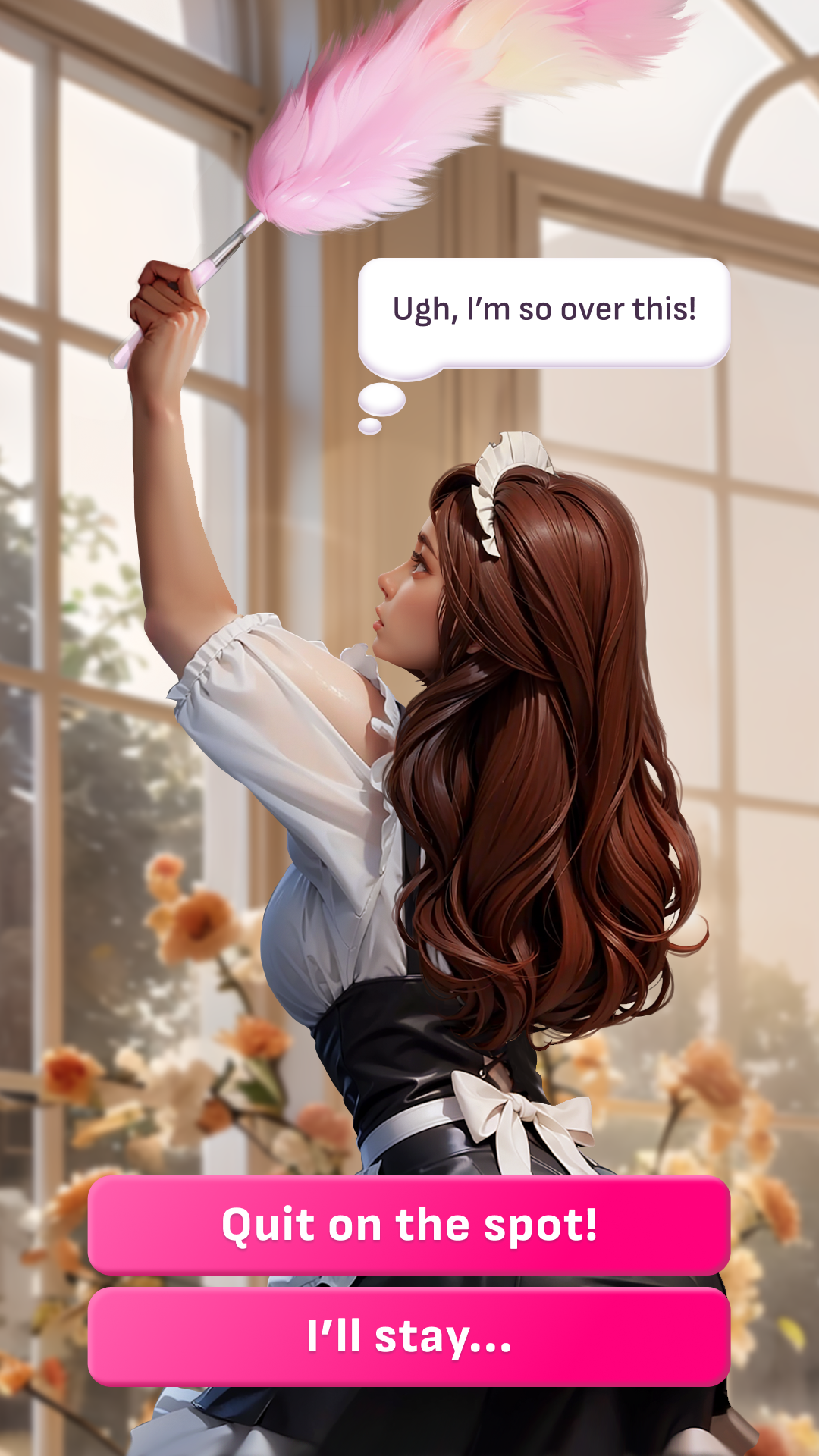
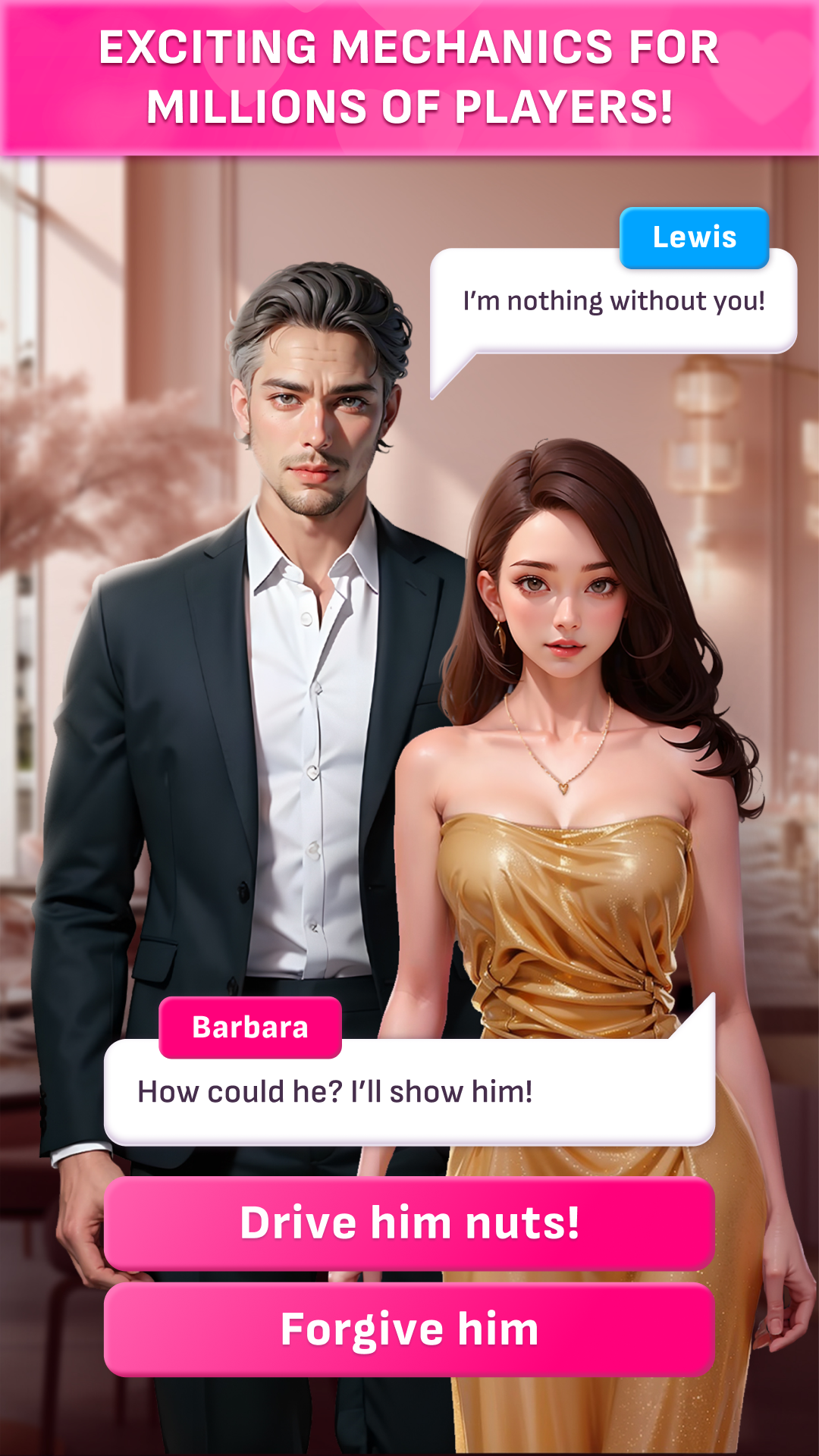
Blushed introduces a new dimension to interactive romance games, seamlessly integrating advanced AI with imaginative human storytelling. Here, your choices don't just influence the story; they create it.Dive into a world where AI and talented writers collaborate to offer a variety of engaging and responsive storylines. Your decisions matter, leading the narrative in unexpected directions. Complemented by AI-generated visuals, each romantic journey is both visually striking and emotionally captivating.
KEY FEATURES OF BLUSHED
🌟 AI-Enhanced Stories: Explore stories that adapt and evolve based on your decisions.
🎨 Eye-Catching AI-Generated Art: Immerse yourself in stories with beautiful, expressive artwork.
🌐 User-Friendly UI/UX: Enjoy an intuitive interface, making your exploration of romantic narratives effortless.
🔥 Diverse Romantic Genres: Discover your favorite romance, from sweet first loves to intricate, heartfelt connections.
👗 Personal Style Customization: Dress your avatar in outfits that reflect your unique taste.
❤️ Build Your Ideal Partner: Shape your dream companion with our AI and embark on romantic adventures.
💬 Impactful Choices: Every choice you make shapes a unique path and conclusion to your story.
HIGHLIGHTED STORIES
🏎️ Racing Hearts: A romance unfolds between a dedicated lawyer and a charismatic man from a contrasting background.
🌟 Wish Upon a Star: Enter the world of K-pop, where working as an assistant to a superstar leads to unexpected romantic developments.
🔫 Bound by Rivalry: Feel the intrigue of a unique romance between leaders of rival organizations.
Join Blushed and step into a world where your decisions shape your love story, blending AI innovation with heartfelt narratives. Download now and be the author of your own romantic adventure!